
1. Product Overview
The Yakry Automatic Dog Feeder with Camera (Model Q01) is designed to provide convenient and reliable feeding for your pets, especially large breeds. With its smart features, you can manage your pet's meals remotely, monitor their activity, and even interact with them.

Image 1.1: The Yakry Automatic Dog Feeder with Camera, featuring a 12L capacity and remote monitoring capabilities.
Key Features:
- 50 Cup (12L) Capacity: Ideal for large breeds and multiple pets, reducing the frequency of refills.
- Smart App Control: Connects to 2.4GHz and 5GHz WiFi for remote scheduling, portion control, and monitoring via the "Smart Life" app.
- HD Camera with Night Vision: Monitor your pet's feeding process day or night with clear visuals.
- Two-Way Audio: Communicate with your pet remotely, providing comfort and interaction.
- Airtight Lid & Desiccant Pack: Ensures food freshness, dryness, and prevents contamination.
- Dual Power Supply: Operates via power adapter with 3*D alkaline batteries (not included) for backup during power outages.

Image 1.2: Overview of the feeder's main features, highlighting its smart capabilities and large capacity.
2. Product Components
Before setting up your Yakry Automatic Dog Feeder, please ensure all components are present and undamaged:
- Dog Feeder with Camera (Main Unit) x 1
- Food Bowl x 1
- Power Adapter x 1
- Desiccant Bag x 1
- User Guide x 1
3. Setup Instructions
- Unpack and Assemble: Carefully remove all components from the packaging. Attach the food bowl to the main feeder unit.
- Power Connection:
- Connect the power adapter to the feeder and plug it into a wall outlet.
- For backup power, insert three (3) D alkaline batteries into the battery compartment at the bottom of the unit. (Batteries not included)
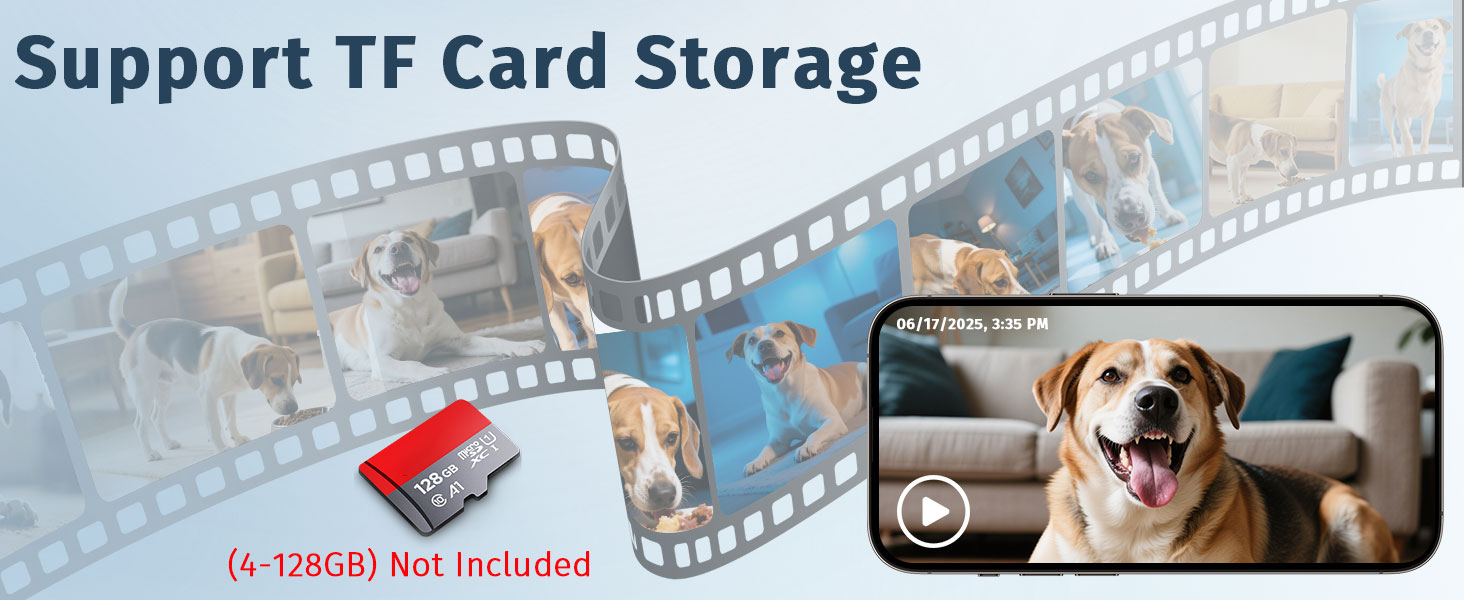
Image 3.1: Dual power options: battery backup and USB power adapter.
- Download the App: Download the "Smart Life" app from your smartphone's app store (iOS App Store or Google Play Store).
- Connect to WiFi:
- Open the "Smart Life" app and follow the on-screen instructions to add a new device.
- Ensure your phone is connected to a 2.4GHz or 5GHz WiFi network. The feeder supports both.
- Follow the app's pairing process, which typically involves resetting the feeder and scanning a QR code.
- Fill with Food: Open the lid of the feeder and pour dry kibble into the food storage container. Ensure the kibble size is between 2-20mm for optimal dispensing.
- Insert Desiccant: Place the desiccant bag into the designated compartment under the lid to maintain food freshness. Replace the desiccant every 1-2 months.
- Secure the Lid: Close the lid firmly, ensuring it is securely locked to maintain freshness and prevent spills.

Image 3.2: The 12L capacity of the feeder, designed for extended feeding periods and maintaining food freshness with the desiccant.
4. Operating Instructions
4.1. App Control (Smart Life App)
The "Smart Life" app is your primary interface for controlling the feeder remotely.
- Scheduling Meals: Set up customized feeding schedules, including meal times and portion sizes. You can program multiple meals per day.
- Manual Feeding: Dispense food instantly with a tap on the app.
- Monitoring: View live video feed from the integrated HD camera.
- Two-Way Audio: Use the microphone and speaker functions within the app to speak to your pet and hear their responses.
- Record & Playback: Record videos or take snapshots of your pet's feeding activity.

Image 4.1: The "Smart Life" app interface for remote customized feeding and monitoring.
4.2. Camera and Monitoring
The built-in HD 1080P camera provides a clear view of your pet and the feeder area.
- Live View: Access the live video feed anytime through the app to check on your pet or food levels.
- Night Vision: The camera automatically switches to night vision mode in low-light conditions, ensuring 24/7 monitoring.
- Motion Detection: Receive alerts on your phone if motion is detected near the feeder.

Image 4.2: Monitoring your pet with the HD camera, featuring night vision and motion detection.
4.3. Two-Way Audio
Engage with your pet even when you're away using the two-way audio feature.
- Tap the microphone icon in the app to speak, and your voice will be projected through the feeder's speaker.
- The feeder's microphone will pick up your pet's sounds, allowing for real-time interaction.

Image 4.3: Using two-way audio to interact with your pet remotely.
5. Maintenance
5.1. Cleaning
Regular cleaning ensures hygiene and proper functioning of the feeder.
- Disconnect the power adapter and remove any batteries before cleaning.
- The food bowl and food storage container are detachable for easy cleaning. Wash them with mild soap and water.
- Wipe the main unit with a damp cloth. Do not submerge the main unit in water.
- Ensure all parts are completely dry before reassembling and refilling with food.
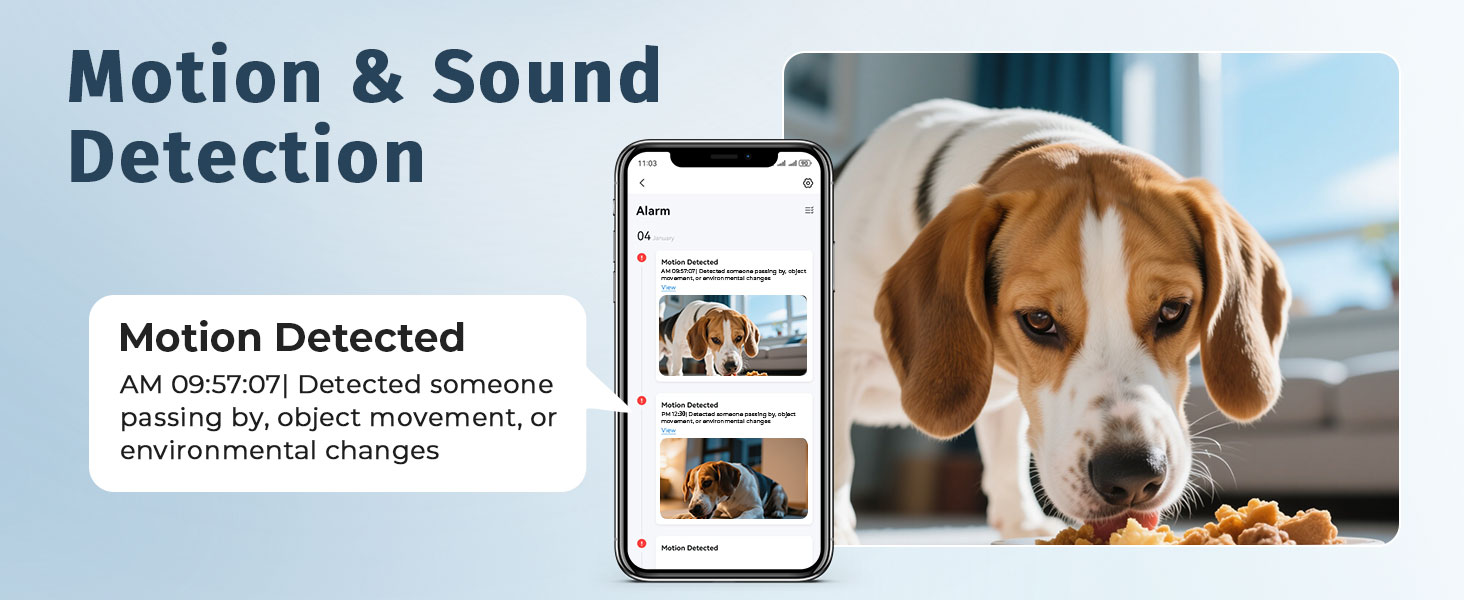
Image 5.1: Detachable parts for easy cleaning, highlighting the desiccant and safety lock features.
5.2. Food Freshness
- Always use the desiccant bag provided to keep food dry and fresh. Replace it every 1-2 months.
- Ensure the lid is securely closed and locked after refilling to maintain the airtight seal.
- Store the feeder in a dry place.
6. Troubleshooting
If you encounter issues with your feeder, try the following steps:
- Feeder Not Dispensing Food:
- Check if the food hopper is empty.
- Ensure kibble size is within the recommended 2-20mm range. Larger kibble may cause jams.
- Verify the power connection and battery status.
- Check the app for any error messages or if the schedule is correctly set.
- App Connectivity Issues:
- Ensure your WiFi network is stable and the feeder is within range.
- Confirm your WiFi is 2.4GHz or 5GHz.
- Restart the feeder and your router.
- Try re-pairing the feeder with the app.
- Camera Not Working / Poor Quality:
- Check your internet connection speed.
- Ensure the camera lens is clean and free from obstructions.
- Verify that the feeder has stable power.
- Two-Way Audio Issues:
- Check the volume settings in the app and on your phone.
- Ensure there are no physical obstructions blocking the feeder's microphone or speaker.
For further assistance, please refer to the support information in Section 8.
7. Specifications
| Feature | Detail |
|---|---|
| Model Name | Automatic Dog Feeder with Camera |
| Item Model Number | Q01 |
| Brand | Yakry |
| Capacity | 12L (approx. 50 cups) |
| Kibble Size Compatibility | 2-20mm |
| Connectivity | 2.4GHz & 5GHz WiFi |
| Camera Resolution | HD 1080P |
| Night Vision | Yes (IR Night Vision) |
| Audio | Two-Way Audio |
| Power Supply | Power Adapter (included), 3*D Alkaline Batteries (backup, not included) |
| Material | Polypropylene |
| Item Dimensions (LxWxH) | 7.5 x 12 x 7.5 inches |
| Item Weight | 5.74 pounds |
| Included Components | Dog Feeder with Camera, Food Bowl, Power Adapter, Desiccant Bag, User Guide |

Image 7.1: The feeder's dimensions and suitability for large dog breeds.
8. Warranty and Support
Your Yakry Automatic Dog Feeder with Camera comes with a comprehensive warranty and dedicated support.
- Warranty: This product is covered by a Two-Year Warranty from the date of purchase. Please retain your proof of purchase for warranty claims.
- Online Support: 24/7 online support is available for any questions or issues you may encounter. Please visit the official Yakry website or contact their customer service for assistance.
