
Introduction
This manual provides essential information for setting up, operating, maintaining, and troubleshooting your new Lenovo Legion 5i gaming laptop. Designed for high-performance gaming and creative tasks, the Legion 5i combines powerful hardware with a sleek, portable design.
Featuring an Intel Core i7-14700HX processor and NVIDIA GeForce RTX 5070 graphics, this laptop delivers exceptional performance. The 15-inch 2.5K WQXGA PureSight OLED display offers stunning visuals with a 165Hz refresh rate. Advanced cooling with Legion Coldfront Hyper ensures optimal thermal management, while the Legion TrueStrike keyboard provides a responsive typing experience.

The Lenovo Legion 5i gaming laptop, showcasing its sleek design and powerful Intel Core i7 processor.

The slim and lightweight design of the Legion 5i, weighing 4.4 lbs and measuring 0.85 inches thin, in Eclipse Black.
What's in the Box
Upon unboxing your Lenovo Legion 5i, please ensure all the following items are present:
- Laptop
- Power cable
- Factory Calibration Report
- Quick Setup Guide
- Warranty Information
Setup
Initial Power-On
- Unpack the laptop and all accessories from the box.
- Connect the power cable to the laptop's power port and then to a wall outlet.
- Open the laptop lid. The laptop may power on automatically, or you may need to press the power button.
- Follow the on-screen instructions to complete the initial Windows 11 Home setup, including language, region, network connection, and user account creation.
Connecting Peripherals
The Legion 5i offers various ports for connecting external devices:
- USB Ports: Connect external mice, keyboards, or storage devices to the available USB 3.0 ports.
- HDMI: Use the HDMI port to connect to an external monitor or TV for a larger display.
- Audio Jack: Connect headphones or external speakers to the 3.5mm audio jack.
- Wireless Connectivity: Connect to Wi-Fi networks using 802.11.be or pair Bluetooth devices like headsets or game controllers.
Operating Instructions
Power Management
- Power On: Press the power button located above the keyboard.
- Sleep Mode: Close the lid or select 'Sleep' from the Start menu.
- Shut Down: Select 'Shut down' from the Start menu.
- Restart: Select 'Restart' from the Start menu.
Display Features
The Lenovo PureSight OLED display offers a superior visual experience:
- Resolution: Enjoy crisp details with the 2.5K WQXGA (2560 x 1600 pixels) resolution.
- Refresh Rate: Experience smooth motion with the 165Hz refresh rate, ideal for fast-paced gaming.
- Color Accuracy: The OLED panel provides vibrant colors and deep blacks.

The Lenovo PureSight OLED display provides a 2.5K WQXGA resolution, 165Hz refresh rate, and accurate colors for immersive visuals.
Keyboard and Touchpad
The Legion TrueStrike keyboard is designed for precision and comfort:
- Backlit Keys: Adjust keyboard backlighting for visibility in various environments.
- Full-size Numpad: Convenient for data entry and specific game controls.
- Touchpad: Use the multi-touch touchpad for navigation and gestures.
Audio and Performance
- Nahimic by SteelSeries: Experience immersive 3D audio through the integrated speakers.
- Lenovo AI Engine+: This feature dynamically optimizes system settings to enhance FPS in games and reduce render times in creative applications. Manage settings via Legion Space.
The Intel Core i7 HX Series processor, designed for high-performance gaming and creative tasks.

NVIDIA GeForce RTX 5070 Series graphics, offering advanced AI performance for gaming and content creation.

Lenovo AI Engine+ optimizes system settings for enhanced performance in games and creative applications.
Maintenance
Proper maintenance ensures the longevity and optimal performance of your laptop.
- Cooling System: The Legion Coldfront Hyper system uses turbo-charged fans and copper heat pipes. Ensure vents are clear of obstructions to prevent overheating.
- Software Updates: Regularly update your operating system, drivers, and applications to ensure security and performance.
- Battery Care: To extend battery life, avoid extreme temperatures and consider enabling battery-saving features. The laptop supports fast-charging via USB Type-C.
- Cleaning: Use a soft, dry cloth to clean the screen and exterior. For the keyboard, use compressed air to remove dust and debris.
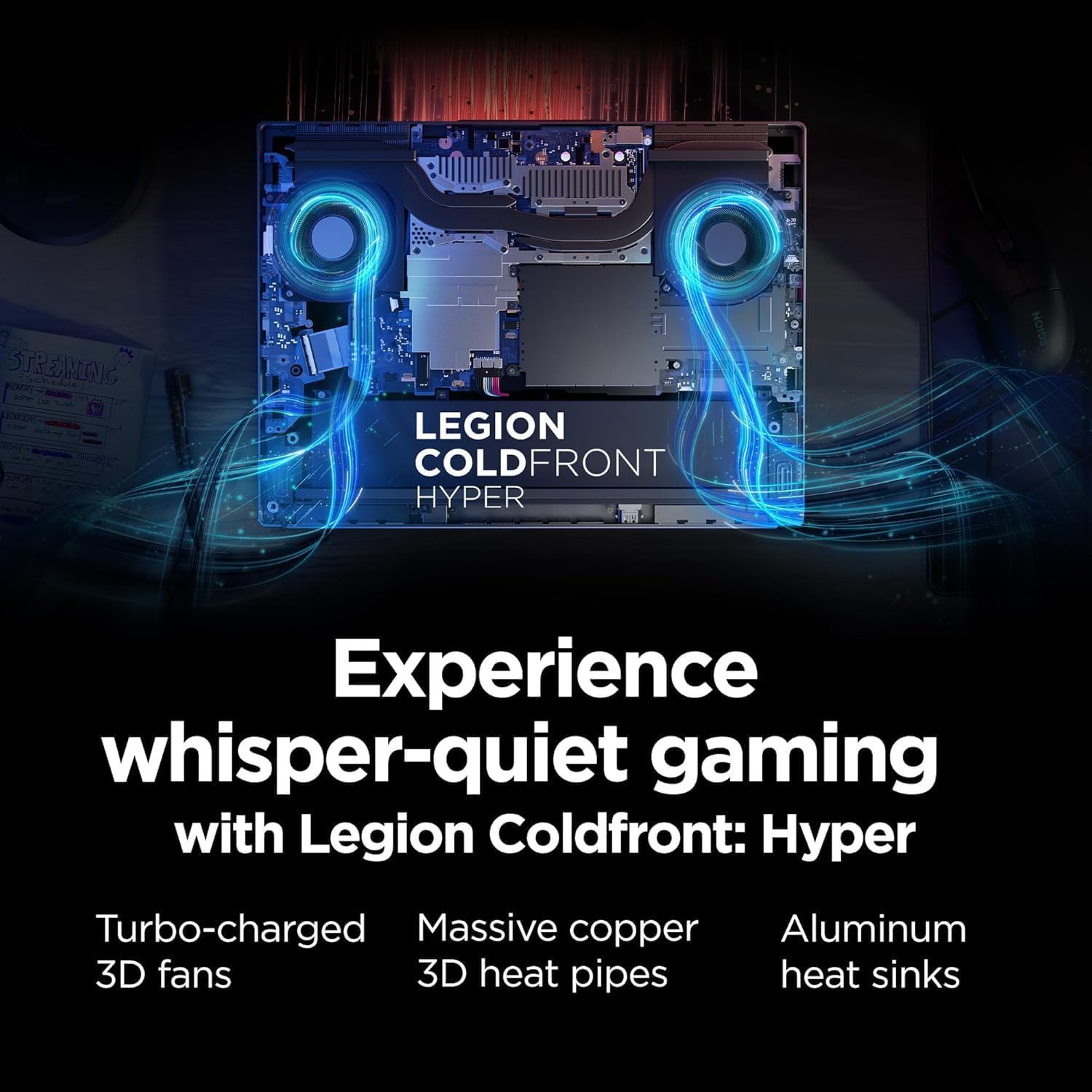
Legion Coldfront: Hyper cooling system, featuring turbo-charged fans, copper heat pipes, and aluminum heat sinks for efficient thermal management.
Troubleshooting
If you encounter issues with your laptop, try the following basic troubleshooting steps:
- No Power: Ensure the power adapter is securely connected to both the laptop and a working power outlet. Try a different outlet if necessary.
- Display Issues: If the screen is black, try pressing the brightness keys (usually Fn + F5/F6) or connecting an external monitor to check if the display output is working.
- Connectivity Problems: For Wi-Fi issues, restart your router and the laptop. For Bluetooth, ensure the device is discoverable and within range.
- Slow Performance: Close unnecessary applications, check for background processes, and ensure your system is up-to-date.
- Overheating: Ensure the laptop's vents are not blocked. Consider using a cooling pad.
For more complex issues, please refer to the Lenovo support website or contact customer service.
Specifications
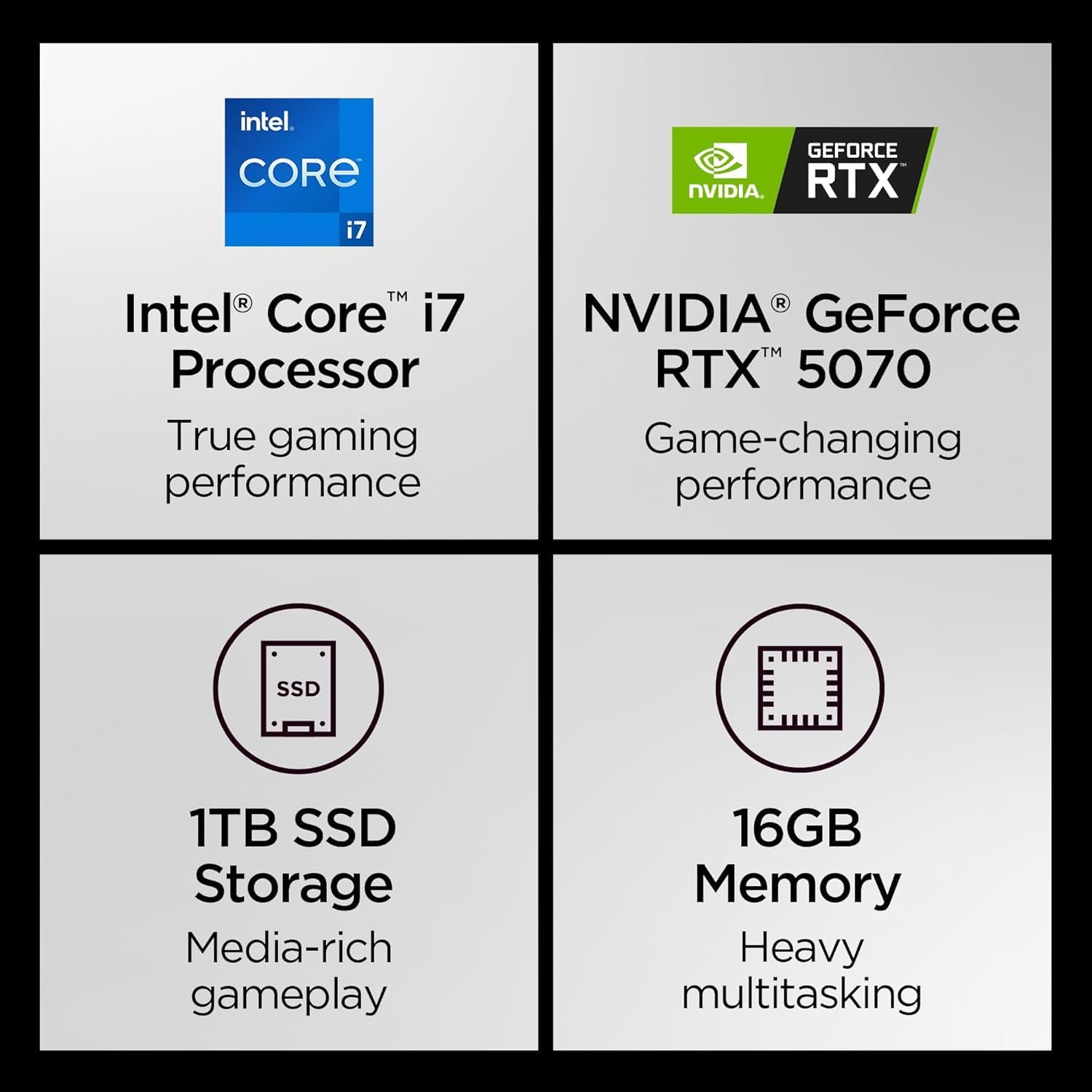
Key specifications of the Lenovo Legion 5i, including its Intel Core i7 processor, NVIDIA RTX 5070 graphics, 1TB SSD, and 16GB RAM.
| Feature | Detail |
|---|---|
| Brand | Lenovo |
| Model Name | Legion 5i |
| Processor | Intel Core i7-14700HX (1.5 GHz base) |
| RAM | 16 GB DDR5 RAM |
| Storage | 1 TB SSD |
| Graphics Coprocessor | NVIDIA GeForce RTX 5070 (8 GB GDDR6) |
| Screen Size | 15.1 Inches |
| Screen Resolution | 2560 x 1600 pixels (2.5K WQXGA) |
| Refresh Rate | 165Hz |
| Operating System | Windows 11 Home |
| Wireless Type | 802.11.be, Bluetooth |
| USB Ports | 3 x USB 3.0 Ports |
| Average Battery Life | 9 Hours |
| Item Weight | 4.4 pounds |
| Product Dimensions | 13.58 x 10.05 x 0.85 inches |
| Color | Eclipse Black |
| Special Features | Backlit Keyboard, HD Audio, Wi-Fi |
Warranty and Support
Your Lenovo Legion 5i laptop comes with a manufacturer's warranty. Please refer to the included 'Warranty Information' document for details regarding coverage, terms, and conditions.
For technical support, driver downloads, and additional resources, please visit the official Lenovo Support website. You can also find FAQs and community forums for assistance.
Lenovo Support Website: support.lenovo.com