
Introduction
Thank you for choosing the JYX Karaoke Machine MS79. This portable Bluetooth PA system is designed to provide high-quality audio and entertainment with its powerful speaker, wireless microphones, and dynamic LED lights. This manual provides essential information for setting up, operating, and maintaining your device to ensure optimal performance and longevity. Please read this manual thoroughly before use.

What's in the Box
Upon unpacking, please ensure all items listed below are present and in good condition:
- JYX Karaoke Machine MS79
- 2 Wireless Microphones
- Charging Cable
- Shoulder Strap
- User Manual
Product Features
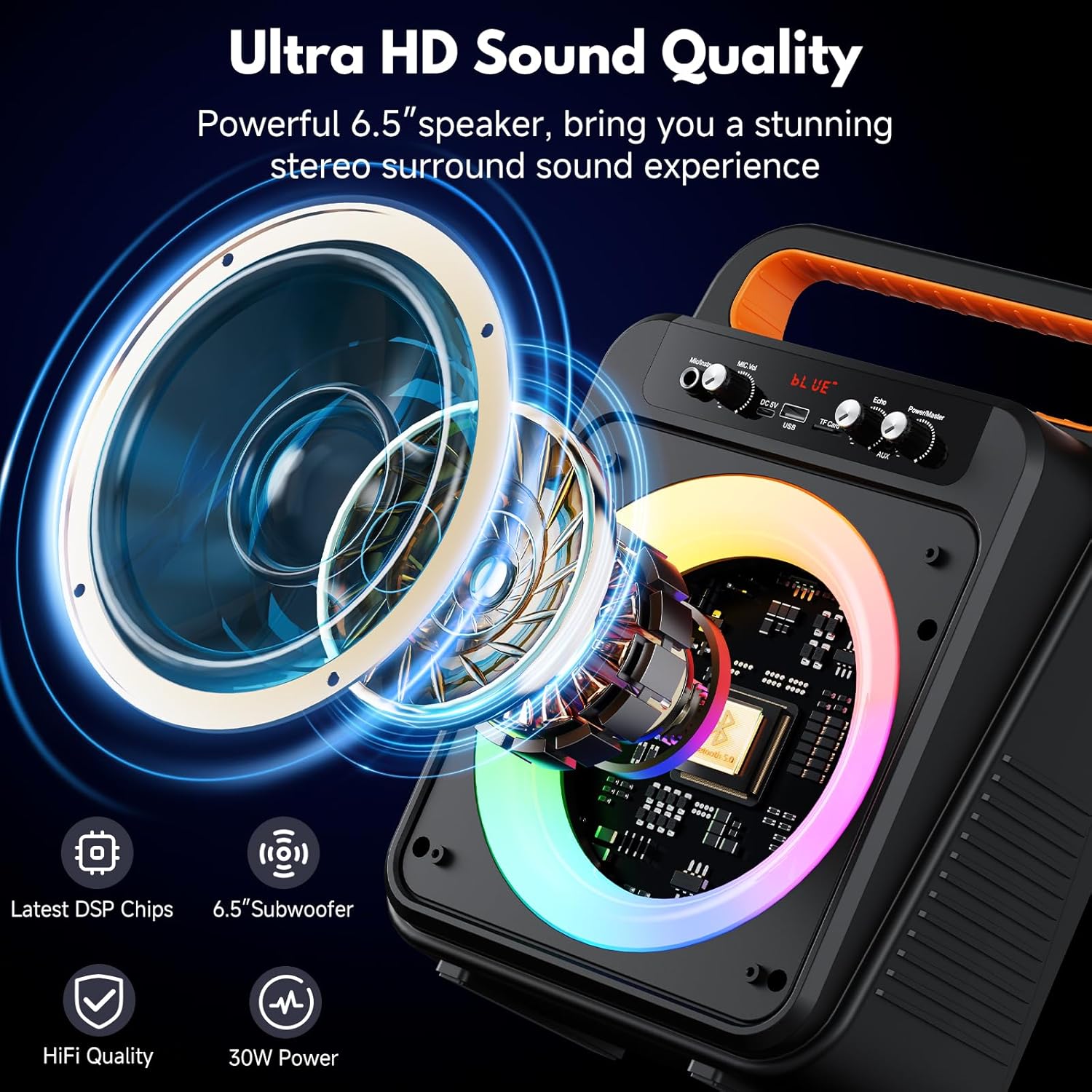
- Excellent Sound Quality: Advanced bass and treble separation technology for crystal-clear audio, robust bass, and balanced volumes. Equipped with a 6.5-inch full-frequency speaker.
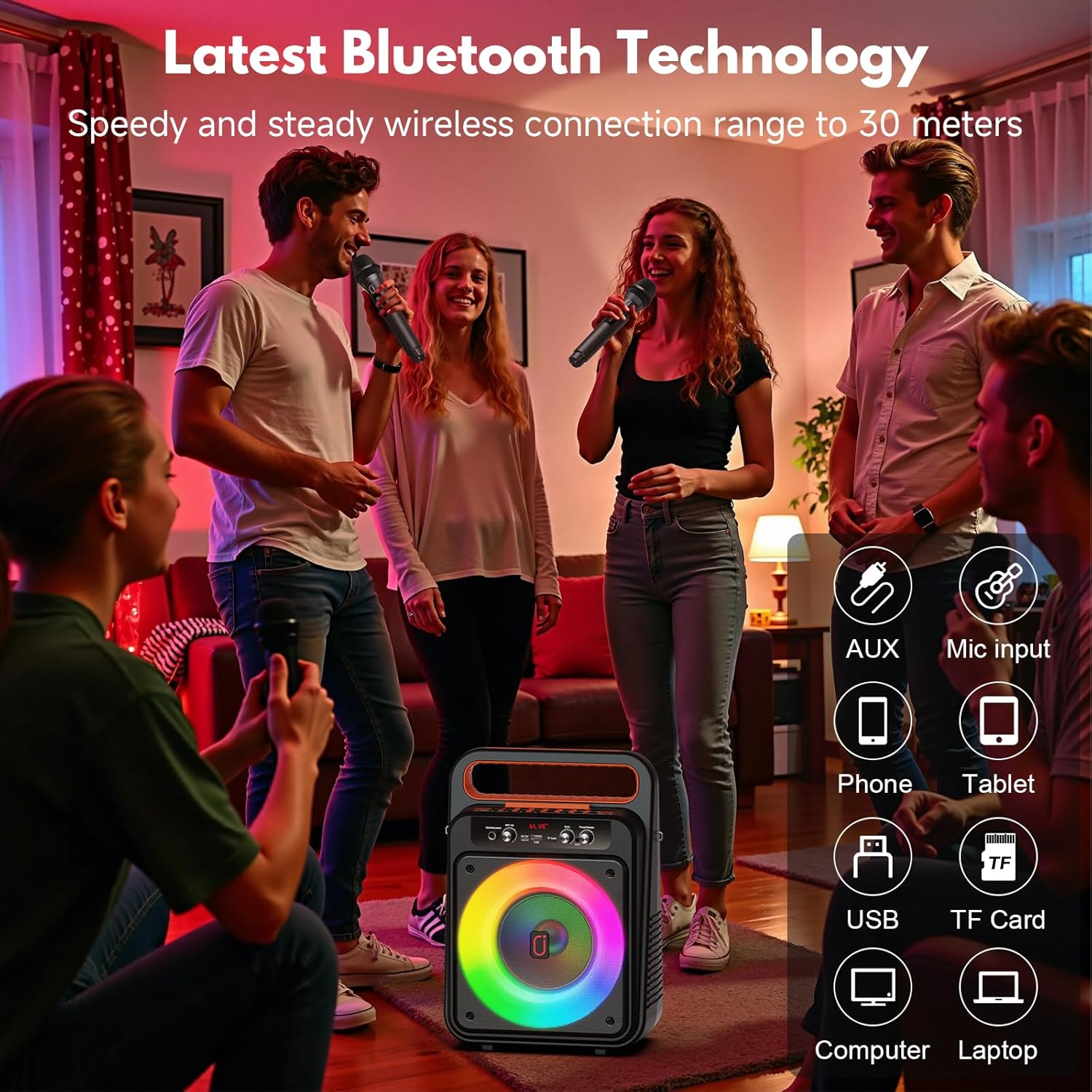
- Updated Bluetooth Technology: Latest Bluetooth chip for instant pairing, stable signal transmission, and low power consumption. Compatible with smartphones, tablets, laptops, and PCs.
- Portable Design: 100% portable with an attached shoulder strap and handy handle, making it easy to carry anywhere.
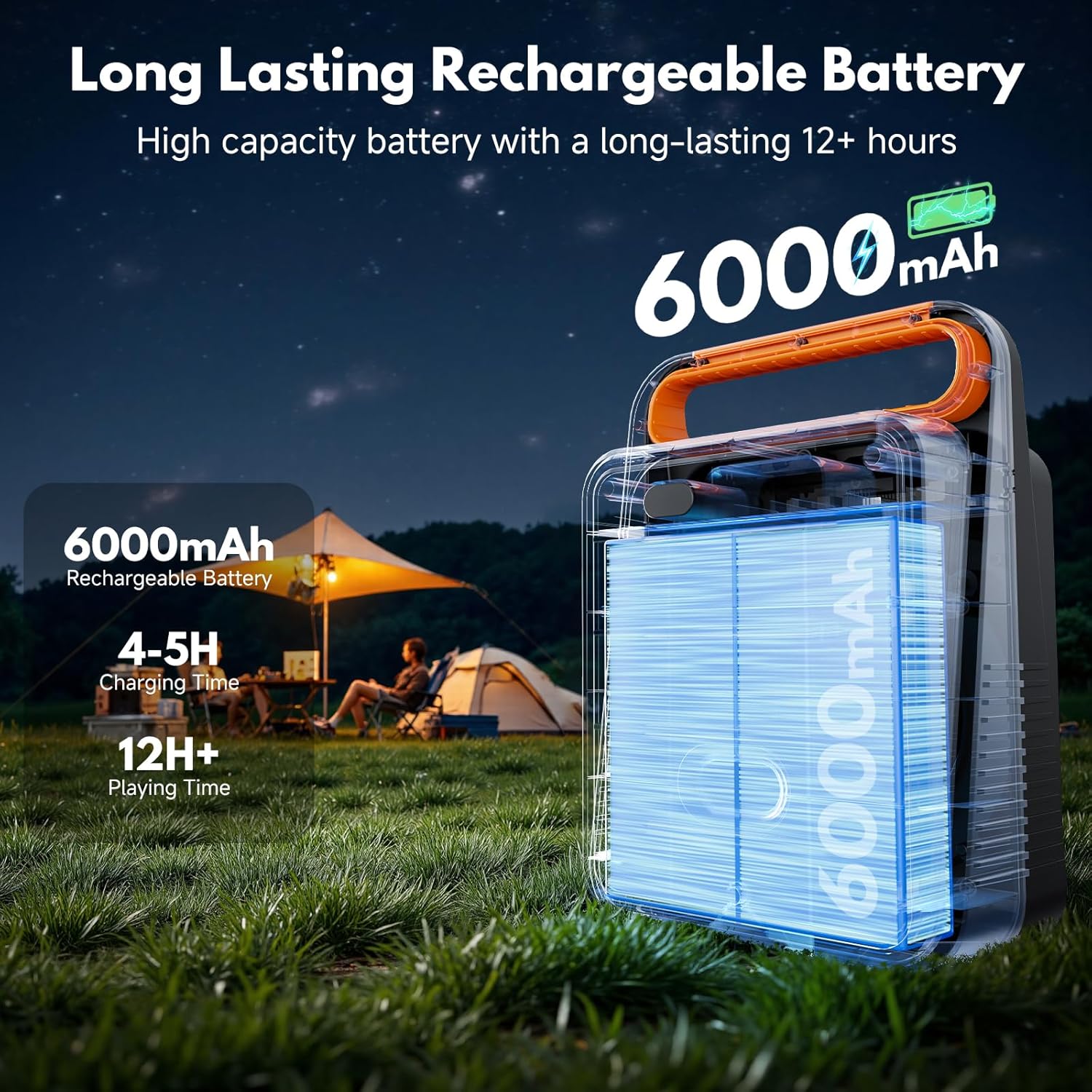
- Extended Playtime: Powerful 5500mAh battery provides up to 12 hours of uninterrupted entertainment on a single charge. Recharges fully in approximately 5 hours.
- Spectacular LED Light Display: Captivating and vibrant light ring adds an electrifying ambiance to your entertainment.
- Multiple Connectivity Options: Supports Bluetooth, AUX, TF card, and USB inputs.


Setup
- Charging the Unit: Before first use, fully charge the karaoke machine using the provided charging cable. The charging indicator will show status.
- Power On/Off: Locate the Power/Master knob on the control panel. Turn it clockwise to power on the device. Turn counter-clockwise to power off.
- Microphone Setup:
- Insert batteries into the wireless microphones (if not pre-installed).
- Turn on the microphones. They should automatically pair with the karaoke machine.
- Adjust the MIC.VOL knob on the main unit to control microphone volume.
- Attaching Shoulder Strap: Attach the included shoulder strap to the designated loops on the side of the unit for convenient portability.

Operating Instructions
Control Panel Overview
Connectivity Modes
- Bluetooth Mode:
- Turn on the karaoke machine. The display will show "BLUE" and a voice prompt will indicate Bluetooth mode.
- Enable Bluetooth on your smartphone, tablet, or other device.
- Search for "JYX-MS79" in the list of available devices and select it to pair.
- Once connected, you can play audio from your device through the karaoke machine.
- AUX Input:
- Connect an external audio device (e.g., TV, computer) to the AUX port using a 3.5mm audio cable.
- The machine will automatically switch to AUX mode or you may need to press the 'Mode' button to select AUX.
- USB/TF Card Playback:
- Insert a USB flash drive or TF card (with MP3 audio files) into the respective port.
- The machine will automatically detect and play the audio files. Use the playback controls (Prev, Play/Pause, Next) to navigate.
- Microphone Input:
- In addition to wireless microphones, a wired microphone can be connected to the 'Mic/Instrument' input.
- Adjust the 'MIC.VOL' knob for microphone volume and 'Echo' knob for echo effect.

General Controls
- Power/Master: Controls overall power and master volume.
- MIC.VOL: Adjusts the volume of the connected microphones.
- Echo: Adjusts the echo effect for the microphones.
- Mode/Loop: Switches between input modes (Bluetooth, AUX, USB, TF) and controls loop playback.
- Rec/Playback: Initiates recording and plays back recorded audio.
- Priority Mic/Accompany: Prioritizes microphone audio over music or removes vocals from music (karaoke function).
- Prev/Next: Skips to the previous or next track in USB/TF mode.
- Play/Pause: Plays or pauses audio in USB/TF mode.
- 0-9/LED: Number buttons for direct track selection (if supported) and controls LED light modes.
Maintenance
- Cleaning: Use a soft, dry cloth to clean the exterior of the unit. Do not use abrasive cleaners or solvents.
- Storage: Store the karaoke machine in a cool, dry place away from direct sunlight and extreme temperatures.
- Battery Care: To prolong battery life, fully charge the unit before long periods of storage and recharge it at least once every three months.
- Avoid Water: Keep the device away from water and moisture to prevent damage.
Troubleshooting
| Problem | Possible Cause | Solution |
|---|---|---|
| No power | Battery is depleted; Power switch is off. | Charge the unit; Turn the Power/Master knob clockwise. |
| No sound from speaker | Volume is too low; Incorrect input mode; Device not connected. | Increase Master Volume; Select correct input mode; Ensure Bluetooth/AUX connection is secure. |
| Microphone not working | Microphone is off; Batteries are low/dead; Microphone volume is low; Not paired. | Turn on microphone; Replace batteries; Increase MIC.VOL; Re-pair microphones if necessary. |
| Bluetooth connection unstable | Device is too far; Interference; Low battery. | Move device closer to the speaker; Avoid obstacles; Charge the unit. |
| LED lights not working | LED function is off. | Press the '0-9/LED' button to cycle through light modes or turn them on. |
Specifications
- Brand: JYX
- Model Number: MS79
- Item Dimensions (L x W x H): 5.91 x 3.94 x 5.91 inches
- Item Weight: 2.2 Kilograms
- Connectivity Technology: Bluetooth
- Color: Gloosy Black
- Compatible Devices: Smartphone, Television
- Mounting Type: Floor Standing
- Power Source: Battery Powered
- Connector Type: Aux
- Number of Channels: 2
- Audio Input: Auxiliary, Bluetooth
- Enclosure Material: Plastic
- Built-In Media: Microphone
Warranty Information
The JYX Karaoke Machine MS79 comes with a 1 Year Warranty from the date of purchase. This warranty covers manufacturing defects and malfunctions under normal use. It does not cover damage caused by misuse, accidents, unauthorized modifications, or improper maintenance. Please retain your proof of purchase for warranty claims.
Support
For technical assistance, troubleshooting beyond this manual, or warranty inquiries, please contact JYX customer support. Refer to the contact information provided on the product packaging or the official JYX website.
Online Support: Visit the official JYX website for FAQs and support resources.
Email Support: [Insert Manufacturer's Support Email Here, if available]
Phone Support: [Insert Manufacturer's Support Phone Number Here, if available]


