
1. Important Safety Instructions
Read all instructions carefully before using this walking pad. Keep this manual for future reference.
- Place the walking pad on a flat, stable surface. Ensure adequate clear space around the unit.
- Keep children and pets away from the walking pad during operation.
- Do not operate the walking pad if it has a damaged cord or plug, or if it is not working correctly.
- Wear appropriate athletic footwear when using the walking pad.
- Do not step on or off the walking pad while the belt is moving.
- The maximum user weight capacity for this device is 400 lbs (180 kg). Do not exceed this limit.
- Always unplug the walking pad from the power outlet before cleaning, maintenance, or moving.
- Consult a physician before starting any new exercise program.
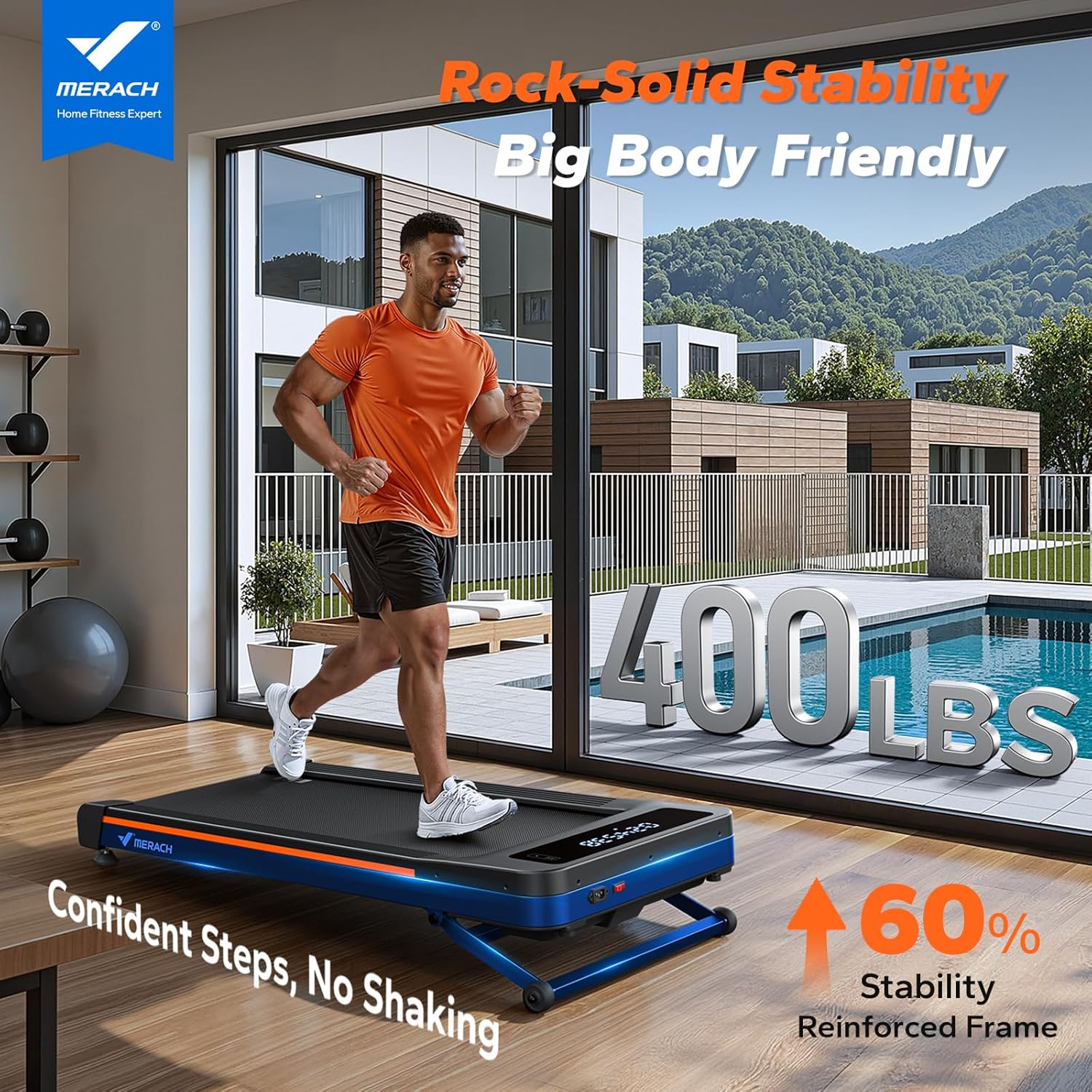
Figure 1: The MERACH W50 Walking Pad demonstrating its stability and 400 lbs capacity.
2. Package Contents
Verify that all items are present in the package:
- MERACH W50 Walking Pad
- Power Cord
- Remote Control
- Tool Kit
- User Manual (this document)
3. Setup and Placement
The MERACH W50 Walking Pad requires no assembly. Follow these steps for initial setup:
- Carefully remove the walking pad from its packaging.
- Place the walking pad on a firm, level surface. Ensure there is sufficient space around the unit for safe operation and to prevent obstruction.
- Connect the power cord to the walking pad and then to a grounded electrical outlet.
- Turn on the main power switch, usually located near the power cord connection point.

Figure 2: The MERACH W50 Walking Pad in various positions, illustrating its compact design and readiness for use.
4. Operating Instructions
4.1 Powering On/Off
- To power on, ensure the walking pad is plugged in and the main power switch is in the 'ON' position. The LED display will illuminate.
- To power off, press the power button on the remote control or turn off the main power switch. Always unplug the unit when not in use.
4.2 Remote Control
The included remote control allows you to manage the walking pad's functions conveniently.
- Start/Stop: Press the central button to start or pause the walking belt.
- Speed Adjustment: Use the '+' and '-' buttons to increase or decrease the belt speed. The speed range is 0.6 to 4.0 MPH.
- Incline Adjustment: Use the incline buttons to adjust the automatic incline up to 12%.

Figure 3: Key operational features including the LED display and remote control.
4.3 LED Display
The integrated LED display provides real-time workout data:
- SPEED: Current walking speed.
- TIME: Duration of the current workout.
- DISTANCE: Total distance covered during the workout.
- CALORIES: Estimated calories burned.
4.4 MERACH App Connection
Enhance your workout experience by connecting the walking pad to the MERACH App via Bluetooth. The app offers additional features:
- Real-Scenery Training: Engage with virtual environments.
- Workout Programs: Access guided exercise routines.
- Data Tracking: Monitor and analyze your workout statistics over time.

Figure 4: The MERACH App interface, providing access to training programs and data.

Figure 5: The 12% automatic incline feature of the MERACH W50 Walking Pad.
Video 1: Demonstration of the MERACH W50's heavy-duty performance and stability, supporting up to 400 lbs.
Video 2: Overview of the MERACH W50 TrekPad's power, performance, and endurance capabilities.
5. Maintenance
Regular maintenance ensures the longevity and optimal performance of your MERACH W50 Walking Pad.
- Cleaning: Wipe down the walking pad with a damp cloth after each use to remove sweat and dust. Do not use abrasive cleaners.
- Belt Lubrication: The walking belt requires periodic lubrication to reduce friction and extend its lifespan. Refer to the included tool kit for lubricant and instructions. Lubricate every 3 months or after 50 hours of use, whichever comes first.
- Belt Adjustment: If the walking belt shifts to one side or slips, it may need adjustment. Use the provided tool kit to adjust the tension bolts at the rear of the walking pad according to the instructions in the tool kit.
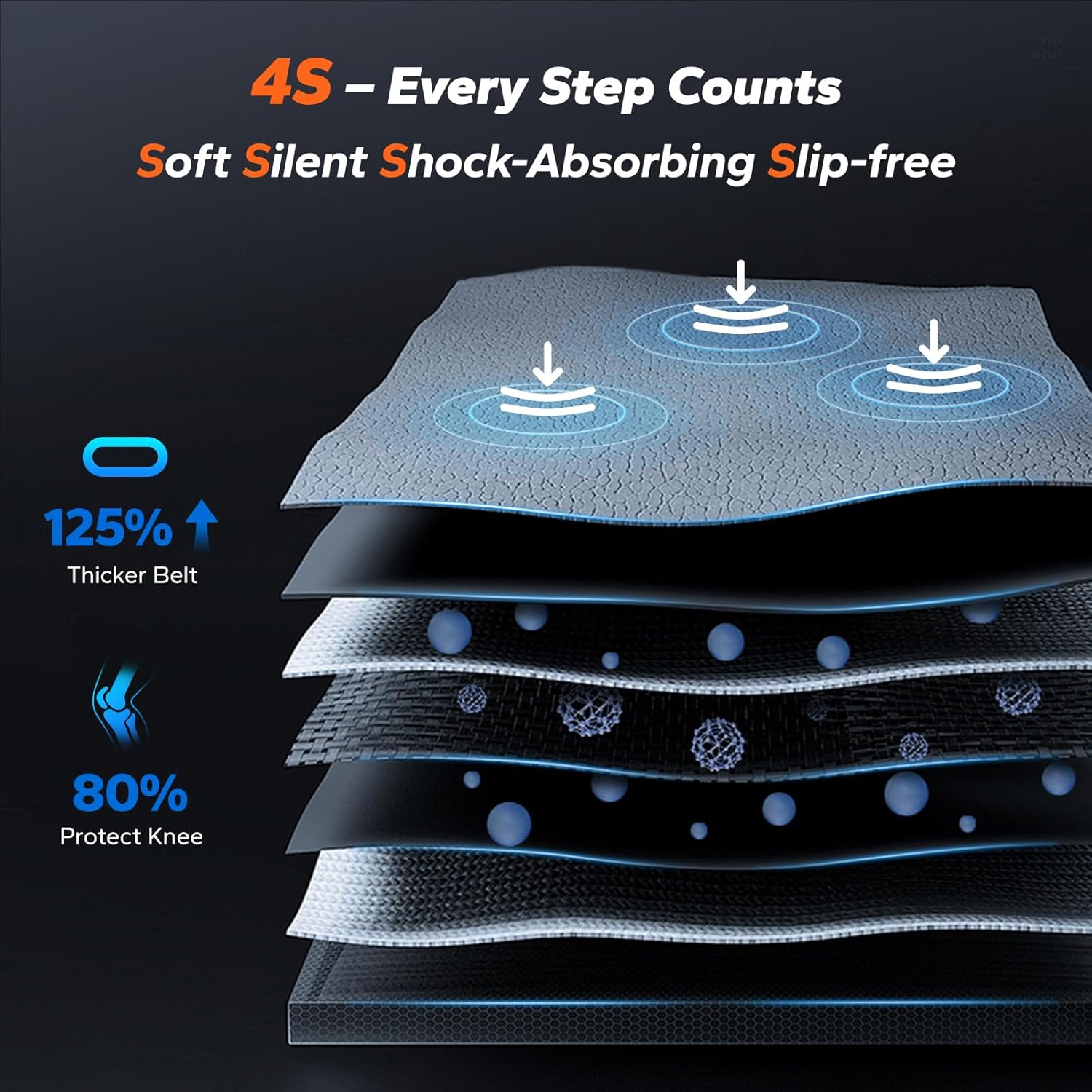
Figure 6: Illustration of the multi-layer shock-absorbing system, designed for user comfort and joint protection.
6. Troubleshooting
If you encounter issues with your MERACH W50 Walking Pad, refer to the following common problems and solutions:
| Problem | Possible Cause | Solution |
|---|---|---|
| Walking pad does not power on. | Power cord not connected, main switch off, or power outlet issue. | Ensure power cord is securely plugged in. Check if the main power switch is ON. Try a different power outlet. |
| Belt stops or slips during use. | Belt tension too loose, or belt requires lubrication. | Adjust belt tension using the provided tool kit. Lubricate the belt as per maintenance instructions. |
| Unusual noise during operation. | Loose components, or belt friction. | Check for any loose screws or parts and tighten them. Lubricate the belt if necessary. |
| Error Code E14 displayed. | Indicates a potential controller card malfunction. | Turn off and unplug the unit for 5 minutes, then restart. If the error persists, contact customer support. |
7. Product Specifications
Key specifications for the MERACH W50 Walking Pad:
| Feature | Detail |
|---|---|
| Brand | MERACH |
| Model Number | MR-T25B2-US |
| Product Dimensions (D x W x H) | 50.2" x 22.2" x 6.1" |
| Item Weight | 31 Kilograms |
| Material | Alloy Steel |
| Maximum Weight Recommendation | 180 Kilograms (400 lbs) |
| Motor Horsepower | 3.5 HP |
| Speed Range | 0.6 - 4.0 Miles per Hour |
| Maximum Incline Percentage | 12% (Automatic) |
| Running Belt Dimensions | 16.5" x 42.5" |
| Noise Level | Under 25dB |
| Metrics Measured | Calories Burned, Distance, Incline, Speed, Time |
| Connectivity | MERACH App (Bluetooth) |

Figure 7: The 3.5 HP brushless motor and its performance characteristics.

Figure 8: Internal components and construction details of the MERACH W50 Walking Pad.
8. Warranty and Customer Support
The MERACH W50 Walking Pad comes with a 1-Year Warranty from the date of purchase, covering manufacturing defects. For warranty claims or technical assistance, please contact MERACH customer support.
The MERACH support team is available 24/7 to assist with any questions or issues you may have. Please refer to the contact information provided on the MERACH official website or your purchase documentation.


