
1. Introduction
This manual provides detailed instructions for the setup, operation, and maintenance of your WOCKODER R608 Vintage 3-Speed Belt-Drive Record Player. Please read this manual thoroughly before using the product to ensure proper function and longevity.
2. Package Contents
Upon unpacking, please ensure all the following items are present and in good condition:
- WOCKODER R608 Turntable Unit
- Power Adapter (DC 5V 1A)
- 45 RPM Adapter
- Instruction Manual (this document)
3. Product Overview
Familiarize yourself with the components of your WOCKODER R608 record player.
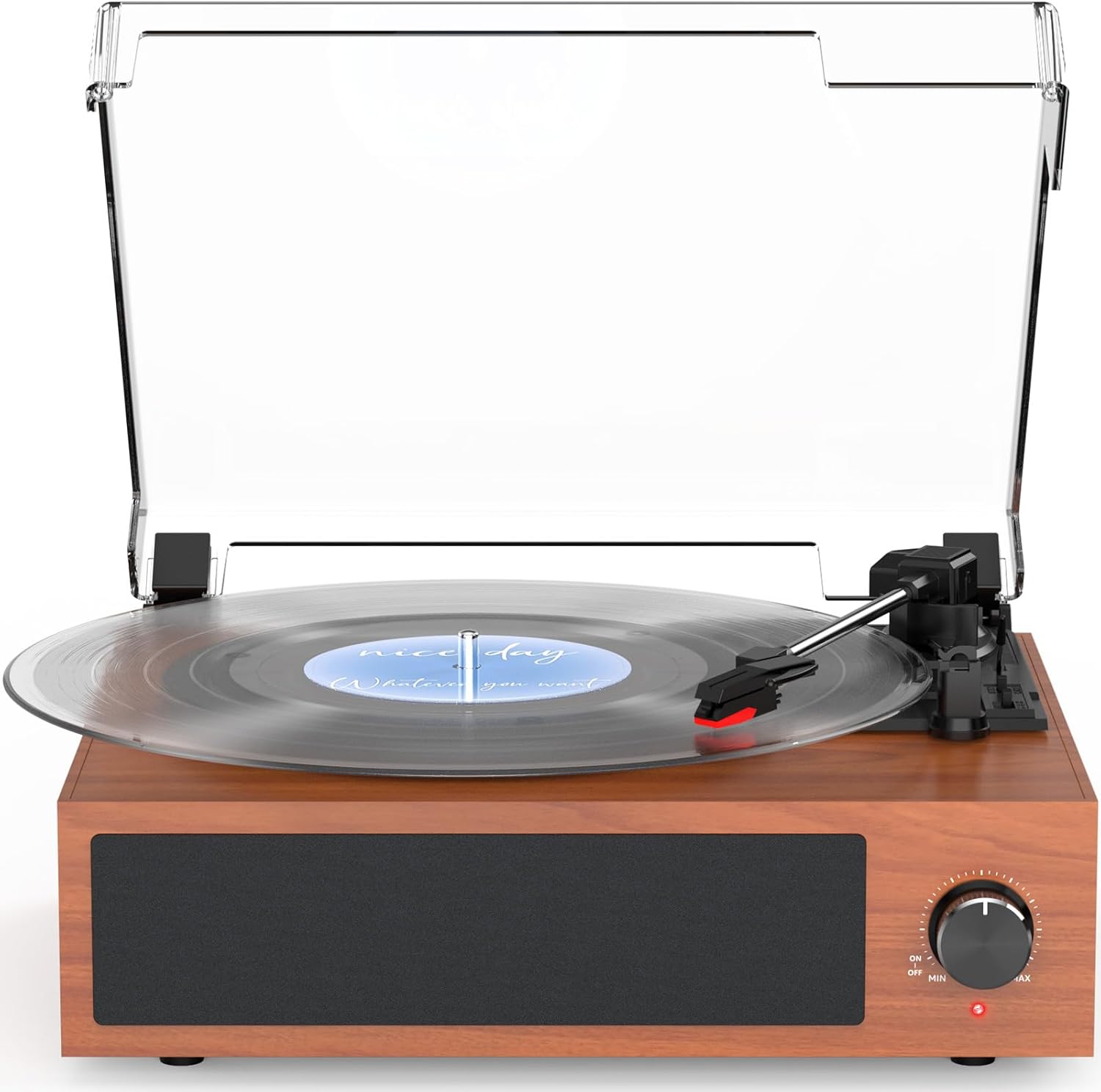
Front view of the WOCKODER R608 record player, featuring a wooden base, built-in speaker grille, and a clear dust cover. A vinyl record is placed on the platter, and the tonearm is visible.

Detailed view of key features on the WOCKODER R608, including the stable stylus, the belt-drive system with spring for anti-vibration, the auto-stop switch, and the RCA line out ports for external speaker connection.

An exploded view diagram of the WOCKODER R608's built-in stereo speakers, demonstrating the internal components designed for clear and high-performance sound.
4. Setup
- Unpacking: Carefully remove the record player and all accessories from the packaging. Retain the packaging for future transport or storage.
- Placement: Place the turntable on a stable, level surface away from direct sunlight, heat sources, and excessive dust or vibration.
- Power Connection: Connect the DC 5V 1A power adapter to the DC IN port on the back of the unit, then plug the adapter into a wall outlet.
- Dust Cover: The clear dust cover can be placed on top of the unit to protect the platter and tonearm when not in use.
5. Operating Instructions
5.1 Playing Vinyl Records
- Power On: Turn the ON/OFF/VOLUME knob clockwise to power on the unit. The power indicator light will illuminate.
- Place Record: Open the dust cover and carefully place a vinyl record on the turntable platter.
- Select Speed: Adjust the speed selector switch (usually located near the tonearm) to match the RPM of your record (33 1/3, 45, or 78 RPM). Use the included 45 RPM adapter for 7-inch singles if needed.
- Lift Tonearm: Gently lift the tonearm using the cue lever.
- Position Stylus: Move the tonearm over the desired starting groove of the record.
- Lower Tonearm: Slowly lower the tonearm onto the record using the cue lever. The record will begin to play.
- Adjust Volume: Rotate the ON/OFF/VOLUME knob to adjust the sound level.
- Auto-Stop Function: The record player features an auto-stop function. To enable it, ensure the AUTO STOP switch (located near the tonearm) is in the ON position. When the record reaches the end, the platter will automatically stop spinning. If you prefer manual stop, set the switch to OFF.
- Stop Playback: When finished, lift the tonearm using the cue lever, return it to the tonearm rest, and turn the ON/OFF/VOLUME knob counter-clockwise to power off.
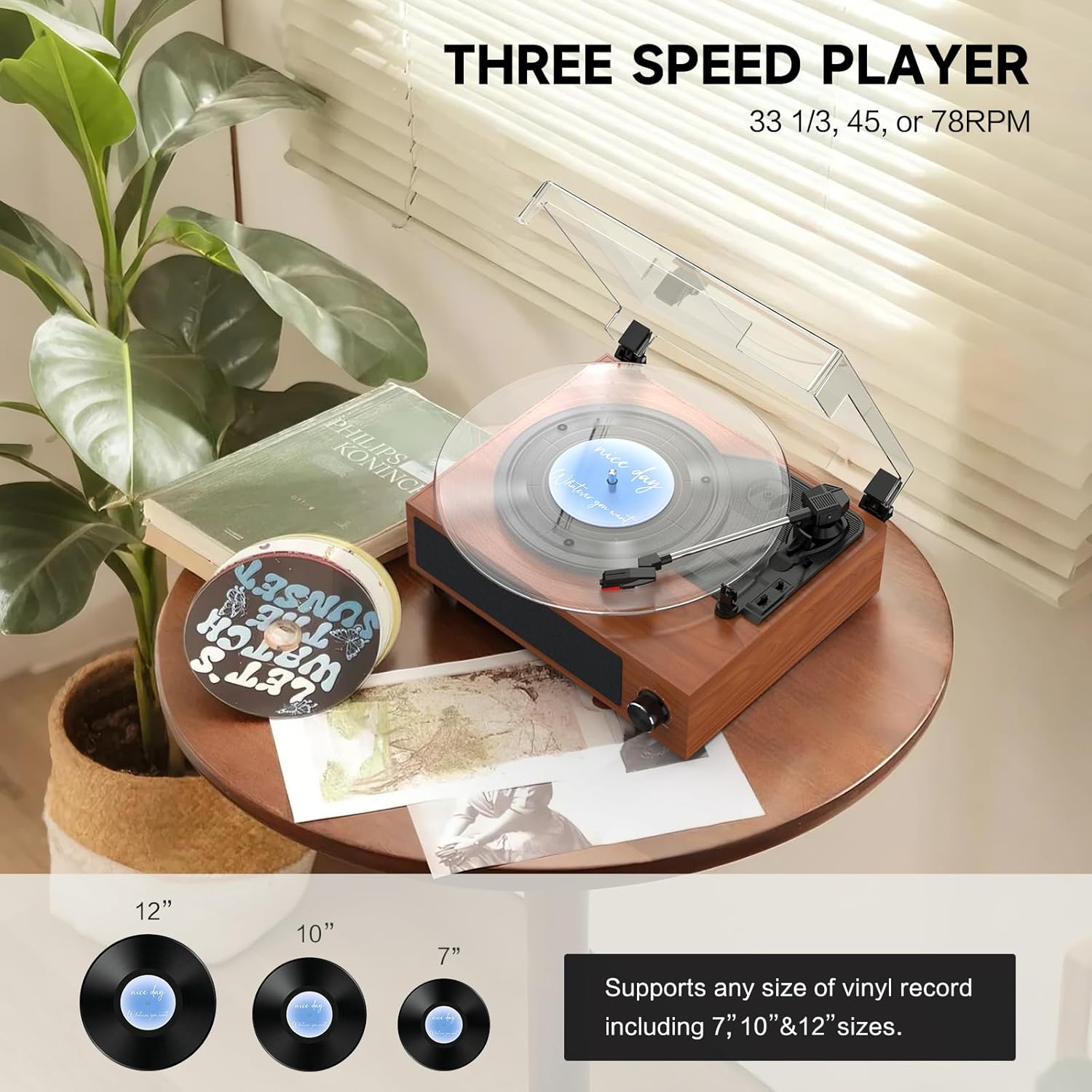
This image illustrates the WOCKODER R608 record player's compatibility with 7-inch, 10-inch, and 12-inch vinyl records, supporting playback speeds of 33 1/3, 45, and 78 RPM.
This video provides a visual guide to operating the WOCKODER R608 record player, demonstrating how to place a vinyl record, lower the tonearm, and enjoy playback through its built-in speakers. It showcases the ease of use and the integrated design of the turntable.
5.2 Bluetooth Input
The WOCKODER R608 can connect wirelessly to your Bluetooth-enabled devices to play audio.
- Activate Bluetooth: Turn the ON/OFF/VOLUME knob clockwise to power on the unit. The power indicator light will blink blue, indicating Bluetooth pairing mode.
- Pair Device: On your smartphone, tablet, or other Bluetooth device, enable Bluetooth and search for available devices. Select "Vintage Turntable" from the list.
- Confirmation: Once paired, the power indicator light will turn solid blue. You can now play audio from your device through the record player's speakers.
- Adjust Volume: Control the volume using both your connected device and the ON/OFF/VOLUME knob on the record player.
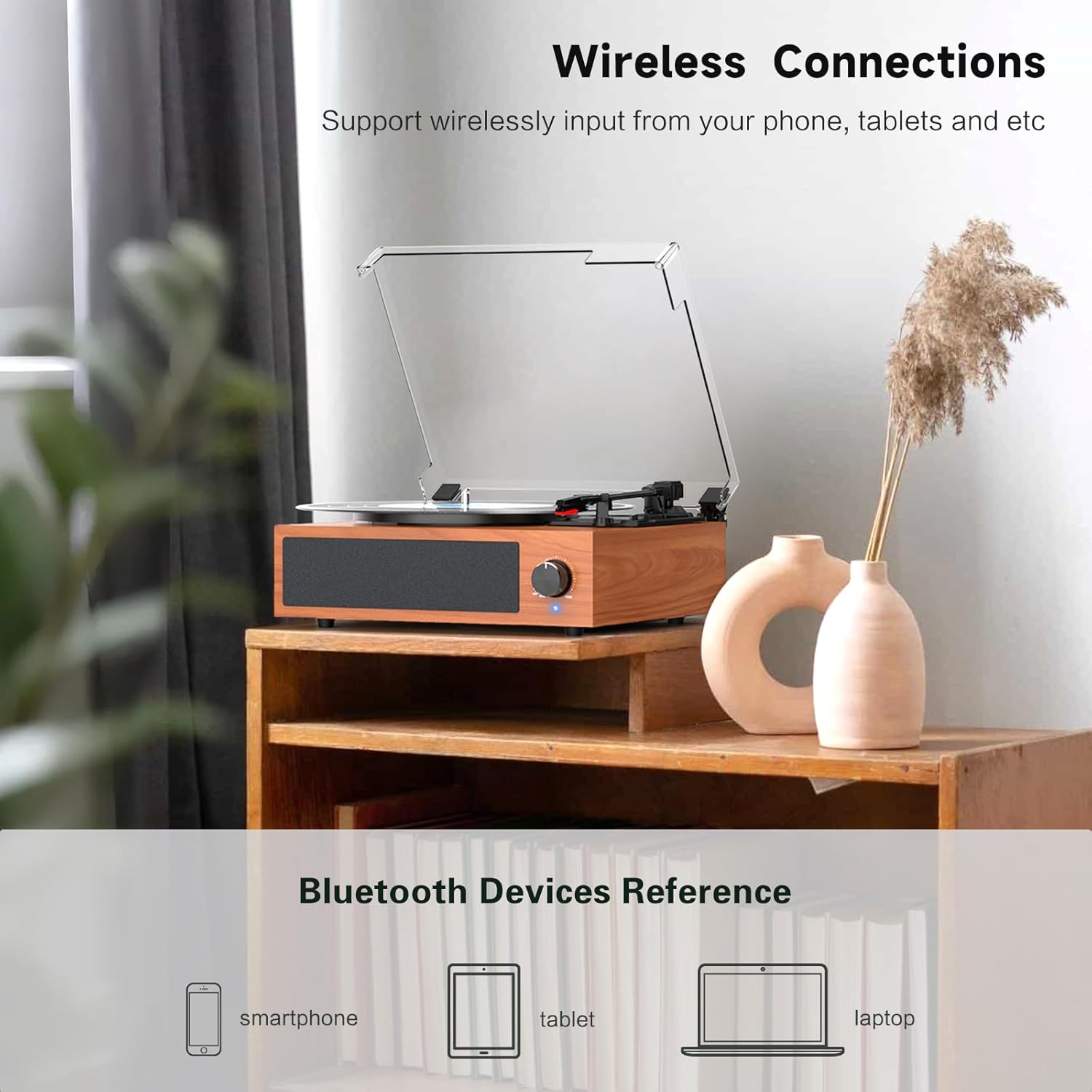
The WOCKODER R608 record player supports wireless input from various devices such as smartphones, tablets, and laptops, allowing for versatile audio playback.
5.3 RCA Line Output
Connect external speakers for an enhanced audio experience.
- Connect Cables: Locate the RCA LINE OUT ports (red and white) on the back of the record player. Connect appropriate RCA cables (not included, unless specified in package contents) from these ports to the audio input of your external amplifier or powered speakers.
- Power On: Ensure both the record player and your external audio system are powered on.
- Select Input: Set your external audio system to the correct input source (e.g., AUX, LINE IN).
- Adjust Volume: Volume will primarily be controlled by your external amplifier or powered speakers.

This image highlights the RCA Line Out ports on the back of the WOCKODER R608, allowing connection to external amplifiers or powered speakers.
6. Maintenance
Regular maintenance helps preserve the performance and appearance of your record player.
- Cleaning the Stylus: Use a soft brush (not included) to gently clean the stylus tip. Always brush from back to front, never side to side.
- Cleaning the Unit: Wipe the record player's surface with a soft, dry cloth. Avoid using harsh chemicals or abrasive cleaners.
- Dust Cover: Keep the dust cover closed when not in use to prevent dust accumulation on the platter and tonearm. Clean the dust cover with a soft, damp cloth.
- Record Care: Handle vinyl records by their edges. Store them vertically in their sleeves to prevent warping and dust.
7. Troubleshooting
If you encounter issues, refer to the following common problems and solutions:
| Problem | Possible Cause | Solution |
|---|---|---|
| No power | Power adapter not connected or faulty outlet. | Ensure power adapter is securely plugged in and the outlet is functional. |
| No sound from speakers | Volume too low; incorrect input mode (if external speakers are connected); stylus not properly seated. | Increase volume; check RCA connections and external amplifier input; ensure stylus is correctly installed. |
| Record skips | Dirty or damaged record; dirty or worn stylus; turntable not level; excessive vibration. | Clean record; clean or replace stylus; ensure turntable is on a stable, level surface; reduce external vibrations. |
| Bluetooth not connecting | Bluetooth not enabled on device; device too far from turntable; turntable already paired with another device. | Ensure Bluetooth is on and discoverable on your device; move device closer; disconnect from other Bluetooth devices. |
| Platter not spinning | Auto-stop engaged prematurely; belt dislodged. | Check auto-stop switch position; contact customer support if the belt appears dislodged. |
8. Specifications
| Brand | WOCKODER |
| Model Name | R608 |
| Item Model Number | R608 |
| Maximum Rotational Speed | 78 RPM (supports 33 1/3, 45, 78 RPM) |
| Special Features | Auto Stop, Dust Cover, Vintage Walnut Looking, Built-in Bluetooth Receiver, RCA Line Out, Anti-vibration Turntable Belt-driven System, Two Built-in Speakers |
| Material | Plastic (with wooden finish) |
| Item Weight | 5.41 pounds (2.46 Kilograms) |
| Package Dimensions | 14.48 x 13.39 x 7.2 inches |
| Compatible Devices | Smartphone (via Bluetooth) |
9. Warranty and Support
For warranty information or technical support, please refer to the contact details provided with your purchase documentation or visit the official WOCKODER website. Keep your purchase receipt as proof of purchase for warranty claims.


