Introduction
Thank you for choosing the JISULIFE Handheld Turbo Fan. This manual provides essential information for the safe and efficient operation of your device. Please read it thoroughly before use and retain it for future reference.
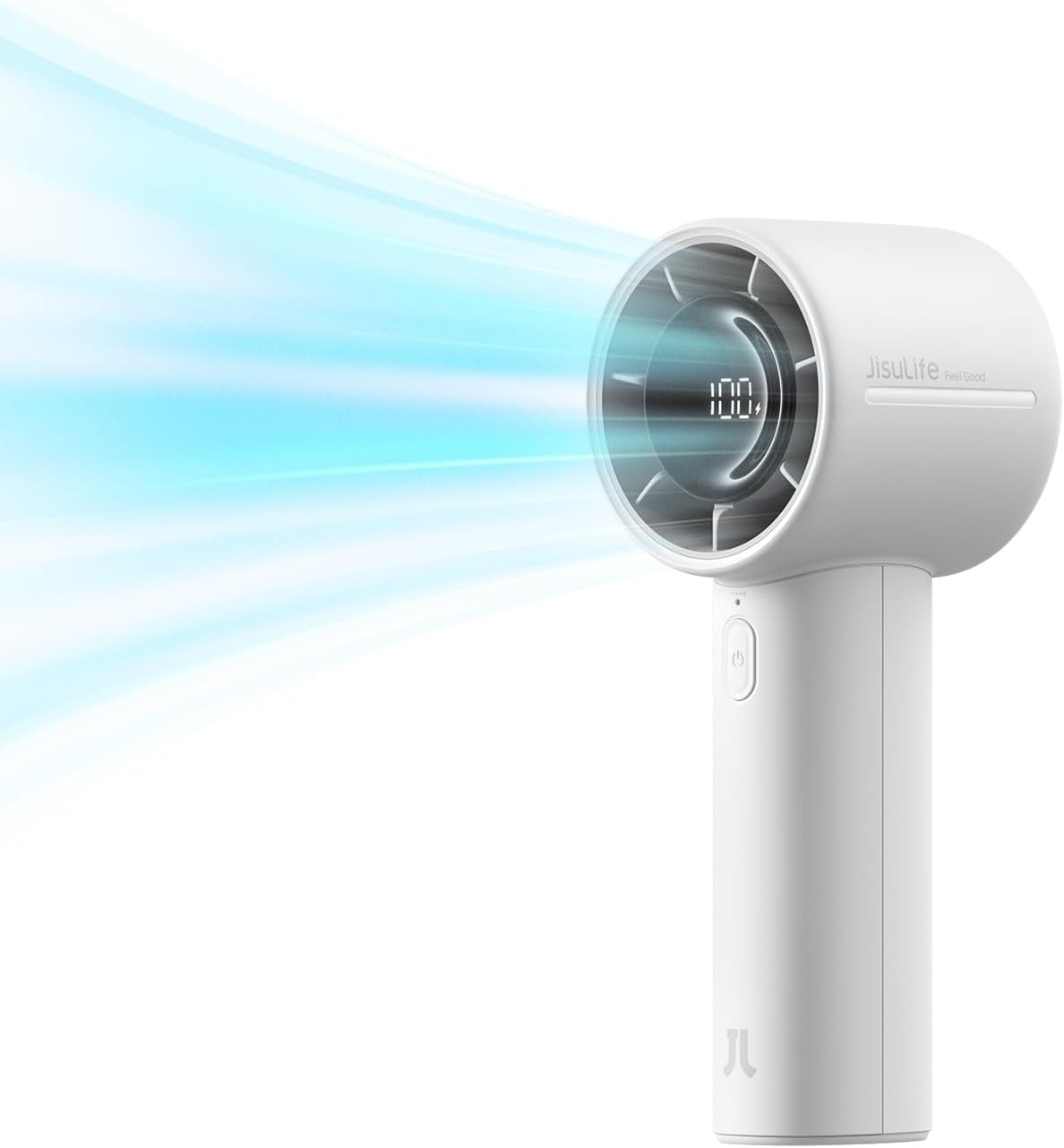
Image: The JISULIFE Handheld Turbo Fan in gray, demonstrating its powerful airflow.
Product Overview
The JISULIFE Handheld Turbo Fan is designed for personal cooling with high-speed airflow and a long-lasting battery. It features a compact, lightweight design, making it suitable for various indoor and outdoor activities.
Key Features:
- High-Speed Airflow: Upgraded air inlets and outlets with an efficient 3700RPM motor.
- Long-Lasting Battery: 5000mAh rechargeable battery providing up to 28 hours of operation.
- LED Power Display: Conveniently monitor battery life and wind speed.
- 5 Wind Speeds: Adjustable settings for personalized comfort.
- Ultra-Quiet Operation: 9-blade design ensures a peaceful experience (56-76 dB).
- Safety Features: Safety lock and dense grille to prevent accidental operation and contact with blades.
- Durable Material: Constructed from dirt-resistant ABS material.
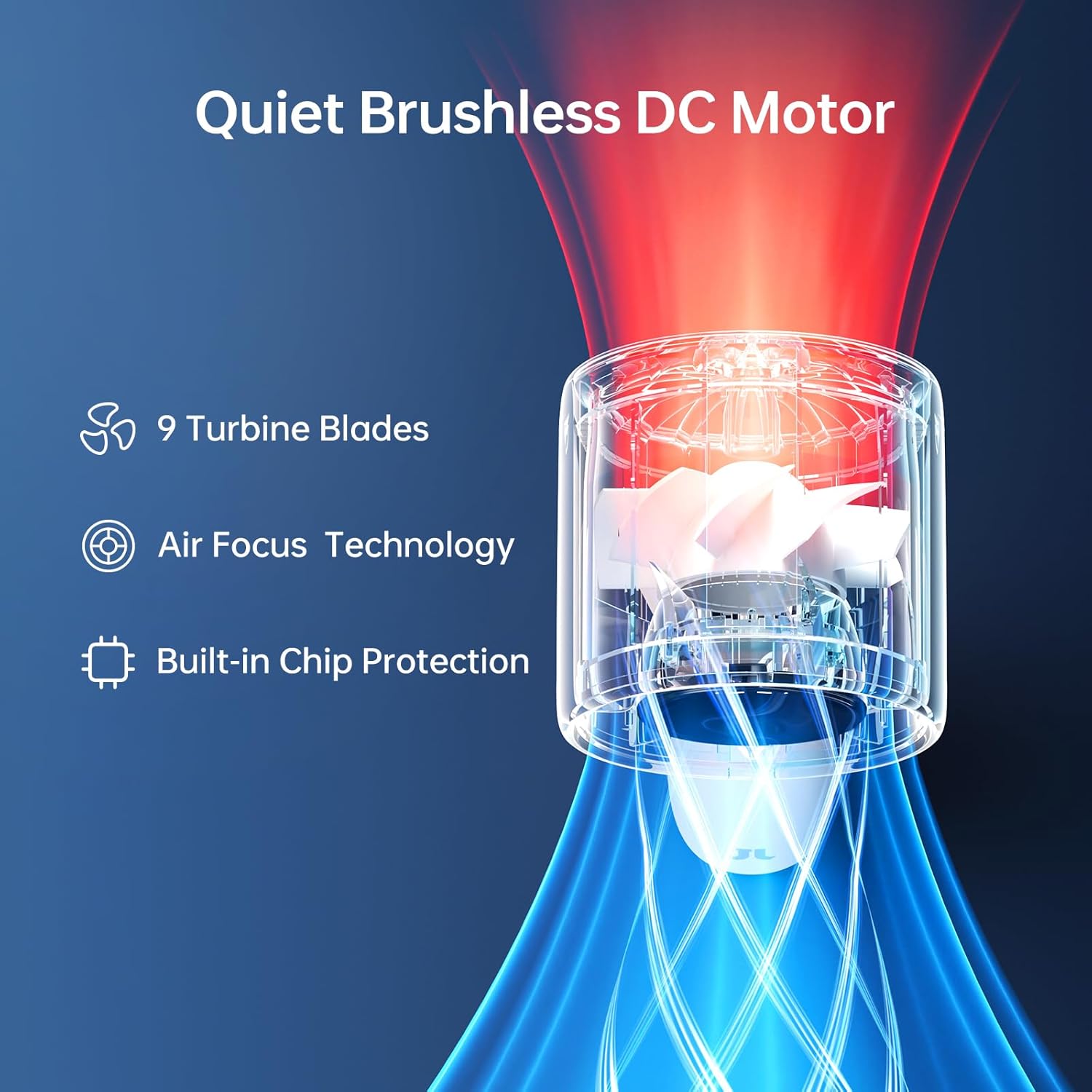
Image: Internal structure highlighting the quiet brushless DC motor and 9 turbine blades.
Package Contents
Please check the package for the following items:
- JISULIFE Handheld Turbo Fan (Model: Handheld Fan Life10S)
- USB-C Charging Cable
- Lanyard
- User Manual

Image: Contents included in the product package.
Setup and Charging
Initial Charge:
- Before first use, fully charge the fan.
- Connect the provided USB-C charging cable to the fan's charging port and to a suitable USB power adapter (not included).
- The LED display will indicate charging status. A full charge typically takes 2-3 hours.
- Once fully charged, the LED display will show 100%.

Image: LED display showing battery level during charging.
Attaching the Lanyard:
Thread the lanyard through the designated loop on the fan's handle for secure carrying.
Operating Instructions
Power On/Off:
- To power on the fan, slide the safety lock switch from "O" (off) to "—" (on).
- Press the power button (located above the safety lock) to start the fan at Speed 1.
- To power off, slide the safety lock switch back to "O".
Adjusting Wind Speed:
- With the fan powered on, tap the speed button to cycle through the 5 available wind speeds.
- Each tap will increase the speed from 1 (Low) to 5 (High). After Speed 5, it will cycle back to Speed 1.
- The LED display will show the current wind speed setting.

Image: Controls and safety features of the fan.
Battery Life Indication:
The integrated LED display shows the remaining battery percentage, allowing you to monitor power levels at a glance. A fully charged fan can operate for up to 28 hours on the lowest speed setting.

Image: Battery life duration at different wind speeds.
Safety Precautions
- Do not insert fingers or foreign objects into the fan grille.
- Keep the fan away from water or excessive moisture.
- Do not disassemble or attempt to repair the fan yourself. Contact support if issues arise.
- Ensure the safety lock is engaged when not in use to prevent accidental activation.
- Use only the provided USB-C cable for charging.
- Keep out of reach of small children.
Maintenance
Cleaning:
- Ensure the fan is powered off and the safety lock is engaged before cleaning.
- Wipe the exterior of the fan with a soft, dry cloth.
- For stubborn dirt, a slightly damp cloth can be used, followed by immediate drying.
- Do not use abrasive cleaners or solvents.
Storage:
Store the fan in a cool, dry place when not in use, away from direct sunlight and extreme temperatures.
Troubleshooting
| Problem | Possible Cause | Solution |
|---|---|---|
| Fan does not turn on. | Battery is depleted. Safety lock is engaged. | Charge the fan. Ensure the safety lock is slid to the "on" position. |
| Weak airflow. | Fan is on a low speed setting. | Increase the wind speed by tapping the speed button. |
| Fan not charging. | Charging cable is not properly connected. Faulty cable or adapter. | Ensure the USB-C cable is securely connected to both the fan and the power source. Try a different USB-C cable or power adapter. |
If you encounter issues not listed here, please contact JISULIFE customer support.
Specifications
| Feature | Detail |
|---|---|
| Brand | JISULIFE |
| Model Name | Handheld Fan Life10S |
| Color | Gray |
| Electric Fan Design | Table Fan (also functions as handheld) |
| Power Source | Battery Powered |
| Product Dimensions | 2.3"D x 2.3"W x 6.1"H |
| Item Weight | 208 Grams (7.3 ounces) |
| Special Feature | Portable, Handheld, LED Display |
| Recommended Uses | Air Circulation (Indoor, Outdoor) |
| Noise Level | 56 dB |
| Wattage | 5 watts |
| Number of Blades | 9 |
| Number of Power Levels | 5 (Wind Speeds) |
| Voltage | 5 Volts |
| Switch Type | Push Button with Safety Lock |
| Control Method | Touch |
| Reusability | Rechargeable |
| Battery | 5000mAh (1 Nonstandard Battery, included) |
| Charging Time | 2-3 hours |
| Max Runtime | Up to 28 hours (on low speed) |
Warranty and Support
Warranty Information:
JISULIFE provides a 1-year warranty period for this product. During this time, our dedicated support team is available to assist you with any issues arising during product usage.
Customer Support:
For technical assistance, warranty claims, or any questions regarding your JISULIFE Handheld Turbo Fan, please contact our customer support team. You can find more information and contact details on the official JISULIFE store page: