
Introduction
The Nutale Bluetooth Tracker is an Apple MFi Certified device designed to help you locate your valuable items using the Apple Find My network. This manual provides detailed instructions for optimal use.
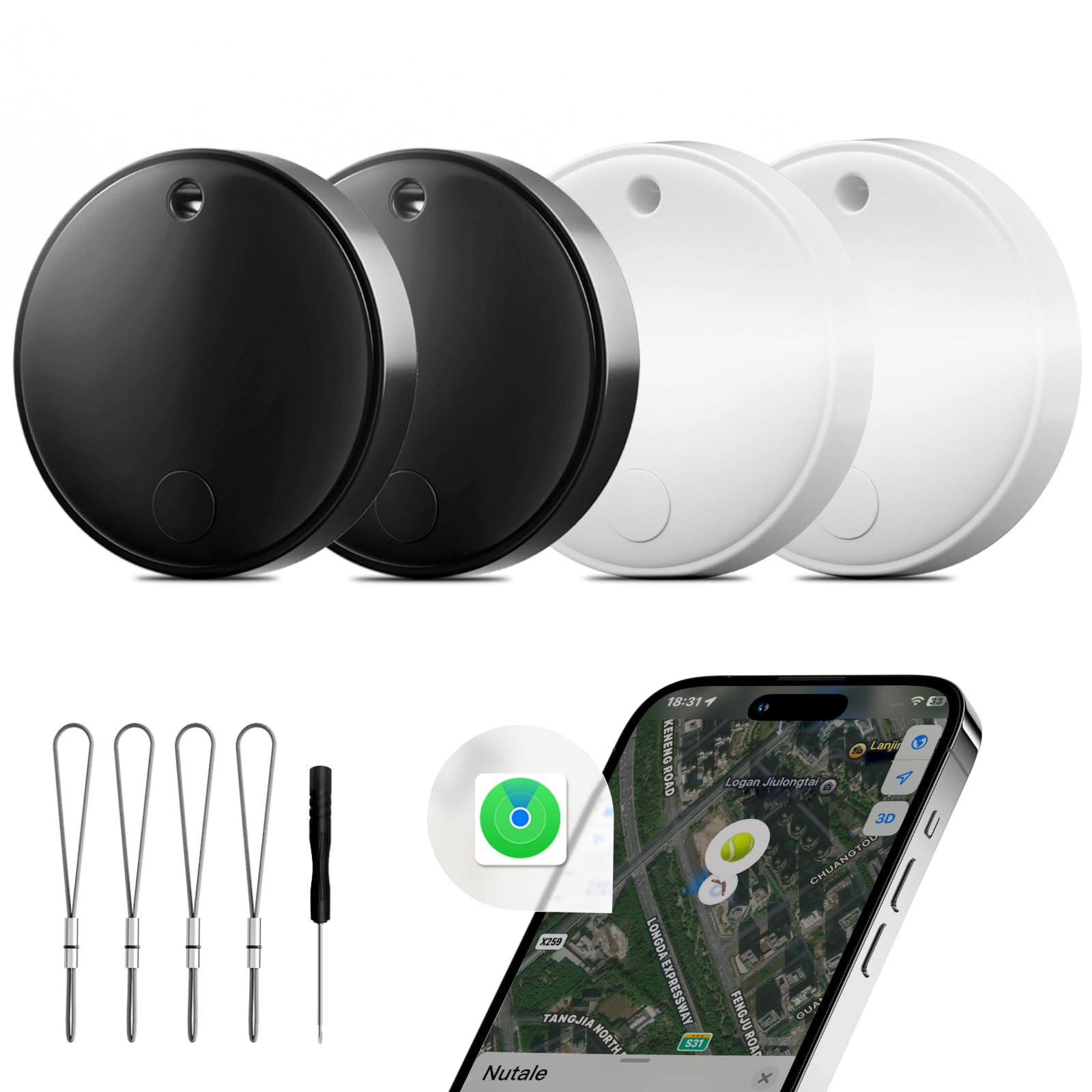
Image: Nutale Bluetooth Trackers (2 Black & 2 White) with the Apple Find My app interface.
Product Overview
The Nutale Smart Tracker features a compact design, making it easy to attach to various items. It operates on a replaceable CR2032 battery and integrates seamlessly with the Apple Find My network.

Image: Dimensions of the Nutale Tracker and included accessories (screwdriver, lanyards).
Key Features:
- Apple MFi Certified: Ensures compatibility and secure integration with the Apple Find My network.
- Global Accurate Location: Utilizes billions of iOS devices worldwide for precise tracking.
- Left-Behind Pop-up Reminders: Notifies you when you leave an item behind.
- Lost Mode: Allows others to access your contact information if they find your lost item.
- Privacy Protection: Anonymous and encrypted communication; location data is not stored on the tags.
- Anti-Tracking Alert: Notifies you if an unfamiliar tracker is moving with you.
- Compact Design: Small and lightweight for easy attachment to various items.
- Long-lasting Replaceable Battery: CR2032 battery lasts up to one year.
- Shared Management: Share item locations with up to 5 Apple IDs (iOS 17.0+).
Setup and Pairing
Follow these steps to set up your Nutale Bluetooth Tracker with your Apple device. Ensure your iOS device is running iOS 14.5+ (iPhone 7 or above) for full compatibility.
Step-by-Step Pairing Guide:
- Activate the Tracker: Press the button on the Nutale tracker. You will hear a quick sound indicating it's active and ready for pairing.
- Open Find My App: On your iPhone, open the "Find My" application.
- Add New Item: Navigate to the "Items" tab and tap the "+" icon.
- Select "Other Supported Item": Choose this option to add your Nutale tracker.
- Search for Item: Your iPhone will begin searching for nearby compatible items.
- Connect: Once "Nutale" appears on your screen, tap "Connect".
- Name Your Item: Assign a name to your tracker (e.g., "Keys," "Wallet," "Backpack"). You can also choose an emoji to represent it.
- Agree to Terms: Review and agree to the terms and conditions.
- Finish Setup: Tap "Finish" to complete the pairing process.

Image: Visual guide for connecting the Nutale Tracker to the Apple Find My app.
Video Guide:
Video: Demonstrates the unboxing, activation, and pairing process of the Nutale Smart Tracker with an iPhone using the Find My app.
Operating Your Nutale Tracker
Locating Items:
- Play Sound: In the Find My app, select your Nutale tracker and tap "Play Sound" to make it emit an audible alert, helping you find items nearby (up to 80dB+).
- Directions in Maps: If your item is out of Bluetooth range, the Find My app will show its last known location on a map. You can get directions to this location.

Image: Find My app interface showing item location and sound/direction options.

Image: Find My app displaying the location of a key tracker.
Advanced Features:
- Left-Behind Reminders: Enable this feature in the Find My app to receive a notification on your iOS device if you leave your tracked item behind.
- Lost Mode: If an item is lost, activate Lost Mode in the Find My app. You can leave a contact message, and if someone finds your item, they can use their Apple device to view your contact information and help return it.
- Shared Management: Share the location of your Nutale tracker with up to 5 other Apple IDs (requires iOS 17.0 or above). This allows family or friends to help locate items.
- Anti-Tracking Alert: Your iOS device will notify you if an unknown Nutale tracker is detected moving with you, enhancing your personal safety and privacy.

Image: Left-Behind Reminder and Lost Mode features in the Find My app.
Video Demonstrations:
Video: Shows various use cases for the Nutale Tracker, including finding items nearby and tracking items over longer distances using the Find My app.
Maintenance
Battery Replacement:
The Nutale tracker uses a replaceable CR2032 button cell battery, which typically lasts up to one year. When the battery is low, you will receive a notification on your iPhone or in the Find My app.
- Use the provided small screwdriver to open the tracker's casing.
- Carefully remove the old CR2032 battery.
- Insert a new CR2032 battery with the positive (+) side facing up.
- Close the casing securely.
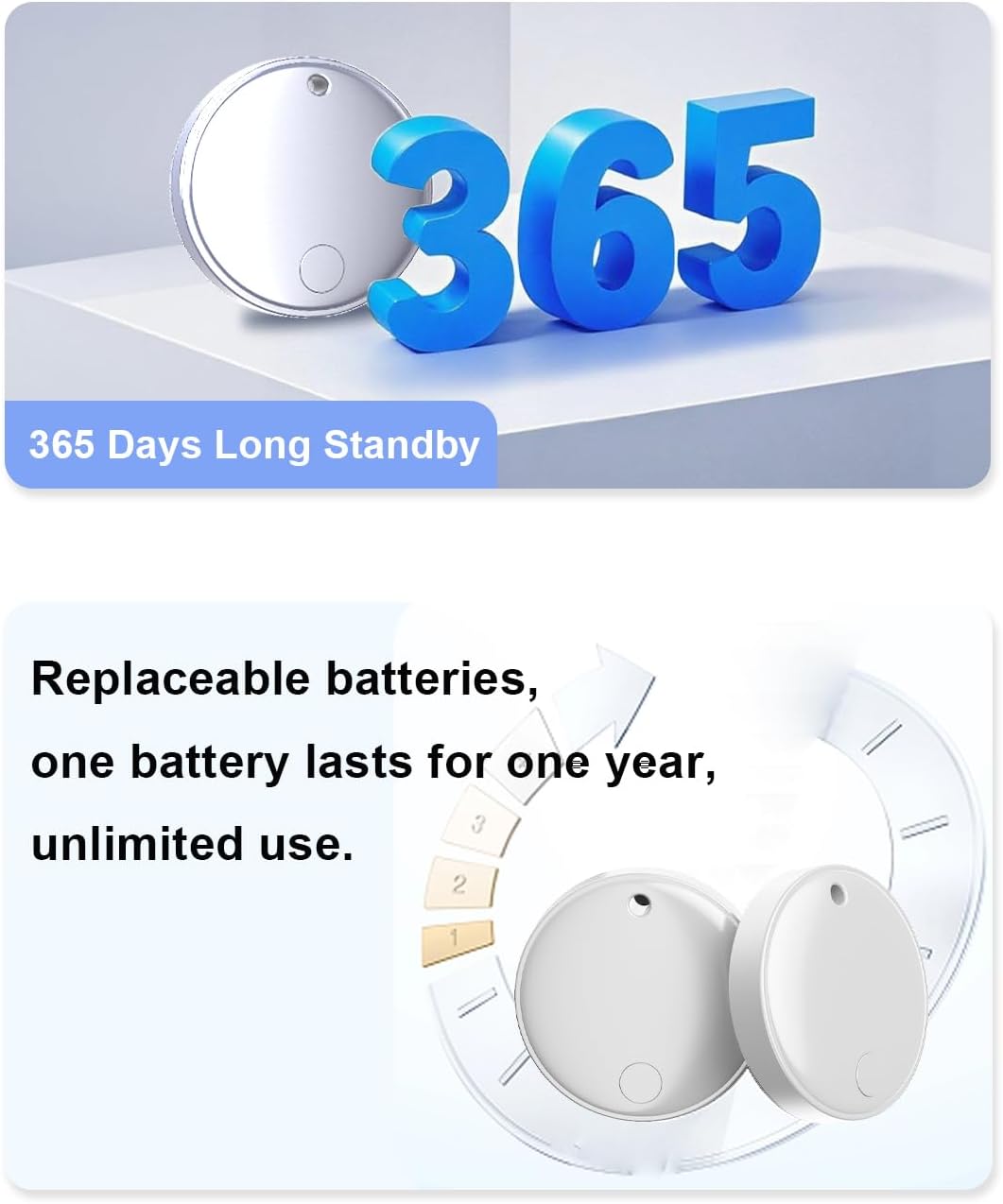
Image: Illustration of the Nutale Tracker's long-lasting, replaceable battery.
Cleaning:
Wipe the tracker with a soft, dry cloth. Avoid using harsh chemicals or abrasive materials.
Troubleshooting
Common Issues and Solutions:
- Tracker not pairing:
- Ensure the tracker's battery is not depleted.
- Make sure Bluetooth is enabled on your iOS device.
- Press the button on the tracker to activate it for pairing.
- Ensure your iOS device is running iOS 14.5 or later.
- Inaccurate location:
- The accuracy of location tracking relies on the density of Apple devices in the area. In areas with fewer Apple devices, location might be less precise.
- The tracker is designed for locating objects, not for real-time tracking of moving beings like pets, as Apple uses ultra-wideband technology rather than GPS.
- When placed inside a car, the vehicle's shielding effect can weaken the signal. For optimal tracking, consider attaching it to outdoor items like bicycles.
- No "Left-Behind" notifications:
- Check the settings in your Find My app to ensure "Notify When Left Behind" is enabled for the specific tracker.
- Verify that notifications are allowed for the Find My app in your iPhone's settings.
- Unwanted Tracking Alert:
- If you receive an "Unknown Tag Detected Moving With You" alert, it means an unfamiliar tracker is traveling with you. The tracker will also beep if it has been separated from its owner for more than three days. This is a privacy feature.
Specifications
| Feature | Detail |
|---|---|
| Brand | Nutale |
| Model Number | B0F6LG4M1B |
| Connectivity Technology | Bluetooth |
| Compatible Devices | iOS 14.5+ devices (iPhone 7 and above) |
| Battery Type | CR2032 Button Cell (4 included) |
| Battery Average Life | Up to 365 days |
| Material | Acrylonitrile Butadiene Styrene (ABS) |
| Item Weight | 9 Grams |
| Dimensions | 32 mm (1.26 inches) length/width, 8.57 mm (0.33 inches) thickness |
| Range | Up to 300 meters (Bluetooth) |
| Control Method | App (Apple Find My) |
Warranty and Support
Nutale is committed to providing excellent customer service and product support.
- 30-Day Return Policy: Enjoy a 30-day no-excuses return period.
- One-Year Free After-Sales Service: Your Nutale tracker is covered by a one-year warranty for after-sales support.
- 24-Hour Customer Response: Contact Nutale customer service for assistance, with responses typically within 24 hours.
- Manufacturer Warranty: 365 days.

Image: Nutale customer support information.


