
Scosche BTAXS3
Scosche BTAXS3 Hands-Free Audio Kit User Manual
Model: BTAXS3 | Brand: Scosche
Introduction
This manual provides comprehensive instructions for the proper use and maintenance of your Scosche BTAXS3 Hands-Free Audio Kit. This device allows you to upgrade your car stereo with Bluetooth capabilities for wireless music streaming and hands-free calling via your vehicle's 3.5mm AUX input.
What's in the Box
- Scosche BTAXS3 Bluetooth Receiver
- 4 Ft. USB-C to USB-C Charging Cable

Key Features
- Universal AUX Compatibility: Easily adds wireless music streaming and hands-free calls to any car radio with a 3.5mm auxiliary port.
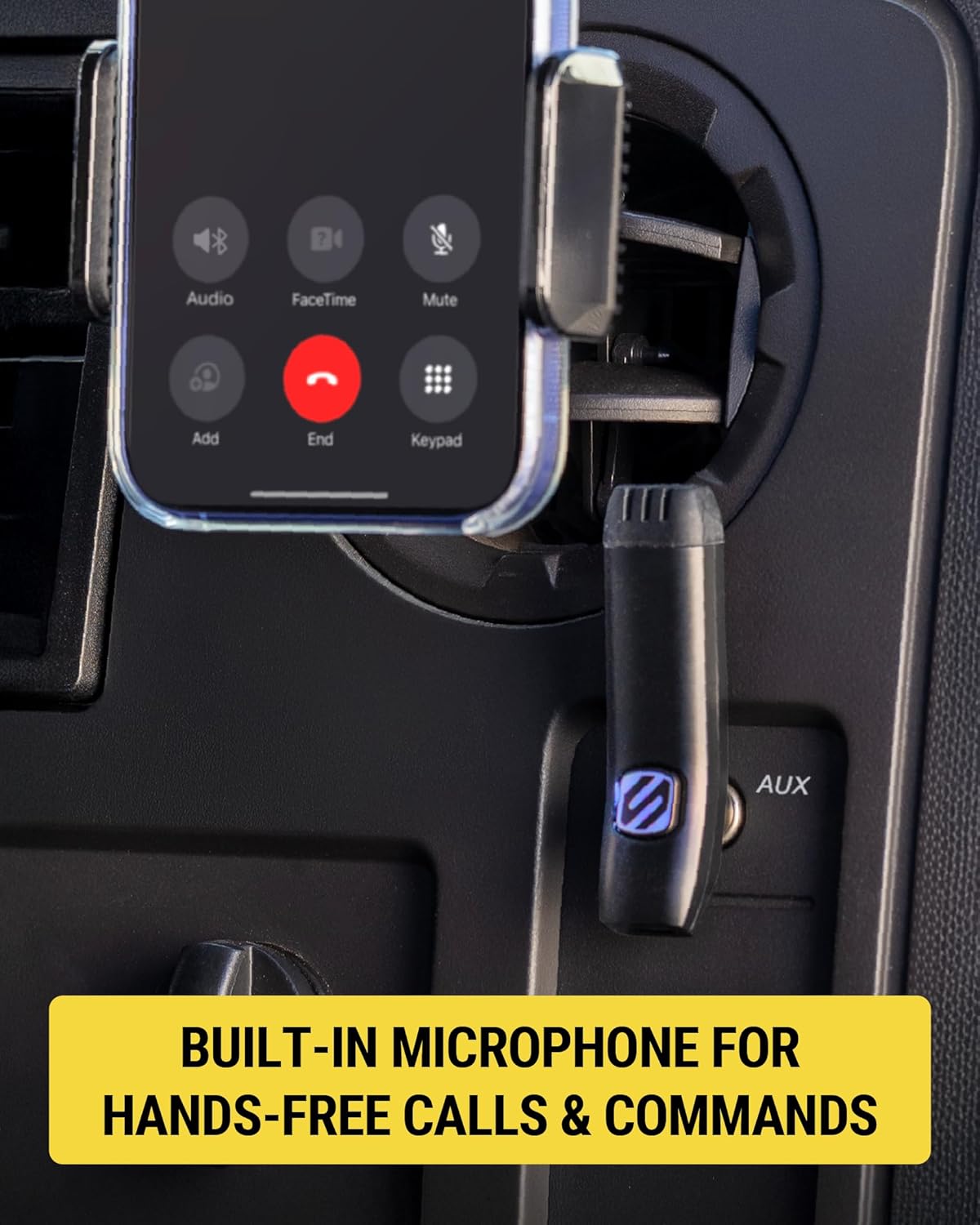
- Clear Hands-Free Calls: Features advanced DPS Echo cancellation and noise-filtering technology for crystal-clear audio during calls and navigation commands.
- Voice Assistant Ready: Supports Siri and Google Assistant for hands-free messaging, playlist selection, and calls via simple voice commands.
- Long Battery Life: Provides up to 6 hours of talk/music time and 180 hours of standby time on a single charge. Conveniently recharges via the USB-C port.
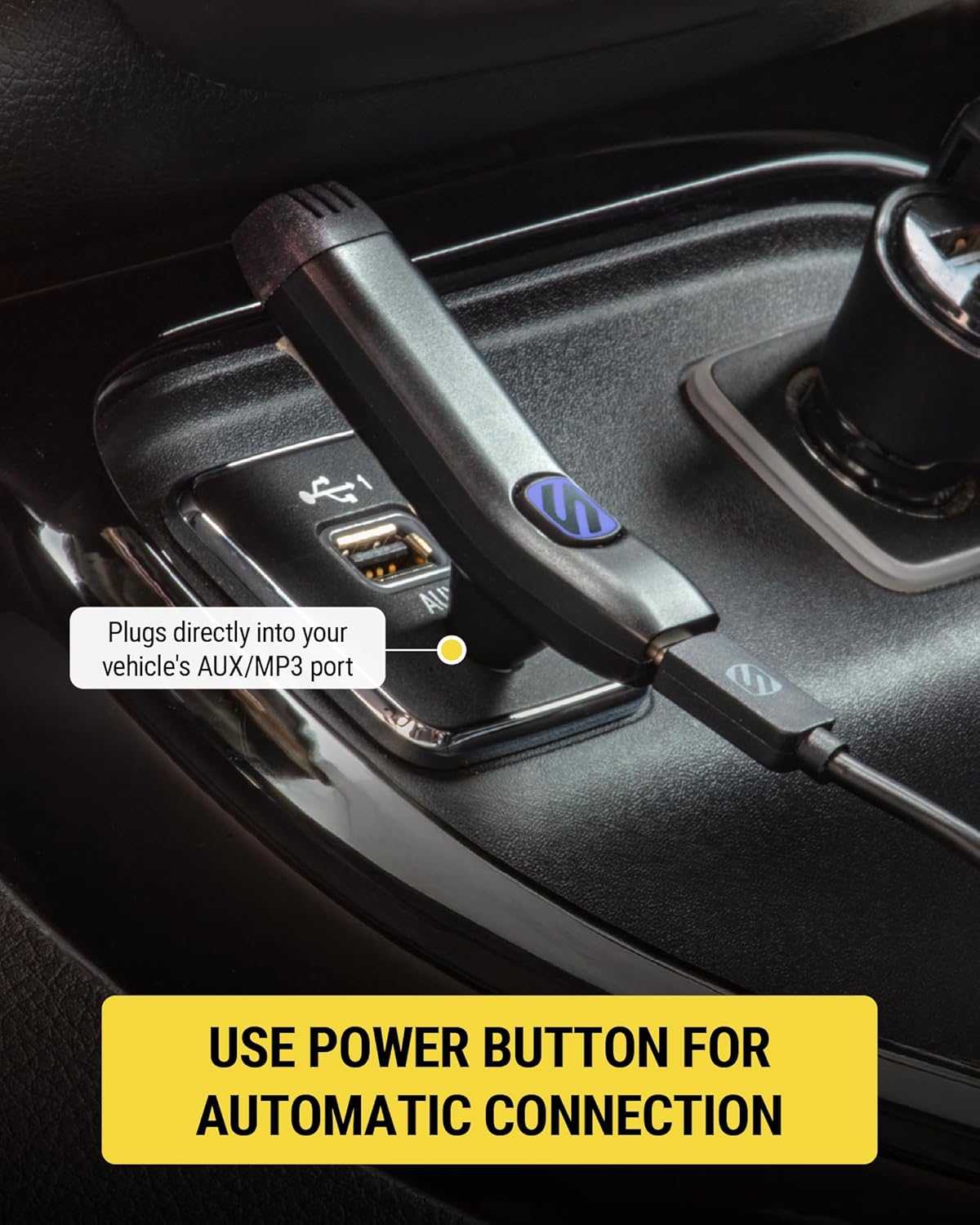
- Effortless Installation: Plugs directly into your car's AUX port for immediate wireless audio and hands-free convenience.
- Low Latency Encoding: Ensures smooth and stable Bluetooth audio streaming.


Setup Guide
- Charge the Device: Before first use, fully charge your BTAXS3 using the provided USB-C to USB-C charging cable. Connect the cable to the device's USB-C port and a compatible USB power source. The LED indicator will show charging status.
- Plug into AUX Port: Locate your vehicle's 3.5mm AUX input port. Plug the BTAXS3 directly into this port.
- Power On: Press and hold the multi-function button on the BTAXS3 until the LED indicator lights up, indicating the device is powered on and in pairing mode.
- Pair with Your Device: On your smartphone or other Bluetooth-enabled audio device, go to Bluetooth settings and select "Scosche BTAXS3" from the list of available devices to pair. Once paired, the LED indicator will change to a solid blue.
- Select AUX Input on Car Stereo: Set your car stereo's input source to AUX.
Operating Instructions
Music Playback
- Once paired, audio from your connected device will stream wirelessly to your car stereo via the AUX input.
- Use your smartphone or car stereo controls to manage music playback (play, pause, skip tracks, adjust volume).
Hands-Free Calling
- Answering/Ending Calls: Press the multi-function button once to answer an incoming call. Press it again to end a call.
- Rejecting Calls: Press and hold the multi-function button for 2 seconds to reject an incoming call.
- Voice Assistant Activation: Double-press the multi-function button to activate Siri or Google Assistant on your connected smartphone. You can then issue voice commands for navigation, messaging, or making calls.

Maintenance
- Cleaning: Use a soft, dry cloth to clean the device. Do not use liquid cleaners or aerosols.
- Storage: When not in use for extended periods, store the device in a cool, dry place away from direct sunlight and extreme temperatures.
- Battery Care: To prolong battery life, avoid fully discharging the device frequently. Recharge it regularly, even if not in constant use.
Troubleshooting
| Problem | Possible Cause | Solution |
|---|---|---|
| No audio output. | Device not paired, car stereo not on AUX, low battery, volume too low. | Ensure device is paired and powered on. Set car stereo to AUX input. Charge the BTAXS3. Increase volume on both the device and car stereo. |
| Cannot pair with smartphone. | Device not in pairing mode, Bluetooth off on phone, too many paired devices. | Ensure BTAXS3 is in pairing mode (flashing LED). Turn Bluetooth off and on again on your phone. Forget previous pairings on your phone and try again. |
| Poor call quality / Noise. | Interference, microphone obstruction. | Ensure the microphone is not obstructed. Move away from strong electromagnetic interference sources. |
| Short battery life. | Device not fully charged, aging battery. | Ensure the device is fully charged before use. If battery life significantly degrades, contact support. |
Specifications
- Model Number: BTAXS3
- Connectivity Technology: Bluetooth, USB
- Special Features: Built-In Microphone, Hands-Free Calls, Noise Cancellation
- Color: Black
- Item Weight: 5.6 ounces
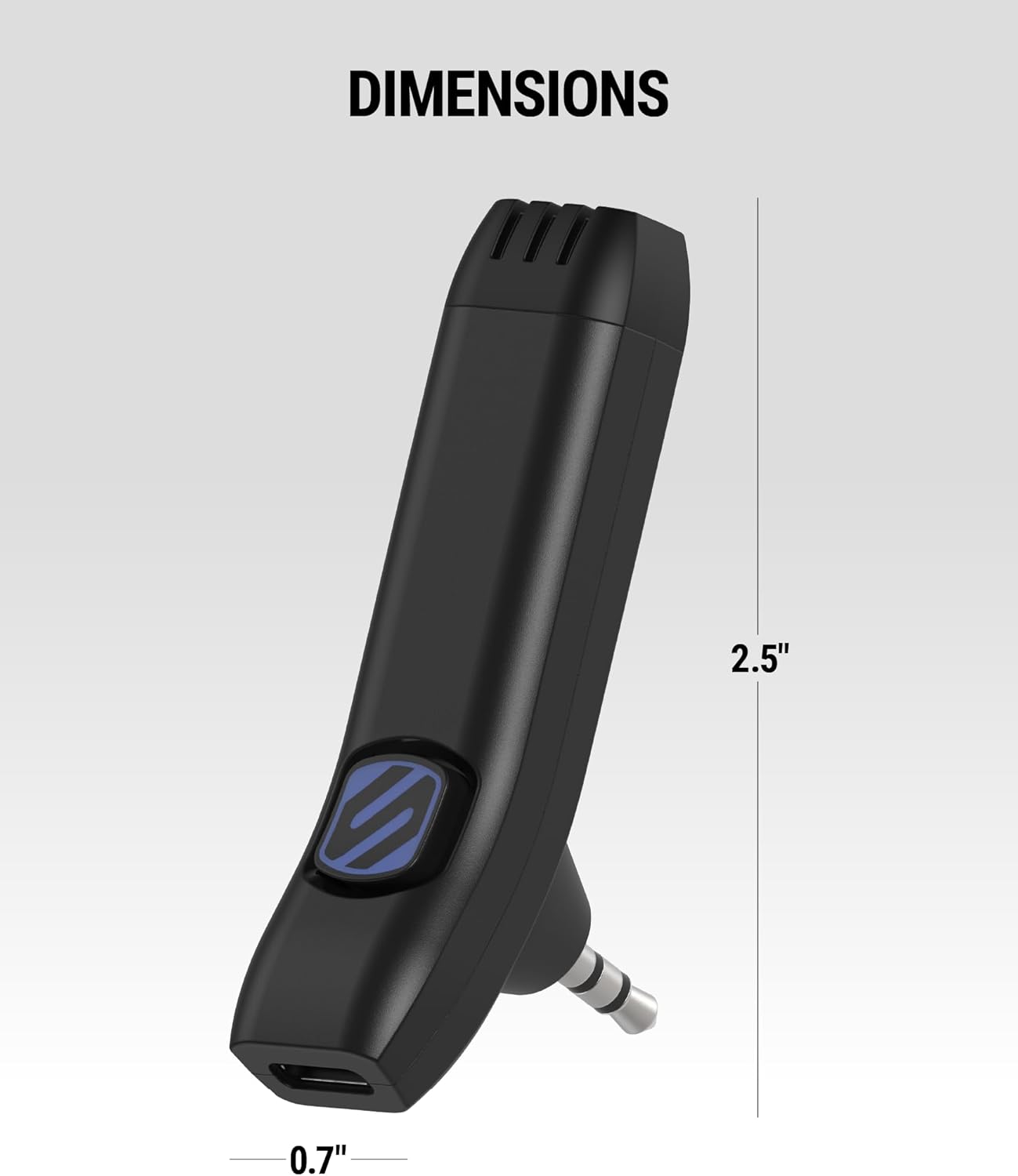
- Package Dimensions: 6.15 x 3.5 x 1.69 inches
- Power Source: Corded Electric (for charging)
Warranty and Support
The Scosche BTAXS3 Hands-Free Audio Kit is backed by Scosche's Limited 3-Year Warranty. For technical assistance or warranty claims, please contact Scosche customer support.
Scosche Customer Support:
- Lifetime Tech Support: Scosche provides lifetime technical support for this product.
- Visit the official Scosche website for contact information and further support resources: www.scosche.com
Related documentsBTAXS3
RELATED DOCUMENTBTFMView document →RELATED DOCUMENTBTFM3View document →RELATED DOCUMENTBTTRFM-RPView document →RELATED DOCUMENTScosche MotorMouth BTAXS3 Hands-Free Bluetooth Car Audio Kit User GuideUser guide for the Scosche MotorMouth BTAXS3, a hands-free Bluetooth car audio kit. Includes setup, charging, installation, operation instructions, specifications, and compliance information.View document →RELATED DOCUMENTBTAXS3_Spread.inddView document →RELATED DOCUMENTWireless Hands-Free Car Kit SBTFM4 User ManualUser manual for the Scosche SBTFM4 Wireless Hands-Free Car Kit. Includes setup instructions, Bluetooth pairing, FM transmission, charging features, and regulatory compliance information.View document →RELATED DOCUMENTScosche BTFREQ BTFM5 Wireless Hands-Free Car Kit User ManualUser manual for the Scosche BTFREQ BTFM5, a wireless hands-free car kit featuring Bluetooth calling, music streaming, and dual USB charging ports. Learn how to pair, connect, and use all features for your vehicle.View document →RELATED DOCUMENTScosche BTFREQ PRO Wireless Hands-Free Car Kit User ManualUser manual for the Scosche BTFREQ PRO Wireless Hands-Free Car Kit, detailing features, setup, operation, and specifications for Bluetooth connectivity, music streaming, hands-free calling, and USB charging.View document →


Ask a question about this manual
Ask about setup, troubleshooting, compatibility, parts, safety, or missing instructions. Manuals+ will review the question and use this page’s manual context to help answer it.