
1. Introduction
This manual provides essential information for the safe installation, operation, and maintenance of your CREATE WIND CLEAR STUDIO M ceiling fan. This silent ceiling fan features a 40W DC motor, retractable blades, 6 speed settings, an integrated LED light with 3 color temperatures, a programmable timer, and options for remote or WiFi app control. Please read these instructions thoroughly before installation and use, and retain them for future reference.

Figure 1: CREATE WIND CLEAR STUDIO M Ceiling Fan installed in a living room with blades retracted.
2. Safety Instructions
- Ensure the power supply is disconnected before installation, maintenance, or cleaning.
- Installation must be performed by a qualified electrician in accordance with local electrical codes.
- The mounting structure must be capable of supporting the fan's weight (refer to specifications).
- Maintain a minimum clearance of 2.3 meters (7.5 feet) from the floor to the lowest point of the fan blades.
- Do not insert objects into the path of the rotating blades.
- This appliance is for indoor use only.
3. Package Contents
Verify that all components are present before beginning installation:
- Ceiling Fan Unit with Integrated LED Light
- Remote Control
- Mounting Bracket and Hardware
- Two Fixing Rods (for double height installation)
- User Manual and Assembly Guide
4. Installation
Refer to the detailed Assembly Guide included in your package for step-by-step installation instructions. Professional installation is recommended to ensure safety and proper function.
- Mounting: Secure the mounting bracket to a ceiling joist or a suitable electrical junction box capable of supporting the fan's weight.
- Wiring: Connect the fan's electrical wires to your household wiring according to the wiring diagram in the Assembly Guide. Ensure all connections are secure.
- Assembly: Attach the fan motor housing and light kit. The fan includes two fixing rods to accommodate different ceiling heights.

Figure 2: CREATE WIND CLEAR STUDIO M Ceiling Fan with blades extended.
5. Operating Instructions
5.1 Remote Control Operation
The included remote control allows full functionality of your ceiling fan. Insert 2 AAA batteries (not included) into the remote.
- Power On/Off: Press the power button to turn the fan and light on or off.
- Fan Speed: Use the speed buttons to cycle through 6 available fan speeds.
- Light On/Off: Control the integrated LED light independently.
- Light Color Temperature: Adjust between 3 light color temperatures (Warm White 2700K, Neutral White 3300K, Cool White 4000K).
- Timer: Set the fan to automatically turn off after 1, 2, or 4 hours.
- Summer/Winter Mode: Switch between airflow directions.
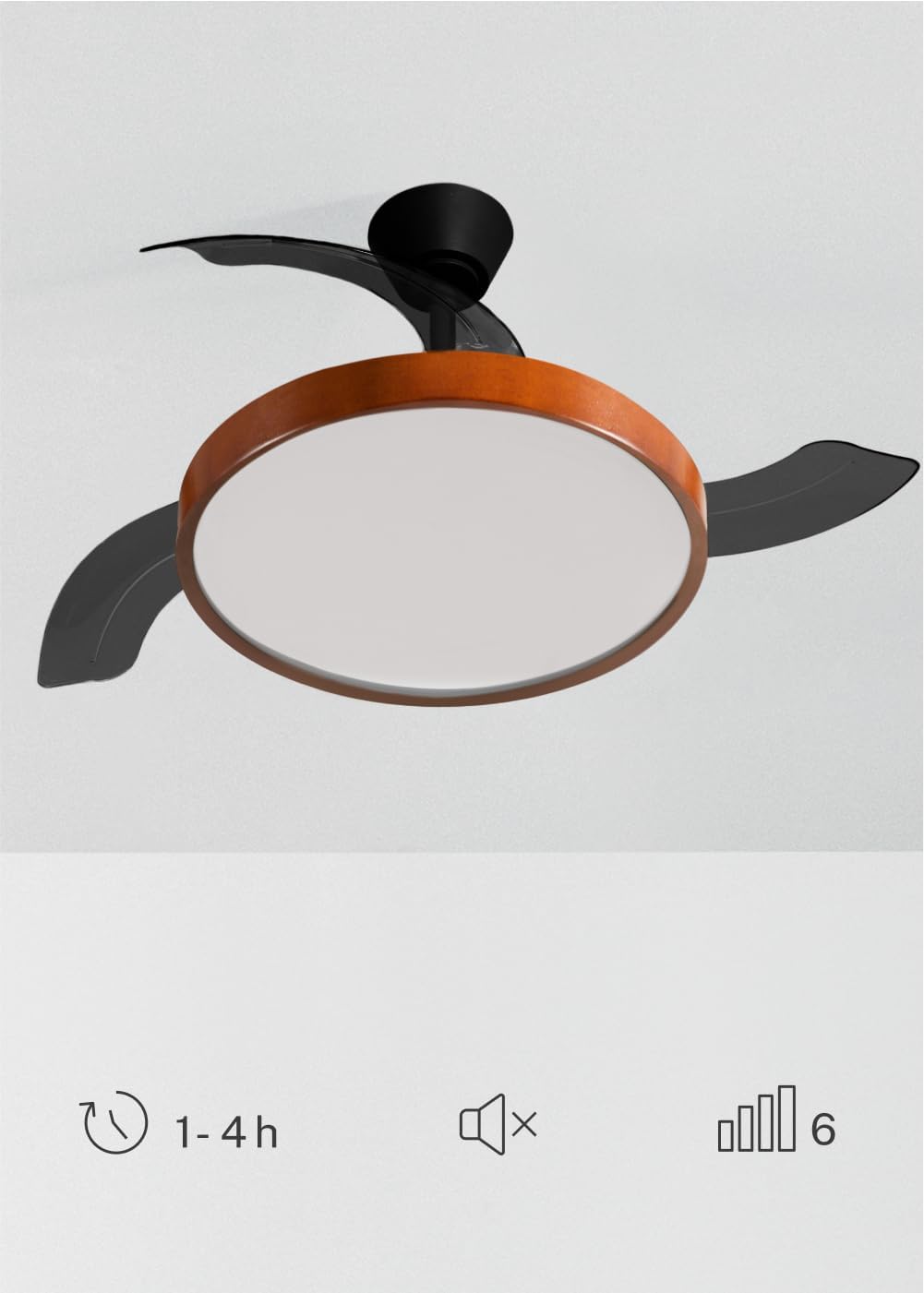
Figure 3: Fan features including timer, silent operation, and 6 speeds.
5.2 WiFi App Control
For advanced control and smart home integration, download the 'Create' app (or compatible smart home app like Tuya Smart) on your mobile device. Follow the in-app instructions to pair your fan. This allows control from your smartphone, including scheduling and remote access.
5.3 Summer/Winter Function
The fan features a reversible motor for year-round comfort:
- Summer Mode: Blades rotate counter-clockwise, pushing cool air downwards to create a refreshing breeze.
- Winter Mode: Blades rotate clockwise, drawing cool air up and redistributing warm air trapped near the ceiling, helping to warm the room more efficiently.

Figure 4: Summer and Winter mode airflow diagrams.
5.4 Light Settings
The integrated LED light offers three distinct color temperatures to suit your preference and environment:
- 2700K: Warm White, ideal for a cozy and relaxing atmosphere.
- 3300K: Neutral White, suitable for general illumination.
- 4000K: Cool White, best for tasks requiring bright, focused light.
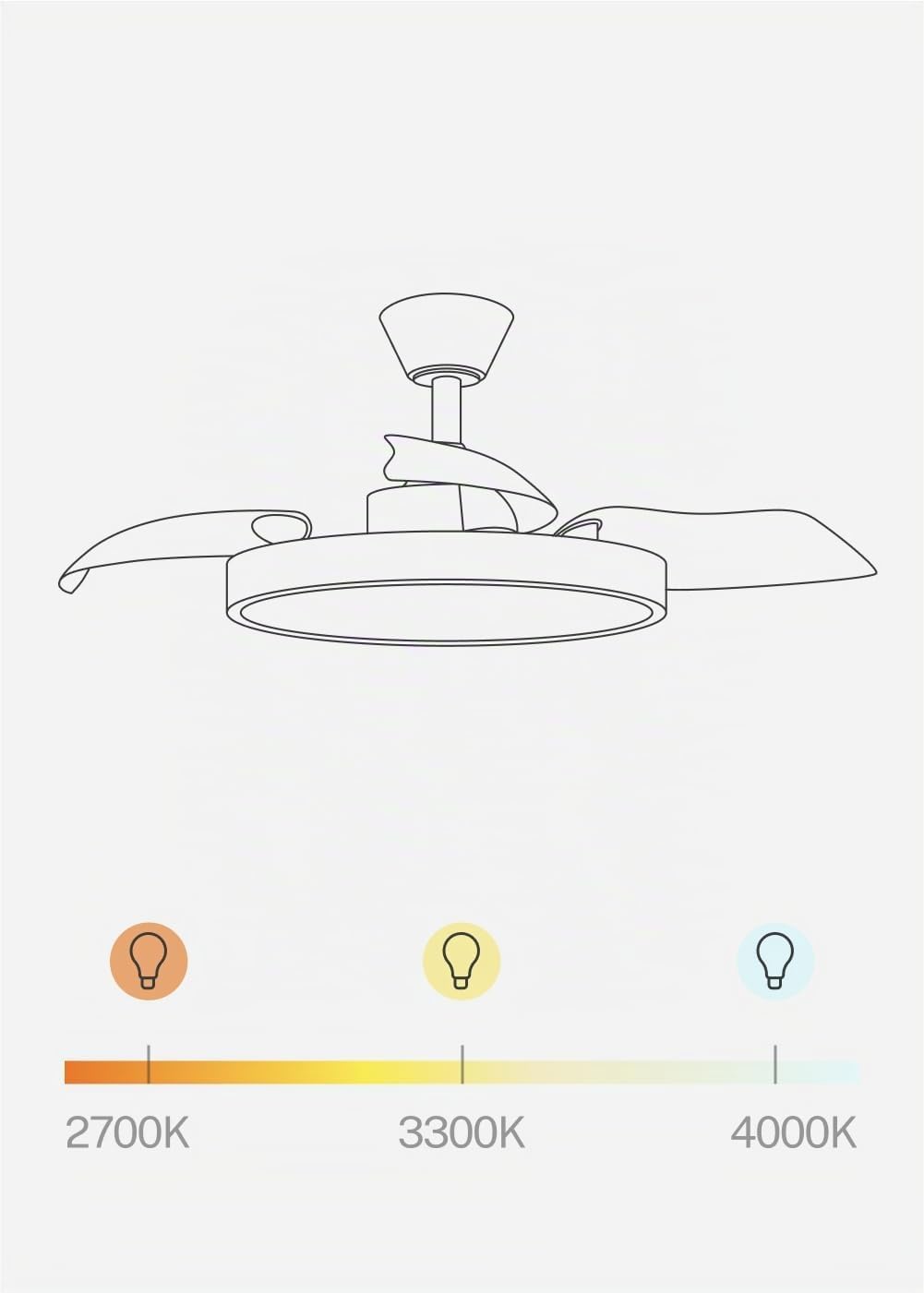
Figure 5: Adjustable light color temperatures.
6. Maintenance
Regular maintenance ensures optimal performance and longevity of your ceiling fan.
- Cleaning: Dust the fan blades and motor housing periodically with a soft, damp cloth. Do not use abrasive cleaners or solvents. Ensure the fan is turned off and power is disconnected before cleaning.
- Blade Inspection: Check the retractable blades for any signs of damage or imbalance.
- Tighten Fasteners: Periodically check and tighten all screws and fasteners on the mounting bracket and fan assembly.
7. Troubleshooting
| Problem | Possible Cause | Solution |
|---|---|---|
| Fan does not start | No power; Loose wiring; Remote battery dead | Check circuit breaker; Verify wiring connections; Replace remote batteries. |
| Light does not work | No power; Loose wiring; LED module fault | Check power; Verify wiring; Contact support if LED module is faulty. |
| Fan wobbles | Loose mounting; Unbalanced blades | Ensure mounting bracket is secure; Check all blade screws; Use a balancing kit if necessary. |
| Remote not responding | Dead batteries; Remote not paired | Replace batteries; Refer to pairing instructions in the Assembly Guide. |
| WiFi connectivity issues | Incorrect network; App issues; Router distance | Ensure 2.4GHz WiFi; Re-pair with app; Move router closer or use extender. |
If you encounter issues not listed here, or if solutions do not resolve the problem, please contact customer support.
8. Specifications

Figure 6: Recommended room size for fan operation.
| Feature | Detail |
|---|---|
| Brand | CREATE |
| Model Name | WIND CLEAR STUDIO M |
| Model Number | 194916_500603 |
| Color | Black and Dark Wood |
| Material | Plastic, Wood (Lampshade) |
| Size | Ø108 cm |
| Wattage | 40 Watts |
| Voltage | 240 Volts |
| Bulb Type | LED |
| Light Color Temperatures | 2700K, 3300K, 4000K |
| Control Method | Remote Control, Application (WiFi) |
| Connectivity Protocol | Wi-Fi |
| Features | 6 Speeds, Retractable Blades, Summer/Winter Function, Programmable Timer (1-4h) |
| Installation Type | Ceiling Mount |
| Indoor/Outdoor Use | Indoor |
| Assembly Required | Yes |
| Country of Origin | Spain |
9. Warranty and Support
Your CREATE WIND CLEAR STUDIO M ceiling fan is covered by a manufacturer's warranty. Please refer to the warranty card included in your package for specific terms and conditions.
For technical assistance, troubleshooting, or warranty claims, please contact CREATE customer support through their official website or the contact information provided in your product documentation.
Please have your model number (194916_500603) and purchase date ready when contacting support.