
JOYROOM JR-CCB03
Contents
JOYROOM Bluetooth 5.4 Car Adapter FM Transmitter (Model JR-CCB03) User Manual
Model: JR-CCB03
1. Introduction
Thank you for choosing the JOYROOM Bluetooth 5.4 Car Adapter FM Transmitter. This device allows you to stream audio from your smartphone or USB drive to your car's FM radio, make hands-free calls, and fast-charge multiple devices simultaneously. This manual provides detailed instructions for setup, operation, and maintenance to ensure optimal performance and safety.
2. Package Contents
- JOYROOM Bluetooth 5.4 Car Adapter FM Transmitter (Model JR-CCB03)
- USB-C to L Adapter
- User Manual (this document)
3. Product Overview
Familiarize yourself with the components and controls of your JOYROOM JR-CCB03 device.

Image: The JOYROOM JR-CCB03 device, featuring an LED display, control buttons, USB-A port, USB-C port, and a retractable USB-C cable, shown plugged into a car's power outlet.

Image: Detailed diagram illustrating the various functional components of the JR-CCB03, including its LED display, control buttons, and charging ports.
Key Components:
- LED Display: Shows FM frequency and other status information.
- Multifunctional Button: For answering/ending calls, playing/pausing music, and adjusting FM frequency.
- Previous/Next Buttons: For track control.
- USB Flash Drive Port (USB-A): For playing music from a USB drive.
- USB-C Charging Port (Female): For fast charging devices.
- Retractable USB-C Cable: Integrated cable for charging, extends up to 100cm.
- USB-C to L Adapter: Included for compatibility with Apple devices.
4. Setup Instructions
Follow these steps to set up your JOYROOM JR-CCB03 FM Transmitter.
4.1 Initial Connection and FM Frequency Matching
- Plug In: Insert the JR-CCB03 into your car's 12V-24V cigarette lighter socket. The device will power on automatically.
- Find an Unused FM Station: Tune your car's FM radio to an empty frequency, one that has no strong broadcast signal and only static. Frequencies between 88.1MHz and 107.9MHz are supported.
- Match Device Frequency:
- Long-press the Multifunctional Button on the JR-CCB03 until the frequency display starts flashing.
- Use the Previous (◀◀) and Next (▶▶) buttons to adjust the device's FM frequency to match the empty station you found on your car radio.
- Once matched, the display will stop flashing, indicating the frequency is set.

Image: Visual guide for the initial setup process, demonstrating how to find an empty FM frequency and synchronize the device with your car's radio.
4.2 Bluetooth Connection
- Enable Bluetooth: On your smartphone or other Bluetooth-enabled device, turn on Bluetooth.
- Pair Device: Search for available Bluetooth devices and select "JR-CCB03" from the list. Once connected, the device will indicate a successful pairing (e.g., a voice prompt or stable Bluetooth icon on the LED display).
4.3 USB Drive Playback Setup
Alternatively, you can play music directly from a USB flash drive.
- Insert USB Drive: Plug your USB flash drive into the dedicated USB flash drive port (USB-A) on the JR-CCB03.
- Automatic Playback: The device will automatically detect and begin playing audio files (e.g., MP3, WAV) from the USB drive.
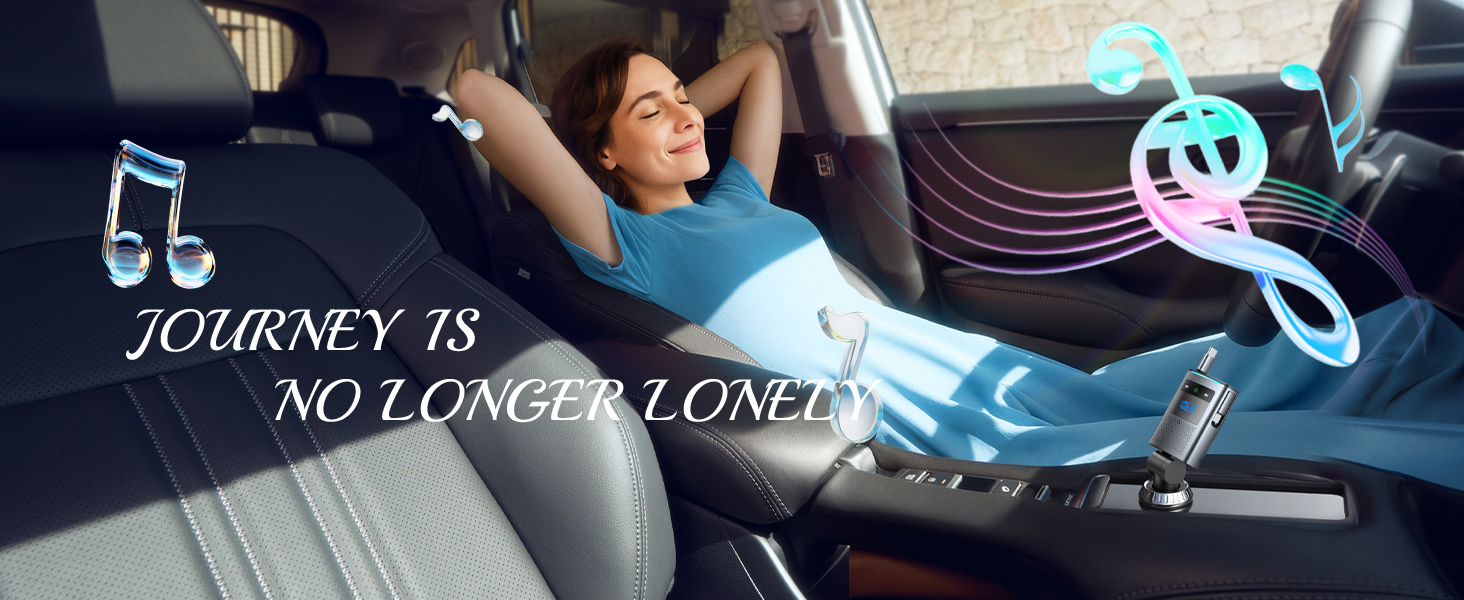
Image: Instructions for setting up USB drive playback, including plugging in the device, tuning the FM frequency, and inserting the USB drive.
5. Operating Instructions
5.1 Music Playback
- Play/Pause: Press the Multifunctional Button once to play or pause music.
- Next Track: Press the Next (▶▶) button once to skip to the next track.
- Previous Track: Press the Previous (◀◀) button once to go to the previous track.
- Volume Control: Long-press the Previous (◀◀) button to decrease volume, and long-press the Next (▶▶) button to increase volume. Ensure your phone's volume is also set to maximum for optimal sound quality.

Image: Depiction of the device's capability to deliver high-quality wireless music, highlighting its noise reduction features.
5.2 Hands-Free Calling
The JR-CCB03 features an integrated microphone for clear hands-free communication.
- Answer Call: Press the Multifunctional Button once to answer an incoming call.
- End Call: Press the Multifunctional Button once during a call to end it.
- Reject Call: Long-press the Multifunctional Button to reject an incoming call.
- Redial: Double-press the Multifunctional Button to redial the last number.

Image: Illustration of hands-free calling functionality, showing a driver safely communicating using the device.

Image: Demonstrates the improved clarity of calls due to the device's enhanced microphone and noise reduction technology.
6. Charging Features
The JR-CCB03 offers versatile and fast charging capabilities for your devices.
- 90W Fast Charging: Equipped with a 45W PD (Power Delivery) and QC 3.0 (Quick Charge) charging port, and 45W retractable USB-C cables, allowing for simultaneous fast charging of two devices.
- Retractable USB-C Cables: The integrated USB-C cables are adjustable up to 100cm (39.37 inches) in length, providing convenience and reducing cable clutter.
- USB-C Female Port: An additional USB-C female port is available for connecting your own USB-C cables.
- USB-C to L Adapter: An adapter is included to ensure compatibility with Apple devices that use the L interface.

Image: Highlights the 90W fast charging feature, demonstrating its efficiency in charging various smartphone models.
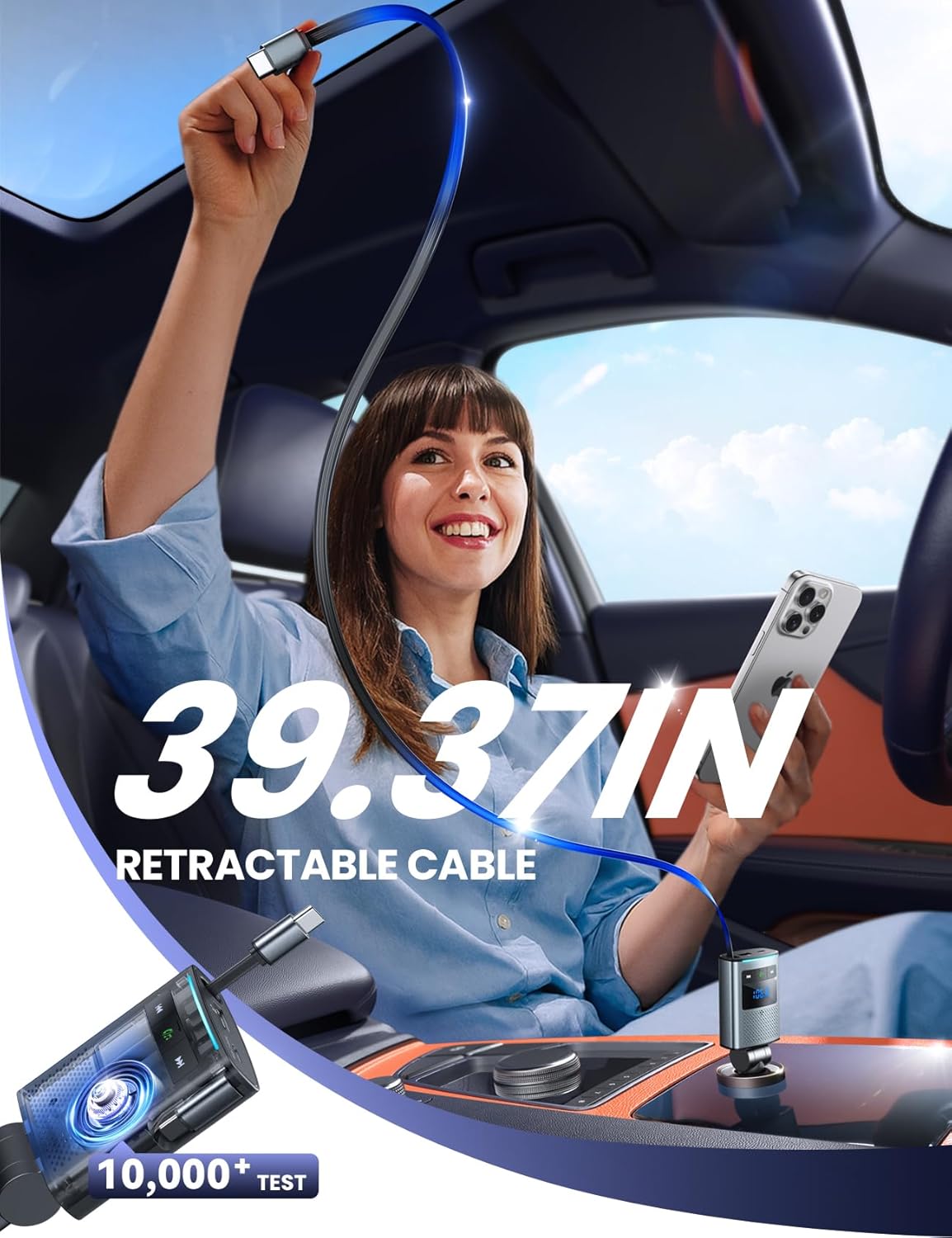
Image: Shows the convenience of the 100cm (39.37 inch) retractable USB-C cable for charging devices within the car.

Image: Illustrates the device's 180-degree adjustable design for flexible positioning and the included USB-C to L adapter for broad compatibility.
7. Maintenance
To ensure the longevity and optimal performance of your JOYROOM JR-CCB03, follow these simple maintenance guidelines:
- Cleaning: Use a soft, dry cloth to wipe the device. Avoid using liquid cleaners or abrasive materials, as they may damage the surface or internal components.
- Storage: When not in use, store the device in a cool, dry place away from direct sunlight and extreme temperatures.
- Cable Care: Gently retract the USB-C cables after use. Avoid pulling them forcefully or allowing them to tangle, which can cause damage.
8. Troubleshooting
If you encounter any issues with your JR-CCB03, refer to the following common problems and solutions:
- No Power/Device Not Turning On:
- Ensure the device is securely plugged into the car's cigarette lighter socket.
- Check if your car's cigarette lighter socket is functioning correctly (e.g., by testing with another device).
- Poor Sound Quality/Static:
- FM Frequency: Re-scan for a clearer, unused FM frequency on your car radio and match the JR-CCB03 to it. Avoid frequencies with strong local radio stations.
- Volume Levels: Ensure both your smartphone's volume and the JR-CCB03's output volume (long-press arrow buttons) are set to maximum for optimal audio output.
- Interference: Move the device slightly or try a different cigarette lighter socket if available, to minimize potential electrical interference.
- Bluetooth Connection Issues:
- Ensure Bluetooth is enabled on your smartphone and the JR-CCB03 is in pairing mode.
- Forget "JR-CCB03" from your phone's Bluetooth settings and attempt to re-pair.
- Restart both your phone and the JR-CCB03 (by unplugging and re-plugging).
- Charging Not Working/Slow:
- Verify that the charging cables are securely connected to both the device and your phone.
- Ensure your device supports fast charging protocols (PD/QC 3.0) to utilize the full 90W output.
- Check if the retractable cable is fully extended and not damaged.
9. Specifications
| Feature | Detail |
|---|---|
| Model Number | JR-CCB03 |
| Bluetooth Version | 5.4 |
| FM Frequency Range | 88.1MHz - 107.9MHz |
| Input Voltage | 12V-24V (Cigarette Lighter Socket) |
| Charging Output | 90W (45W PD & QC 3.0 port + 45W retractable USB-C cable) |
| Retractable Cable Length | Up to 100cm (39.37 inches) |
| Playback Methods | Bluetooth, USB Flash Drive |
| Material | Acrylonitrile Butadiene Styrene (ABS), Polycarbonate (PC) |
| Item Weight | 4.9 ounces |
| Package Dimensions | 6.81 x 2.28 x 1.26 inches |
| Compatibility | 99% of smartphones, 12V-24V vehicle cigarette lighter sockets |
10. Safety Information
The JOYROOM JR-CCB03 is designed with multiple safety features to protect your devices and vehicle:
- Over-Current Protection: Prevents damage from excessive current flow.
- Over-Voltage Protection: Safeguards against voltage spikes.
- Over-Heat Protection: Monitors and regulates internal temperature.
- Short-Circuit Protection: Automatically cuts power in case of a short circuit.
Always ensure the device is used within its specified voltage range (12V-24V) and avoid exposing it to extreme temperatures or moisture.
11. Warranty and Support
JOYROOM products are manufactured with high-quality standards. For any product-related inquiries, technical support, or warranty claims, please contact JOYROOM customer service through the retailer where you purchased the product or visit the official JOYROOM website for contact information.
Documents and downloads
Ask a question about this manual
Ask about setup, troubleshooting, compatibility, parts, safety, or missing instructions. Manuals+ will review the question and use this page’s manual context to help answer it.