Welcome to the NDO T07 Bluetooth Earbuds user manual. These earbuds are designed to provide a superior audio experience with advanced features like Bluetooth 5.3, IPX7 waterproofing, and extended playtime. This manual will guide you through the setup, operation, and maintenance of your new earbuds to ensure optimal performance and longevity.
Image: NDO T07 Bluetooth Earbuds in their charging case, showing the digital battery display.
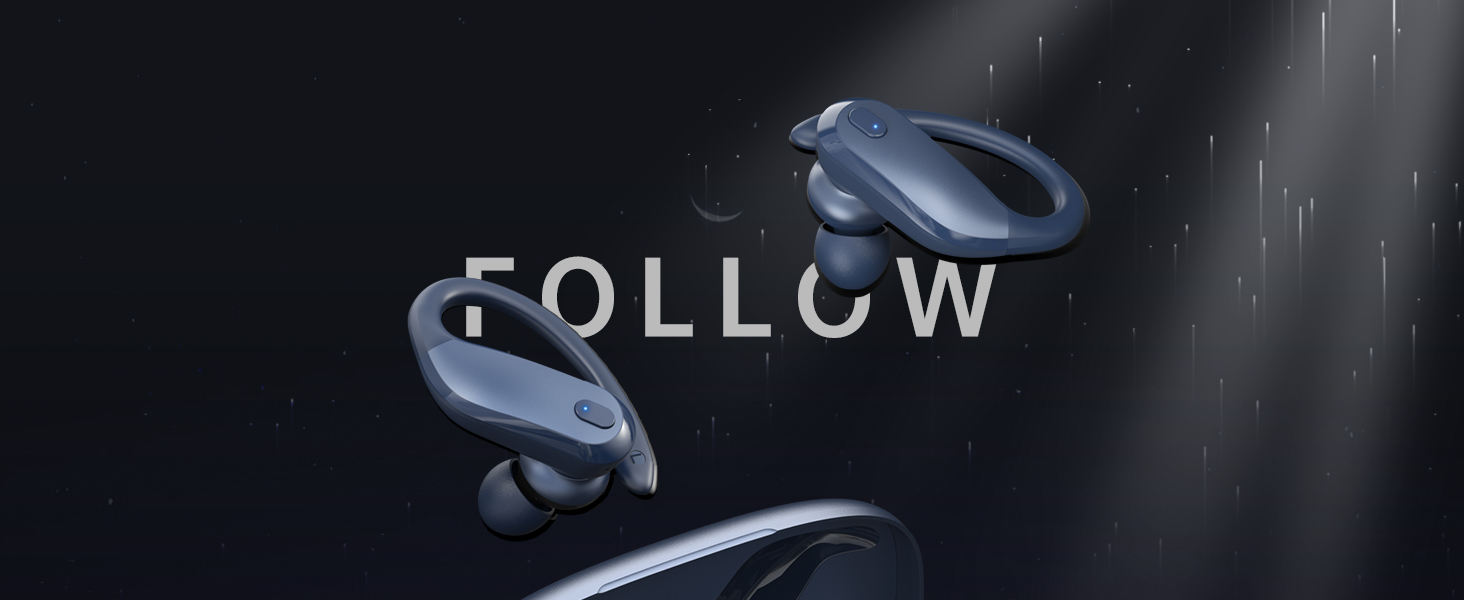
Image: Earbuds designed for comfort and to stay securely in place during activity.
What's in the Box
Your NDO T07 Bluetooth Earbuds package includes the following items:
Bluetooth headphones (left and right earbuds)
Charging Cable (Type-C)
User Manual
Ear Cushions (various sizes)
Eartips (various sizes)
Key Features
Crystal Clear Sound & Advanced Bluetooth 5.3: Enjoy hi-fi audio with powerful bass and seamless true wireless stereo technology. Bluetooth 5.3 ensures stable connection, low latency, and compatibility with iOS, Android, and other Bluetooth-enabled devices.
IPX7 Waterproof & Secure Fit for Sports: Designed with flexible earhooks and ultra-lightweight (7.8g) earbuds, perfect for running, gym, and outdoor activities. IPX7 waterproof rating protects against sweat and rain, keeping your earbuds safe during workouts.
Long-Lasting Battery Life & Fast Charging: Get up to 6 hours of continuous playback per charge, with a compact charging case that extends total playtime to 48 hours. Quick 1.5-hour full charge with Type-C cable ensures minimal downtime.
Comfortable & Customizable Fit: Includes three sizes of silicone ear tips for personalized comfort and a secure fit that won’t fall out, even during intense exercise.
Easy Touch Controls & Noise Cancelling Microphone: Manage music, calls, and voice assistants effortlessly with intuitive touch controls. Built-in ENC microphone reduces background noise for crystal-clear calls anywhere you go.
Setup
1. Charging the Earbuds and Case
Before first use, ensure both the earbuds and the charging case are fully charged. The charging case provides extended battery life for your earbuds.
Connect the provided Type-C charging cable to the charging port on the case and a USB power source.
The LED display on the charging case will indicate the battery level. A full charge for the case takes approximately 2 hours.
Place the earbuds into the charging case. They will automatically begin charging. A single charge provides up to 6 hours of playback, and the case extends total playtime to 48 hours.
Image: Earbuds in their charging case, illustrating charging times and battery life.
2. Pairing with Your Device (One-Step Auto Pairing)
The NDO T07 earbuds feature one-step auto pairing for quick and easy connection.
Open the charging case. The earbuds will automatically enter pairing mode.
On your device (smartphone, tablet, etc.), go to Bluetooth settings.
Select "T07" from the list of available devices.
Once connected, you will hear a confirmation tone, and the device will show "Connected".
Image: Earbuds shown with multiple compatible devices, highlighting seamless connectivity.
For a visual guide on pairing and features, please watch the official product video:
Video: An introduction to the wireless earbuds' colors and Bluetooth headphone functions, demonstrating features like Bluetooth 5.3, HiFi sound, one-step auto pairing, Type-C charging, battery life, smart touch control, and vibrant color options.
Operating Instructions
The NDO T07 earbuds feature intuitive touch controls for easy management of your audio and calls.
Touch Controls
Action
Function
Single Tap (L/R)
Play/Pause Music, Answer/End Call
Double Tap (Left Earbud)
Previous Track
Double Tap (Right Earbud)
Next Track
Triple Tap (L/R)
Activate Voice Assistant
Long Press (L/R, 2s)
Reject Call
Long Press (L/R, 3s)
Power On/Off (when not in case)
The built-in ENC noise-cancelling microphone ensures clear calls by reducing background noise.
Maintenance
To ensure the longevity and optimal performance of your NDO T07 earbuds, follow these maintenance guidelines:
Cleaning: Regularly clean the earbuds and charging case with a soft, dry, lint-free cloth. Do not use abrasive cleaners or solvents.
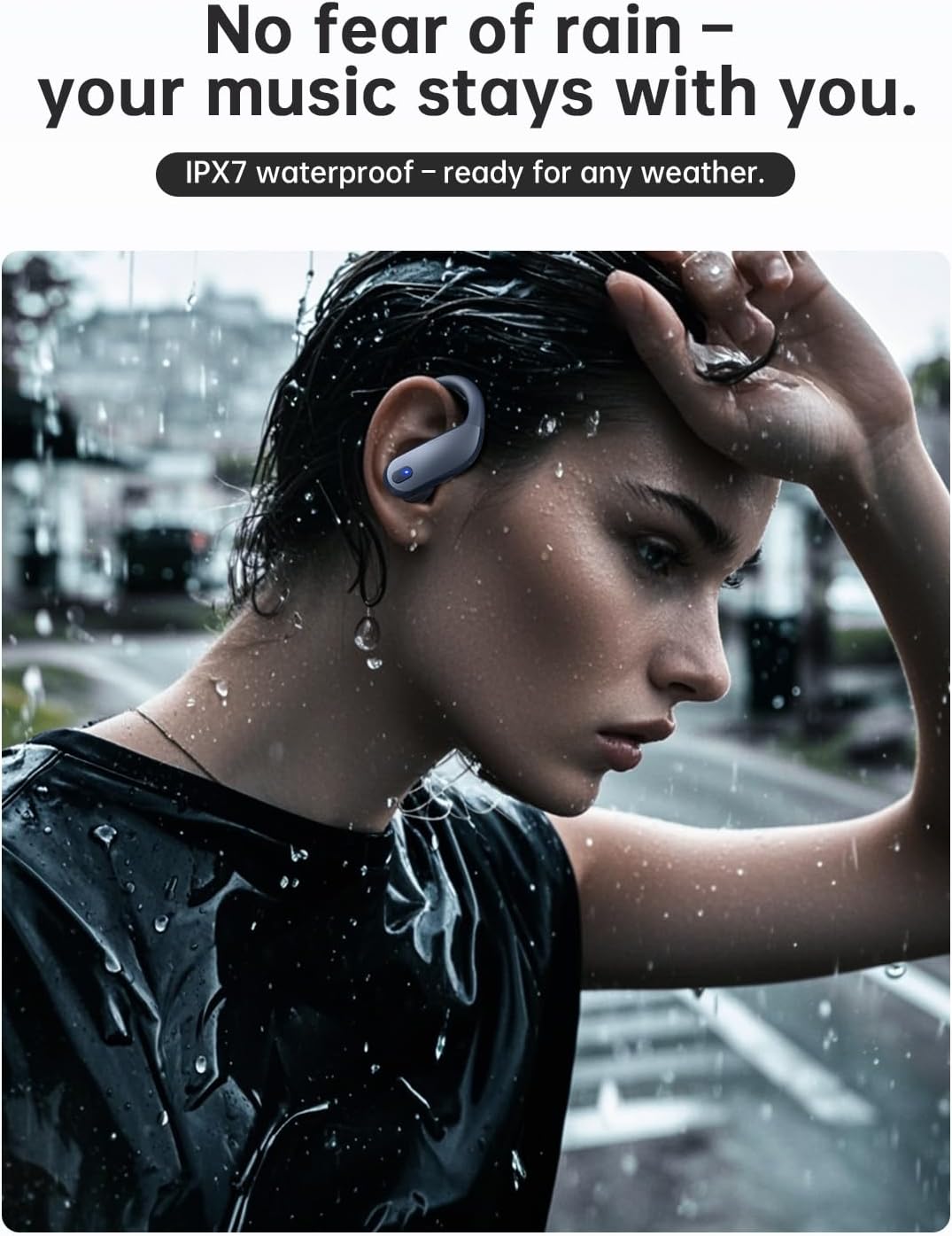
Water Resistance (IPX7): The earbuds are IPX7 waterproof, meaning they can withstand immersion in water up to 1 meter for 30 minutes. This protects against sweat and rain during workouts. However, they are not designed for swimming or prolonged submersion. Ensure the charging port is dry before charging.
Storage: Store the earbuds in their charging case when not in use to protect them and keep them charged. Avoid extreme temperatures.
Ear Tips: Clean the silicone ear tips regularly. If they become worn or damaged, replace them with new ones to maintain sound quality and a secure fit.
Image: Earbuds are IPX7 waterproof, suitable for use in rainy conditions or during intense workouts.
Troubleshooting
If you encounter any issues with your NDO T07 earbuds, please refer to the following common solutions:
Problem
Solution
Earbuds not pairing
Ensure earbuds are charged. Turn off and on Bluetooth on your device. Forget "T07" from your device's Bluetooth list and re-pair. Place earbuds back in case, close, then reopen.
Only one earbud working
Ensure both earbuds are charged. Place both earbuds back in the charging case, close the lid for 5 seconds, then open again. This should re-sync them. If issue persists, try resetting the earbuds (refer to manufacturer's website for specific reset instructions if not in manual).
Low volume or poor sound quality
Adjust volume on both your device and the earbuds. Ensure ear tips are correctly sized and form a good seal in your ear. Clean ear tips and earbud mesh to remove any debris.
Earbuds not charging
Check the charging cable and power adapter. Ensure the charging contacts on the earbuds and inside the case are clean and free of debris. Verify the charging case itself has power.
Connection drops frequently
Ensure your device is within the Bluetooth range (typically 10 meters/33 feet) without significant obstacles. Avoid strong electromagnetic interference.
If these steps do not resolve your issue, please contact NDO customer support for further assistance.
Specifications
Feature
Detail
Model Name
T07
Brand
NDO
Connectivity Technology
Wireless (Bluetooth 5.3)
Water Resistance Level
IPX7 (Water Repellent)
Earbud Weight
7.8g (per earbud)
Single Charge Playtime
Up to 6 hours
Total Playtime (with charging case)
Up to 48 hours
Charging Time (Case)
Approx. 1.5 - 2 hours (Type-C)
Control Type
Touch Control
Microphone
Built-in with ENC Noise Cancelling
Earpiece Shape
Hook
Compatible Devices
Cellphones (iOS, Android, other Bluetooth-enabled devices)
Product Dimensions
1.77 x 5.12 x 3.23 inches
Item Weight
4.6 ounces
Image: Design notes illustrating the ergonomic and lightweight construction of the earbuds.
Warranty and Support
For warranty information and customer support, please refer to the documentation included with your purchase or contact the seller directly. Keep your proof of purchase for any warranty claims.
Seller: Kamaco US
For further assistance, you may also visit the NDO brand story page on Amazon for general information about the brand's commitment to quality and user experience.
Image: NDO Brand Logo.
Related Documents - T07
TRANSFORMERS TF-T07 Ear-hanging Bluetooth Earphones User Manual Comprehensive user manual for TRANSFORMERS TF-T07 Bluetooth earphones, covering product specifications, packing list, operation instructions, wearing methods, LED indicators, touch controls, factory reset, harmful substances compliance, warranty information, and FCC warnings.
T07 Detector User Manual - Wireless and Infrared Signal Detection User manual for the T07 Detector, a multifunctional device for detecting hidden cameras, bugs, and wireless devices using infrared scanning and passive wireless scanning. Learn about product features, precautions, operating instructions, and scope of application.
Migrating Existing MSO Cluster to Nexus Dashboard Learn how to migrate your Cisco Multi-Site Orchestrator (MSO) cluster to the Nexus Dashboard Orchestrator (NDO) platform. This guide covers prerequisites, backup, deployment, cloud site upgrades, and configuration drift resolution for Cisco networking environments.
SAMCON Hazardous Area Cameras and Lighting Systems Catalog 2025 Comprehensive catalog of SAMCON's ExCam series explosion-proof cameras, thermal cameras, lighting systems, and accessories designed for hazardous areas (ATEX, IECEx certified). Features industrial-grade solutions for oil & gas, chemical, pharmaceutical, and other demanding industries.
Ask a question about this manual
Ask about setup, troubleshooting, compatibility, parts, safety, or missing instructions. Manuals+ will review the question and use this page’s manual context to help answer it.