
INFURTURE BH127AU
Contents
INFURTURE Wearable Bluetooth Speaker User Manual
Model: BH127AU
Brand: INFURTURE
Introduction
This manual provides comprehensive instructions for the safe and effective use of your INFURTURE Wearable Bluetooth Speaker. Please read this manual thoroughly before operating the device and retain it for future reference.

Figure 1: INFURTURE Wearable Bluetooth Speaker (Blue)
Package Contents
Ensure all items are present in the package:
- 1 x INFURTURE Wearable Bluetooth Speaker
- 1 x Power Cable (USB-C)
- 1 x User Manual (this document)
Setup
1. Initial Charging
Before first use, fully charge the speaker. Connect the provided USB-C power cable to the speaker's charging port and a compatible USB power source. A full charge takes approximately 1.5 hours and provides up to 15 hours of playtime.
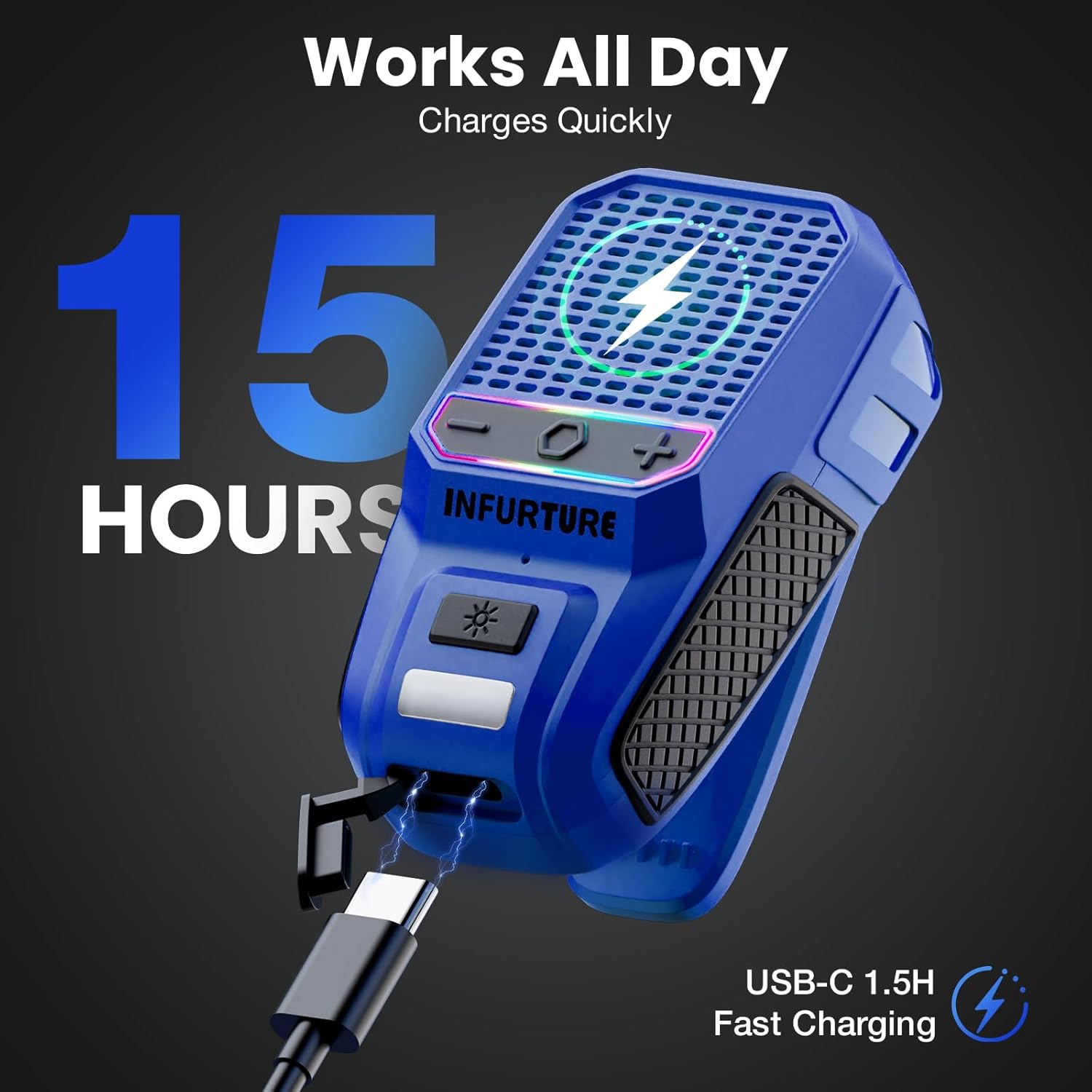
Figure 2: Charging the speaker and battery life indication.
2. Power On/Off
- To Power On: Press and hold the Multi-Function Button (MFB) for 2-3 seconds until the indicator light illuminates.
- To Power Off: Press and hold the MFB for 2-3 seconds until the indicator light turns off.
3. Bluetooth Pairing
The speaker will automatically enter pairing mode when powered on for the first time or if no device is connected. The indicator light will flash rapidly.
- Ensure Bluetooth is enabled on your device (smartphone, tablet, laptop).
- Search for "INFURTURE BH127AU" in your device's Bluetooth settings.
- Select the speaker to connect. Once connected, the indicator light will remain solid.
The speaker utilizes Bluetooth 5.4 for stable, low-latency connectivity, with a range of up to 10 meters (33 feet).
Operating Instructions
Basic Controls
| Button | Function |
|---|---|
| MFB (Multi-Function Button) |
|
| '+' Button |
|
| '-' Button |
|
| Flashlight Button |
|
Voice Assistant & Hands-Free Calls
Double-tap the MFB button to activate your device's voice assistant (Siri, Google Assistant, Alexa). The built-in noise-reduction microphone allows for clear, hands-free calls, keeping you connected without needing to access your phone.
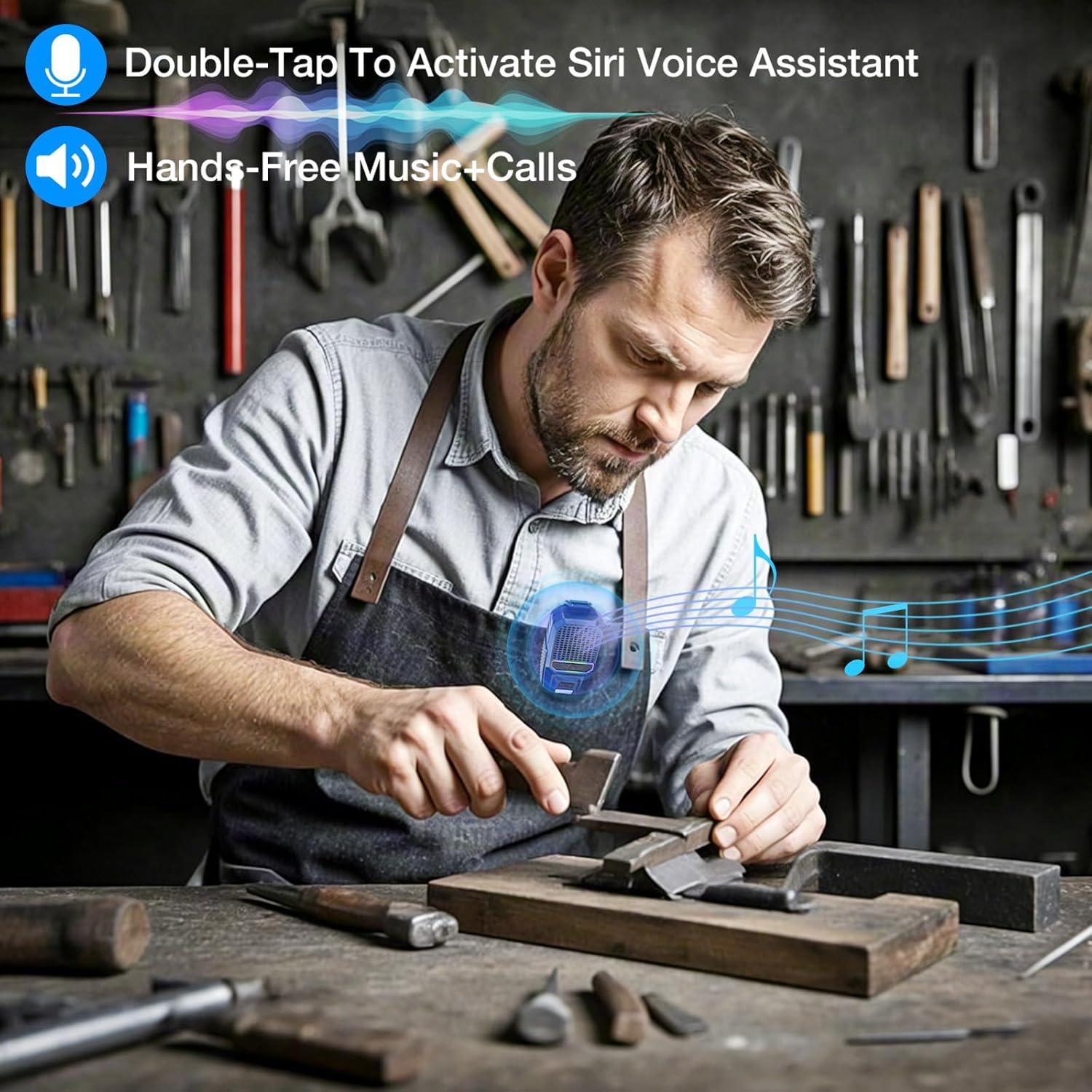
Figure 3: Voice assistant activation and hands-free functionality.

Figure 4: Hands-free call management features.
Flashlight and RGB Lighting
The speaker features a built-in flashlight with two brightness levels, activated by a single press of the dedicated flashlight button. Long press the flashlight button to cycle through two RGB light modes, enhancing your listening experience.

Figure 5: Speaker flashlight illuminating the path during night activity.

Figure 6: Multi-color RGB lighting feature.
Wearing the Speaker
The INFURTURE speaker is designed for portability and hands-free use. Weighing only 72g, it features a reinforced anti-slip clamp for secure attachment to clothing, backpacks, belts, or other suitable surfaces. This allows for open playback, maintaining awareness of your surroundings.

Figure 7: Examples of wearing the speaker during various activities.

Figure 8: Versatile usage scenarios for the wearable speaker.
Official Product Video
Video 1: Overview of the Wearable Waterproof Bluetooth Speaker with RGB/Flashlight, showcasing its features and portability.
Maintenance
Cleaning
Wipe the speaker with a soft, damp cloth. Do not use harsh chemicals or abrasive cleaners. Ensure the charging port cover is securely closed before cleaning or exposing to water.
Waterproof & Dustproof Features
The speaker is IPX6 rated, meaning it is protected against high-pressure water jets from any direction and is dustproof. While it can withstand splashes and rain, it is not designed for submersion. Always ensure the charging port cover is sealed to maintain water resistance.

Figure 9: IPX6 waterproof and dustproof capabilities.
Storage
Store the speaker in a cool, dry place away from direct sunlight and extreme temperatures. If storing for an extended period, charge the battery to approximately 50% every few months to preserve battery life.
Troubleshooting
| Problem | Possible Cause | Solution |
|---|---|---|
| Speaker does not power on. | Low battery. | Charge the speaker fully. |
| Cannot pair with Bluetooth device. | Bluetooth not enabled on device; speaker not in pairing mode; too far from device. | Ensure Bluetooth is on. Power cycle speaker to enter pairing mode. Move device closer to speaker (within 10m). |
| No sound or low volume. | Volume too low on speaker or device; speaker not connected. | Increase volume on both speaker and connected device. Re-pair the speaker. |
| Flashlight/RGB light not working. | Low battery; button malfunction. | Charge the speaker. If problem persists, contact support. |
Specifications
| Feature | Detail |
|---|---|
| Model Name | BH127AU |
| Speaker Type | Portable Speaker |
| Special Features | Built-in Microphone, LED Light, Lightweight, Portable, Waterproof |
| Connectivity Technology | Bluetooth 5.4 |
| Bluetooth Range | Up to 10 meters (33 feet) |
| Power Source | Battery Powered |
| Battery Life | Up to 15 hours (at 80% volume) |
| Charging Time | Approx. 1.5 hours |
| Waterproof Rating | IPX6 |
| Speaker Output Power | 10 Watts |
| Audio Output Mode | Surround |
| Product Dimensions (DxWxH) | 1.1" x 1.97" x 3.15" |
| Item Weight | 3.2 ounces (72g) |
| Control Method | Touch buttons |
| Included Components | Power Cable |
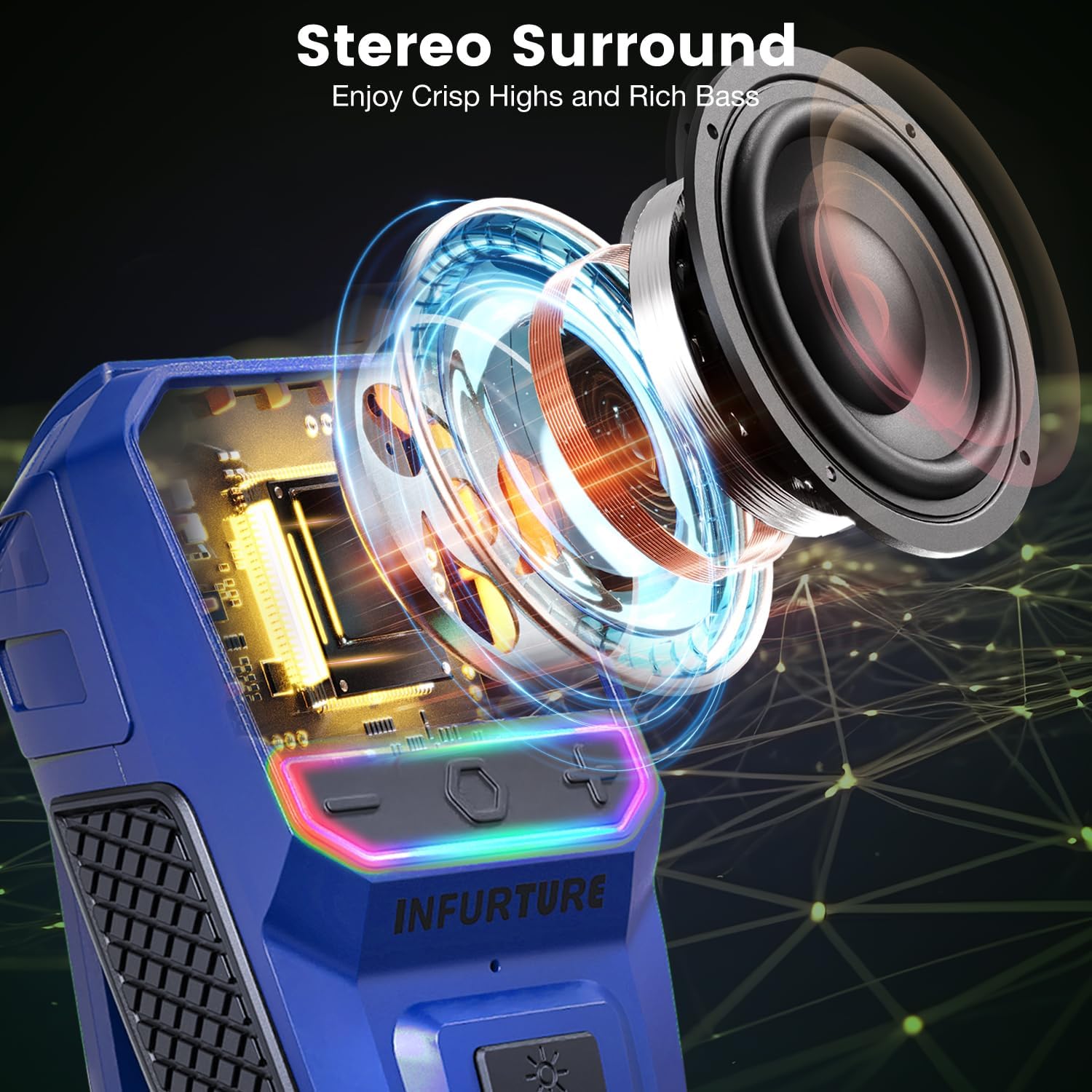
Figure 10: Internal view of the speaker's audio components.

Figure 11: Battery capacity and playtime details.

Figure 12: Button layout and functions for easy operation.
Warranty Information
This INFURTURE product comes with a Limited Warranty. Please refer to the warranty card included in your package for specific terms and conditions. Retain your proof of purchase for warranty claims.
Customer Support
For any questions, technical assistance, or warranty inquiries, please contact INFURTURE customer support. Contact details can typically be found on the product packaging or the official INFURTURE website.
Documents and downloads
Ask a question about this manual
Ask about setup, troubleshooting, compatibility, parts, safety, or missing instructions. Manuals+ will review the question and use this page’s manual context to help answer it.