1. Introduction
Welcome to the user manual for your new SKYWORTH 86X8700G 86 Inch Google TV. This television is designed to provide an exceptional visual and audio experience, featuring advanced MiniLED display technology, a high 144Hz variable refresh rate, and a powerful 2.1.2 channel audio system with Dolby Atmos. Powered by Google TV, it offers seamless access to streaming services, integrated Chromecast, and hands-free voice control. This manual will guide you through the setup, operation, maintenance, and troubleshooting of your television to ensure optimal performance and enjoyment.

Overview of the SKYWORTH 86X8700G 86 Inch Google TV's key features.
2. Safety Information
Please read all safety instructions carefully before using your television. Keep this manual for future reference.
- Power Supply: Ensure the power supply voltage matches the rating label on the TV.
- Ventilation: Do not block ventilation openings. Maintain adequate space around the TV for proper airflow.
- Water and Moisture: Do not expose the TV to rain or moisture. Do not place objects filled with liquids on the TV.
- Heat Sources: Keep the TV away from heat sources such as radiators, heat registers, stoves, or other apparatus that produce heat.
- Cleaning: Unplug the TV from the wall outlet before cleaning. Use a soft, dry cloth. Do not use liquid cleaners or aerosol cleaners.
- Mounting: If wall-mounting, ensure the wall mount is suitable for the TV's weight and installed by qualified personnel.
- Children: Supervise children to ensure they do not climb on the TV or stand.
3. Package Contents
Verify that all items are present in the package:
- SKYWORTH 86X8700G 86 Inch Google TV
- Remote Control
- TV Stand (Base)
- Power Cord
- User Manual (this document)
- Quick Start Guide
- Screws for Stand Assembly
4. Setup
4.1 Physical Setup (Stand Assembly)
- Carefully place the TV face-down on a soft, flat surface to prevent screen damage.
- Attach the stand base to the TV using the provided screws. Ensure the stand is securely fastened.
- With assistance, carefully lift the TV to an upright position and place it on a stable, level surface.
4.2 Connections
Connect your devices to the TV using the appropriate ports. The TV supports multiple HDMI 2.1 ports for high-speed connectivity.
Rear view of the TV with connection ports.
- Power: Connect the power cord to the TV and then to a wall outlet.
- HDMI: Connect external devices (e.g., gaming consoles, Blu-ray players) to the HDMI 2.1 ports.
- Antenna/Cable: Connect your antenna or cable TV signal to the DVB tuner input.
- Ethernet (LAN): For a stable internet connection, connect an Ethernet cable to the LAN port.
- USB: Connect USB storage devices for media playback.
- Audio Output: Use optical or HDMI eARC for external sound systems.
4.3 Initial Power On
After connecting all necessary cables, plug in the TV. Follow the on-screen instructions to complete the initial setup, including network connection (Wi-Fi or Ethernet), Google account login, and channel scanning.
5. Operating Your TV
5.1 Remote Control Overview
The remote control allows you to navigate the Google TV interface, adjust settings, and control playback. Familiarize yourself with the button layout for easy operation.
5.2 Google TV Interface
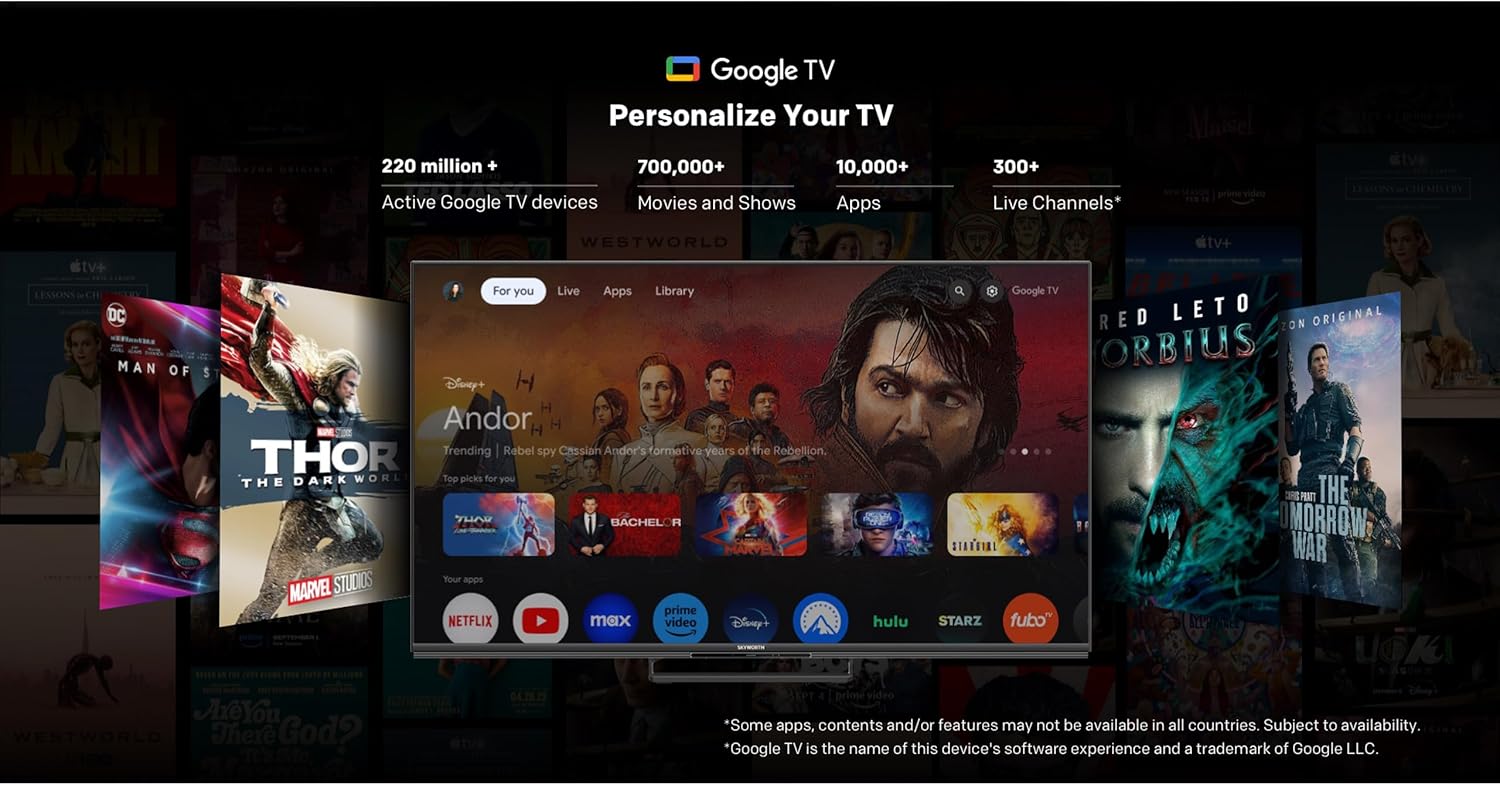
Your SKYWORTH TV runs on Google TV, providing a personalized home screen with content recommendations, access to popular streaming apps, and integrated Google Assistant.

The Google TV interface for easy content discovery.
- Home Screen: Access your favorite apps, movies, and shows.
- Google Assistant: Use hands-free voice commands to search for content, control smart home devices, and get information.
- Chromecast Built-in: Cast content from your smartphone or tablet directly to the TV.
- App Store: Download additional apps from the Google Play Store.
5.3 Picture Settings
Optimize your viewing experience with the advanced picture technologies of your TV.
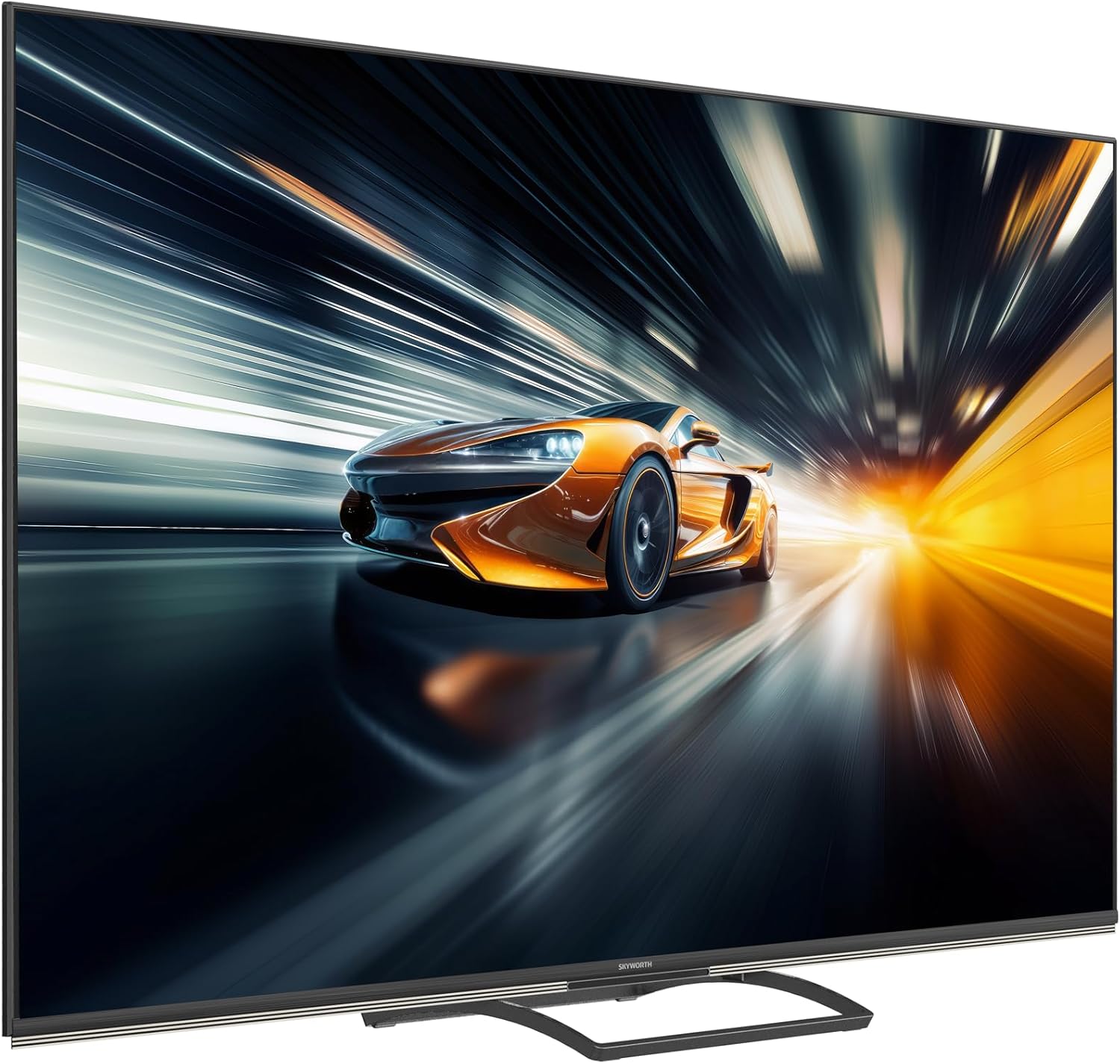
QD-Mini LED technology for stunning visuals.
AI Picture enhancements for resolution, contrast, clarity, and color.
- MiniLED Display: Enjoy superior brightness, contrast, and color accuracy with precise local dimming.
- Dolby Vision & HDR 10+: Experience content with expanded contrast and a wider range of colors.
- AI Picture: The TV intelligently optimizes picture quality for various content types, enhancing resolution, contrast, clarity, and color.
5.4 Sound Settings
Immerse yourself in rich, dynamic audio with the TV's integrated sound system.

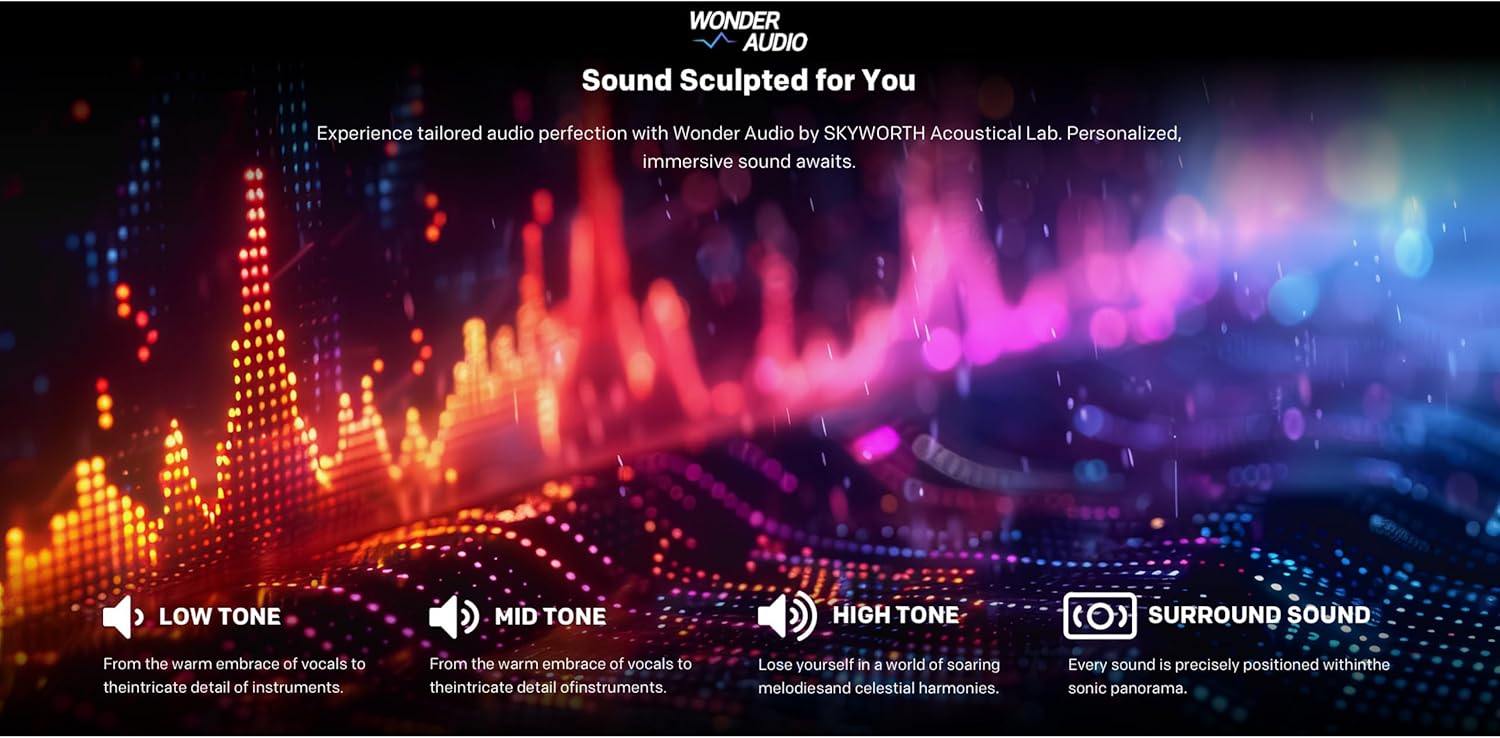
Wonder Audio for a sculpted sound experience.
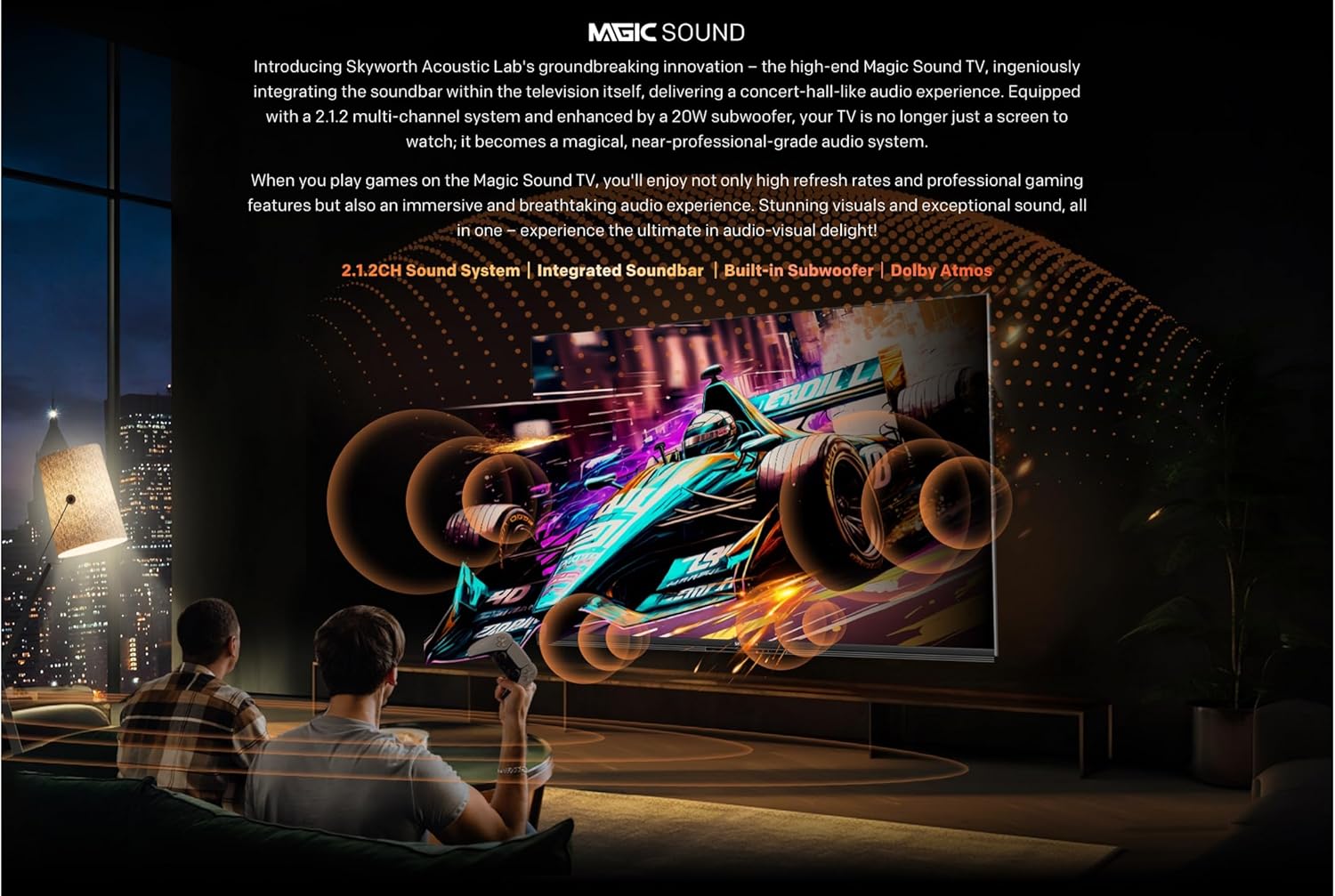
Integrated soundbar with multiple speakers.

Audio Drum for deep, room-filling bass.
- 2.1.2 Channel Audio: Enjoy a powerful 50W sound output through strategically placed speakers.
- Dolby Atmos: Experience multi-dimensional sound that flows around you.
- Integrated Subwoofer: Delivers deep, impactful bass for a cinematic audio experience.
5.5 Gaming Features
The 86X8700G is optimized for gaming with features designed for smooth, responsive gameplay.

Gaming features for an enhanced experience.
- 144Hz Variable Refresh Rate (VRR): Ensures ultra-smooth motion and eliminates screen tearing.
- HDMI 2.1: Supports high bandwidth for 4K@144Hz gaming.
- Game Mode: Automatically optimizes settings for gaming, reducing input lag.
- Auto Low Latency Mode (ALLM): Automatically switches to the lowest latency setting when a game console is detected.
5.6 Smart Features
Leverage the intelligence of Google TV for a connected and convenient experience.
- Hands-free Voice Control: Control your TV and smart home devices using just your voice.
- Find My Remote: A convenient feature to locate your remote control.
- Dual Wi-Fi & Bluetooth 5.1: Reliable wireless connectivity for streaming and accessories.
- 32GB Storage & 3GB RAM: Ample space for apps and smooth multitasking.
6. Maintenance
Proper maintenance ensures the longevity and optimal performance of your TV.
- Screen Cleaning: Gently wipe the screen with a soft, lint-free cloth. For stubborn marks, use a screen-specific cleaning solution applied to the cloth, not directly to the screen.
- Cabinet Cleaning: Use a soft, dry cloth to clean the TV cabinet.
- Dusting: Regularly dust the ventilation openings to prevent overheating.
- Power Cord: Inspect the power cord periodically for any damage. If damaged, contact customer support for replacement.
- Software Updates: Ensure your TV's software is up to date for the best performance and latest features. Updates are usually automatic via Wi-Fi.
7. Troubleshooting
If you encounter issues with your TV, refer to the following common solutions:
| Problem | Possible Cause | Solution |
|---|---|---|
| No Power | Power cord disconnected; Power outlet faulty | Check power cord connection; Try a different outlet. |
| No Picture, Only Sound | Incorrect input source; Backlight issue | Verify input source; Contact support if issue persists. |
| No Sound, Only Picture | Volume muted/low; External audio system issue | Increase volume; Check external audio connections. |
| Remote Control Not Working | Dead batteries; Obstruction; Remote out of range | Replace batteries; Remove obstructions; Move closer to TV. |
| Network Connection Issues | Wi-Fi signal weak; Router issue; Incorrect password | Check Wi-Fi signal strength; Restart router; Re-enter password. |
For more complex issues, please refer to the full troubleshooting guide on the manufacturer's website or contact customer support.
8. Specifications
Detailed technical specifications for the SKYWORTH 86X8700G 86 Inch Google TV:
- Model: 86X8700G
- Brand: SKYWORTH
- Screen Size: 86 Inches
- Display Technology: Mini LED
- Resolution: 4K UHD (3840 x 2160)
- Refresh Rate: 144Hz Variable Refresh Rate (VRR)
- HDR Support: Dolby Vision, HDR 10+
- Operating System: Google TV
- Internal Storage: 32GB
- RAM: 3GB
- Audio System: 2.1.2 Channel, 50W Total Output
- Audio Technologies: Dolby Atmos, Audio Drum
- Connectivity: HDMI 2.1 (multiple ports), USB, Ethernet (LAN), Dual Wi-Fi, Bluetooth 5.1, DVB-C/T/T2/S2 Tuner
- Special Features: Hands-free Voice Control, Google Assistant, Chromecast Built-in, Game Mode, Auto Low Latency Mode (ALLM), Find My Remote
- Aspect Ratio: 16:9
- Product Dimensions (W x D x H): 167.5 x 36.5 x 102 cm
- Weight: 35 kg
- Country of Origin: China
9. Warranty and Support
Your SKYWORTH 86X8700G 86 Inch Google TV comes with a limited manufacturer's warranty. Please refer to the warranty card included in your package for specific terms and conditions, including coverage period and service procedures.
For technical support, service inquiries, or to purchase replacement parts, please contact SKYWORTH customer service through their official website or the contact information provided in your warranty documentation.
Online Resources:
- Visit the official SKYWORTH website for FAQs, software updates, and additional support resources.
- Check the Google TV support pages for assistance with smart features and apps.


