
CMF BY NOTHING Watch Pro 3
CMF Watch 3 Pro Smart Watch User Manual
Your comprehensive guide to the CMF Watch 3 Pro Smart Watch.
Introduction
The CMF Watch 3 Pro is a versatile smartwatch designed to enhance your daily life and fitness journey. Featuring advanced health tracking, seamless Bluetooth calling, and a vibrant AMOLED display, this manual will guide you through its functions and maintenance.

Image: The CMF Watch 3 Pro in Ash Grey, showcasing its round display and silicone strap.
Setup
1. Charging the Watch
Before initial use, fully charge your CMF Watch 3 Pro using the provided charging cable. Connect the magnetic end of the cable to the charging pins on the back of the watch and the USB end to a compatible power source.
2. App Download and Pairing
Download the "Nothing X" app (version 3.0 or later) from your device's app store (Android 6.0+ or iOS 13+ required). Open the app and follow the on-screen instructions to pair your CMF Watch 3 Pro via Bluetooth. Ensure Bluetooth is enabled on your smartphone.
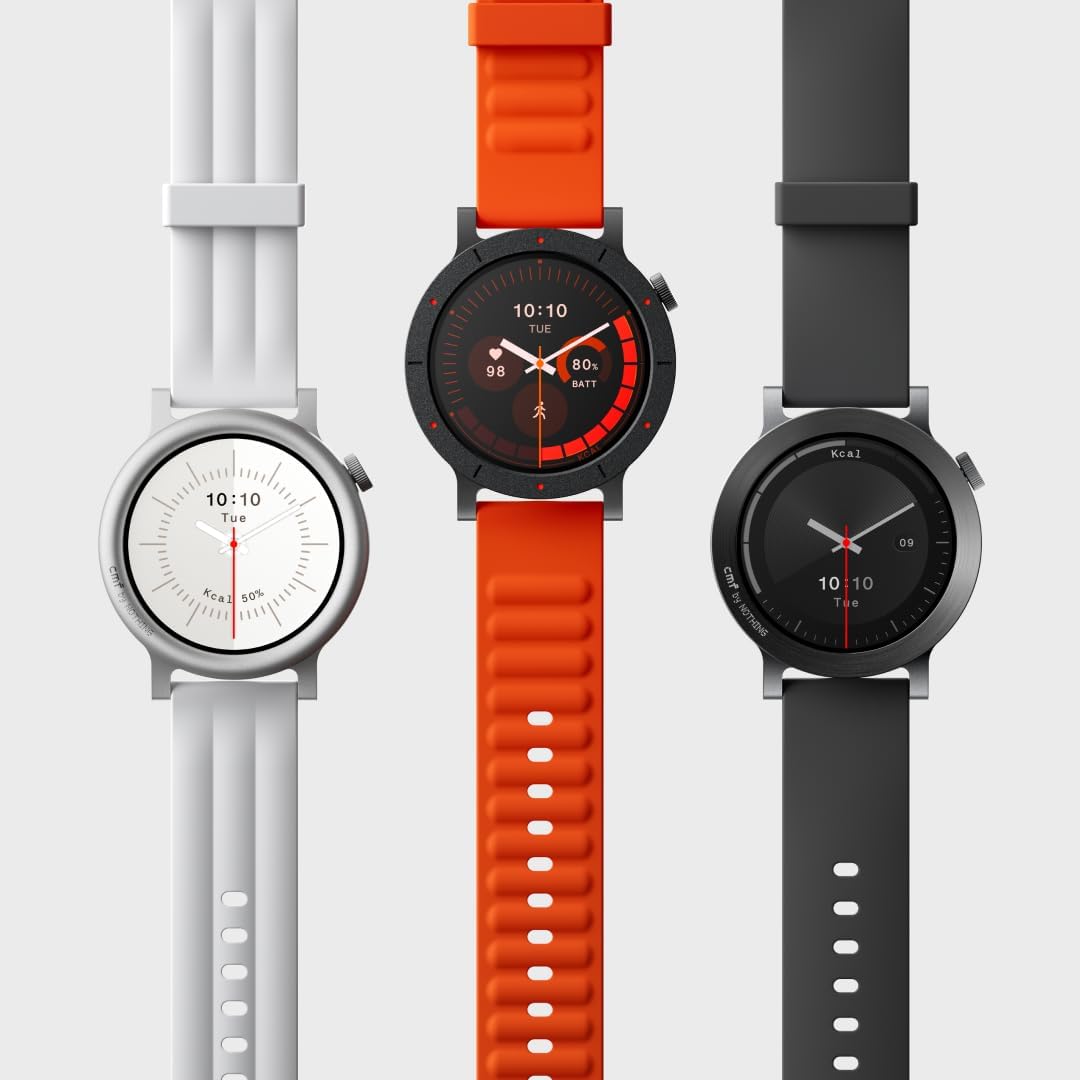
Image: The back of the CMF Watch 3 Pro showing the charging contacts, next to the magnetic charging cable.
Operating the Watch
Navigation
- Press the Crown: Access the app list.
- Rotate the Crown: Scroll through app lists and menus.
- Swipe Down: Access quick settings (Do Not Disturb, brightness, flashlight, settings).
- Swipe Up: View notifications.
- Swipe Left/Right: Navigate through widgets (configurable via the app).
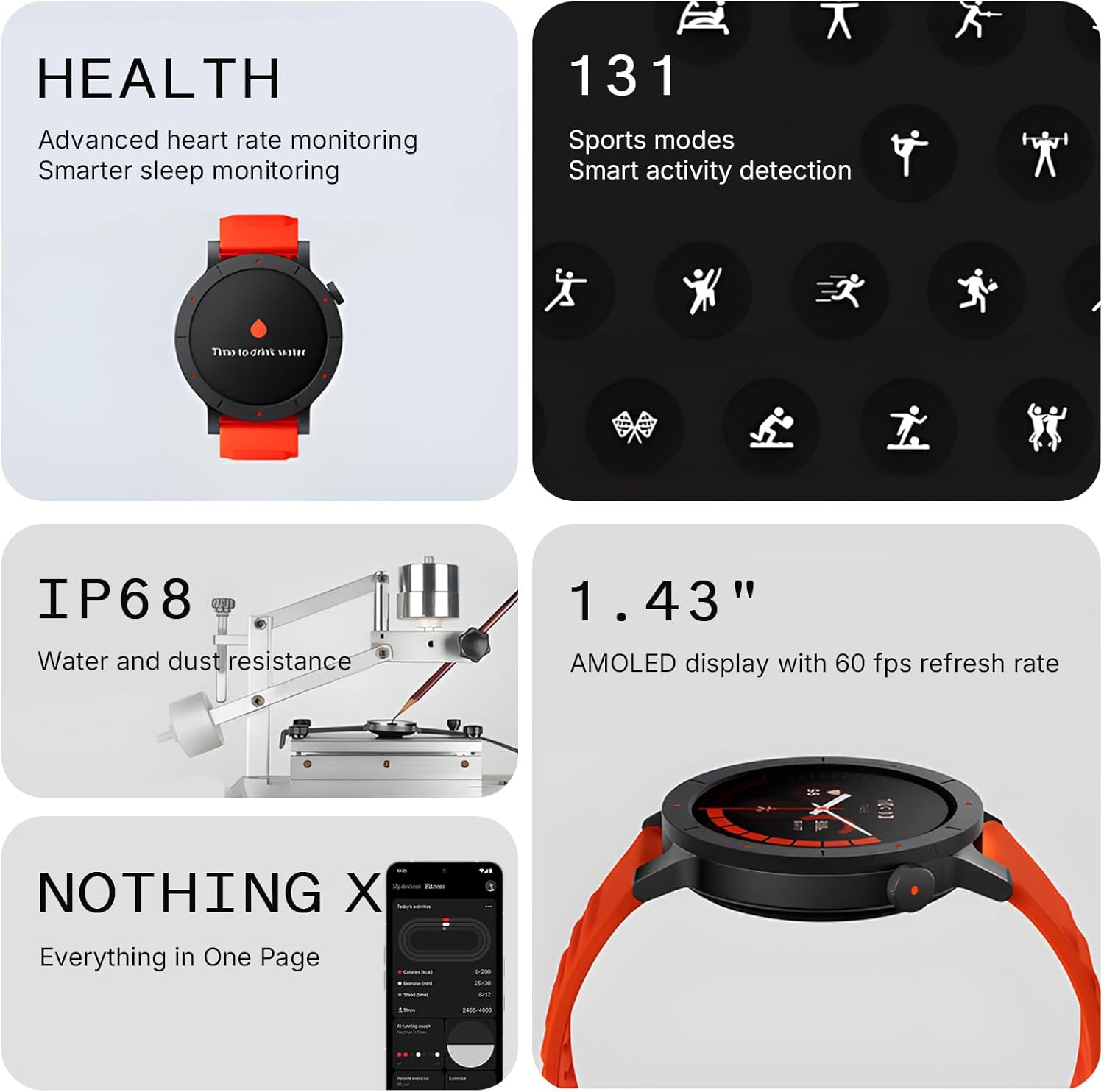
Image: A user's hand adjusting the crown on the side of the CMF Watch 3 Pro.
Bluetooth Calling
The CMF Watch 3 Pro supports crystal-clear Bluetooth calls with AI noise reduction. You can make and receive calls directly from your wrist. The watch features a built-in mic and speaker. You can sync up to 30 contacts for instant access.
Notifications and Quick Replies
Receive notifications from various apps on your watch. App notifications can be configured via the Nothing X app. You can also respond to messages using pre-set quick replies, which are customizable.
Watch Faces
Personalize your watch with over 120 custom watch faces available through the Nothing X app. You can store up to 6 watch faces directly on the device and swap them as needed. Some watch faces allow for color scheme adjustments.
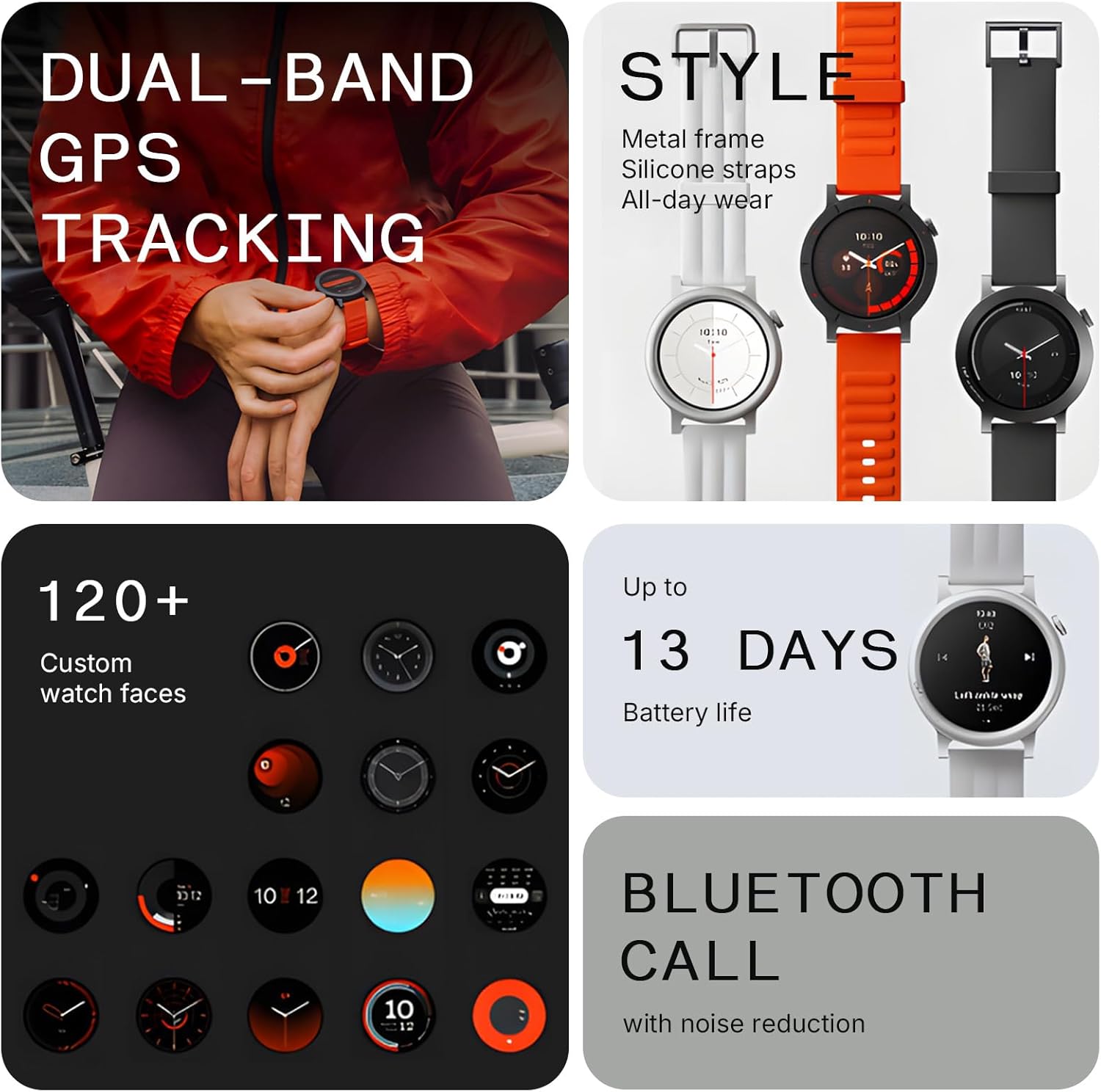
Image: Three CMF Watch 3 Pro smartwatches displayed side-by-side, showcasing different color options and watch faces.
Health and Fitness Tracking
The CMF Watch 3 Pro offers comprehensive health and fitness monitoring features:
- Heart Rate Monitoring: Advanced 4-channel sensor for improved accuracy.
- Sleep Monitoring: Precise tracking of sleep stages and duration.
- Stress Monitoring: Automatic measurement of stress levels.
- SpO2 Levels: Blood oxygen saturation monitoring.
- GPS: L1+L5 Dual Band GPS for ultra-accurate navigation during outdoor activities.
- Sport Modes: Over 130 exercise modes with GOMORE-powered performance analysis.
- Active Score: MET-based fitness tracking to understand daily health status.
- VO2 Max: Calculates your maximal oxygen uptake.
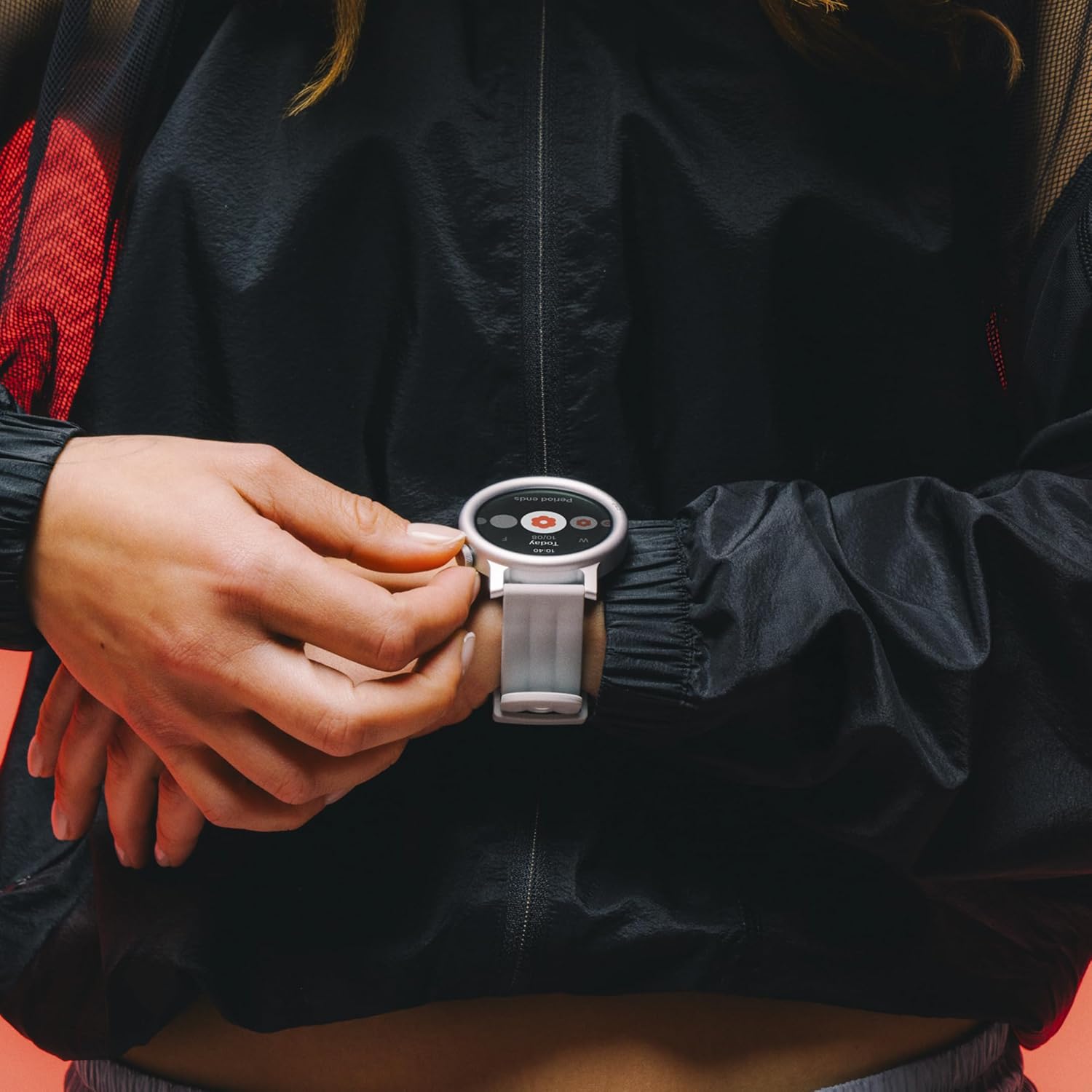
Image: A person tying their shoe, with the CMF Watch 3 Pro visible on their wrist, indicating readiness for activity.
Maintenance
Water Resistance
The CMF Watch 3 Pro has an IP68 water resistance rating. This means it is protected against dust and can withstand immersion in water up to 1.5 meters for up to 30 minutes. It is suitable for hand washing and casual splashes. However, it is NOT recommended for swimming, hot tubs, showers, or exposure to high-pressure water jets.
Cleaning
Wipe the watch and strap regularly with a soft, damp cloth. Ensure the charging contacts are clean and dry before charging.
Troubleshooting
Connectivity Issues
- Ensure Bluetooth is enabled on your phone and the watch.
- Restart both your phone and the watch.
- Try re-pairing the device through the Nothing X app.
Battery Draining Quickly
- Disable "Always-On Display" (AOD) if not needed.
- Limit the number of apps sending notifications to your watch.
- Reduce the frequency of continuous heart rate or blood oxygen monitoring in the app settings.
Specifications
| Feature | Detail |
|---|---|
| Model Number | Watch Pro 3 |
| Display | 1.43 Inches AMOLED |
| Battery Capacity | 350 mAh |
| Water Resistance | IP68 |
| Connectivity | Bluetooth, Wi-Fi |
| GPS | Built-in GPS (L1+L5 Dual Band) |
| Weight | 1.8 ounces (51 Grams) |
| Memory Storage | 256 MB |
| Operating System | ROTS |
What's in the Box
- CMF Watch 3 Pro Smart Watch
- Charging Cable
- User Manual
- Watch Band
Warranty and Support
For warranty information and customer support, please refer to the official CMF BY NOTHING website or contact their customer service directly. Keep your proof of purchase for warranty claims.
Related documentsWatch Pro 3


Ask a question about this manual
Ask about setup, troubleshooting, compatibility, parts, safety, or missing instructions. Manuals+ will review the question and use this page’s manual context to help answer it.