
Kica Jet Fan Ultra, Jetfan 1.0
KiCA Jet Fan Ultra and Jetfan 1.0 Electric Air Duster User Manual
Model: Jet Fan Ultra, Jetfan 1.0
Introduction
This manual provides detailed instructions for the safe and effective use of your KiCA Jet Fan Ultra and Jetfan 1.0 Electric Air Dusters. Please read this manual thoroughly before operating the devices and retain it for future reference.

Image: The KiCA Jet Fan Ultra (left) and Jetfan 1.0 (right) electric air duster units. The Jet Fan Ultra is a rectangular, gun-shaped device with a nozzle, while the Jetfan 1.0 is a smaller, T-shaped device.
Safety Information
- Do not point the air duster at eyes, face, or body.
- Keep out of reach of children.
- Do not operate in wet conditions or near flammable liquids or gases.
- Ensure the charging port is dry before connecting the charger.
- Do not disassemble or modify the device.
- Use only the provided charging cable and adapter.
Package Contents
Verify that all items are present in your package:
- KiCA Jet Fan Ultra
- KiCA Jetfan 1.0
- Charging Cable (USB-C)
- Nozzle Attachments (if applicable)
- User Manual (this document)
Setup
Initial Charging
Before first use, fully charge both devices. Connect the provided USB-C charging cable to the charging port on each device and to a suitable USB power adapter. The indicator lights will show charging status.
Attaching Nozzles (Jet Fan Ultra)
Align the desired nozzle attachment with the air outlet of the Jet Fan Ultra and push firmly until it clicks into place. Ensure it is securely attached before operation.
Operating Instructions
KiCA Jet Fan Ultra
- Power On/Off: Press and hold the power button to turn the device on or off.
- Adjusting Air Speed: Use the speed adjustment buttons (often marked '+' and '-') to cycle through different air speed levels. The indicator lights will show the current speed setting.
- LED Light: The Jet Fan Ultra features double-sided LEDs. Press the light button to activate or deactivate the integrated LED lights for improved visibility in dark areas.

Image: The KiCA Jet Fan Ultra demonstrating its double-sided LED lights, illuminating a dark area within a car engine bay for precise cleaning.
KiCA Jetfan 1.0
- Power On/Off: Press and hold the power button to turn the device on or off.
- Manual Mode: Press the trigger button to activate the airflow. Release the button to stop.
- Auto Mode: After powering on, press the trigger button and then single-tap the power button to switch between manual and auto mode. In auto mode, the fan will run continuously until switched off or back to manual mode.
- Adjusting Air Speed (Jetfan 1.0): The Jetfan 1.0 typically has multiple gears. Single-tap the power button (after initial power-on) to cycle through the gears (speed settings). Blue indicator lights will show the current gear.
- First Gear: 1 blue indicator, approx. 18,000rpm, 2.5m/s
- Second Gear: 2 blue indicators, approx. 36,000rpm, 6.5m/s
- Third Gear: 3 blue indicators, approx. 60,000rpm, 9.0m/s
- Fourth Gear: 4 blue indicators, approx. 86,000rpm, 11.5m/s

Image: The KiCA Jetfan 1.0 illustrating its four gear settings, with corresponding RPM and wind speed values indicated by blue lights.

Image: The KiCA Jetfan 1.0 demonstrating its manual mode (trigger press for airflow) and auto mode (continuous airflow after a specific button sequence).
Maintenance
- Cleaning: Use a soft, dry cloth to wipe the exterior of the devices. Do not use harsh chemicals or abrasive materials.
- Air Inlet Filter: Periodically check the air inlet for dust or debris accumulation. Gently clean the filter area with a soft brush or another air duster to ensure optimal performance.
- Storage: Store the devices in a cool, dry place away from direct sunlight and extreme temperatures.
- Battery Care: For prolonged storage, charge the devices to approximately 50% every three months to maintain battery health.
Troubleshooting
| Problem | Possible Cause | Solution |
|---|---|---|
| Device does not turn on. | Low battery. | Charge the device fully. |
| Weak airflow. | Low battery; obstructed air inlet. | Charge the device; clean the air inlet filter. |
| Device stops unexpectedly. | Overheating; low battery. | Allow the device to cool down; charge the device. |
| LED lights not working (Jet Fan Ultra). | Light function not activated. | Press the dedicated light button to activate. |
Specifications
KiCA Jet Fan Ultra
- Wind Speed: Up to 109 MPH (approx. 48.7 m/s)
- Power: 171W Industrial Power
- Max Thrust: 185g
- Features: Double-sided LEDs

Image: The KiCA Jet Fan Ultra showcasing its high-performance motor with specifications including 171W industrial power, 109mph hurricane speed, and 185g max thrust.
KiCA Jetfan 1.0
- Weight: 220g
- Max Wind Speed: 11.5 m/s (Fourth Gear)
- Motor: 9.99Wh Motor
- Modes: Manual, Auto
- Dimensions: Approximately 124mm (length) x 73mm (width) x 35mm (height of nozzle section)
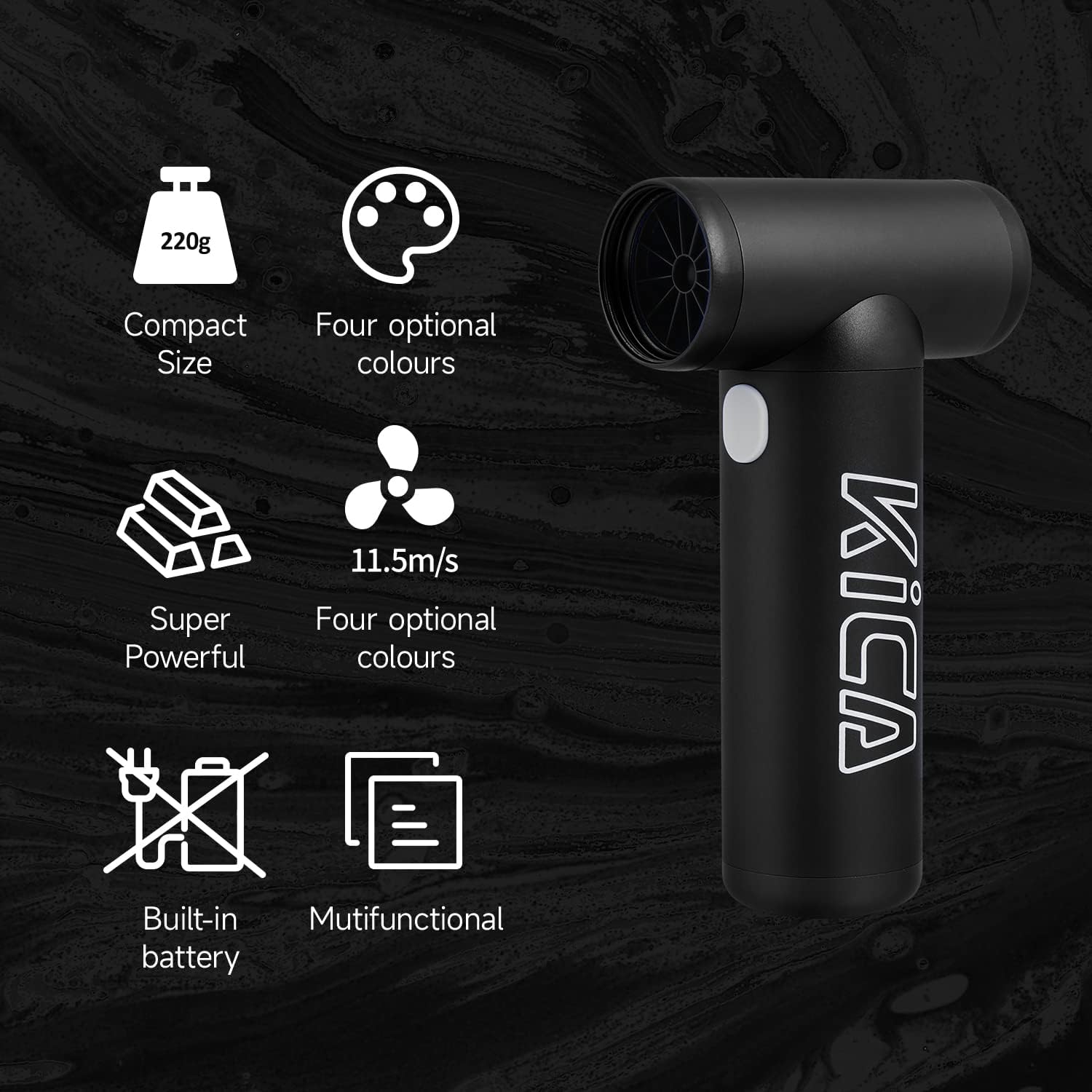
Image: The KiCA Jetfan 1.0 illustrating its compact size (220g), super powerful airflow (11.5m/s), built-in battery, and multifunctional capabilities.
Image: The KiCA Jetfan 1.0 with dimensions indicated: 124mm length, 73mm width, and 35mm height of the nozzle section.
Warranty and Support
For warranty information and technical support, please refer to the official KiCA website or contact their customer service directly. Contact details are typically found on the product packaging or the manufacturer's website.
Manufacturer: Kica
Date First Available: April 24, 2025
Related documentsJet Fan Ultra, Jetfan 1.0

Ask a question about this manual
Ask about setup, troubleshooting, compatibility, parts, safety, or missing instructions. Manuals+ will review the question and use this page’s manual context to help answer it.