
1. Product Overview
The MECHEN H10 is a versatile MP3 and MP4 player equipped with Android 13 OS, a 4-inch touchscreen, and integrated speaker. It offers extensive storage capacity and supports various audio and video formats, along with Bluetooth and Wi-Fi connectivity for a comprehensive multimedia experience.
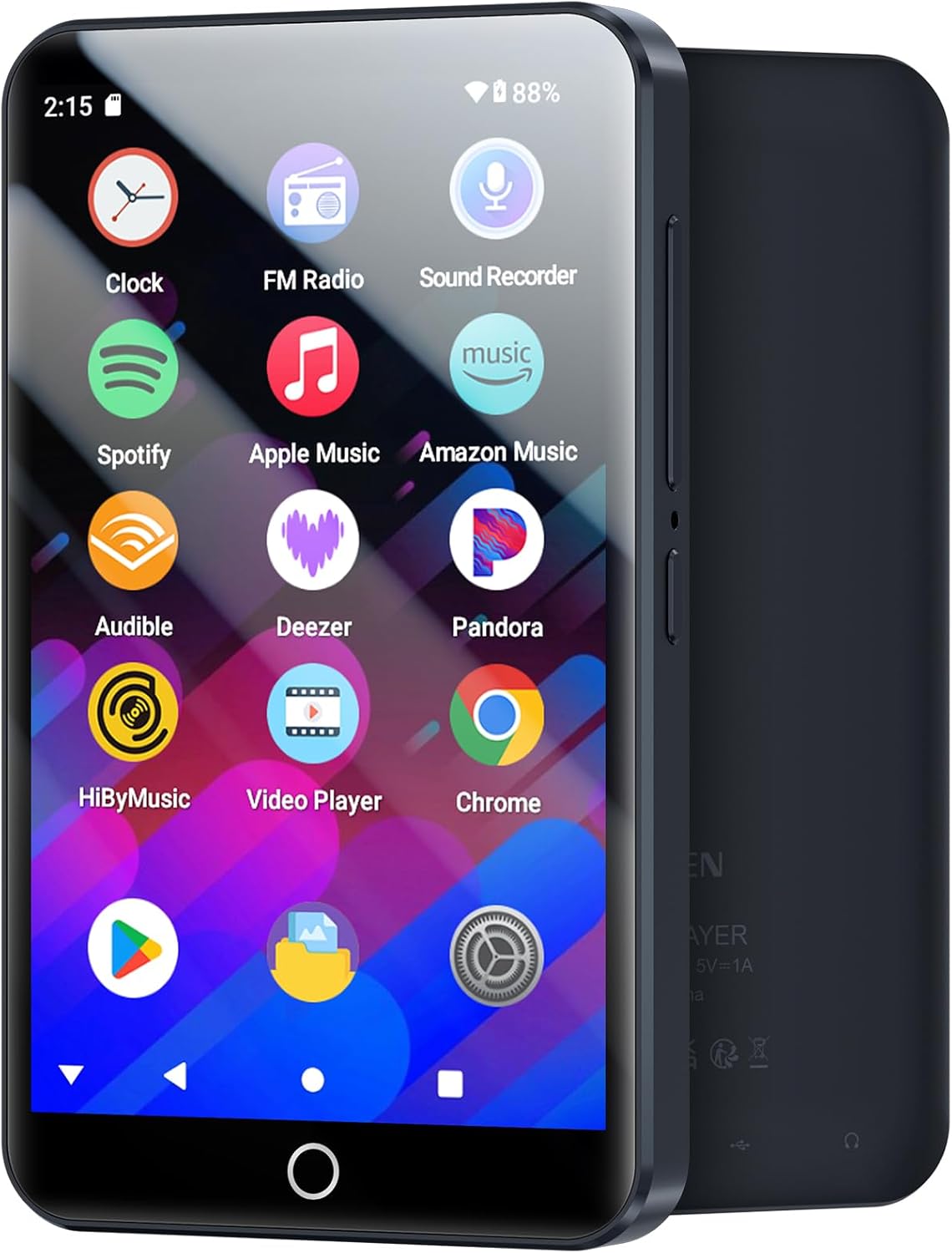
Front view of the MECHEN H10 MP3 Player, displaying its intuitive touchscreen interface with pre-installed applications.
2. What's in the Box
Upon unboxing your MECHEN H10 MP3 Player, please verify that all the following components are included:
- 1 x Music Player (MECHEN H10)
- 1 x USB Cable (for charging and data transfer)
- 1 x Earphones
- 1 x Protective Film (pre-applied or for user application)
- 1 x Protective Case
- 1 x User Manual (this document)
- 1 x 64GB TF Card (pre-installed or included separately)

All items included in the MECHEN H10 MP3 Player package.
3. Setup
3.1 Initial Charging
Before first use, fully charge the device. Connect the provided USB cable to the player's USB-C port and the other end to a 5V-1A or 5V-2A charging head. Avoid using fast charging heads to prevent potential damage.
3.2 Power On/Off
- To Power On: Press and hold the power button located on the side of the device until the screen illuminates.
- To Power Off: Press and hold the power button, then select 'Power Off' from the on-screen options.
3.3 Inserting/Removing SD Card
The device supports up to 1TB external storage via a TF (microSD) card. A 64GB card is included.
- To Insert: Locate the SD card slot on the side of the player. Gently push the TF card into the slot until it clicks into place.
- To Remove: Gently push the TF card inward until it springs out, then pull it out of the slot.
4. Operating Instructions
4.1 Android 13 OS and Interface
The MECHEN H10 runs on the Android 13 operating system, providing a smooth and responsive user experience. The 4-inch touchscreen allows for intuitive navigation through apps and settings.

The MECHEN H10 features the latest Android 13 OS for enhanced performance and security.
4.2 App Management and Play Store
Access a wide range of applications, including popular music streaming services like Spotify, Amazon Music, Apple Music, Pandora, and Deezer, directly from the Google Play Store. You can download and install additional apps as desired.

Download and manage your favorite applications from the Google Play Store.
4.3 Audio Playback and HiFi Sound
The player is equipped with a professional intelligent digital noise reduction chip, delivering HiFi lossless sound quality. It is compatible with a wide array of audio formats, including MP3, FLAC, WAV, AAC, OGG, WMA, APE, and more.
4.4 Video Playback
Enjoy smooth playback of 1080P HD videos on the 4-inch high-resolution (400*800) full touchscreen. The device supports most video formats, such as AVI, MKV, RMVB, MP4, MPG, and MOV, without requiring format conversion.

The MECHEN H10 supports universal playback of over 50 formats, including HD MKV videos.
4.5 Storage Management
The player features 3GB RAM and 32GB ROM internal storage, complemented by an included 64GB SD card. The memory expansion slot supports up to 1TB, allowing for extensive storage of music, videos, and other files.

Detailed view of the MECHEN H10's internal and expandable storage capabilities.
4.6 Connectivity (Bluetooth & Wi-Fi)
The device includes dual-band (2.4GHz and 5GHz) Wi-Fi for stable internet access and Bluetooth 4.1 with bi-directional transmitting and receiving functions. This allows for stable connections to Bluetooth headphones, speakers, and car stereos.

The MECHEN H10 offers robust Wi-Fi and Bluetooth connectivity for seamless media streaming and device pairing.
4.7 Battery Life
The built-in 2000mAh Li-ion battery, combined with a low-power solution, provides approximately 15 hours of continuous music playback or 8 hours of video playback on a full charge.

The 2000mAh battery ensures extended playback for music and videos.
5. Maintenance
- Cleaning: Use a soft, dry cloth to clean the device. Avoid abrasive cleaners or solvents.
- Storage: Store the player in a cool, dry place away from direct sunlight and extreme temperatures.
- Charging: Always use the recommended 5V-1A or 5V-2A charger. Do not use fast chargers.
- Software Updates: Regularly check for firmware updates to ensure optimal performance and security.
6. Troubleshooting
If you encounter issues with your MECHEN H10 MP3 Player, refer to the following common solutions:
| Problem | Possible Solution |
|---|---|
| Device does not power on | Ensure the device is fully charged. Press and hold the power button for a longer duration (10-15 seconds). |
| Cannot connect to Wi-Fi/Bluetooth | Check Wi-Fi/Bluetooth settings. Ensure the device is within range. Restart the player and the connecting device. |
| Apps are slow or lagging | Close unnecessary background applications. Clear app caches. Ensure sufficient free storage space. Consider a factory reset if issues persist (back up data first). |
| Poor sound quality | Check earphone connection. Test with different earphones. Adjust equalizer settings if available. |
| SD card not recognized | Ensure the SD card is inserted correctly. Try reinserting the card. Test with a different SD card to rule out card issues. |
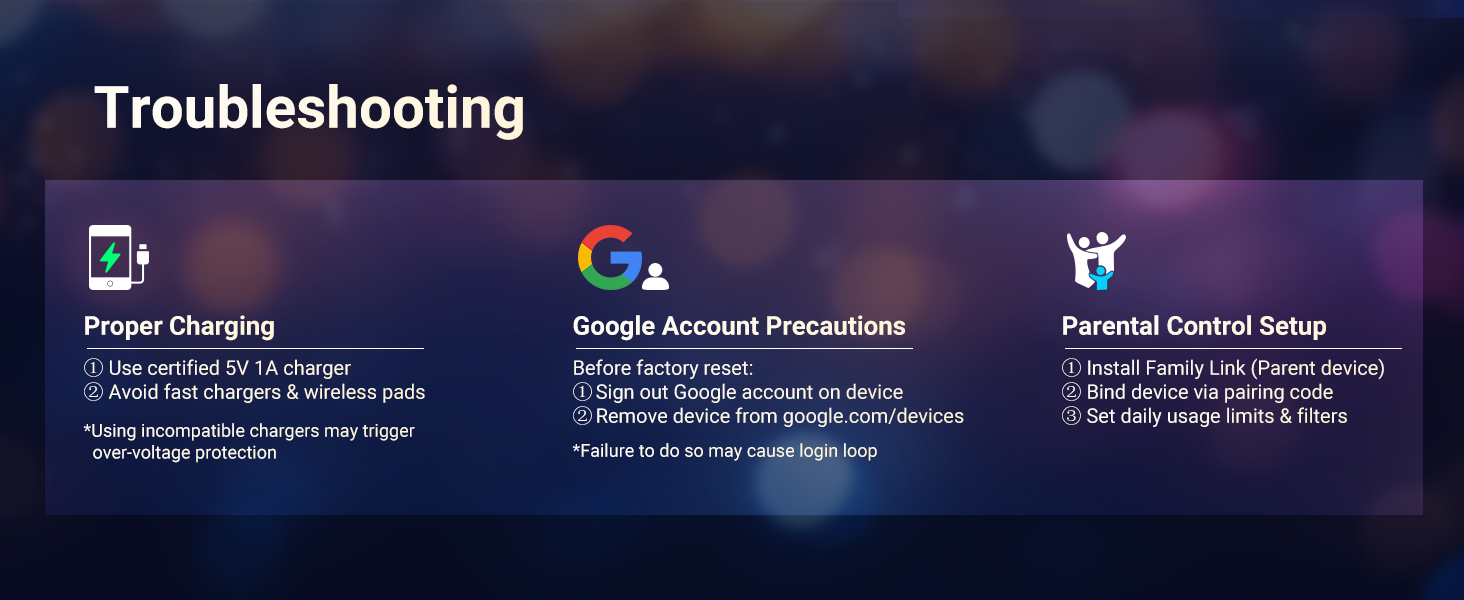
Key troubleshooting areas for the MECHEN H10 MP3 Player.
7. Specifications
| Feature | Detail |
|---|---|
| Product Dimensions | 4.06 x 0.39 x 2.4 inches |
| Item Weight | 3.81 ounces |
| Operating System | Android 13 OS |
| Processor | MTK6762 Octa-core |
| Memory (RAM/ROM) | 3GB RAM, 32GB ROM |
| Storage Capacity | 96 GB (32GB internal + 64GB SD card included) |
| Expandable Memory | Up to 1TB via Micro SD |
| Screen Size | 4 Inches |
| Screen Resolution | 400*800 |
| Connectivity | Bluetooth 4.1, Dual-band Wi-Fi (2.4GHz & 5GHz) |
| Battery | 2000mAh Li-ion (1 C battery included) |
| Audio Formats | MP3, FLAC, WAV, AAC, OGG, WMA, APE, etc. |
| Video Formats | AVI, MKV, RMVB, MP4, MPG, MOV, etc. |
| Special Features | Built-In Speaker, FM Radio, Touch Screen, Video Playback |
8. Warranty and Support
MECHEN is committed to providing high-quality products and customer satisfaction. If you encounter any product malfunction or require assistance, please contact our after-sales service team via email. We will make every effort to help you resolve the problem.
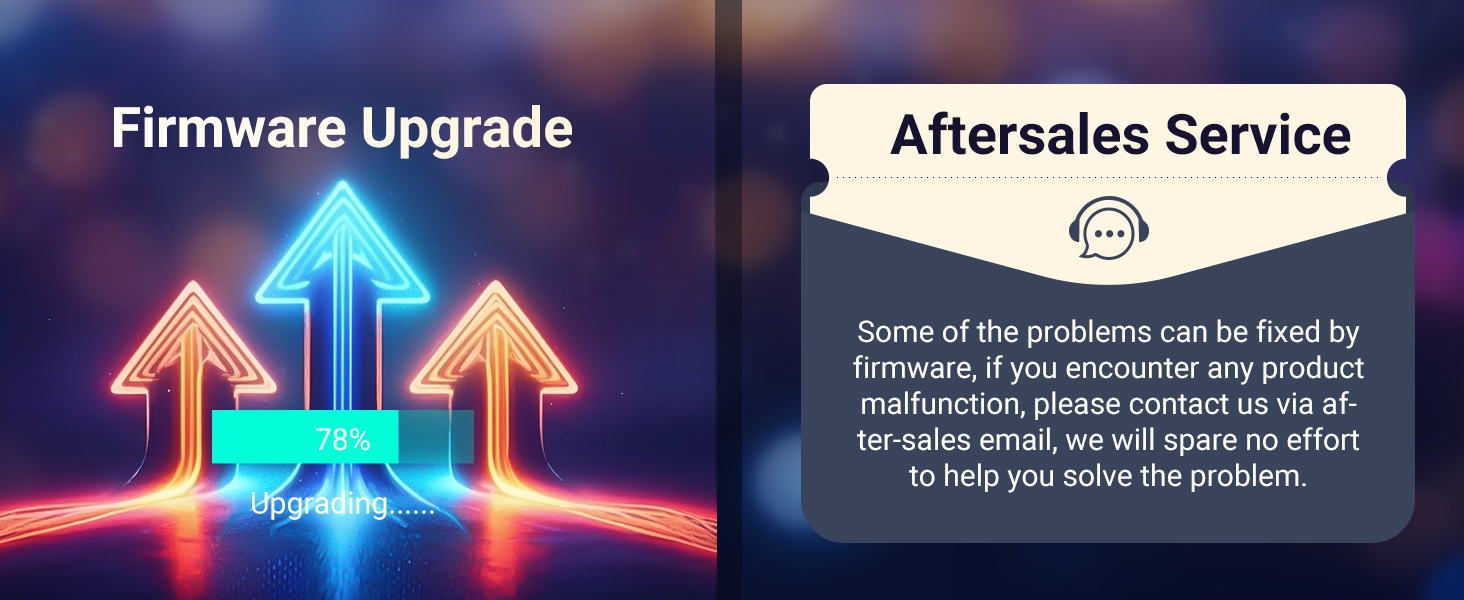
MECHEN offers after-sales support for product inquiries and issues.


