
Micool T18
Micool Invisible Sleep Wireless Earphone T18 User Manual
Model: T18
1. Introduction
Thank you for choosing the Micool Invisible Sleep Wireless Earphone T18. These earbuds are designed for comfort during sleep and extended wear, featuring a non-in-ear design, Bluetooth 5.4 connectivity, and intuitive touch controls. This manual provides detailed instructions for setup, operation, and maintenance to ensure optimal performance and longevity of your device.
2. Package Contents
Please check the package for the following items:
- Micool Invisible Sleep Wireless Earphones (T18)
- Charging Cable
- User Manual (this document)
3. Product Overview
The Micool T18 earphones feature a unique, ergonomic design optimized for comfort, especially for side sleepers. Their ultra-thin body and non-in-ear placement minimize pressure on the ear canal.
Key Features:
- Non-In-Ear Design: Avoids ear canal pressure, suitable for extended wear and sleeping.
- Bluetooth 5.4: Provides stable wireless connection and low power consumption.
- Touch Controls: Easy management of audio playback and calls.
- IPX5 Waterproof: Resistant to sweat and light splashes.
- Compact and Lightweight: Designed for discreet use and portability.
Earphone Components:
Refer to the images below for a visual guide to the earphone's design and components.
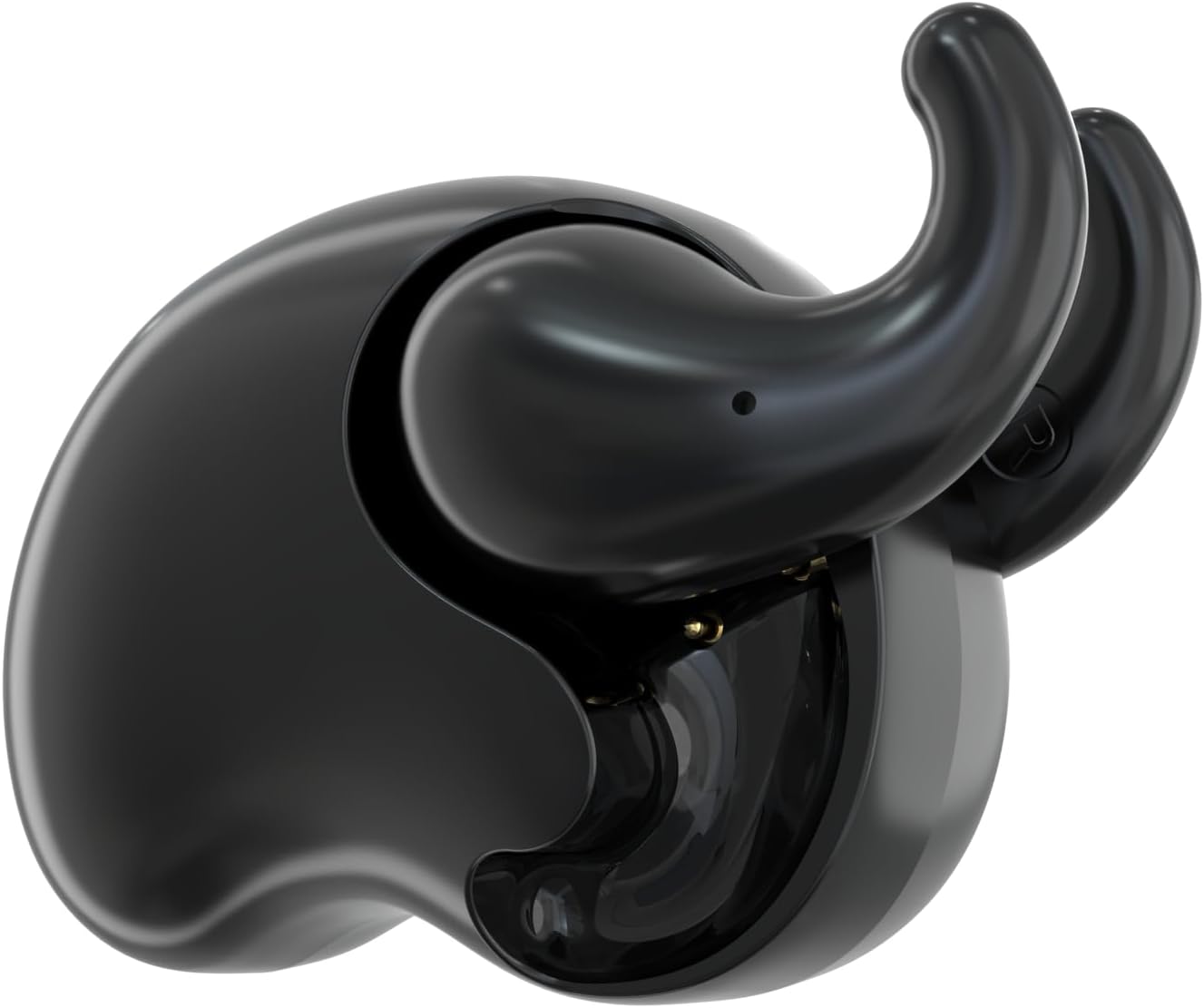
Figure 3.1: Micool T18 Invisible Sleep Wireless Earphones (Classic Black).

Figure 3.2: Earbud placement demonstrating the non-in-ear design for comfort.
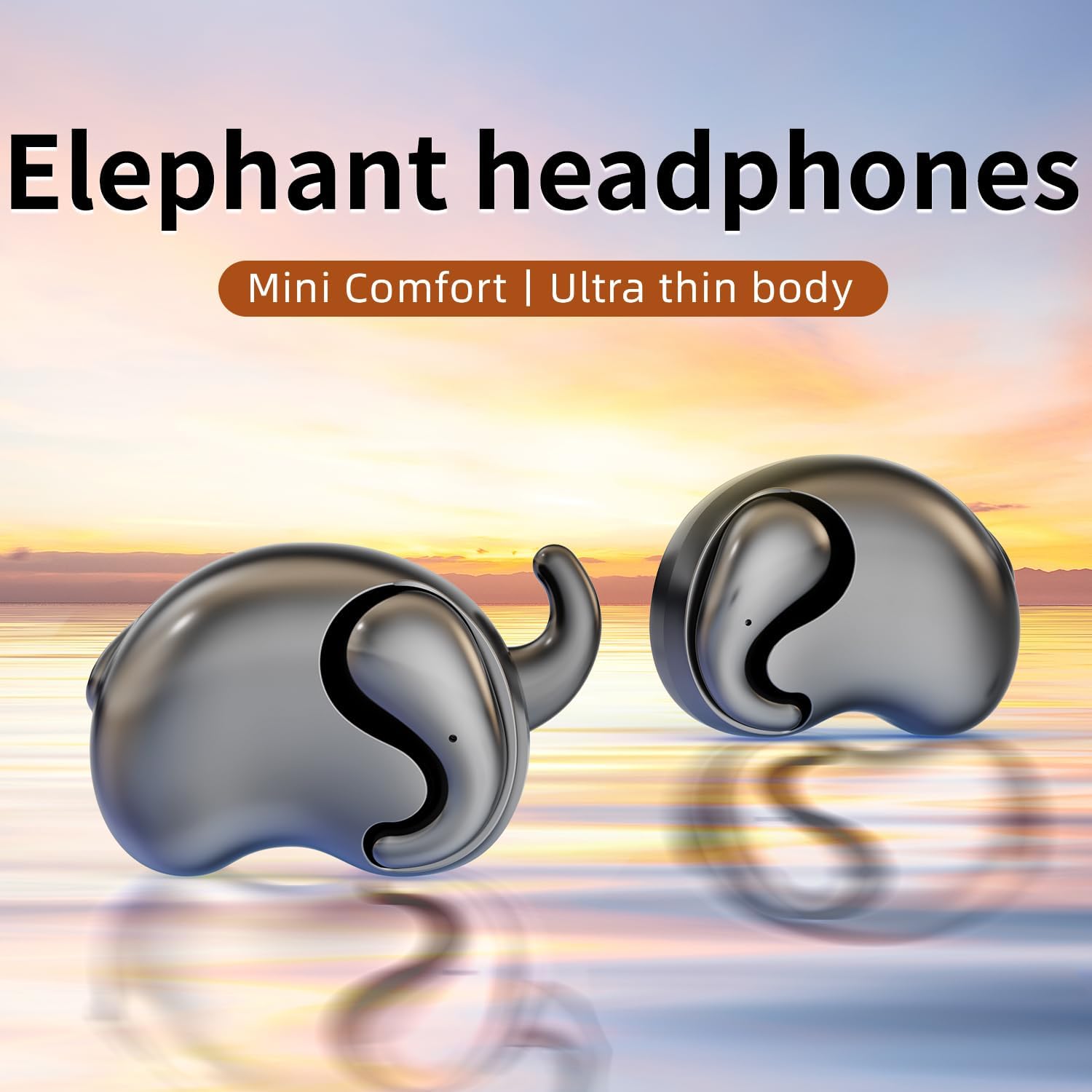
Figure 3.3: A pair of Micool T18 earbuds, highlighting their compact and ergonomic form factor.
4. Setup
4.1 Initial Charging
Before first use, fully charge the earphones. Connect the provided charging cable to the charging port on the earphones and to a USB power source. The indicator light will show charging status and turn off or change color when fully charged.
4.2 Powering On/Off
- Power On: The earphones typically power on automatically when removed from the charging case. If not, press and hold the touch control area on each earbud for approximately 3 seconds until you hear a power-on prompt or see an indicator light.
- Power Off: Place the earphones back into their charging case to power off automatically. Alternatively, press and hold the touch control area for approximately 5 seconds until you hear a power-off prompt.
4.3 Bluetooth Pairing
- Ensure the earphones are charged and powered on. They will automatically enter pairing mode, indicated by a flashing LED light (usually blue and red alternating).
- On your device (e.g., smartphone, tablet), enable Bluetooth.
- Search for available Bluetooth devices. Select "Micool T18" from the list.
- Once connected, the earphone's LED indicator will stop flashing or flash slowly, and you will hear a confirmation sound.
- If pairing fails, turn off the earphones and your device's Bluetooth, then repeat the steps.
5. Operating Instructions
5.1 Wearing the Earphones
Gently place the earphones onto your outer ear, ensuring the non-in-ear design rests comfortably without entering the ear canal. Adjust for a secure fit that allows for comfort, especially when lying down.

Figure 5.1: Proper wearing of the Micool T18 earphone for optimal comfort.
5.2 Touch Controls
The Micool T18 earphones feature intuitive touch controls on the outer surface of each earbud. The specific functions may vary slightly, but common controls include:
- Play/Pause: Single tap on either earbud.
- Next Track: Double tap on the right earbud.
- Previous Track: Double tap on the left earbud.
- Volume Up: Triple tap on the right earbud.
- Volume Down: Triple tap on the left earbud.
- Answer/End Call: Single tap on either earbud during an incoming call.
- Reject Call: Press and hold either earbud for 2 seconds during an incoming call.
- Activate Voice Assistant: Press and hold either earbud for 2 seconds (when not on a call).
Note: Refer to the quick start guide included in your package for the most precise touch control mapping.
5.3 Charging the Earphones
Place the earphones into their charging case. Ensure they are correctly seated. The indicator lights on the earphones and/or case will show the charging status. A full charge typically takes 1-2 hours.
6. Maintenance
6.1 Cleaning
Wipe the earphones and charging case with a soft, dry, lint-free cloth. Do not use abrasive cleaners, alcohol, or chemical solvents. Avoid getting moisture into any openings.
6.2 Storage
When not in use, store the earphones in their charging case to protect them and keep them charged. Store in a cool, dry place away from extreme temperatures and direct sunlight.
6.3 Water Resistance
The Micool T18 earphones are IPX5 waterproof, meaning they are resistant to low-pressure water jets from any direction. They are suitable for use during exercise and in light rain, but should not be submerged in water or exposed to high-pressure water streams.
7. Troubleshooting
| Problem | Possible Cause | Solution |
|---|---|---|
| Earphones not powering on. | Low battery. | Charge the earphones fully. |
| Cannot pair with device. | Bluetooth is off on device; earphones not in pairing mode; too far from device. | Ensure Bluetooth is on. Place earphones in pairing mode. Keep devices within 10 meters. Try restarting both devices. |
| No sound or intermittent sound. | Volume too low; earphones out of range; interference; incorrect audio output selected. | Increase volume on both earphones and device. Move closer to device. Check for other wireless devices causing interference. Ensure "Micool T18" is selected as audio output. |
| Earphones not charging. | Charging cable faulty; poor connection; charging port dirty. | Try a different charging cable. Ensure earphones are correctly seated in the case. Clean charging contacts gently. |
8. Specifications
| Feature | Detail |
|---|---|
| Brand | Micool |
| Model Name | T18 |
| Connectivity Technology | Wireless (Bluetooth) |
| Bluetooth Version | 5.4 |
| Ear Placement | In Ear (Non-in-ear design) |
| Form Factor | True Wireless |
| Water Resistance Rating | IPX5 |
| Material | Plastic |
| Compatible Devices | Cellphones |
| Specific Uses | Sleeping, Music |
| UPC | 770029330098 |
9. Warranty and Support
9.1 Warranty Information
The Micool T18 Invisible Sleep Wireless Earphones come with a 1-year limited warranty from the date of purchase. This warranty covers manufacturing defects. It does not cover damage caused by misuse, accidents, unauthorized modifications, or normal wear and tear.
9.2 Customer Support
For technical assistance, warranty claims, or any questions regarding your Micool T18 earphones, please contact Micool customer service. Micool provides 24-hour after-sales service for all purchased items.
Please visit the official Micool store on Amazon for contact details or further information: Micool Store
Ask a question about this manual
Ask about setup, troubleshooting, compatibility, parts, safety, or missing instructions. Manuals+ will review the question and use this page’s manual context to help answer it.