1. Introduction
The Puqo AI Translation Headphones EV68 are designed to facilitate seamless communication across language barriers. These smart earbuds integrate advanced AI technology with Bluetooth 5.3 connectivity, offering instant voice translation in 164 languages and accents. With 5 distinct translation modes, clear call quality thanks to ENC noise cancellation, and an ergonomic design, they are ideal for travel, business, and daily use. The headphones provide up to 48 hours of total battery life with the charging case.

Image: The Puqo EV68 AI Translation Headphones in their charging case, displaying the battery level on an LED screen.
2. What's in the Box
Please check the package contents upon unboxing to ensure all items are present:
- 2 x Wireless Earbuds
- 1 x Fast Charging Case
- 1 x Type-C Charging Cable
- 3 Pairs of Eartips (S, M, L)
- 1 x Instruction Manual

Image: A visual representation of the items included in the Puqo EV68 product package, including earbuds, charging case, cable, and eartips.
3. Product Features
3.1. Advanced Translation Capabilities
The EV68 headphones offer online translation in 164 languages and accents, ensuring natural and instant communication. They come with a perpetual authorization code for continuous access to translation services.

Image: An illustration showing various country flags, representing the 164 languages and accents supported by the Puqo EV68 for natural and instant translation.
3.2. Multiple Translation Modes
The headphones feature 5 distinct translation modes to cater to various scenarios:
- Free Speak Mode: Wear the earbuds and speak freely; the system automatically recognizes the language and translates short phrases in real-time.
- Translator Mode: Once the app is installed, the earbud functions as a traditional translator for fluid multilingual communication.
- Headphones + Mobile Phone Mode: One user double-clicks the earbud, while the other taps the button on the app for simple and fast bidirectional conversation.
- Image Translation Mode: The camera mode instantly translates text detected through the lens.
- AI Conversation Mode: Provides intelligent answers through large model algorithm analysis. Activate this mode in the app for immediate responses to daily or professional questions.
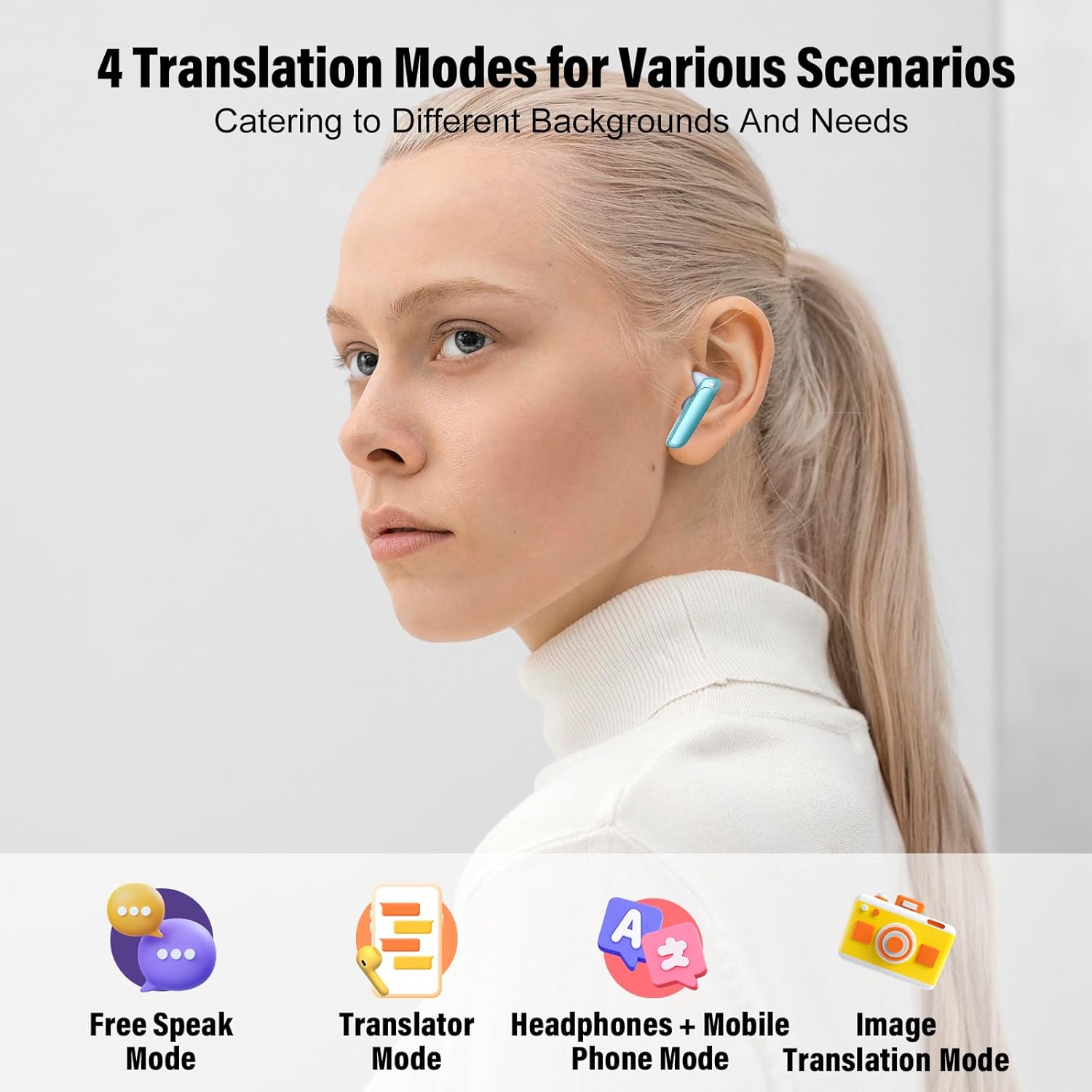
Image: A visual representation of the four primary translation modes available with the Puqo EV68 headphones: Free Speak, Translator, Headphones + Mobile Phone, and Image Translation.

Image: Two individuals conversing, illustrating the AI Conversation Mode of the Puqo EV68, which provides intelligent answers.
3.3. All-in-One Functionality
These earbuds combine music playback, call handling, and real-time translation in one device, designed to meet all your audio and communication needs. They feature 13.0mm speakers for high-quality audio.

Image: An exploded view highlighting the 13.0mm speakers within the Puqo EV68 earbuds, emphasizing their all-in-one music, calls, and translation capabilities.
3.4. Bluetooth 5.3 Connectivity
Equipped with Bluetooth 5.3, the EV68 ensures a stable and fast connection with most devices, including smartphones, tablets, and laptops (iOS, Android, etc.).

Image: The Puqo EV68 earbuds and charging case next to a smartphone displaying Bluetooth settings, indicating a stable Bluetooth 5.3 connection.
3.5. Prolonged Battery Life & Fast Charging
Enjoy up to 8 hours of use on a single charge, with the charging case extending total usage to up to 48 hours for music and calls. The case supports fast charging via Type-C, reaching full charge in approximately 1.5 hours.

Image: An infographic detailing the Puqo EV68's battery life (8 hours single charge, 48 hours with case) and fast Type-C charging capabilities (1.5 hours).
3.6. Comfortable & Waterproof Design
The earbuds are designed for long-term comfort and stability, weighing only 3.5g each. They are in-ear headphones with an IPX7 waterproof rating, making them suitable for various activities.
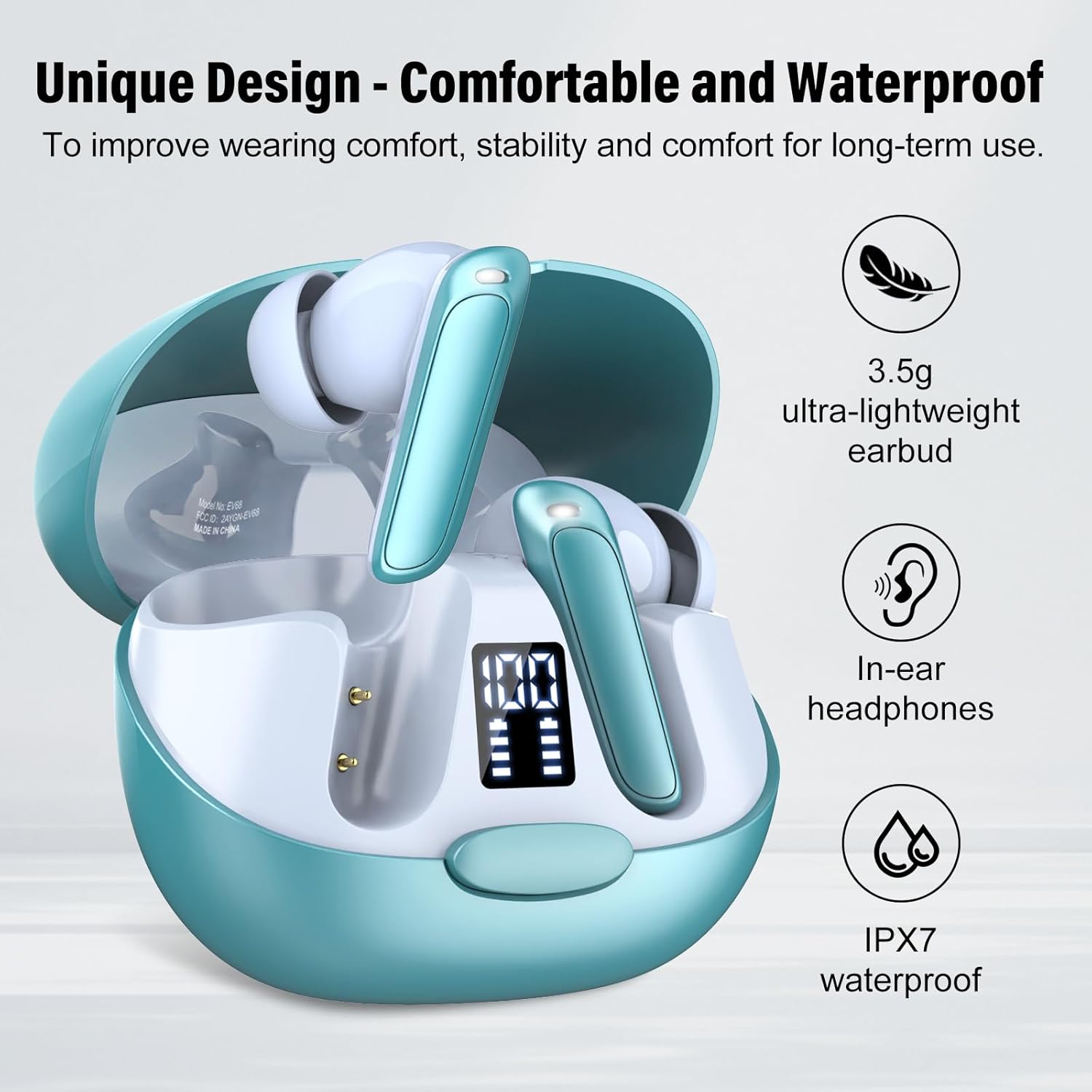
Image: A visual representation highlighting the Puqo EV68's unique design, emphasizing its 3.5g ultra-lightweight, in-ear fit, and IPX7 waterproof rating for comfort and durability.
3.7. Crystal Clear Calls
The integrated ENC (Environmental Noise Cancellation) microphone ensures your calls are crystal clear, even in noisy environments.

Image: A person using the Puqo EV68 earbuds while working on a laptop, illustrating the clear call quality provided by the integrated ENC microphone.
3.8. Personalized Comfort
The earbuds come with three sizes of eartips (S, M, L) and are designed for a 45-degree in-ear fit, ensuring personalized comfort and a secure fit for different ear shapes.

Image: An illustration showing the Puqo EV68 earbuds with different eartip sizes (S, M, L) and a diagram demonstrating the optimal 45-degree in-ear fit for personalized comfort.
4. Setup Guide
4.1. Downloading the App
To utilize the full translation capabilities of your Puqo EV68 headphones, you must download and install the companion app. Scan the QR code provided in the physical instruction manual included in your package to download the app.
4.2. Initial Connection and Authorization
- Select "EV68" in your phone's Bluetooth settings page to complete the connection.
- Launch the "Ear Dance" app; the device will connect automatically.
- After connecting, navigate to the "My" section of the app and click on "Associate Device".
- Scan or enter the authorization code (QR code) present on the packaging.
- After authorization, you can begin using the translation function.

Image: A visual guide showing the steps to download the app, connect the EV68 earbuds via Bluetooth, and authorize the device within the app for translation functionality.
5. Operating Instructions
5.1. Using Translation Modes
Refer to section 3.2 for a detailed description of each translation mode. Select the desired mode within the "Ear Dance" app based on your communication needs.
5.2. Music and Call Control (Touch Controls)
The EV68 earbuds feature intuitive touch controls for managing music playback, calls, and voice assistants:
| Action | Control |
|---|---|
| Play/Pause | Single tap on either earbud |
| Change Track | Double tap on either earbud (specific tap for next/previous may vary by app) |
| Adjust Volume | Triple tap on either earbud (specific tap for up/down may vary by app) |
| Answer Call | Single tap on either earbud during incoming call |
| Reject/End Call | Long press on either earbud during incoming/active call |
| Activate Voice Assistant (Siri) | Specific gesture (refer to app or quick start guide for exact gesture) |

Image: A diagram illustrating the touch control functions of the Puqo EV68 earbuds, including Play/Pause, Change Track, Adjust Volume, Answer/Reject Call, and Voice Assistant activation.
6. Maintenance
To ensure the longevity and optimal performance of your Puqo EV68 headphones, follow these maintenance guidelines:
- Cleaning: Regularly wipe the earbuds and charging case with a soft, dry, lint-free cloth. Do not use abrasive cleaners or solvents.
- Eartips: Remove and clean the eartips periodically with mild soap and water. Ensure they are completely dry before reattaching.
- Charging Ports: Keep the Type-C charging port free of dust and debris. Use a dry cotton swab if necessary.
- Storage: When not in use, store the earbuds in their charging case to protect them and keep them charged. Avoid extreme temperatures.
- Water Exposure: While IPX7 waterproof, avoid prolonged submersion in water. Dry thoroughly if exposed to moisture.
7. Troubleshooting
If you encounter issues with your Puqo EV68 headphones, try the following troubleshooting steps:
- No Power/Not Charging: Ensure the charging cable is securely connected to both the case and a power source. Check if the power source is active. Clean the charging contacts on both earbuds and the case.
- Cannot Pair/Connect: Ensure Bluetooth is enabled on your device and the earbuds are in pairing mode. Try forgetting the device in your phone's Bluetooth settings and re-pairing. Ensure the earbuds are charged.
- No Sound/Low Volume: Check the volume levels on both your device and the earbuds. Ensure the earbuds are properly seated in your ears. Try cleaning any earwax buildup from the earbud mesh.
- Translation Issues: Ensure you have a stable internet connection for online translation. Verify that the correct source and target languages are selected in the app. Check the app for any updates.
- App Not Responding: Close and restart the "Ear Dance" app. If the issue persists, try reinstalling the app.
- Poor Call Quality: Ensure the microphone is not obstructed. Check for strong environmental noise. Try moving closer to your connected device.
If these steps do not resolve the issue, please contact Puqo customer support for further assistance.
8. Specifications
| Feature | Detail |
|---|---|
| Brand | Puqo |
| Model Number | EV68 |
| Connectivity Technology | Wireless (Bluetooth 5.3) |
| Form Factor | In-ear |
| Color | Blue |
| Earbud Weight | 3.5g (ultra-lightweight) |
| Waterproof Rating | IPX7 |
| Battery Life (Single Charge) | Up to 8 hours |
| Total Battery Life (with Charging Case) | Up to 48 hours |
| Charging Port | Type-C |
| Speaker Size | 13.0mm |
| Supported Languages | 164 languages and accents |
| Included Components | Charging station, Earbuds, Type-C cable, Eartips |
9. Warranty and Support
Puqo is committed to providing excellent customer service.
- Warranty: This product comes with a 2-year warranty from the date of purchase, covering manufacturing defects.
- Returns & Refunds: You are eligible for returns and refunds within 30 days of purchase, subject to the seller's return policy.
- Customer Support: For any technical issues, questions, or warranty claims, please contact the seller directly through your purchase platform.

Image: Icons representing 30-day returns and refunds, a 2-year warranty, and fast delivery, highlighting Puqo's customer-centric service.