
1. Important Safety Instructions
Please read and save these instructions before operating your humidifier. Failure to follow these instructions may result in electric shock, fire, or serious injury.
- Always place the humidifier on a firm, flat, and level surface.
- Do not place the humidifier near heat sources such as stoves, radiators, or direct sunlight.
- Ensure the power cord, user manual, and remote control are removed from inside the water tank before initial use.
- Use only clean, distilled, or purified water. Hard water can lead to mineral buildup and pump clogging.
- Do not immerse the humidifier in water or other liquids.
- Unplug the unit before cleaning, filling, or moving.
- Keep out of reach of children and pets.
2. Product Overview
The Lacidoll LCD-MH-2106C is a high-capacity ultrasonic cool mist humidifier designed for large spaces. It features a 26L (6.8 Gallon) water tank and a maximum mist output of 1800mL/h, capable of humidifying areas up to 3000 sq.ft.
Key Features:
- Large Capacity: 26L (6.8 Gallon) tank for extended operation.
- Top-Fill Design: Easy and spill-free water refilling.
- Adjustable Mist Output: Low, Medium, and High settings.
- 360° Nozzle & Extension Tube: Customizable mist direction and height.
- Smart Humidistat: Maintains desired humidity levels (40%-90%).
- Quiet Operation: Less than 35dB noise level, suitable for bedrooms.
- Convenient Controls: Touch panel and remote control.
- Mobility: Equipped with 4 universal wheels for easy movement.
- Additional Functions: Night light, sleep mode, 12-hour timer, child lock.
Package Contents:
- 1 x Lacidoll Tower Humidifier
- 1 x Cleaning Sponge
- 1 x Remote Control
- 1 x User Manual (this document)
- 1 x Mist Tube
- 2 x Spray Nozzles (one standard, one 360° multi-directional)

Figure 2.1: Lacidoll Humidifier with its various components and accessories.
Video 2.1: An overview of the Lacidoll 26L Whole House Humidifier's features and design.
3. Setup
Follow these steps to prepare your humidifier for first-time use:
- Unpack: Carefully remove all components from the packaging. Ensure the power cord, remote control, and user manual are taken out from inside the water tank.
- Install Casters: Turn the humidifier's base upside down. Screw the four universal casters into the designated holes on the bottom of the unit. This allows for easy mobility.
- Prepare Pump: Locate the water pump inside the water tank. Remove any protective plastic bag or covering from the pump.
- Assemble Main Body: Gently press both sides of the water tank inward to align and securely place the main body (top section) onto the base (bottom section).
- Install Mist Nozzle: Choose your preferred mist nozzle (standard or 360° multi-directional). Insert the mist nozzle into the mist outlet on the top of the unit. If desired, attach the extension tube segments to achieve the desired height and direction.
- Connect Power: Plug the power cord into the humidifier and then into a suitable electrical outlet.
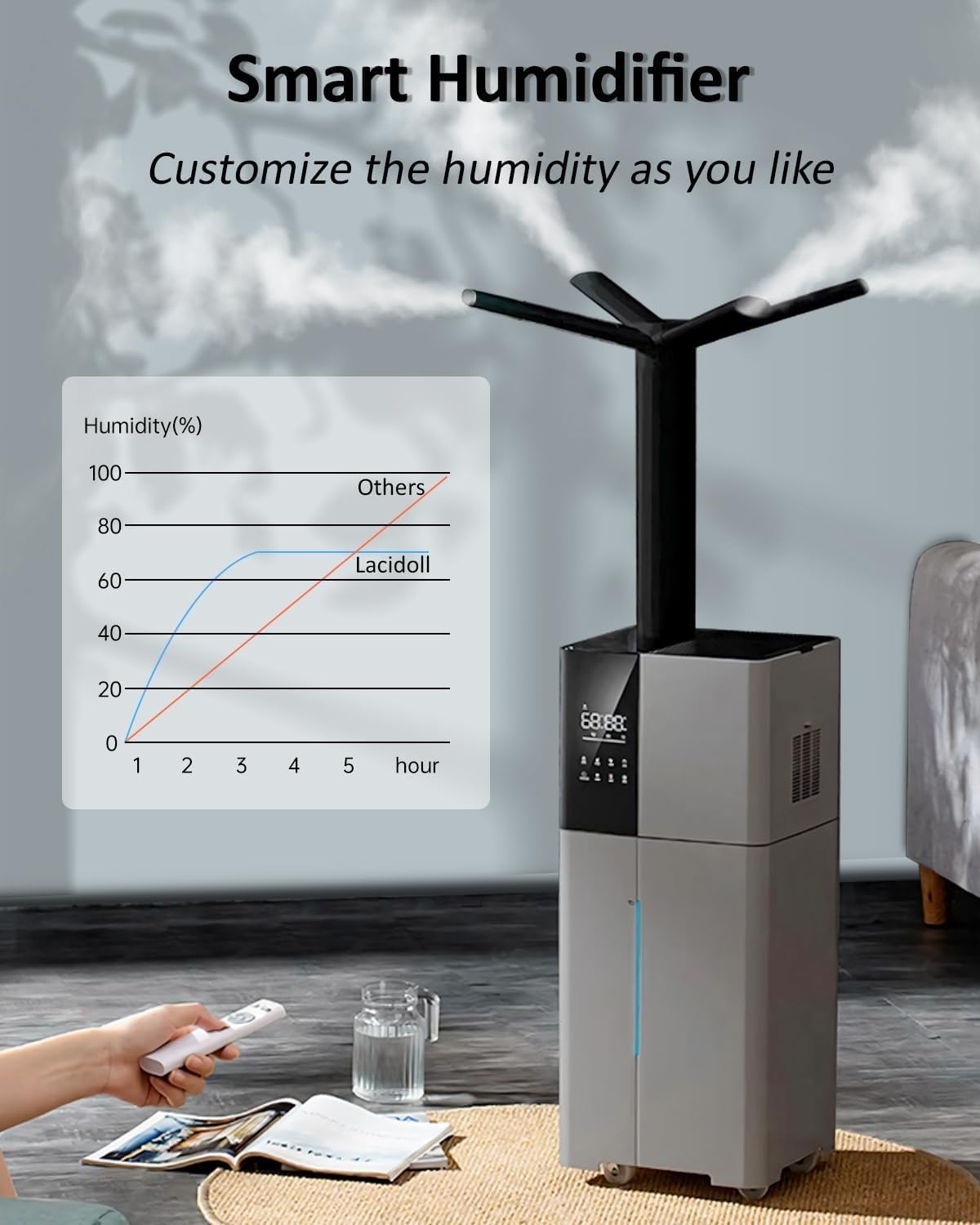
Figure 3.1: All components of the humidifier laid out before assembly.
Video 3.1: Step-by-step guide on how to assemble the Lacidoll 26L Whole House Humidifier.
4. Operating Instructions
Your Lacidoll humidifier offers various settings and modes for optimal humidification.
4.1 Filling the Water Tank
- The humidifier features a convenient top-fill design. Simply open the top cover and pour water directly into the tank.
- Use distilled or purified water to prevent mineral buildup and ensure longevity of the unit.
- The visible water viewport allows you to easily monitor the water level.
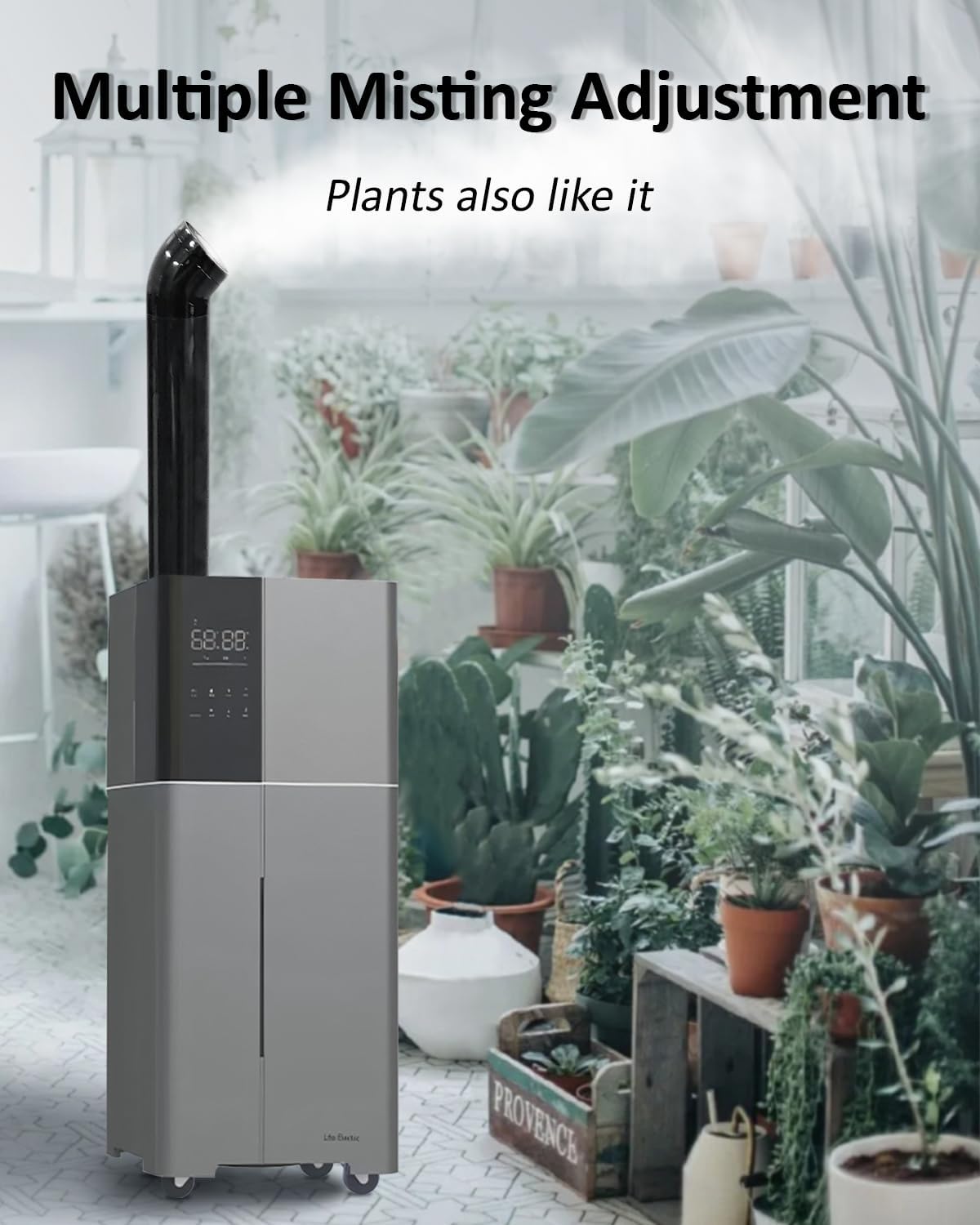
Figure 4.1: Demonstrating the top-fill feature of the humidifier.
4.2 Control Panel and Remote
The humidifier can be operated using the touch buttons on the control panel or the included remote control.
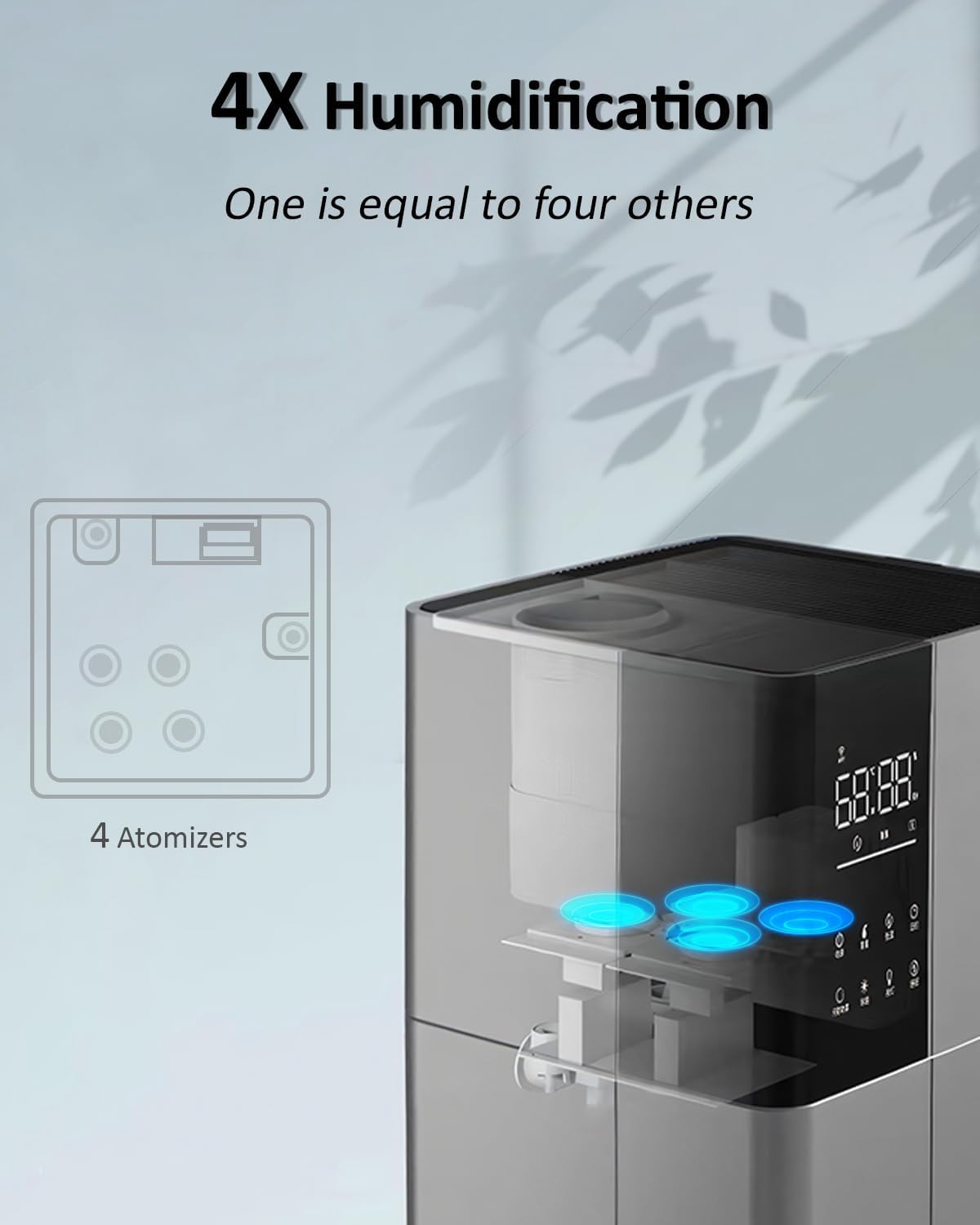
Figure 4.2: Close-up of the humidifier's touch control panel.
- Power: Turns the unit on or off.
- Max-Min: Adjusts mist output between Low, Medium, and High settings.
- Humidity: Sets the desired humidity level from 40% to 90%. The unit will automatically maintain this level.
- Timer: Sets an automatic shut-off timer for up to 12 hours.
- Interval Mist: Activates intermittent mist modes (e.g., 2 minutes on, 4 minutes off).
- Child Lock: Locks the control panel to prevent accidental changes.
- Light: Controls the LED night light feature.
- Sleep: Turns off the display lights for undisturbed sleep.
4.3 Smart Humidification
The integrated humidistat allows you to set a target humidity level. The humidifier will automatically turn off once the desired humidity is reached and restart if the humidity drops below the set point.
Video 4.1: Demonstration of the humidifier's operation, including mist output and control features.
5. Maintenance
Regular cleaning and proper maintenance will ensure the longevity and efficient operation of your humidifier.
- Daily Cleaning: Empty and rinse the water tank daily.
- Weekly Cleaning: Disconnect the power. The wide-opening water tank allows for easy access. Use a wet cloth to thoroughly clean the empty tank. Remove any mineral deposits from the ultrasonic atomizer using a soft brush or cloth.
- Water Pump: If hard water is used, the water pump may become clogged. If you notice reduced mist output, check the pump for blockages and clean as necessary. Contact customer support for a replacement pump if needed.
- Air Filter: Regularly check and clean the air filter located on the side of the unit to ensure optimal performance.
6. Troubleshooting
If you encounter issues with your humidifier, refer to the following common problems and solutions:
| Problem | Possible Cause | Solution |
|---|---|---|
| No mist or low mist output | Low water level Mineral buildup on atomizer Clogged water pump | Refill water tank Clean atomizer with soft brush Clean water pump, use distilled water |
| Unit does not turn on | Power cord not connected Unit not properly assembled | Ensure power cord is securely plugged in Check that the main body is correctly seated on the base |
| Unusual noise | Unit not on a level surface Foreign object in water tank | Place on a flat, stable surface Inspect and remove any foreign objects |
| Display not working in Sleep Mode | Sleep Mode is active | This is normal operation. Press any button to temporarily activate the display. |
If the problem persists after trying these solutions, please contact Lacidoll customer support.
7. Specifications
| Feature | Specification |
|---|---|
| Brand | Lacidoll |
| Model Name | LCD-MH-2106C |
| Water Tank Capacity | 26 Liters (6.8 Gallons) |
| Max Mist Output | 1800 mL/h |
| Coverage Area | Up to 3000 sq.ft |
| Operation Mode | Ultrasonic Cool Mist |
| Noise Level | Less than 35dB |
| Product Dimensions | 11.42"D x 10.83"W x 27.36"H |
| Item Weight | 11.9 Pounds |
| Voltage | 120 Volts |
| Wattage | 110 Watts |
| Special Features | Adjustable Humidity Control, Auto Shut Off, Humidistat, Quiet, Water Level Window, Top-Fill, 360° Nozzle, Extension Tube, Night Light, Sleep Mode, 12-Hour Timer, Remote/Touch Control, 4 Universal Wheels |
8. Warranty and Support
Lacidoll offers a 30-day free replacement for your humidifier. Additionally, the product comes with a 1-year warranty from the date of purchase, providing peace of mind.
For any questions, technical assistance, or warranty claims, please contact Lacidoll customer support. If you experience issues such as a clogged water pump due to hard water, please reach out for a replacement pump.
Contact information can typically be found on the product packaging or the official Lacidoll website.
