
Introduction
The EARGO 8 / SE hearing aids are advanced, self-fitting, FDA-cleared Over-The-Counter (OTC) Completely-In-Canal (CIC) devices designed to enhance your hearing experience. These devices feature superior HD sound, discreet design, and smart technology for personalized sound adjustment.
This manual provides essential information for setting up, operating, maintaining, and troubleshooting your EARGO 8 / SE hearing aids. Please read it thoroughly before using your devices.
What's in the Box
Your EARGO 8 / SE package includes the following items:
- Left & Right Eargo 8 / SE devices
- Portable recharging case
- Trumpet eartips in S, M, L sizes
- USB-C power cord
- USB power adapter
- Cleaning cloth & brush
- Cleaning wipes & putty
- User guides

Image: Contents of the EARGO 8 / SE box, showing the left and right hearing aids, portable charging case, various sizes of trumpet eartips, USB-C power cord, USB power adapter, cleaning cloth and brush, cleaning wipes and putty, and user guides.
Setup and Getting Started
Charging Your Devices
Upon receiving your Eargos, ensure they are fully charged. The extended-life charger provides up to 2 weeks of on-the-go charging, with up to 14 full recharges. Place the devices in the charging case to begin charging.

Image: A hand placing an EARGO 8 / SE hearing aid into its portable recharging case, which displays green indicator lights for charging status.
Selecting Eartips
The Eargo 8 / SE comes with three sizes of Trumpet eartips (S, M, L). Experiment with different sizes to find the best fit for your ears. A proper fit is crucial for comfort and optimal sound quality.

Image: A detailed view of an EARGO 8 / SE device, illustrating its compact size, comfortable Trumpet eartips, and the easy pull tab for removal.
Inserting and Removing Devices
Proper insertion and removal are key to comfort and performance. Refer to the video below for a visual guide.
Video: Instructions on how to correctly insert and remove your EARGO E8 hearing aids for optimal fit and comfort.
Operating Instructions
Adjusting Programs
Your Eargo devices come with four preset programs ready to use. You can switch between these programs by double-tapping your ear. The device will announce the selected program.
Video: Guide on how to adjust the listening program on your EARGO E8 hearing aids by tapping your ear.
Eargo Mobile App & Sound Match
For advanced personalization, use the Eargo mobile app. The app allows you to self-fit your devices to each ear's hearing needs with Sound Match technology. You can also customize settings and discreetly make in-ear adjustments.

Image: A smartphone displaying the EARGO app interface for Sound Match personalization, allowing users to self-fit their hearing aids.
The app also features Smart Sound Adjust, which automatically adapts to your sound environment for better performance. You can choose from various scene modes:
- Normal: Offers more amplification for soft speech in normal, quiet environments.
- Restaurant: Designed to allow conversations to cut through a noisy restaurant.
- Music: Provides richer, fuller, and more natural sound.
- Phone: Optimized for both handheld and speakerphone use.

Image: A visual representation of the EARGO app's environmental settings, including Normal, Restaurant, Music, and Phone modes, designed to adapt to various listening situations.
Using with a Phone
The Eargo devices are optimized for phone use. While they are not Bluetooth earbuds for streaming music or calls, they enhance your hearing during phone conversations.
Video: Instructions on how to use EARGO hearing aids effectively with a phone.
Maintenance
Daily Cleaning Guide
Regular cleaning is essential to maintain the performance and longevity of your Eargo devices. Use the provided cleaning cloth, brush, wipes, and putty as instructed.
Video: A daily cleaning guide for EARGO E8 and SE hearing aids, demonstrating how to clean the devices.
Changing Eartips
Eartips should be changed periodically to ensure hygiene and optimal fit. Refer to the video below for instructions on how to remove and replace eartips.
Video: Instructions on how to change the eartips on EARGO E8 and SE hearing aids, including removal and replacement.
Troubleshooting
Device Scan
The Eargo app features an exclusive patented Device Scan technology that checks the health of your devices. This helps you ensure your Eargos are working at their best and can assist in identifying and resolving potential issues.
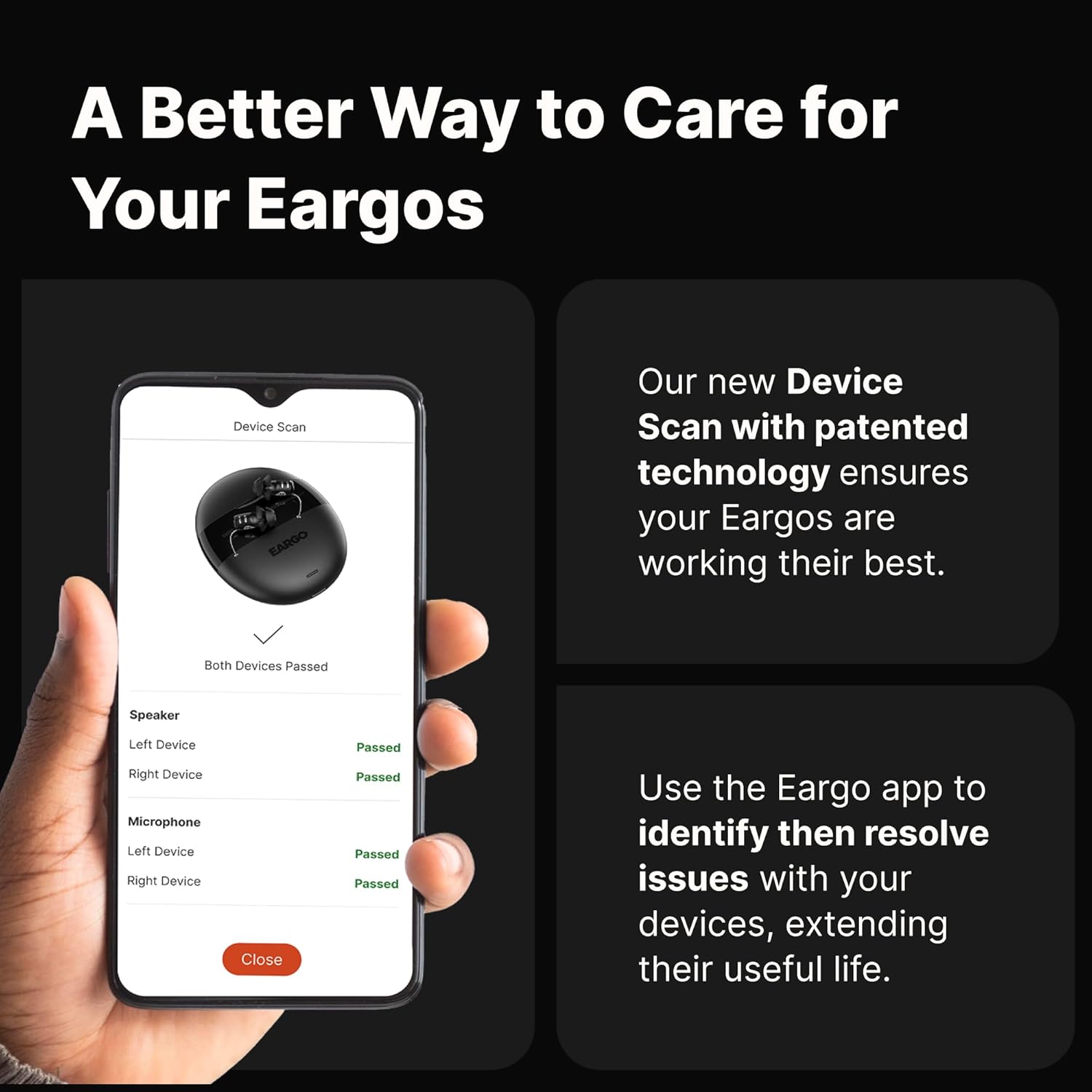
Image: A smartphone displaying the EARGO app's Device Scan feature, showing diagnostic results for the left and right hearing aids' speakers and microphones.
Video: A troubleshooting guide for the EARGO E8, demonstrating how to use the Device Scan feature in the app to check device functionality.
Specifications
| Feature | Detail |
|---|---|
| Model Number | 99-0179-001 |
| Battery Type | 3 Lithium Ion batteries (included) |
| Listening Time | Up to 16 hours on a single charge |
| Charger Recharges | Up to 14 full recharges (2 weeks on-the-go) |
| Water Resistance | IP68 rated (dust and water resistant, sweat resistant) |
| Design | Virtually invisible, completely-in-canal (CIC) fit |
| Sound Technology | Smart Sound Adjust, Sound Match, Device Scan |
| Programs | 4 preset programs, customizable via app |

Image: A comparison table detailing the features of EARGO 8 and EARGO SE models, including discretion, customer support, technology, personalization, and rechargeable power.
Warranty and Support
2-Year Warranty
Your Eargo devices come with a 2-year warranty, which includes unlimited repairs and one-time loss or damage coverage. For full details, please visit eargo.com/warranty.
Lifetime Customer Support
Eargo provides dedicated lifetime remote customer support from Eargo Hearing Experts. If you need assistance, you can reach out by phone, email, or online chat.
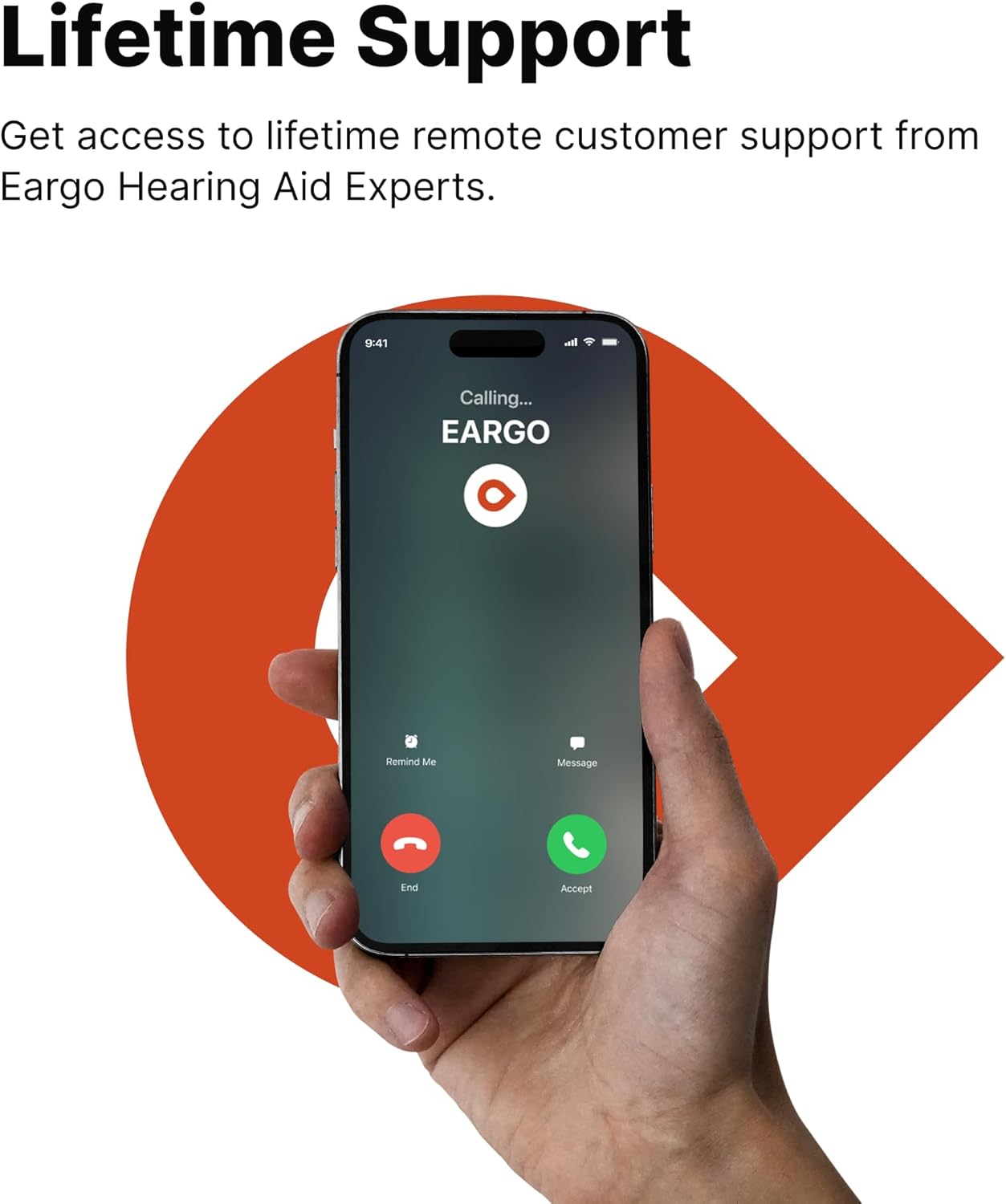
Image: A hand holding a smartphone with an 'Eargo Calling' screen, representing the availability of lifetime customer support.
Safety Information
By ordering this item, you certify that you are at least 18 years old and have had the opportunity to review Eargo's User Instructional Brochure and informational videos. You also acknowledge that you can contact an Eargo Customer Service Representative for assistance.
Legal Disclaimer: Reselling any products purchased from or through Eargo is prohibited. Products are for personal use only, not for resale or export.


