
1. Introduction
This manual provides essential information for setting up, operating, and maintaining your ZTE Nubia Neo 3 GT 5G smartphone. Designed for an ultimate gaming experience, this device combines powerful performance with advanced features. Please read this manual thoroughly to ensure proper use and to maximize your device's capabilities.
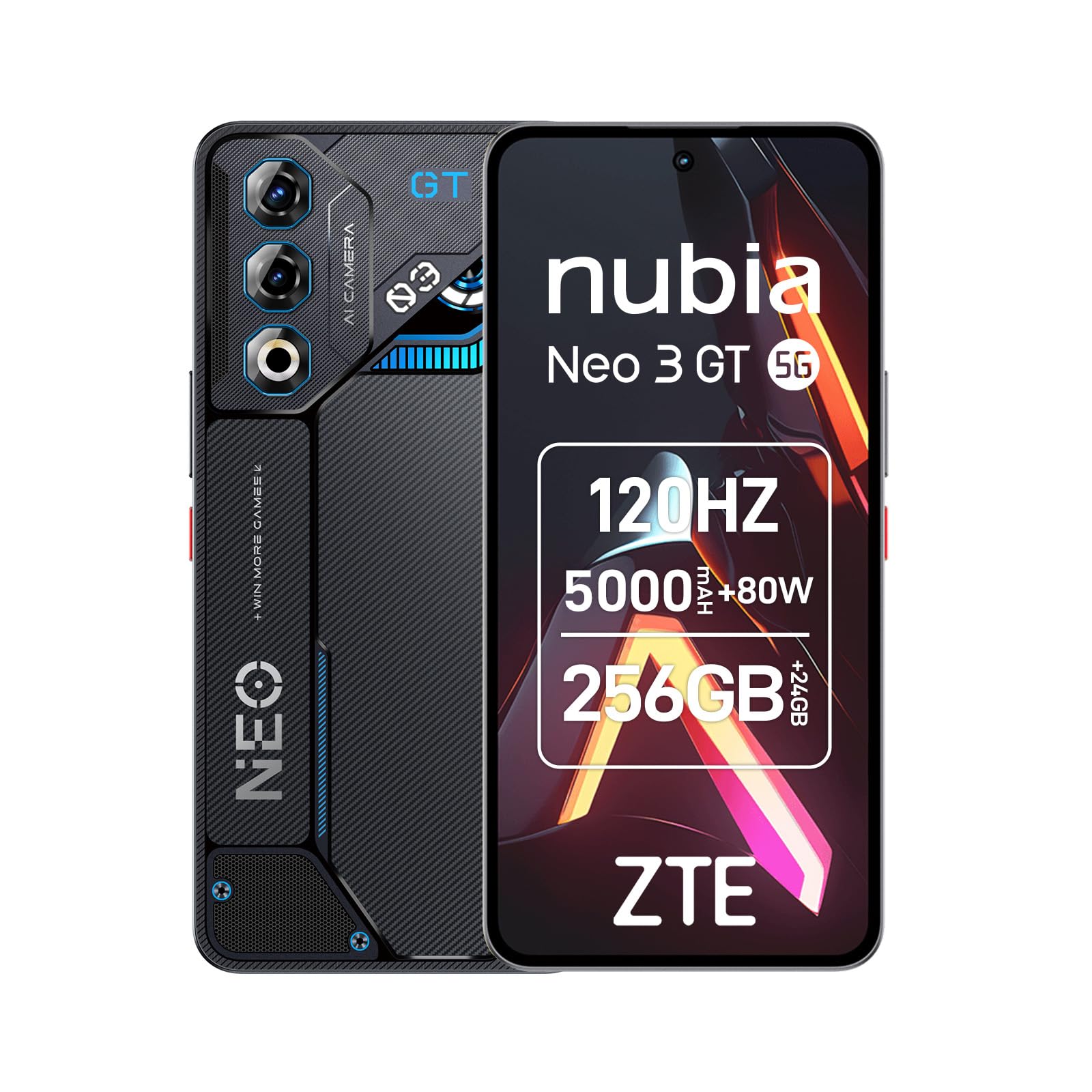
Image 1: ZTE Nubia Neo 3 GT 5G smartphone, showcasing its design.
2. Setup
2.1 Package Contents
Verify that your package contains the following items:
- ZTE Nubia Neo 3 GT 5G Smartphone
- USB Cable
- Phone Case
- Screen Protector
- SIM Ejector Tool
2.2 Inserting SIM Cards
The Nubia Neo 3 GT supports Dual SIM functionality.
- Locate the SIM card tray on the side of the device.
- Insert the SIM ejector tool into the small hole next to the tray and push gently until the tray pops out.
- Place your Nano SIM card(s) into the designated slots on the tray. Ensure the gold contacts face downwards.
- Carefully reinsert the tray into the phone.

Image 2: Illustrative image of the phone's side, where the SIM tray is typically located.
2.3 Initial Power On and Basic Configuration
- Press and hold the Power button until the device vibrates and the screen lights up.
- Follow the on-screen prompts to select your language, connect to a Wi-Fi network, and set up your Google account.
- Configure security features such as fingerprint recognition (in-display sensor) and facial recognition for enhanced device security.
3. Operating Your Device
3.1 Display and Navigation
Your device features a 6.8-inch FHD+ OLED display with a 120Hz refresh rate, offering a smooth and immersive visual experience. Navigate using touch gestures and on-screen buttons.

Image 3: The 120Hz OLED Gaming Display, highlighting its vibrant visuals and smooth performance.
3.2 Gaming Features
The Nubia Neo 3 GT is optimized for gaming with several dedicated features:
- Dual Gaming Shoulder Triggers: Customizable, ultra-sensitive side triggers for enhanced control in games.
- Rear LED Lights: Personalizable LED lights on the back for a gaming aesthetic.
- Z-axis Linear Motor: Provides precise and immersive haptic feedback during gameplay.
- Game Space Application: A dedicated app to centralize your games and customize settings like touch area and CPU/GPU performance.
- In-game Gaming Menu: Access quick settings by swiping down twice from the top to record screen, adjust refresh rate, or boost performance without pausing your game.
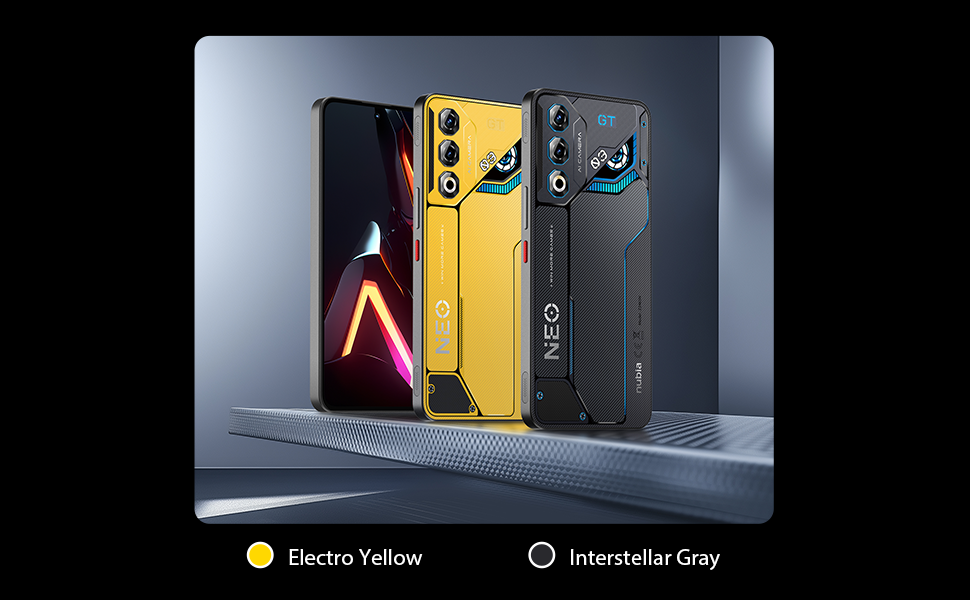
Image 4: Overview of key gaming features including the NeoTurbo Performance Engine, Dual Gaming Shoulder Triggers, Z-axis Linear Motor for haptic feedback, and DTS:X Ultra stereo speakers for immersive sound.
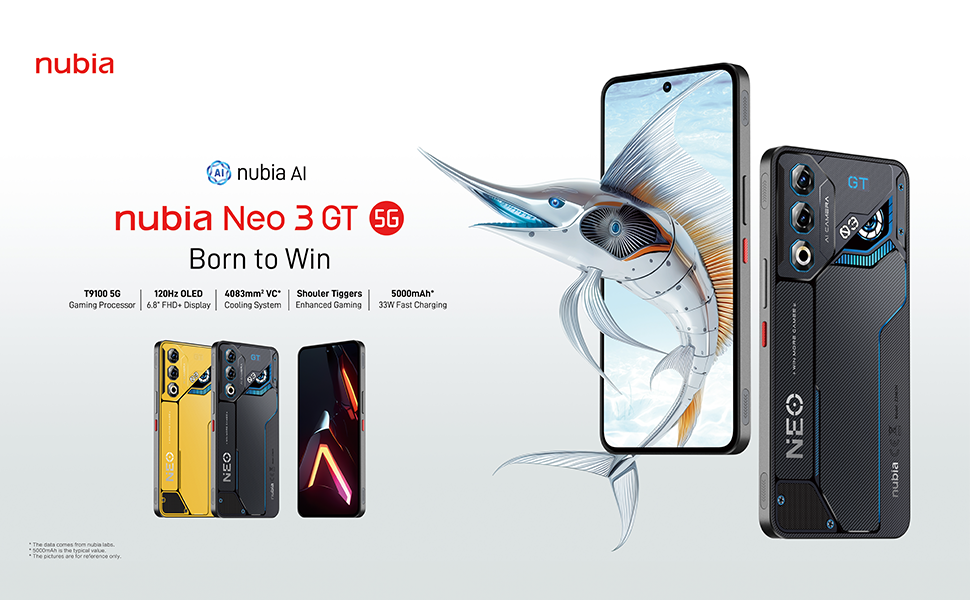
Image 5: Additional gaming functions such as highly sensitive controls, screen recording, data display, key mapping, and peripheral control.
3.3 Camera
Capture moments with the device's camera system:
- Rear Camera: 50 Megapixels with AI enhancements.
- Front Camera: 8 Megapixels.
Access the camera app from the home screen or lock screen to take photos and videos. Explore various modes and settings for optimal results.
3.4 Battery and Charging
The device is equipped with a 5000 mAh battery.
- Fast Charging: Supports 33W fast charging. Use the provided USB cable and a compatible charger for best results.
- Bypass Charging: This technology allows power to be supplied directly to the device from the charger, bypassing the battery during intense gaming sessions to reduce heat and prolong battery life.

Image 6: Illustration of the 5000 mAh high-capacity battery and the Bypass Charging feature, which directs power directly to the device from the charger.
3.5 Connectivity
Your device supports various connectivity options:
- 5G Network: For high-speed mobile data.
- Wi-Fi: Connect to wireless networks.
- Bluetooth: For connecting to wireless accessories.
- NFC: For contactless payments and quick pairing.
- USB Type-C: For charging and data transfer.
- GPS: Integrated GPS for navigation.
4. Maintenance
4.1 Battery Care
- Avoid exposing the device to extreme temperatures.
- Do not fully discharge the battery frequently.
- Use the original charger and cable for optimal charging and to preserve battery health.
- The average battery lifespan is estimated at 5 years.
4.2 Cleaning Your Device
- Use a soft, lint-free cloth to clean the screen and body.
- Avoid using harsh chemicals or abrasive materials.
- Do not expose the device to water as it is not waterproof.
4.3 Software Updates
Regularly check for software updates to ensure your device has the latest features, security patches, and performance improvements. You can usually find this option in the device settings under "System" or "About phone".
5. Troubleshooting
5.1 Common Issues and Solutions
- Device not turning on: Ensure the battery is charged. Connect to a charger and wait a few minutes before attempting to power on again.
- Apps freezing or crashing: Close the problematic app and reopen it. If the issue persists, restart the device.
- Poor network connectivity: Check your SIM card insertion. Try toggling Airplane Mode on and off. If issues persist, contact your network provider.
- Slow performance: Close unnecessary background apps. Clear cache for frequently used apps. Consider a factory reset as a last resort (back up your data first).
6. Specifications
| Feature | Specification |
|---|---|
| Model Name | ZTE Nubia Neo 3 GT |
| Operating System | Android 15 |
| CPU Speed | 2.7 GHz |
| RAM | 12 GB (expandable up to 24 GB dynamic RAM) |
| Storage Capacity | 256 GB (Maximum flash memory supported) |
| Display Size | 6.8 Inches |
| Display Type | FHD+ OLED |
| Resolution | 2392 x 1080 Pixels |
| Refresh Rate | 120 Hz |
| Rear Camera Resolution | 50 Megapixels |
| Front Camera Resolution | 8 Megapixels |
| Battery Capacity | 5000 mAh |
| Charging | 33W Fast Charging, Bypass Charging |
| Cellular Technology | 5G |
| Connectivity | Bluetooth, NFC, USB Type-C, Wi-Fi |
| SIM Card Slots | Dual SIM (Nano) |
| Biometric Security | Fingerprint and Facial Recognition |
| Weight | 203 Grams |
| Water Resistance | Not waterproof |
| Year Model | 2025 |
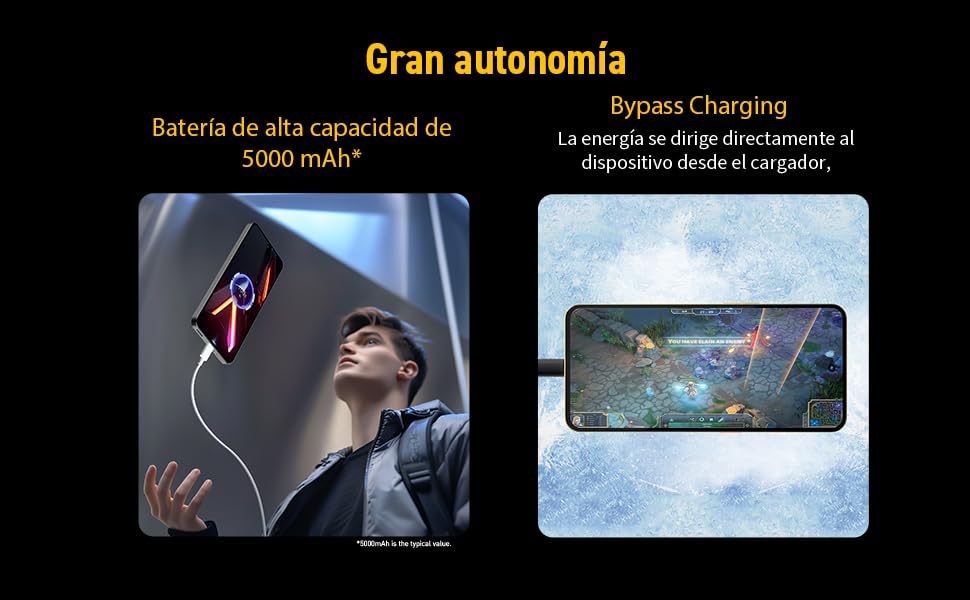
Image 7: Illustration of the T9100 5G-SoC processor, highlighting its powerful performance up to 2.7 GHz.

Image 8: Visual representation of the device's dynamic RAM, indicating up to 24 GB (12GB + 12GB).
7. Warranty and Support
For detailed warranty information, please refer to the warranty card included with your product or visit the official nubia website.
- Spare parts availability: 10 Years.
- Average battery lifespan: 5 Years.
For technical support or service inquiries, please contact nubia customer service through their official channels.


