
1. Introduction
This manual provides detailed instructions for the installation, operation, and maintenance of your YuanLey 26 Port 2.5G Unmanaged PoE Switch. This device is designed to enhance your network infrastructure with high-speed connectivity and Power over Ethernet capabilities.

Image 1.1: The YuanLey 26 Port 2.5G PoE Switch, a high-performance network device.
2. Product Overview
The YuanLey 26 Port 2.5G Unmanaged PoE Switch features 24 x 2.5 Gigabit Base-T PoE ports and 2 x 10G SFP+ uplink ports. It supports IEEE 802.3af/at PoE standards, providing a total power budget of 400W, with up to 30W per port. This switch is unmanaged, offering plug-and-play functionality without complex configuration. Its robust metal case and efficient cooling system ensure stable and reliable operation across a wide temperature range.

Image 2.1: Key features of the 2.5G PoE Switch, including 2.5G PoE ports, 10G SFP+ ports, IEEE802.3af/at compliance, low noise fan, and plug-and-play operation.
3. Package Contents
Please verify the contents of your package. If any items are missing or damaged, contact your vendor immediately.
- YuanLey 26 Port 2.5G Unmanaged PoE Switch (Model YS25-2402P-JP)
- Power Cord
- Rack Mount Kit (brackets and screws)
- User Manual
4. Physical Description
4.1 Front Panel
The front panel of the switch features 24 x 2.5G Base-T PoE ports (Ports 1-24) and 2 x 10G SFP+ uplink ports (Ports 25-26). Each port has corresponding LED indicators for status. A System (SYS) LED and Power (PWR) LED are also present.
4.2 Rear Panel
The rear panel includes the AC power input (100-240V, 50-60Hz) for the built-in power supply.

Image 4.1: Detailed view of the switch's front panel showing 2.5G PoE ports, 10G SFP+ ports, and LED indicators. The rear panel shows the AC power input.
4.3 LED Indicators
The LED indicators provide visual status of the switch and its connections:
- PWR (Power) LED:
- Green: Powered on
- Off: Powered off
- 2.5G PoE Ports (1-24) Link/Act LEDs:
- Green: 100/1000Mbps/2.5G Link established
- Yellow: Connected to a device but no activity
- Flashing: Transmitting or receiving data
- 10G SFP+ Ports (25-26) Link/Act LEDs:
- Green: 10G Link established
- Flashing: Transmitting or receiving data
5. Setup
The YuanLey 26 Port 2.5G PoE Switch is designed for simple plug-and-play installation. No software configuration is required.
5.1 Placement Options
The switch supports both desktop placement and rack mounting.
- Desktop Placement: Place the switch on a flat, stable surface. Ensure adequate ventilation around the device.
- Rack Mount: Use the provided rack mount kit to install the switch into a standard 19-inch equipment rack. Secure the brackets to the sides of the switch with the included screws, then mount the switch into the rack.

Image 5.1: The switch can be placed on a desktop or mounted in a standard equipment rack.
5.2 Power Connection
- Connect the power cord to the AC power input on the rear panel of the switch.
- Plug the other end of the power cord into a standard AC power outlet.
- Verify that the PWR LED on the front panel illuminates green, indicating the switch is powered on.
5.3 Network Connections
Connect your network devices to the switch using standard Ethernet cables (Cat5e, Cat6, or Cat6a recommended for optimal performance).
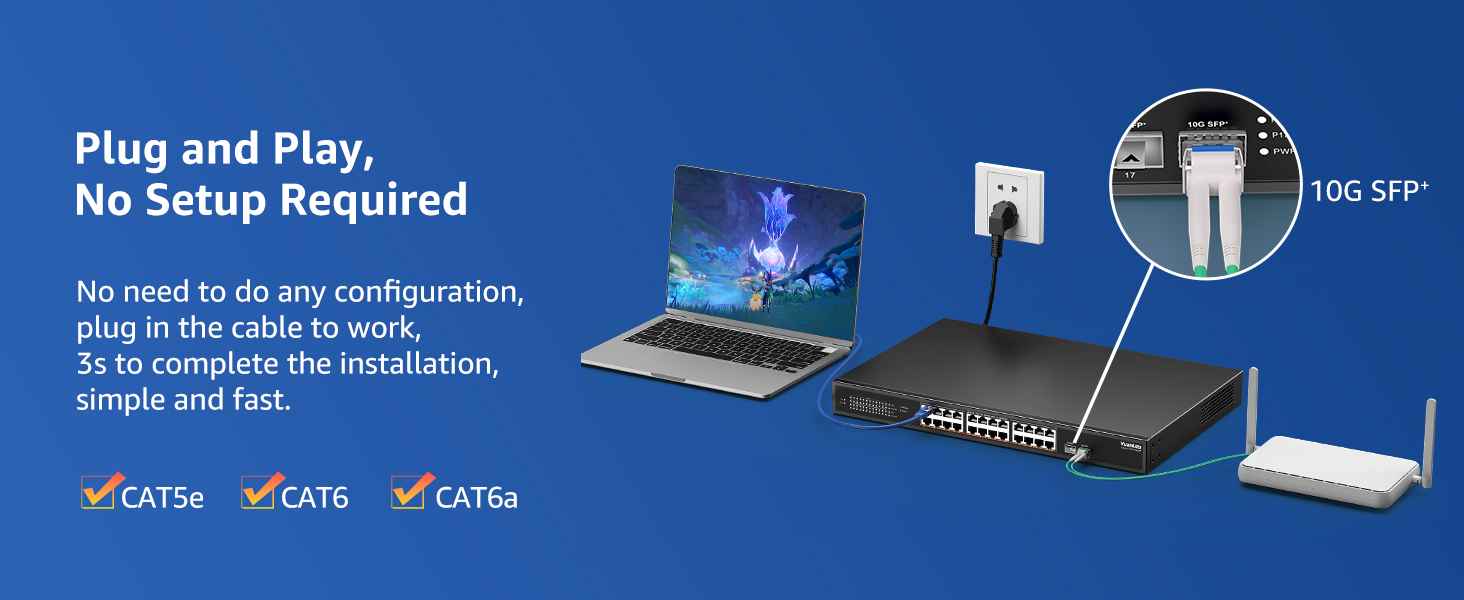
Image 5.2: Illustrates the simple plug-and-play setup, connecting a laptop and router to the switch.
6. Operating Instructions
The YuanLey 26 Port 2.5G PoE Switch operates automatically once connected. It supports both Power over Ethernet (PoE) and non-PoE devices.
6.1 Connecting PoE Devices
Connect IEEE 802.3af/at compliant PoE devices (e.g., IP cameras, WiFi 6 APs) to any of the 24 x 2.5G PoE ports (Ports 1-24). The switch will automatically detect and provide power to these devices over the Ethernet cable, eliminating the need for separate power adapters.
6.2 Connecting Non-PoE Devices
Connect non-PoE network devices (e.g., PCs, servers, NAS, routers) to any of the 24 x 2.5G PoE ports. The switch will provide data connectivity without supplying power. Ensure these devices have their own power source.

Image 6.1: Demonstrates connecting both PoE devices (WiFi 6 AP, IP Camera) and non-PoE devices (2.5G NAS, WiFi 6 Router, 2.5G Gaming PC, 4K Video source) to the switch.
6.3 Using 10G SFP+ Ports
The 2 x 10G SFP+ ports (Ports 25-26) are designed for high-speed uplink connections to other switches or network backbone devices. These ports require compatible 1G/2.5G/10G SFP+ modules (not included). Insert the SFP+ module into the port, then connect a fiber optic cable to the module.
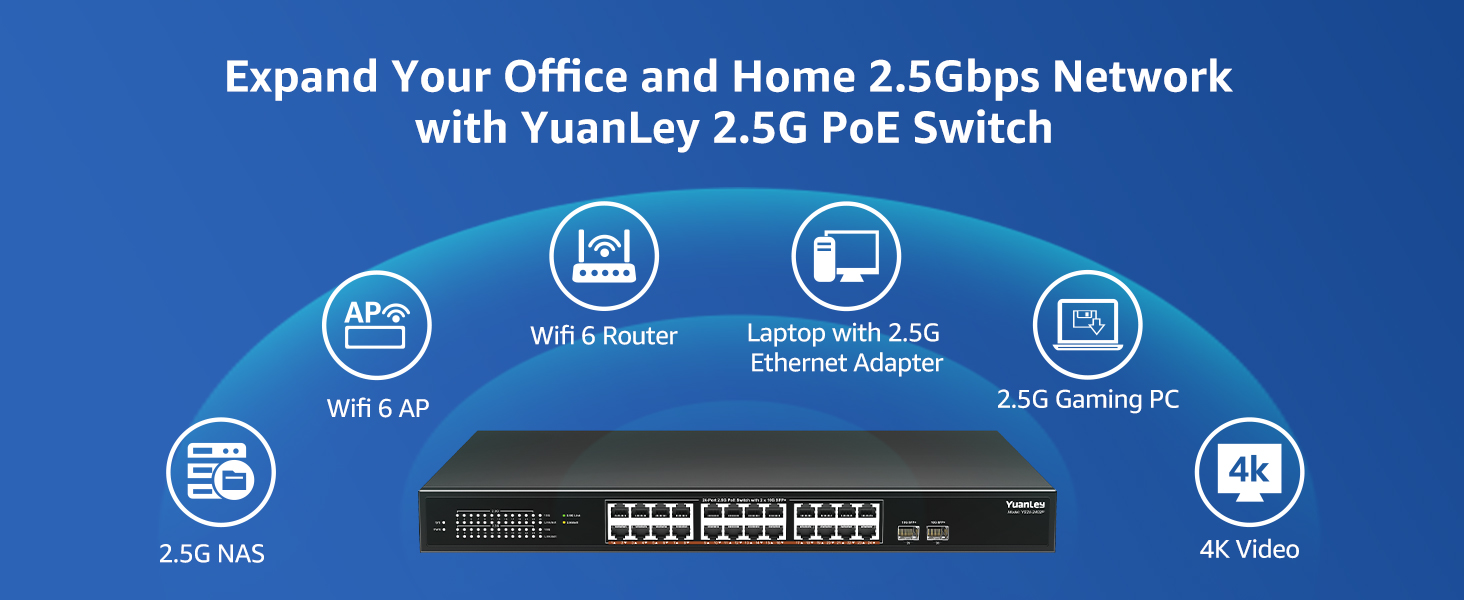
Image 6.2: Shows how the switch can expand network capabilities for various devices like WiFi 6 APs, routers, laptops with 2.5G adapters, gaming PCs, NAS, and 4K video.
7. Maintenance
To ensure optimal performance and longevity of your YuanLey PoE Switch, follow these maintenance guidelines:
- Environmental Conditions: Operate the switch within the specified temperature range of -10°C to 50°C. Avoid exposing the device to extreme temperatures, high humidity, or direct sunlight.
- Ventilation: Ensure that the cooling vents on the device are not obstructed to allow for proper airflow. The switch features a low-noise fan and dual-side cooling vents for efficient heat dissipation.
- Cleaning: Use a soft, dry cloth to clean the exterior of the switch. Do not use liquid or aerosol cleaners.
- Cable Management: Keep network cables organized and properly secured to prevent accidental disconnections or damage.
- Lightning Protection: The device includes 6KV lightning protection. However, for enhanced safety during thunderstorms, consider disconnecting the power supply.
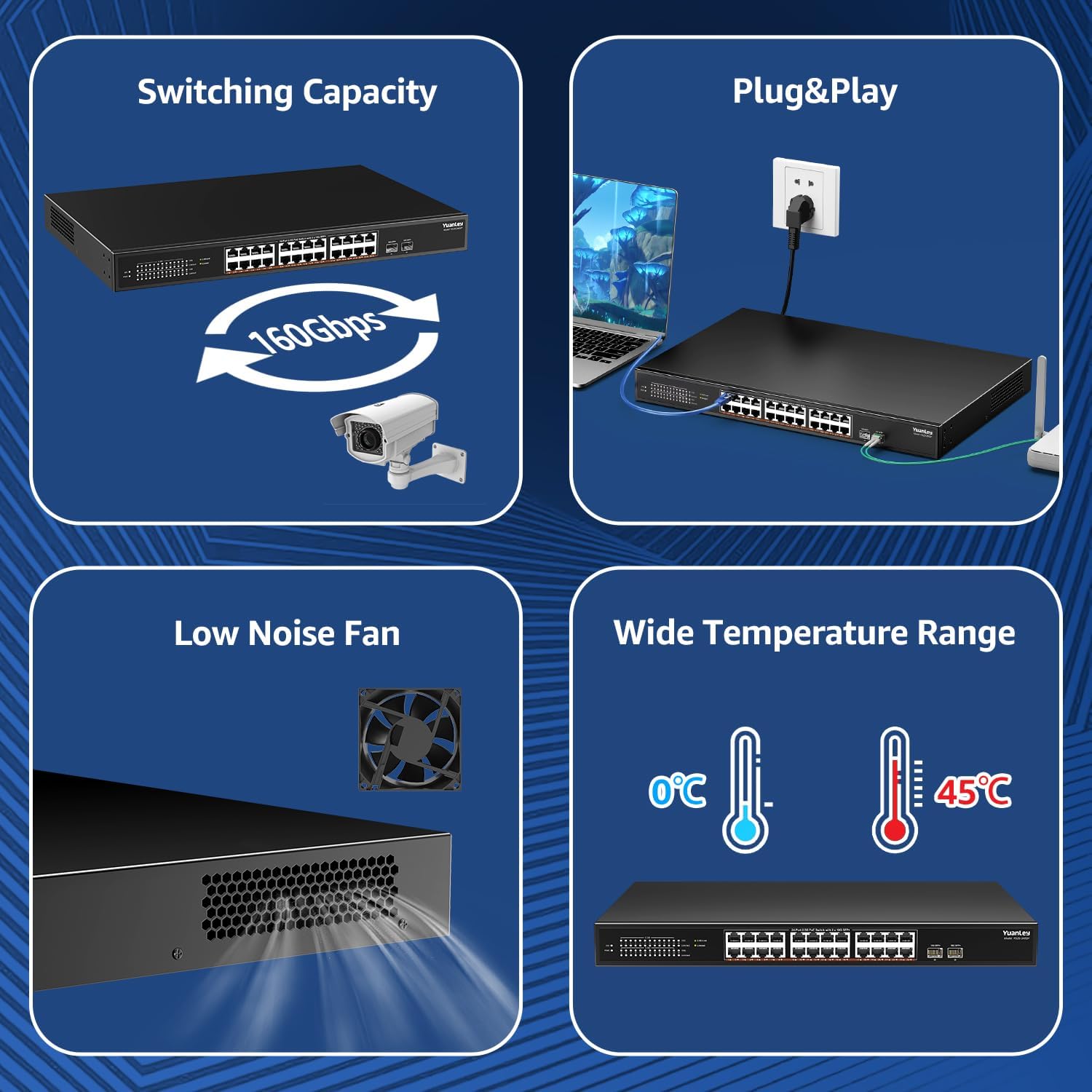
Image 7.1: Highlights the low noise fan and wide operating temperature range (0°C to 45°C, though specifications state -10°C to 50°C, refer to specifications for exact range).
8. Troubleshooting
If you encounter issues with your YuanLey PoE Switch, refer to the following common troubleshooting steps:
- No Power:
- Check if the power cord is securely connected to both the switch and the power outlet.
- Verify that the power outlet is functional.
- Ensure the PWR LED on the front panel is green.
- No Link/Activity on a Port:
- Ensure the Ethernet cable is securely connected to both the switch port and the connected device.
- Check the integrity of the Ethernet cable; try a different cable if necessary.
- Verify that the connected device is powered on and functioning correctly.
- For SFP+ ports, ensure the SFP+ module is correctly inserted and compatible.
- Check the Link/Act LED for the specific port. A green LED indicates a successful link.
- No PoE Power to Device:
- Confirm that the connected device is IEEE 802.3af/at compliant.
- Ensure the device is connected to one of the 24 PoE ports (Ports 1-24).
- Check the total power consumption of all connected PoE devices to ensure it does not exceed the switch's 400W power budget.
- Try connecting the PoE device to a different PoE port.
- Slow Network Speed:
- Ensure you are using Cat5e, Cat6, or Cat6a Ethernet cables for 2.5G connections.
- Verify that your connected devices (NICs, routers) support 2.5G or 10G speeds.
- Check for network congestion or excessive traffic.
9. Specifications
The following table outlines the technical specifications of the YuanLey 26 Port 2.5G Unmanaged PoE Switch:
| Feature | Description |
|---|---|
| Brand | YuanLey |
| Model Number | YS25-2402P-JP |
| Number of Ports | 26 (24 x 2.5G PoE, 2 x 10G SFP+) |
| PoE Standard | IEEE 802.3af/at |
| Total PoE Power Budget | 400W |
| Max Power Per Port | 30W |
| Data Transfer Rate | 160 Gigabits Per Second (Switching Capacity) |
| Interface | RJ45, PoE, SFP+ |
| Switch Type | Unmanaged |
| Operating Temperature | -10°C to 50°C |
| Compatible Devices | Camera, Desktop, Laptop, Printer, Server |
| Housing | Metal Case |
| UPC | 790885828829 |
10. Warranty and Support
YuanLey products are designed for reliability and performance. For warranty information and technical support, please refer to the warranty card included with your product or visit the official YuanLey website. You may also contact your local distributor or reseller for assistance.
For further inquiries or support, please visit: YuanLey Store on Amazon