
1. Introduction
Thank you for choosing the TOPZEE Electric Compost Bin. This appliance is designed to efficiently convert food waste into nutrient-rich fertilizer for your plants and garden. It features an odorless auto-cleaning system and operates quietly, making it suitable for indoor kitchen use. Please read this manual thoroughly before operation to ensure safe and optimal performance.
2. Safety Instructions
- Always place the composter on a stable, flat, and heat-resistant surface.
- Ensure the power cord is not damaged and is plugged into a grounded outlet.
- Do not immerse the main unit in water or other liquids.
- Keep hands and foreign objects away from moving parts during operation.
- Unplug the appliance before cleaning or maintenance.
- This appliance is for household use only. Do not use it outdoors.
- Keep out of reach of children and pets. The unit features a child lock function for added safety.

3. Product Overview
The TOPZEE Electric Compost Bin is a compact and efficient solution for managing kitchen food waste. It processes waste into fertilizer, reducing volume by up to 90%.
Key Features:
- Smart System & Efficient Composting: Equipped with a smart system and stainless steel blade for precise temperature and humidity control, ensuring even crushing and high-quality compost.
- Efficient Waste Reduction: Reduces food waste volume by up to 90%.
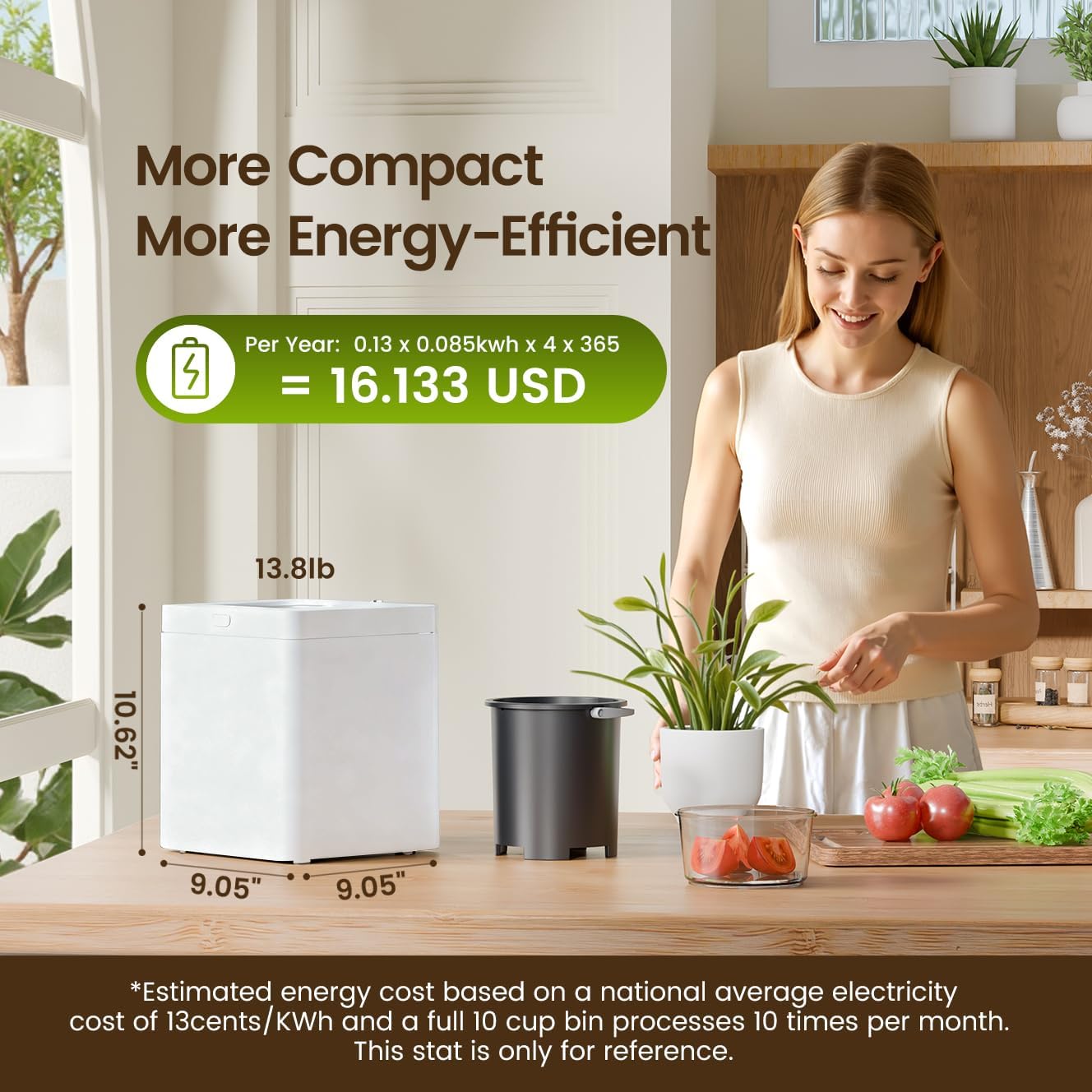
- Compact Size & Large Capacity: Measures 9.05"L x 9.05"W x 10.62"H with a 3L capacity, suitable for daily waste from a family of three.
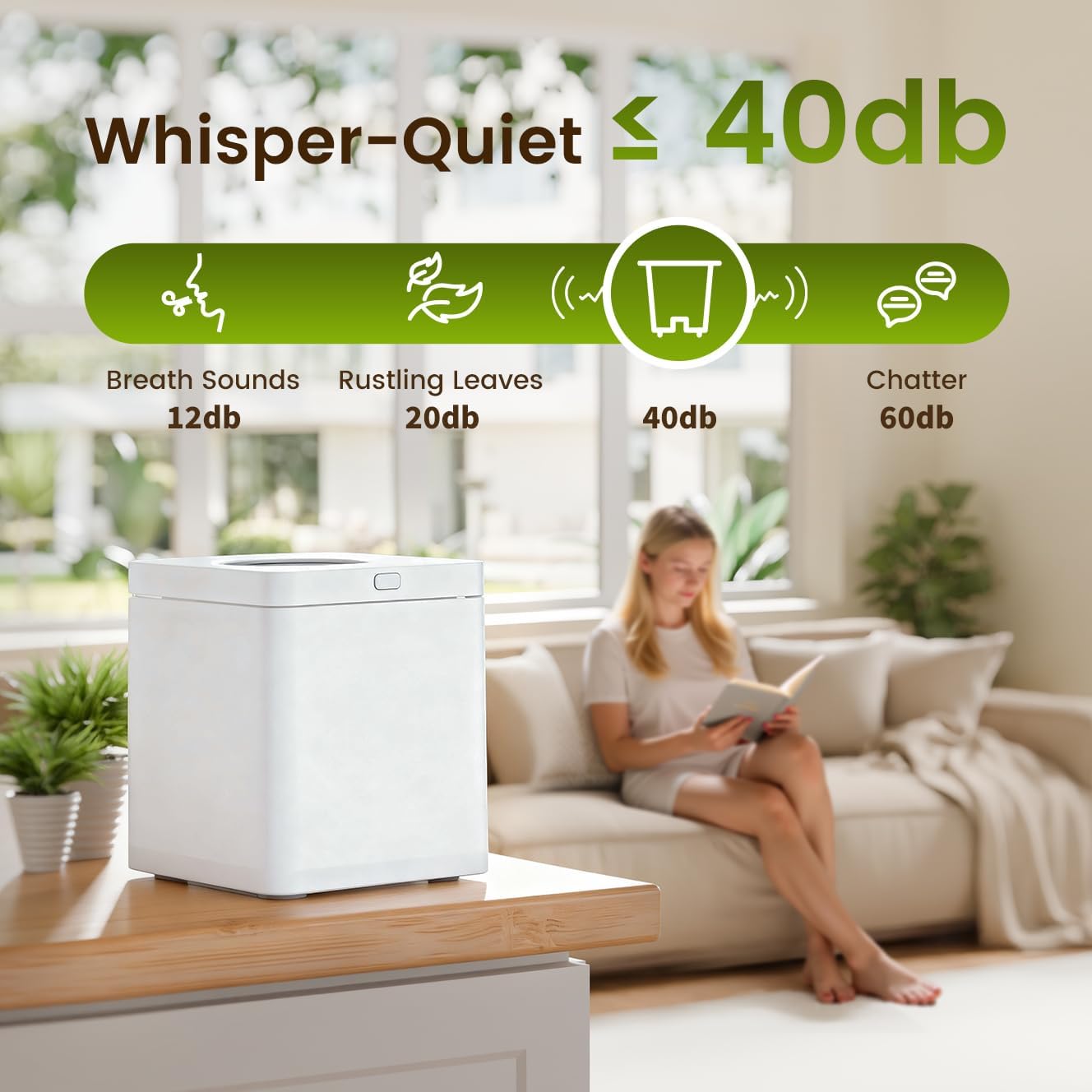
- Silent Operation & Energy-Efficient: Operates below 40 decibels and consumes only 0.51 kWh per use.
- Odorless & Easy to Clean: Features large-capacity activated charcoal filters and a non-stick coating with one-button automatic cleaning.


4. Setup
- Unpack: Carefully remove all components from the packaging. Retain packaging for future transport or storage.
- Placement: Place the composter on a flat, stable, and dry surface in your kitchen or desired indoor location. Ensure adequate ventilation around the unit.
- Insert Bucket: Ensure the non-stick composting bucket is correctly seated inside the main unit.
- Install Filter: Verify that the activated charcoal filter is properly installed in its designated compartment.
- Power Connection: Plug the power cord into a standard electrical outlet. The unit will enter standby mode.
5. Operating Instructions
5.1 Adding Food Waste
Open the lid and place your food scraps directly into the non-stick composting bucket. Do not overfill the bucket beyond the maximum fill line.

5.2 Starting a Cycle
- Close the lid securely.
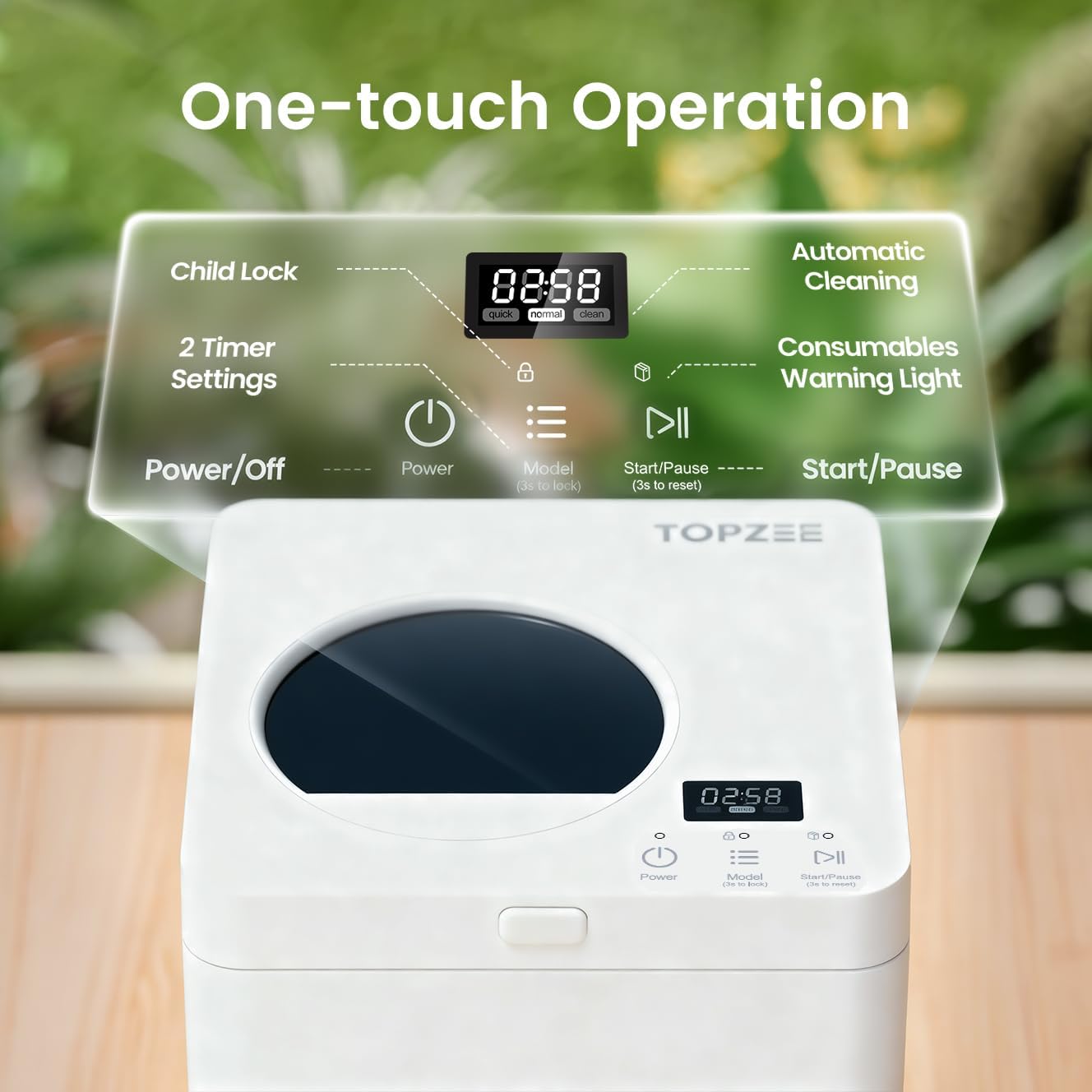
- Press the 'Power' button to turn on the unit.
- Select your desired composting mode using the 'Mode' button:
- Fast Mode (4H): For quicker processing.
- Standard Mode (6H): For thorough processing.
- Press the 'Start/Pause' button to begin the composting cycle. The display will show the remaining time.

5.3 Child Lock Feature
The composter automatically engages a child lock during operation to prevent accidental opening. To manually lock/unlock, press and hold the 'Mode' button for 3 seconds. To reset, press and hold 'Start/Pause' for 3 seconds.
6. Maintenance
6.1 Cleaning the Composter
The non-stick coating and one-button automatic cleaning function simplify maintenance. After a cycle, if residue remains, activate the auto-cleaning mode. For manual cleaning:
- Unplug the unit and allow it to cool completely.
- Remove the composting bucket.
- Wash the bucket with warm, soapy water. Avoid abrasive cleaners or scrubbers that could damage the non-stick coating.
- Wipe the exterior of the unit with a damp cloth. Do not use harsh chemicals.
- Ensure all parts are completely dry before reassembling and storing or using again.
6.2 Activated Charcoal Filter Replacement
The composter uses large-capacity activated charcoal filters to absorb odors. The consumables warning light on the control panel will indicate when the filter needs replacement. Filters typically last up to three months depending on usage.
- Unplug the composter.
- Locate the filter compartment, usually at the back or top of the unit.
- Remove the old filter and dispose of it responsibly.
- Insert a new TOPZEE activated charcoal filter, ensuring it is correctly seated.
- Close the filter compartment.

7. Troubleshooting
| Problem | Possible Cause | Solution |
|---|---|---|
| Unit does not power on. | Not plugged in; power outlet issue. | Check power cord connection; try a different outlet. |
| Composting cycle does not start. | Lid not closed properly; child lock engaged. | Ensure lid is securely closed; check child lock status and disengage if necessary. |
| Unpleasant odor during operation. | Filter needs replacement; inappropriate waste added. | Replace activated charcoal filter; review 'What to Compost' section. |
| Compost is too wet or not fully processed. | Too much liquid content in waste; cycle interrupted. | Drain excess liquid from waste before adding; ensure full cycle completion. Use Standard Mode (6H) for denser waste. |
| Unit is unusually noisy. | Foreign object inside; unit not level. | Unplug and check for obstructions in the bucket; ensure unit is on a flat surface. |
8. Specifications
- Model: B0F5W4Y2HR
- Brand: TOPZEE
- Color: White
- Capacity: 3 Liters (6.3 Pounds)
- Product Dimensions: 10.62"L x 9.05"W x 9.05"H
- Item Weight: 6.41 Kilograms (14.1 pounds)
- Material: High Temperature Resistant ABS Material, Aluminum alloy, Nonstick Coating Bucket
- Noise Level: < 40 dB
- Energy Consumption: Approximately 0.51 kWh per use
9. Warranty and Support
For warranty information or technical support, please refer to the documentation included with your purchase or contact TOPZEE customer service directly. Contact details can typically be found on the manufacturer's official website or through your retailer.