CARDIAN RFID Blocking Cards Set 3 Instruction Manual
Model: 30971
1. Introduction
The CARDIAN RFID Blocking Cards are designed to protect your personal information stored on RFID (Radio-Frequency Identification) and NFC (Near Field Communication) enabled cards. This set of three cards creates an invisible electronic shield, preventing unauthorized scanning of your credit cards, debit cards, passports, and ID cards by digital thieves.
This manual provides essential information on how to effectively use and maintain your CARDIAN RFID Blocking Cards to ensure continuous data security.

Image: CARDIAN RFID Blocking Cards preventing digital theft. This image illustrates the primary function of the CARDIAN cards: to instantly block RFID scanners and protect your card information. For support, visit support.safecardshield.com.

Image: CARDIAN RFID Blocking Card acting as an invisible shield. This image visually represents the CARDIAN card's role as an invisible shield within your wallet, safeguarding your data.
2. Product Overview
The CARDIAN RFID Blocking Cards are credit card-sized devices designed to fit seamlessly into any wallet or cardholder. Each card contains advanced technology to jam RFID and NFC signals, creating a protective zone around your other cards.
Key Features:
- Advanced Blocking Technology: Utilizes a signal jamming chip and antenna to create a 5cm protective barrier.
- Slim and Lightweight: At just 1.1mm thick, it adds minimal bulk to your wallet.
- Durable Construction: Waterproof and tear-proof for long-lasting protection.
- Battery-Free Operation: Works continuously without the need for batteries, charging, or apps.
- Lost & Found Technology: Integrated QR code for assistance in recovering lost items.

Image: Three CARDIAN RFID Blocking Cards. This image displays three CARDIAN RFID Blocking Cards, designed to protect personal data. Each card features the CARDIAN logo and a QR code for customer service and setup information. The cards are thin and credit card-sized. For support, visit support.safecardshield.com.

Image: Exploded view of CARDIAN RFID Blocking Card technology. This diagram provides an internal view of the CARDIAN RFID Blocking Card, detailing its construction. It shows the protective top layer, the embedded signal jammer receiving antenna and chip, and the protective bottom layer. For support, visit support.safecardshield.com.
3. Setup and Placement
Using your CARDIAN RFID Blocking Cards is straightforward. No installation or activation is required. Simply place the card(s) in your wallet or cardholder alongside your other cards.
Placement Guidelines:
- For Wallets: Place one CARDIAN card at the front of your stack of cards and another at the back. This creates a protective sandwich, shielding all cards in between.
- For Card Slots: If your wallet has multiple card slots, ensure the CARDIAN card is positioned to cover the area where your most sensitive cards (credit, debit, ID) are stored.
- For Passport Holders: Place a CARDIAN card directly adjacent to your passport to protect its embedded RFID chip.
The CARDIAN card works by drawing power from an incoming scanner's radio waves and using that energy to create a jamming signal. This signal scrambles the scanner's ability to read your personal data.
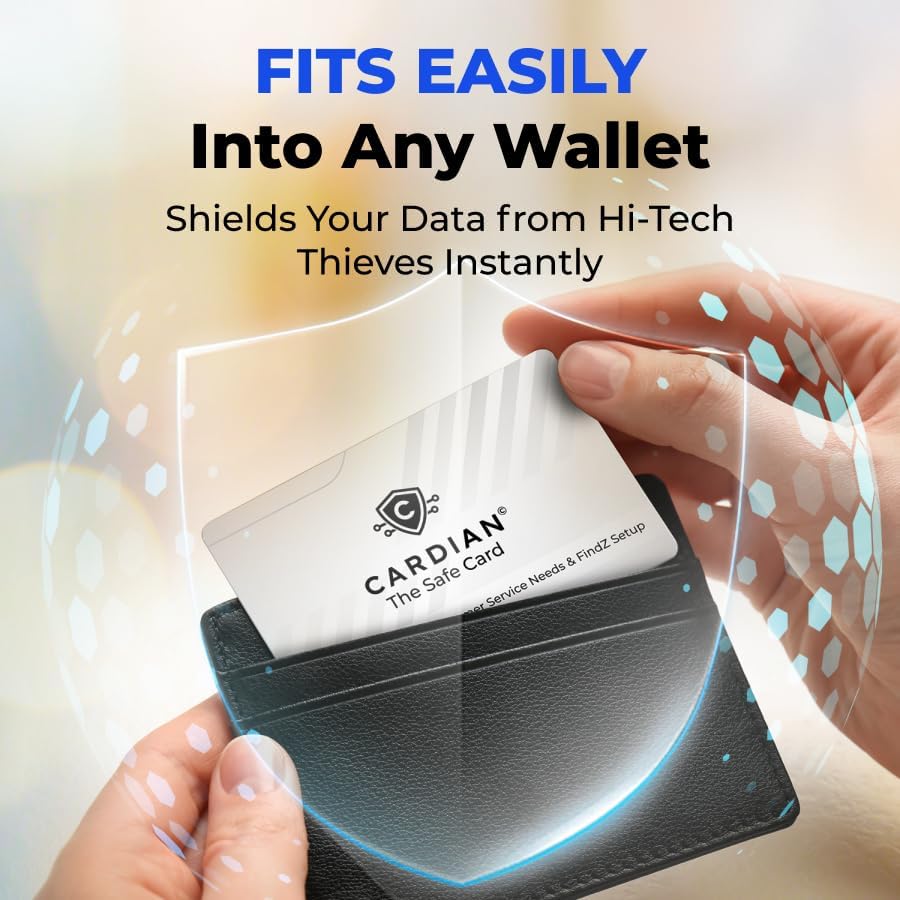
Image: Inserting a CARDIAN card into a wallet. This image illustrates the ease with which a CARDIAN RFID Blocking Card can be placed into a standard wallet, highlighting its slim design that integrates seamlessly with other cards.

Image: CARDIAN card protecting multiple cards in a wallet. This image displays an open wallet containing various credit cards, with a CARDIAN RFID Blocking Card placed strategically to protect all cards within the wallet from unauthorized scanning.
4. Operation
Once placed in your wallet or cardholder, the CARDIAN RFID Blocking Card operates continuously and automatically. It does not require any user interaction, batteries, or software updates.
How it Works:
- When an RFID or NFC scanner attempts to read your cards, the CARDIAN card detects the incoming radio waves.
- It then instantly activates, generating a powerful jamming signal that creates a 5cm protective field.
- This field prevents the scanner from successfully communicating with your sensitive cards, thus protecting your data.
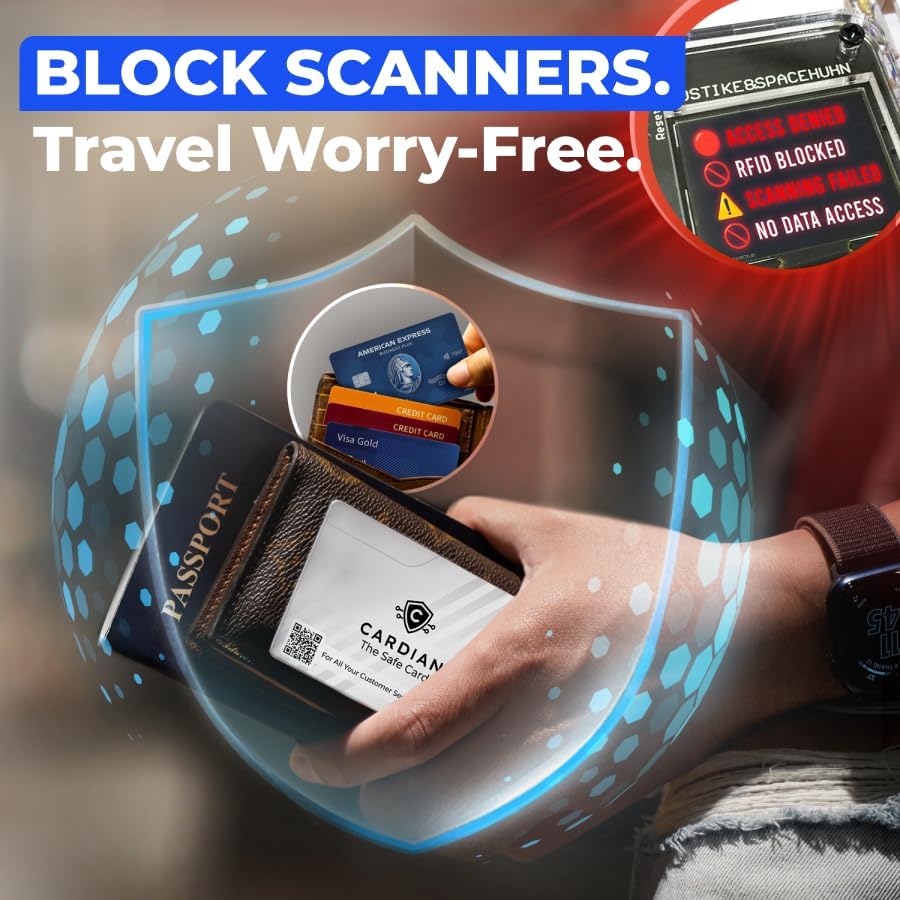
Image: CARDIAN card blocking a scanner in a wallet. This image depicts a wallet holding a CARDIAN RFID Blocking Card, illustrating its function. A visual overlay shows a scanning device attempting to read data, but displaying a 'RFID blocked' message, indicating successful protection.

Image: CARDIAN card blocking a payment terminal. This image demonstrates the CARDIAN RFID Blocking Card in action, preventing unauthorized access from a payment terminal. The terminal screen clearly shows 'Scanning Card Access Denied' and 'No Data Found', confirming the card's protective capability.

Image: Scan blocked, identity safe. This image reinforces the effectiveness of the CARDIAN card in blocking unauthorized scans, thereby securing personal identity and data.
5. Maintenance
The CARDIAN RFID Blocking Cards are designed for durability and require minimal maintenance.
- Cleaning: Wipe the card with a soft, damp cloth if it becomes dirty. Avoid harsh chemicals or abrasive materials.
- Storage: Store the card in your wallet or a cardholder. Avoid bending or excessive force, although the cards are designed to be robust.
- Longevity: The blocking technology is built to last for years under normal use.
6. Troubleshooting
The CARDIAN RFID Blocking Cards are passive devices and generally do not encounter operational issues. However, if you have concerns, consider the following:
Common Questions:
- How do I know it's working? The CARDIAN card works silently and automatically. Its effectiveness is demonstrated by the inability of RFID/NFC scanners to read your protected cards when the CARDIAN card is present. There are no lights or sounds to indicate operation.
- My card was still scanned. Ensure the CARDIAN card is positioned correctly within your wallet, ideally at the front and back of your card stack, to create a comprehensive protective field. The effective blocking range is approximately 5cm.
- What if I lose my wallet? The CARDIAN card includes a 'Lost & Found' QR code. If your wallet is found, the finder can scan this code to access information that may help return your wallet to you.

Image: CARDIAN card with built-in Lost & Found technology. This image highlights the CARDIAN card's integrated QR code, which facilitates the recovery of lost items like wallets or luggage through the FindZ setup. For more information, visit thinktech.global/kb_i.
7. Specifications
| Attribute | Detail |
|---|
| Product Dimensions | 2.13 x 3.37 x 0.03 inches (5.41 x 8.56 x 0.08 cm) |
| Item Weight | 0.741 ounces (21 Grams) |
| Material | Plastic |
| Color | White |
| Model Number | 30971 |
| Blocking Technology | RFID/NFC Signal Jamming |
| Effective Range | Approximately 5 cm |
8. Warranty Information
For information regarding product warranty, please refer to the official CARDIAN website or contact customer support. Typically, products are covered against manufacturing defects for a specified period from the date of purchase.
9. Customer Support
Should you have any questions, require assistance, or need further information about your CARDIAN RFID Blocking Cards, please visit our dedicated support portal:
support.safecardshield.com
You can also find setup instructions for the 'Lost & Found' feature at:
thinktech.global/kb_i
The QR code printed on your CARDIAN card also provides direct access to customer service and setup guides.
