
1. Introduction
The HICALL C100 PRO Live Streaming Microphone Kit is designed for creators seeking premium audio quality and interactive features. This comprehensive kit provides a versatile solution for various audio needs, from live streaming and podcasting to music recording.
Key Features:
- One-Click Noise Reduction: Eliminates background noise instantly for crystal-clear audio in live streams or recordings, ideal for noisy environments.
- Multiple Voice Modes & Effects: Features 8 live modes, 9 audio effects, and 5 voice changers (male/female/baby/monster) to enhance content creativity.
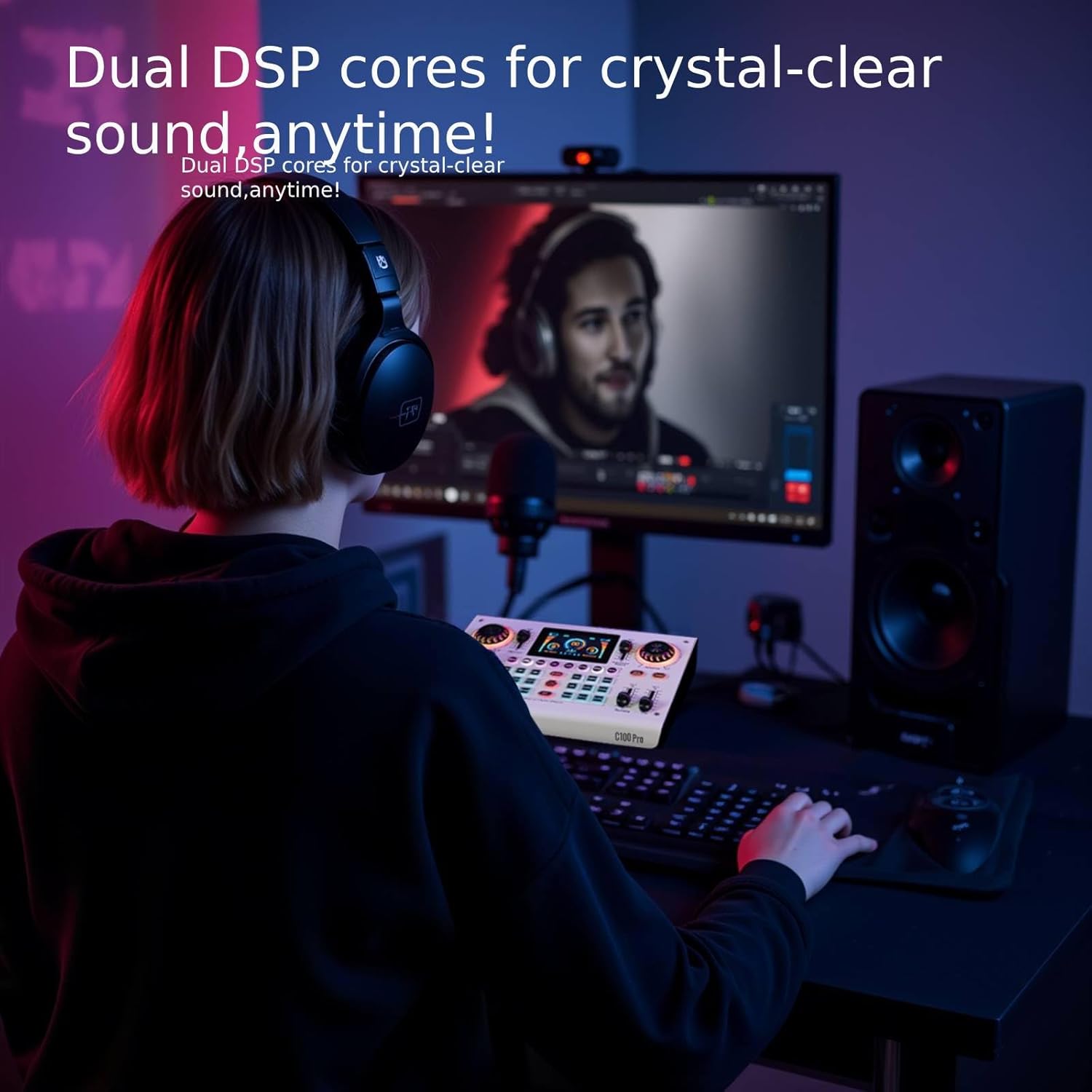
- Dual DSP Core Clarity: Dual DSP chips deliver studio-grade sound with zero distortion, perfect for professional streaming.
- Extended Use & Broad Compatibility: Equipped with a 2900mAh battery supporting 12+ hours of use; works seamlessly with phones, PCs, tablets, and platforms like TikTok/YouTube.
- Plug-and-Play Kit Design: Includes a sound card and high-sensitivity mic, compatible with iOS/Android, Windows/Mac for multi-device streaming.
2. Package Contents
Please ensure all items listed below are present in your package:
- HICALL C100 PRO Mixing Console Sound Card
- High-Sensitivity Condenser Microphone
- Microphone Stand
- XLR Microphone Cable
- Microphone Foam Windscreen
- 3.5mm Audio Cables (x2)
- USB-C to USB-A Cable
- USB-C to USB-C Cable
- Earphones

3. Setup
3.1 Initial Charging
Before first use, fully charge the HICALL C100 PRO sound card for optimal battery life. Connect the provided USB-C cable to the 'Power' port on the sound card and the other end to a suitable USB power adapter (not included) or a computer USB port.
3.2 Connecting Your Device
The HICALL C100 PRO offers versatile connectivity options for various devices and applications.
- Microphone Connection: Connect the high-sensitivity condenser microphone to the XLR-48V port using the provided XLR cable. Ensure a secure connection.
- Headphones/Speakers: Plug your earphones or speakers into the '2-earpiece/speakers' 3.5mm jack for monitoring audio output.
- Musical Instrument: If using an instrument, connect it to the 'Musical Instrument' 6.35mm jack.
- Live Broadcast (Phones/Tablets): Use the 3.5mm audio cables to connect your phone or tablet to the 'Live 1' and 'Live 2' interfaces for live broadcasting.
- PC/OTG Connection: Connect the sound card to your computer via the 'OTG/PC' USB-C port for live streaming or recording on a PC.
- Line Input: Use the 'Line' 3.5mm jack to input accompaniment audio from another device.

4. Operating Instructions
4.1 Basic Operation
The HICALL C100 PRO features intuitive controls for managing your audio. Adjust the 'Monitor vol' knob to control your headphone volume. Use the 'Effect vol' slider to adjust the overall effect volume. The 'Instrument Reverb' knob controls the reverb level for connected instruments.
4.2 Microphone Controls
Fine-tune your microphone's sound using the dedicated knobs:
- Mic high: Adjusts the high frequencies of your microphone.
- Mic middle: Adjusts the mid frequencies of your microphone.
- Mic low: Adjusts the low frequencies of your microphone.
- Mic vol: Controls the overall microphone volume.
4.3 Sound Effects and Voice Changers
Enhance your content with a variety of built-in sound effects and voice changers:
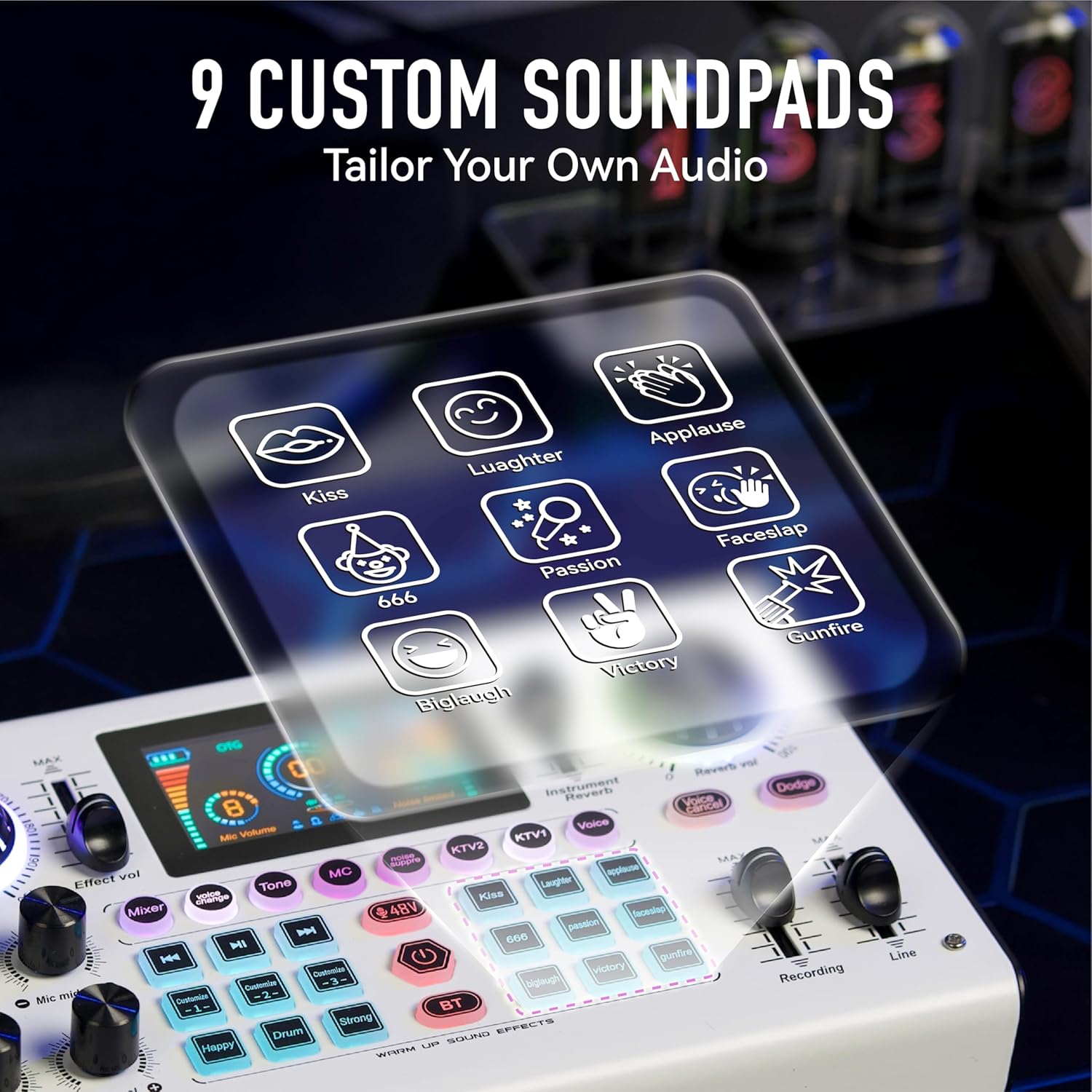
- 9 Custom Soundpads: The sound card includes 9 customizable soundpads for instant audio cues like Kiss, Laughter, Applause, Faceslap, 666, Passion, Victory, Gunfire, and Biglaugh.
- 5 Voice Changers: Transform your voice with effects such as Male voice, Female voice, Baby voice (x2), and Monster voice. Refer to the manual for specific button shortcuts.

- 8 Live Modes & 9 Live Audio Effects: Adjust your voice and add effects to make your live broadcasts more engaging.

4.4 Noise Reduction
Activate the one-click noise reduction feature to effectively filter out environmental noise and improve audio clarity, especially useful in noisy environments.

4.5 Dual DSP Core
The integrated dual DSP cores ensure crystal-clear sound with minimal distortion, providing studio-grade audio quality for all your recordings and streams.
4.6 Cross-Platform Compatibility
The C100 PRO is designed for broad compatibility, working seamlessly with various devices and major streaming platforms.
- Devices: Compatible with phones (iOS/Android), PCs (Mac/Windows), and tablets.
- Platforms: Supports major streaming platforms such as TikTok, YouTube, Facebook, and more.

5. Maintenance
5.1 Care and Storage
To maintain the performance and longevity of your HICALL C100 PRO, avoid exposure to extreme temperatures or moisture. Store the device in a cool, dry place when not in use.
5.2 Cleaning
Wipe the surface of the sound card with a soft, dry cloth. Do not use abrasive cleaners or solvents, as they may damage the finish.
6. Troubleshooting
6.1 Common Issues
- No Sound Output: Check all cable connections, ensure the sound card is powered on, and verify volume levels on both the sound card and your connected device.
- Microphone Not Working: Ensure the microphone is securely connected to the XLR-48V port. Check microphone volume settings on the sound card.
- Poor Audio Quality: Activate the one-click noise reduction feature. Ensure all cables are properly connected and not damaged.
- Voice Changer Shortcuts: If you are having trouble with voice changer shortcuts, refer to the detailed instructions provided in the physical manual that came with your sound card.
7. Specifications
| Feature | Specification |
|---|---|
| Item Weight | 4.29 pounds |
| Package Dimensions | 14.25 x 9.5 x 2.75 inches |
| Item Model Number | C100 PRO - P15 |
| Batteries | 1 Lithium Polymer batteries required (included) |
| Battery Type | Lithium Polymer |
| Power Source | Battery Powered |
| Brand | Generic (HICALL) |
| Number of Channels | 2 |
| Connectivity Technology | USB, Bluetooth |
| Audio Input | XLR, 3.5mm, 6.35mm |
| Date First Available | April 21, 2025 |
8. Warranty and Support
8.1 Warranty Information
This product is covered by the manufacturer's standard warranty. Please refer to the warranty card included in your product packaging for specific terms and conditions, or contact the manufacturer directly for details.
8.2 Customer Support
For technical assistance, troubleshooting, or any inquiries regarding your HICALL C100 PRO, please contact the manufacturer's customer support. Contact information can typically be found on the product packaging or the manufacturer's official website.