
1. Important Safety Information
Please read this entire manual before assembling or operating your MERACH MR-29EU exercise bike. Keep this manual for future reference.
- Consult your physician before starting any exercise program.
- Keep children and pets away from the equipment during use.
- Place the exercise bike on a flat, stable surface with adequate clearance around it.
- Inspect the bike for loose or worn parts before each use. Do not use if any components are damaged.
- Wear appropriate exercise clothing and footwear.
- The maximum user weight capacity for this bike is 158 kg (348 lbs).
- The recommended user height range is 142 cm to 193 cm (4'8" to 6'4").
- Ensure all adjustment knobs and levers are securely tightened before and during your workout.
- Stop exercising immediately if you feel faint, dizzy, or experience pain.
2. Package Contents
Verify that all components are present before assembly. If any parts are missing or damaged, contact customer support.
- Main Frame Assembly
- Front Stabilizer
- Rear Stabilizer
- Pedals (Left and Right)
- Seat Post and Saddle
- Handlebar Post and Handlebars
- Console
- Hardware Kit (bolts, washers, nuts, tools)
- User Manual
3. Assembly Instructions
Follow these steps carefully to assemble your MERACH MR-29EU exercise bike. Detailed video tutorials are also available for assistance.
- Attach Stabilizers: Secure the front and rear stabilizers to the main frame using the provided bolts and washers. Ensure they are firmly tightened.
- Install Pedals: Identify the left (L) and right (R) pedals. The left pedal screws counter-clockwise, and the right pedal screws clockwise. Ensure they are securely tightened to prevent stripping.
- Insert Seat Post: Slide the seat post into the main frame. Adjust the height to your preference and secure it with the quick-release lever or adjustment knob. Attach the saddle to the seat post.
- Insert Handlebar Post: Slide the handlebar post into the main frame. Adjust the height and secure it. Attach the handlebars to the handlebar post.
- Mount Console: Connect the console cables to the corresponding ports on the handlebar post. Mount the console onto its bracket.
- Final Check: Review all connections and ensure all bolts and knobs are securely fastened before first use.
4. Adjustments and Ergonomics
Proper adjustment of the seat and handlebars is crucial for comfort and effective workouts.

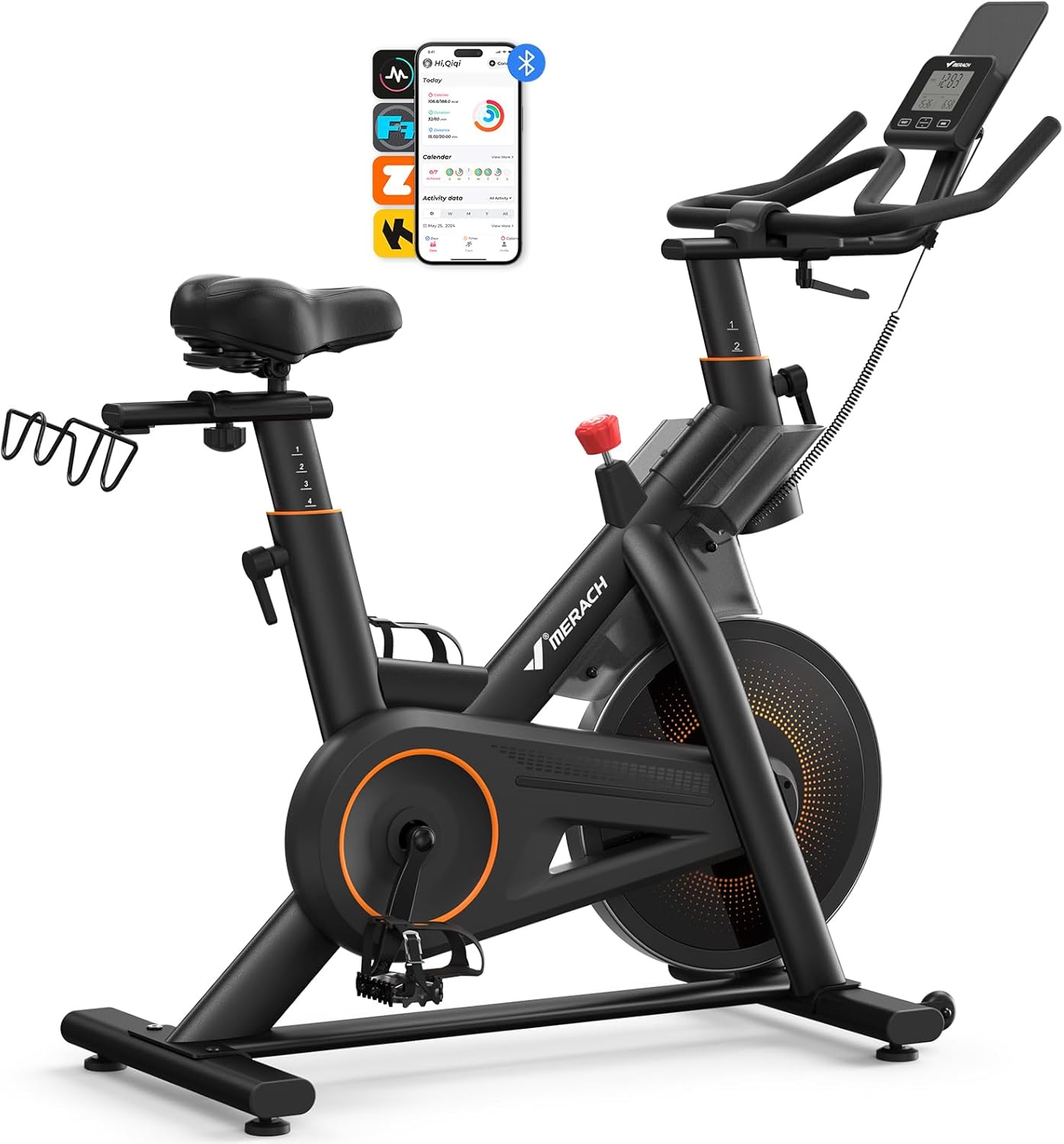
- Seat Adjustment: The saddle can be adjusted both vertically and horizontally. Loosen the adjustment knob, slide the seat to your desired position, and tighten the knob securely. Aim for a slight bend in your knee at the bottom of the pedal stroke.
- Handlebar Adjustment: The handlebars can also be adjusted vertically and horizontally. Loosen the adjustment knob, position the handlebars for comfortable reach and posture, then tighten the knob.
- Integrated Dumbbell Holder: Utilize the integrated holder to keep small dumbbells accessible for combined endurance and strength training during your workout.
5. Operation
5.1 Powering On and Console Functions
The console typically activates when you start pedaling or press any button. It displays key workout metrics.

- Display Metrics: The console tracks and displays data such as time, speed, distance, and calories.
- Reset Button: Press the 'RESET' button to clear current workout data.
- Mode Button: Use the 'MODE' button to cycle through different display modes or select specific functions.
5.2 Adjusting Magnetic Resistance
The MERACH MR-29EU features a silent magnetic resistance system with 16 levels.
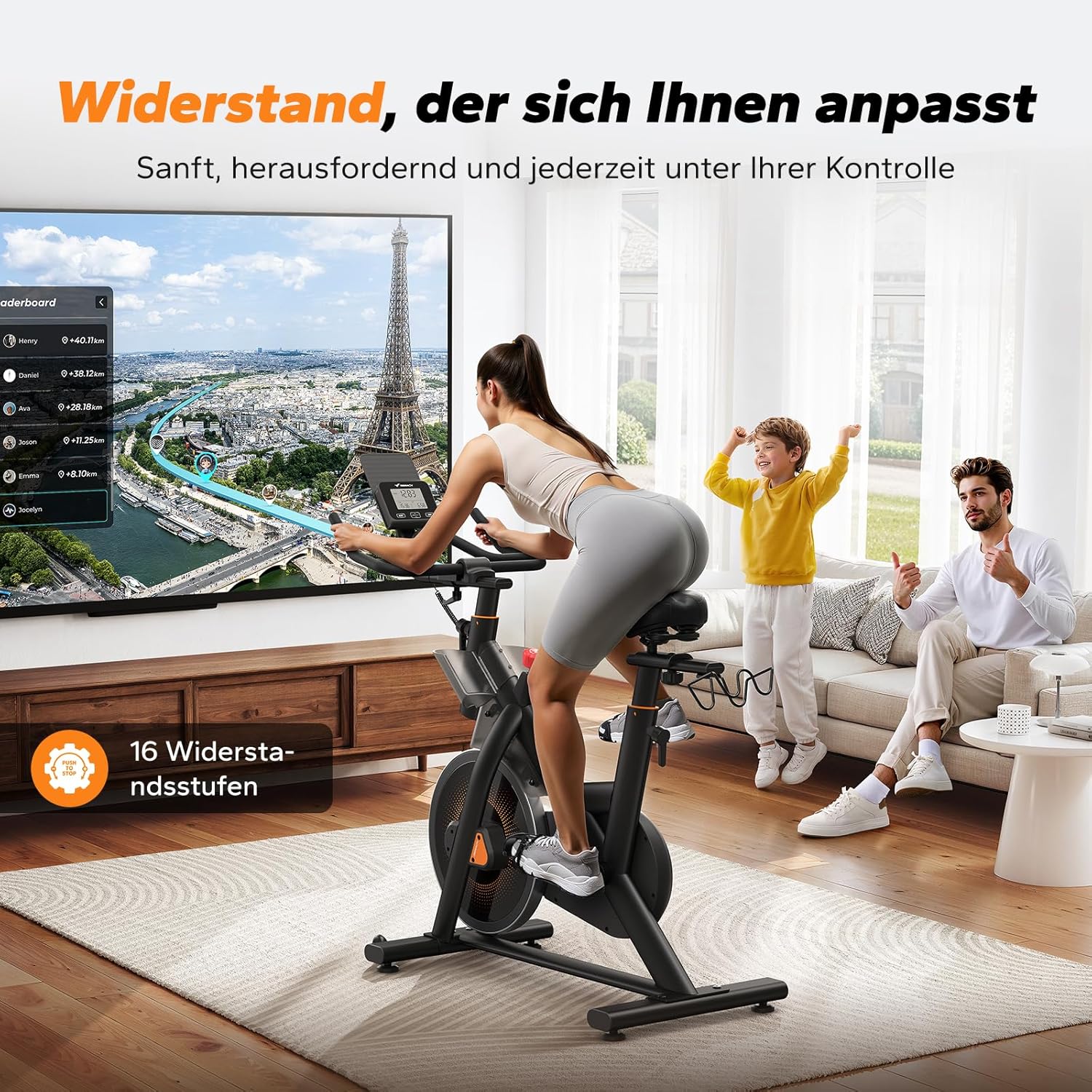
- Resistance Knob: Turn the red knob located on the main frame clockwise to increase resistance and counter-clockwise to decrease resistance.
- Emergency Stop: Press the red resistance knob down firmly to engage the emergency stop function, bringing the flywheel to a rapid halt.
5.3 Connecting to Fitness Applications
Enhance your workout experience by connecting your bike to compatible fitness apps.

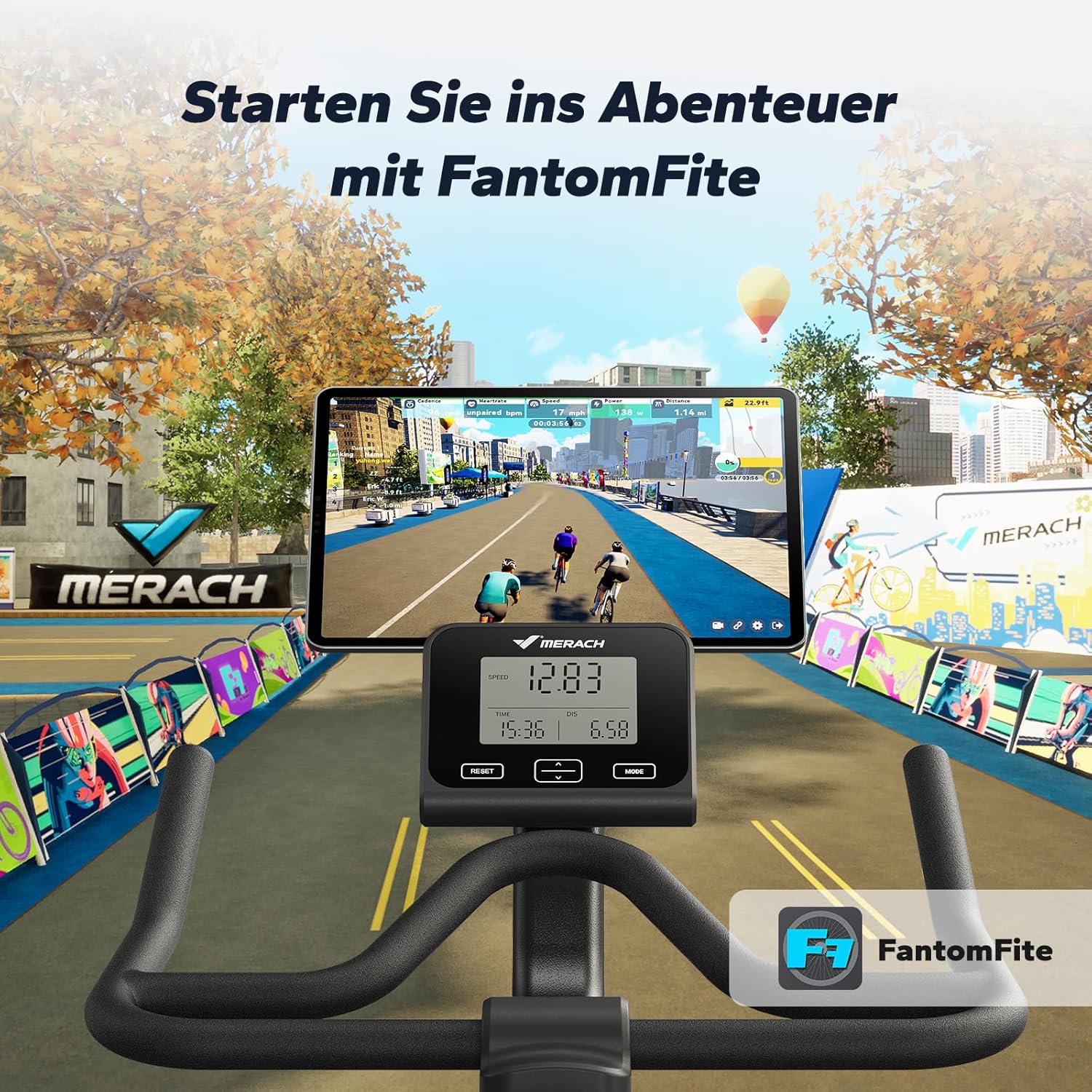
- MERACH App: Download the official MERACH app from your device's app store. Follow the in-app instructions to pair your bike via Bluetooth. The app tracks important workout data and offers personalized training plans.
- FantomFite Gaming App: For a gamified experience, download the FantomFite Gaming app. Connect your bike to engage in virtual rides and interactive challenges.
- Data Synchronization: The MERACH app allows easy synchronization with Google Fit and Apple Health for a comprehensive overview of your fitness data.
6. Maintenance
Regular maintenance ensures the longevity and optimal performance of your exercise bike.
- Cleaning: Wipe down the bike with a damp cloth after each use to remove sweat and dust. Avoid abrasive cleaners.
- Inspection: Periodically check all bolts, nuts, and moving parts for tightness and wear. Tighten any loose fasteners.
- Lubrication: The magnetic resistance system is generally maintenance-free. Do not apply lubricants to the flywheel or belt drive.
- Storage: Store the bike in a dry, cool place away from direct sunlight and extreme temperatures.
7. Troubleshooting
If you encounter issues with your MERACH MR-29EU, refer to the following common problems and solutions.
| Problem | Possible Cause | Solution |
|---|---|---|
| Console not displaying data | Loose cable connection, dead batteries (if applicable) | Check all cable connections to the console. Replace console batteries if necessary. |
| Unusual noise during operation | Loose parts, friction | Inspect all bolts and nuts for tightness. Ensure no parts are rubbing against each other. |
| Resistance not changing | Resistance cable issue, mechanism malfunction | Check if the resistance cable is properly connected and not kinked. If the issue persists, contact customer support. |
| Bike feels unstable | Uneven floor, loose stabilizers | Ensure the bike is on a flat surface. Adjust the leveling feet on the stabilizers. Tighten stabilizer bolts. |
8. Specifications
Detailed technical specifications for the MERACH MR-29EU Exercise Bike.
- Model: MR-29EU
- Brand: MERACH
- Color: Black
- Drive System: Belt
- Main Material: Alloy Steel
- Recommended Max User Height: 193 cm (6'4")
- Power Type: Pedal operation
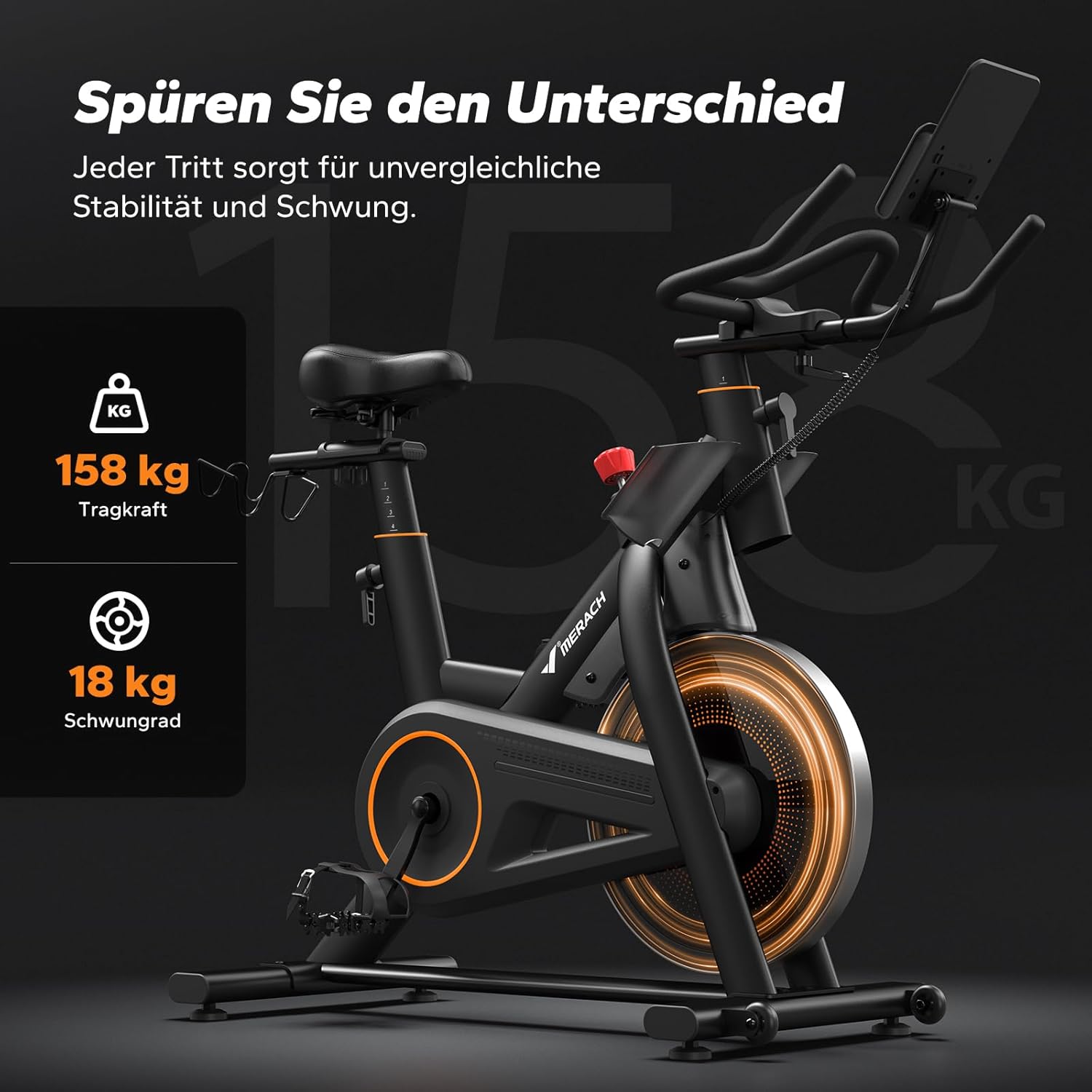
- Max Weight Capacity: 158 kg (348 lbs)
- Product Dimensions (L x W x H): 102.01 x 20.98 x 86.49 cm (40.16 x 8.26 x 34.05 inches)
- Product Weight: 39 kg (85.97 lbs)
- Resistance Mechanism: Magnetic
- Number of Resistance Levels: 16
- Noise Level: Less than 25 dB (silent operation)
- Saddle: Shock-absorbing air cushion saddle with 3D elastic damping technology
- Adjustability: 4-way adjustable seat and handlebars
- Connectivity: MERACH App, FantomFite Gaming App, Google Fit, Apple Health
9. Warranty and Customer Support
MERACH provides comprehensive support for your exercise bike.
- Warranty: The MERACH MR-29EU exercise bike comes with a 12-month warranty.
- Customer Support: For any questions, issues, or warranty claims, please contact MERACH customer support. Our team is available to provide prompt and reliable assistance. Refer to your purchase documentation for specific contact details.