
1. Introduction
This manual provides detailed instructions for the MYSTILUCK Instant Print Camera for Kids, Model X8D. Please read this manual carefully before using the product to ensure proper operation and to maximize its features. Keep this manual for future reference.

Image: The MYSTILUCK Instant Print Camera, a compact digital camera designed for children.
2. What's in the Box
Verify that all items are present in the package:
- 1x Instant Print Camera
- 3x Printer Paper Rolls
- 1x Lanyard
- 1x 32GB SD Card
- 1x USB Type-C Cable
3. Setup
3.1. Charging the Camera
Before first use, fully charge the camera using the provided USB Type-C cable. Connect the cable to the camera's Type-C port and the other end to a compatible USB power adapter (not included) or computer.

Image: The camera displaying its Type-C charging port and physical dimensions.
3.2. Inserting the SD Card
Locate the SD card slot on the side of the camera. Gently insert the included 32GB SD card into the slot until it clicks into place. Ensure the card is inserted correctly to avoid damage.
3.3. Loading Print Paper
The camera uses thermal paper for instant black and white prints. Follow these steps to load the paper:
- Open the paper compartment cover on the bottom of the camera.
- Insert a roll of thermal print paper into the compartment, ensuring the paper feeds from the bottom and the end is slightly exposed.
- Close the paper compartment cover securely.

Image: A visual guide demonstrating the three steps for loading thermal print paper into the camera.
4. Operating Instructions
4.1. Power On/Off
Press and hold the power button (usually located on the top or side) to turn the camera on or off.
4.2. Navigation and Menu
Use the directional buttons and the OK button on the camera's display to navigate through the menu options, select modes, and adjust settings.
4.3. Taking Photos
Select the 'Photo' mode from the main menu. Frame your shot using the screen and press the shutter button to capture an image. The camera supports 30 MP photo resolution.
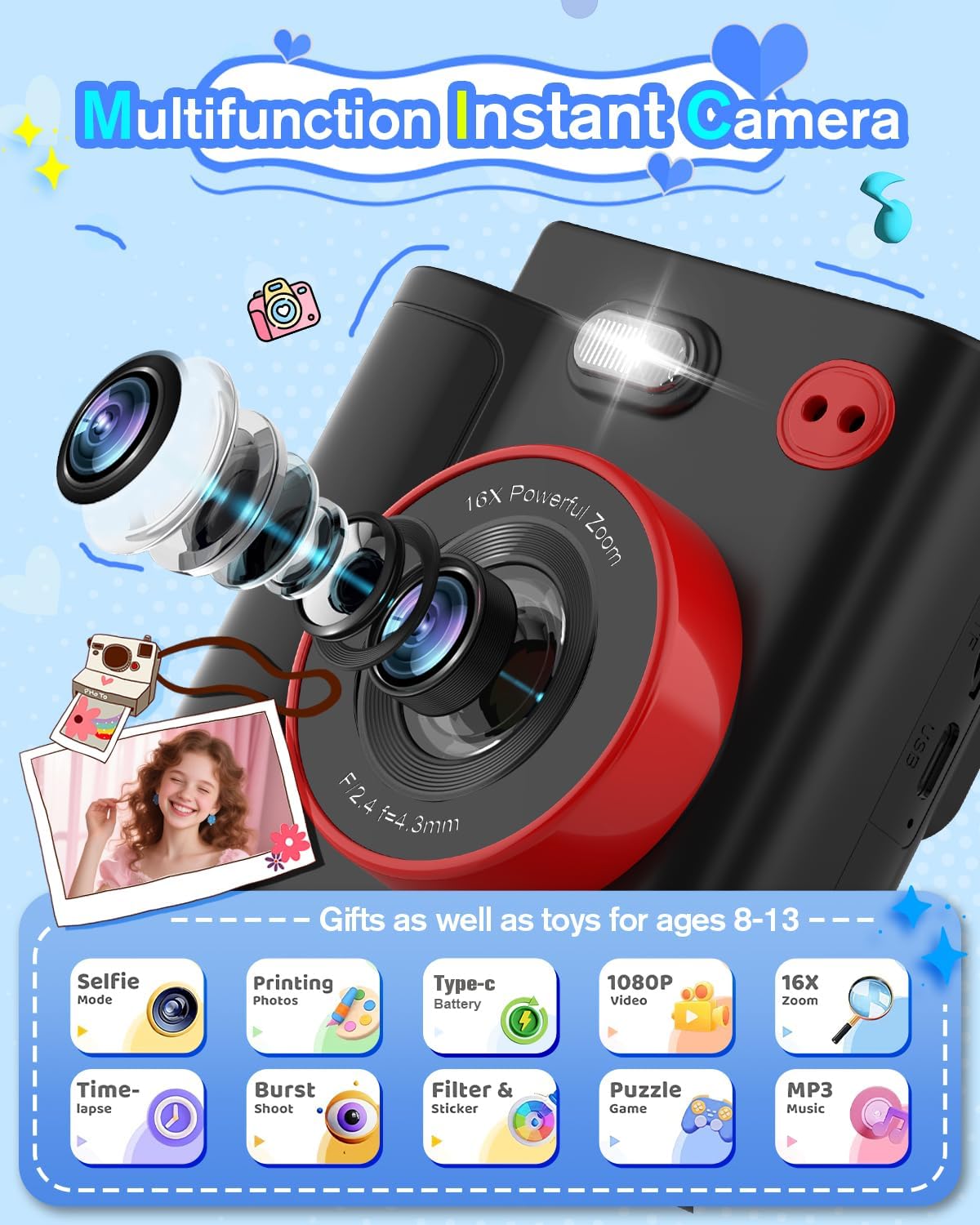
Image: The camera showcasing its multifunctionality, including photo and video capabilities.
4.4. Recording Videos
Switch to 'Video' mode. Press the shutter button to start recording and press it again to stop. The camera records in 1080P HD resolution.

Image: The camera in use, demonstrating its 1080P HD video recording and 16X digital zoom features.
4.5. Instant Printing
After taking a photo, you can choose to print it instantly. The camera will produce a black and white thermal print. The paper is ink-free and safe for children.
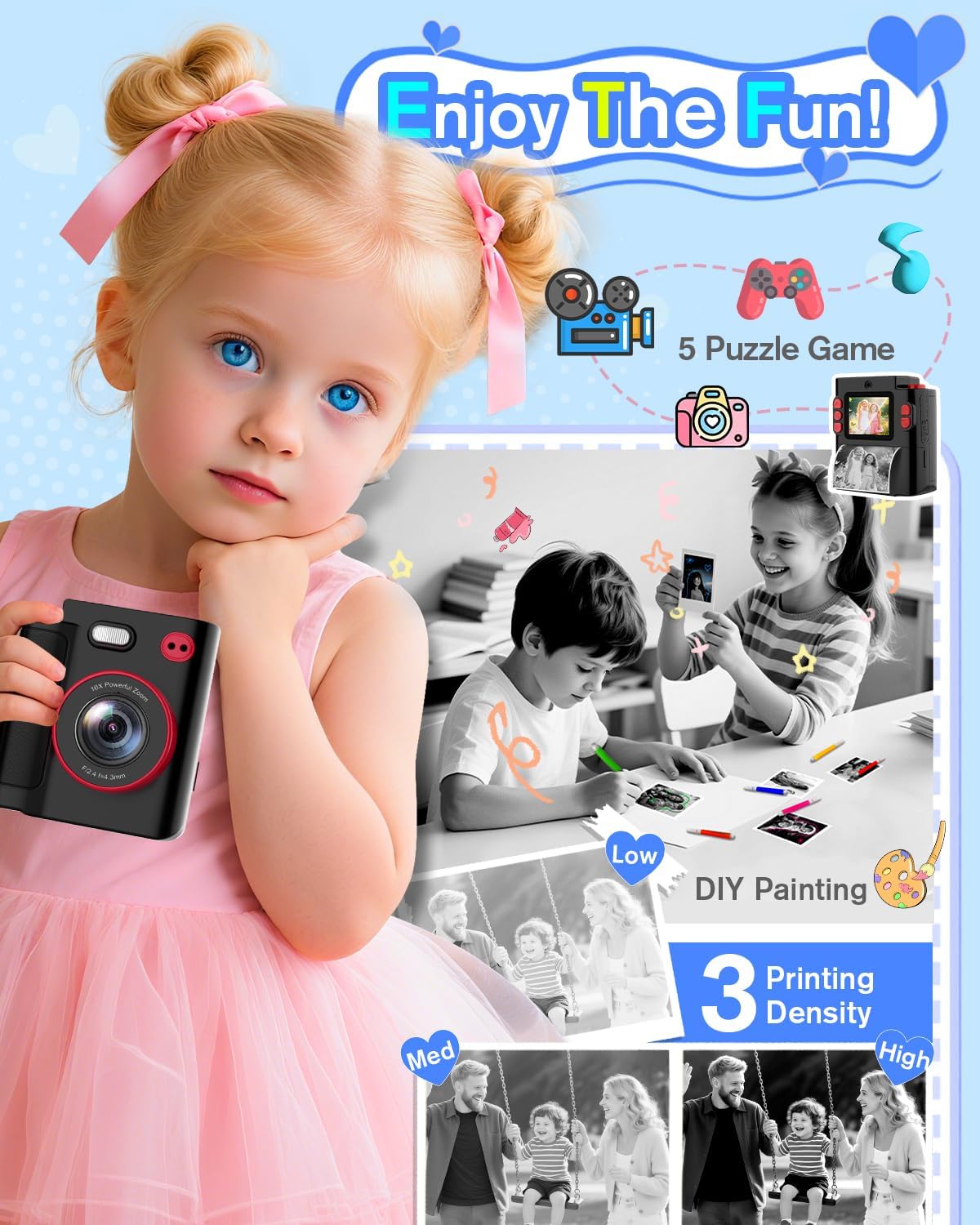
Image: A child using the camera, illustrating the instant printing feature and options for customizing prints.
4.6. Selfie Mode
Activate selfie mode to take photos of yourself or with friends. The camera features dual front and rear cameras for versatility.
4.7. Filters and Stickers
Enhance your photos with 15 creative scene filters and 16 fun stickers available in the camera's settings. These can be applied before or after taking a picture.
4.8. Games
The camera includes built-in puzzle games for entertainment. Access them through the 'Games' option in the main menu.
4.9. MP3 Playback
The camera supports MP3 playback. Load your favorite music files onto the SD card and access them via the 'MP3' option.
4.10. Zoom Function
Utilize the 16X digital zoom feature to get closer to your subjects. Use the designated zoom buttons to adjust the magnification.
4.11. Time-Lapse and Burst Mode
Experiment with time-lapse photography to capture sequences over time, or use burst mode for rapid continuous shooting.
Video: An official MYSTILUCK video demonstrating the Instant Print Camera for Kids, highlighting its features and suitability as a gift.
5. Maintenance
5.1. Cleaning
To clean the camera, use a soft, dry cloth. Do not use liquid cleaners or solvents, as they may damage the device. Keep the lens and screen free from dust and fingerprints.
5.2. Replacing Print Paper
When the print paper runs out, replace it with new thermal paper rolls. Extra paper can be purchased separately (search B0F488ZHHH on Amazon).

Image: The camera with its thermal paper rolls, illustrating the cost-effectiveness of the included paper.
6. Troubleshooting
- Camera not turning on: Ensure the battery is charged. Connect the camera to a power source using the USB Type-C cable.
- Cannot take photos/videos: Check if the SD card is inserted correctly and has sufficient storage space.
- Printing issues: Verify that the thermal paper is loaded correctly and that there is enough paper remaining. Ensure the paper compartment is closed properly.
- Poor print quality: The camera prints in black and white using thermal technology. Ensure the paper is not old or damaged.
- Screen frozen: Try restarting the camera by holding down the power button. If unresponsive, allow the battery to drain completely and then recharge.
7. Specifications
| Feature | Description |
|---|---|
| Brand | MYSTILUCK |
| Model Name | X8D |
| Maximum Webcam Image Resolution | 30 MP |
| Video Resolution | 1080p |
| Optical Zoom | 8 x |
| Digital Zoom | 2 x (advertised as 16X in feature bullets, clarifying based on spec) |
| Screen Size | 2 Inches |
| Special Feature | Instant Printing |
| Memory Storage Capacity | 32 GB (SD Card included) |
| Battery Cell Type | Lithium Polymer |
| Battery Average Life | 2-3 Hours (from feature bullets) |
| Connectivity Technology | USB Type-C |
8. Warranty and Support
The MYSTILUCK Instant Print Camera Model X8D comes with a 2-year manufacturer's warranty. For any support inquiries, please refer to the official MYSTILUCK Store on Amazon or contact customer service as indicated in your product packaging.