
1. Introduction
This manual provides essential instructions for the safe and efficient use of your Bonacell 2-Pack 12V 3.5Ah Replacement M12 Battery and Rapid Charger Kit. Please read this manual thoroughly before initial use and retain it for future reference. This kit is designed to be compatible with Milwaukee M12 series 12V cordless power tools.
2. Safety Instructions
Always observe the following safety precautions to prevent injury or damage to the product.
- Battery Handling: Do not disassemble, crush, puncture, or short-circuit the battery. Avoid exposing batteries to extreme heat or fire.
- Charging Environment: Charge batteries in a well-ventilated area, away from flammable materials. Do not charge batteries in damp or wet conditions.
- Charger Use: Use only the provided charger or a compatible M12 charger. Do not attempt to charge non-rechargeable batteries.
- Overheating: If the battery or charger becomes excessively hot during use or charging, discontinue use immediately and allow it to cool down.
- Storage: Store batteries and charger in a cool, dry place, away from direct sunlight and moisture.
- Disposal: Dispose of batteries responsibly according to local regulations. Do not dispose of batteries in household waste.
3. Package Contents
Verify that all items are present in your package:
- 2 x Bonacell 12V 3.5Ah Lithium-ion Replacement Batteries
- 1 x Bonacell Rapid M12 Charger
- 1 x Power Cord for Charger

Image: The complete Bonacell 2-pack 12V 3.5Ah M12 battery and rapid charger kit.
4. Product Overview
4.1. Battery Specifications and Features
The Bonacell 12V 3.5Ah Lithium-ion batteries are designed for compatibility with Milwaukee M12 series tools.
- Battery Type: Lithium-ion
- Voltage: 12V
- Capacity: 3500mAh (3.5Ah)
- Watt-hours: 42Wh
- Construction: High-quality cells for extended life and durability. Features a premium PC+ABS case for protection.
- Compatibility: Compatible with all Milwaukee M12 Series 150+ Cordless Power Tools, including models like 48-11-2450, 48-11-2425, 48-11-2440, 48-11-2402, 48-11-2412, 48-11-2420, 48-11-2401.
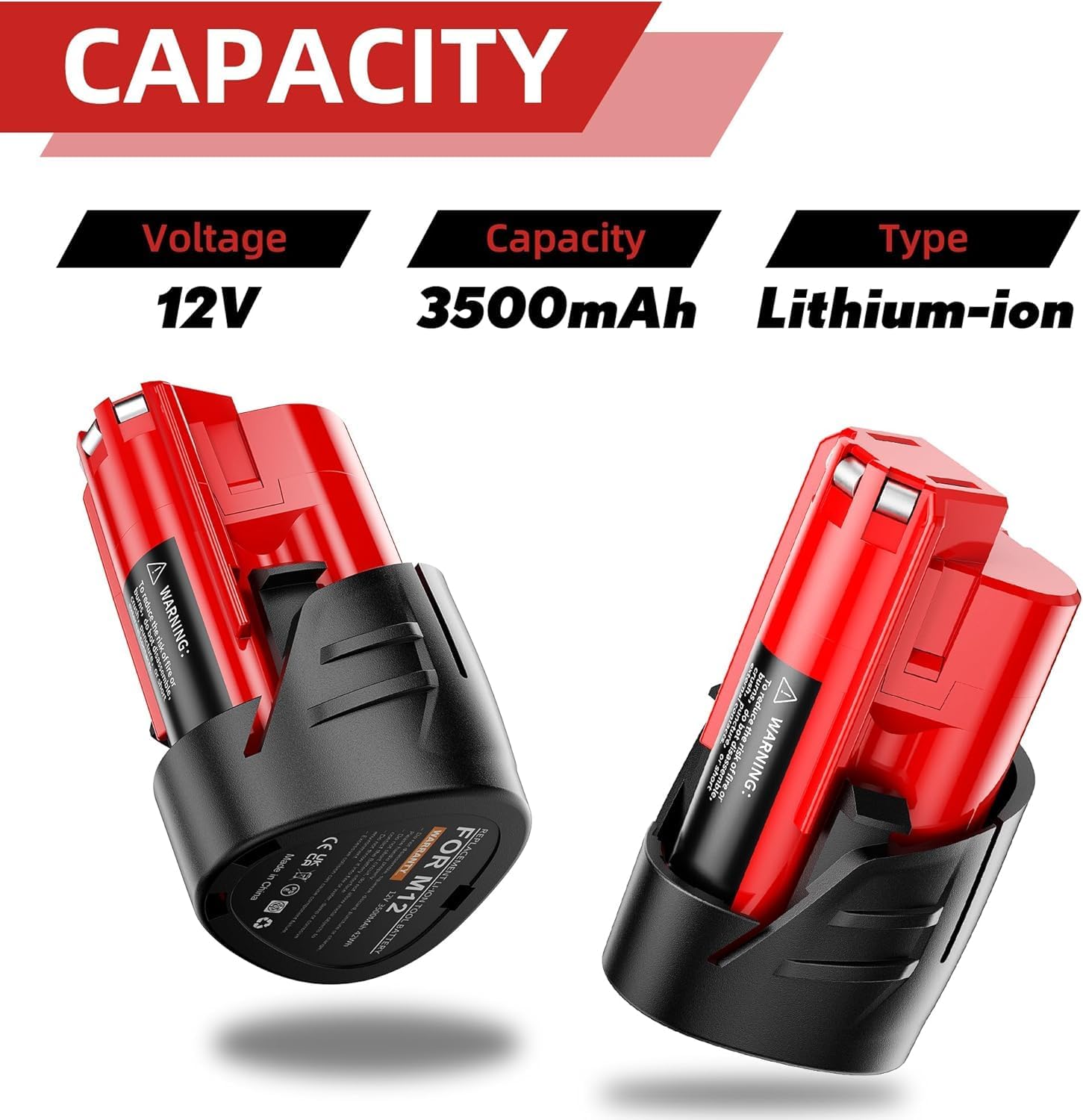
Image: Detailed specifications of the 12V, 3500mAh Lithium-ion battery.
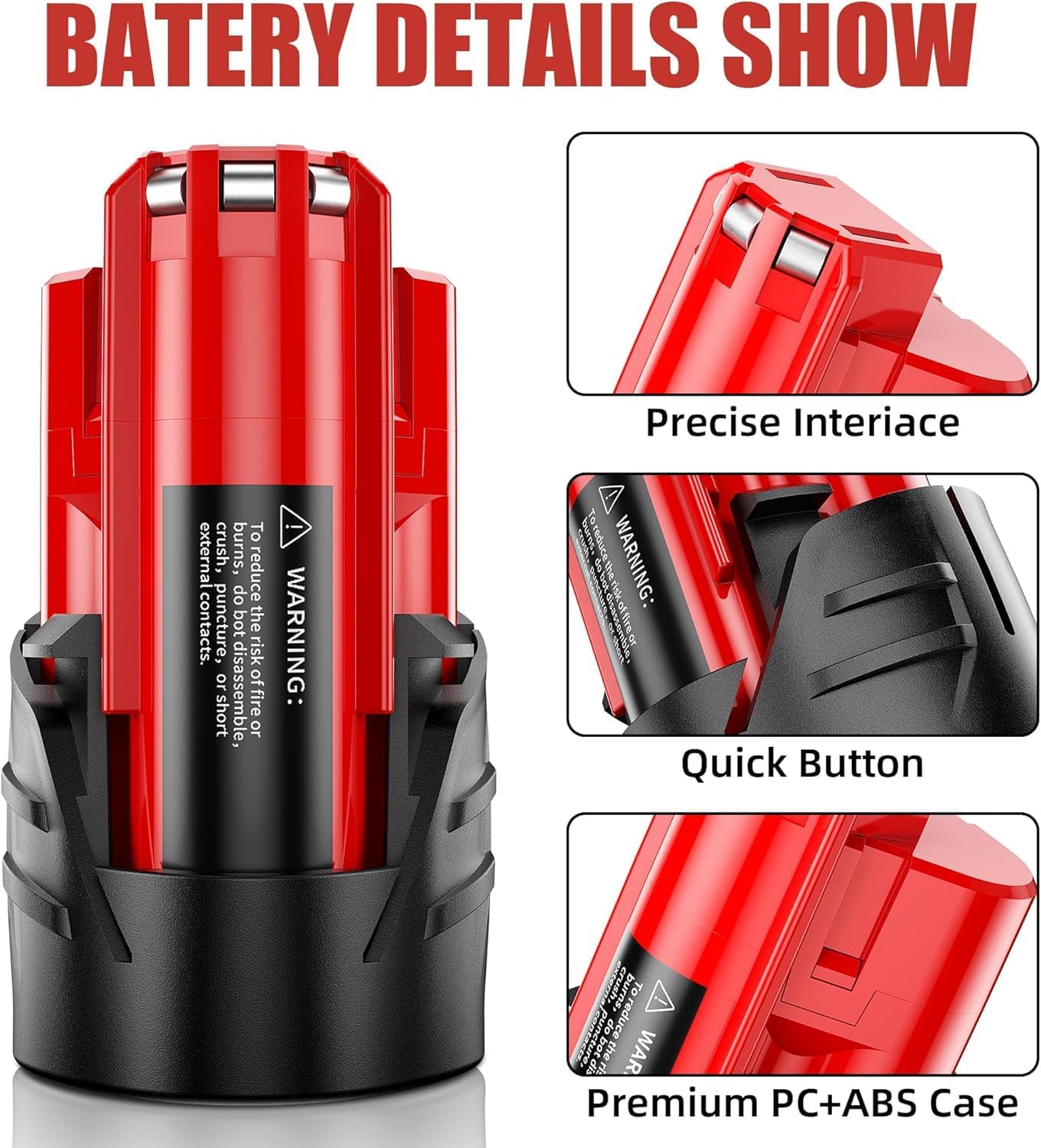
Image: Close-up view of battery features including the precise interface, quick release button, and durable PC+ABS casing.
4.2. Charger Specifications and Features
The rapid charger is designed for efficient charging of Bonacell 12V batteries.
- Input Voltage: 100-240V AC, 50/60Hz
- Output Voltage: 10.8V-12V MAX DC 3.0A
- Charging Speed: Designed for fast and highly efficient charging.
- Compatibility: Replaces charger part numbers such as 48-59-2401, 48-59-1812, 48-59-1201, 48-59-1807, 48-59-1204, 48-59-1810, 48-59-1808.
4.3. LED Indicator Guide (Charger)
The charger features LED indicators to communicate charging status:
- Green Light Flashing: Standby mode, ready to charge.
- Green Light Solid: Battery is fully charged.
- Red Light Flashing: Overheating detected (charger or battery).
- Red Light Solid: Overheating condition, charging paused or stopped.

Image: Visual guide to the M12 charger's LED indicators and their meanings.
4.4. Multiple Safety Protections
The product incorporates multiple safety features to ensure reliable operation:
- Over-Charge Protection: Prevents battery from being overcharged.
- Charging Protection: Monitors and regulates the charging process.
- Over-Voltage Protection: Safeguards against excessive voltage.
- Short-Circuit Protection: Protects against short circuits.
- Over-Temperature Protection: Prevents damage from overheating.

Image: Overview of the integrated safety protection features.
5. Setup and Initial Use
5.1. Connecting the Charger
- Connect the power cord to the rapid charger.
- Plug the charger into a standard 100-240V AC electrical outlet. The green LED on the charger should flash, indicating standby mode.
5.2. Charging the Battery
- Align the battery with the charging slot on the charger.
- Slide the battery firmly into the charger until it clicks into place.
- The charger's LED indicator will show the charging status (refer to Section 4.3).
- Once the green LED becomes solid, the battery is fully charged. Remove the battery from the charger.
Note: For optimal battery life, avoid recharging immediately after a full discharge. Allow the battery to cool down before charging.
6. Operating Instructions
6.1. Installing Battery into Power Tool
- Ensure the power tool is turned off.
- Align the fully charged battery with the battery slot on your compatible Milwaukee M12 power tool.
- Slide the battery into the tool until it locks securely into place.
6.2. Removing Battery from Power Tool
- Ensure the power tool is turned off.
- Press the battery release button (if applicable on your tool).
- Slide the battery out of the tool.
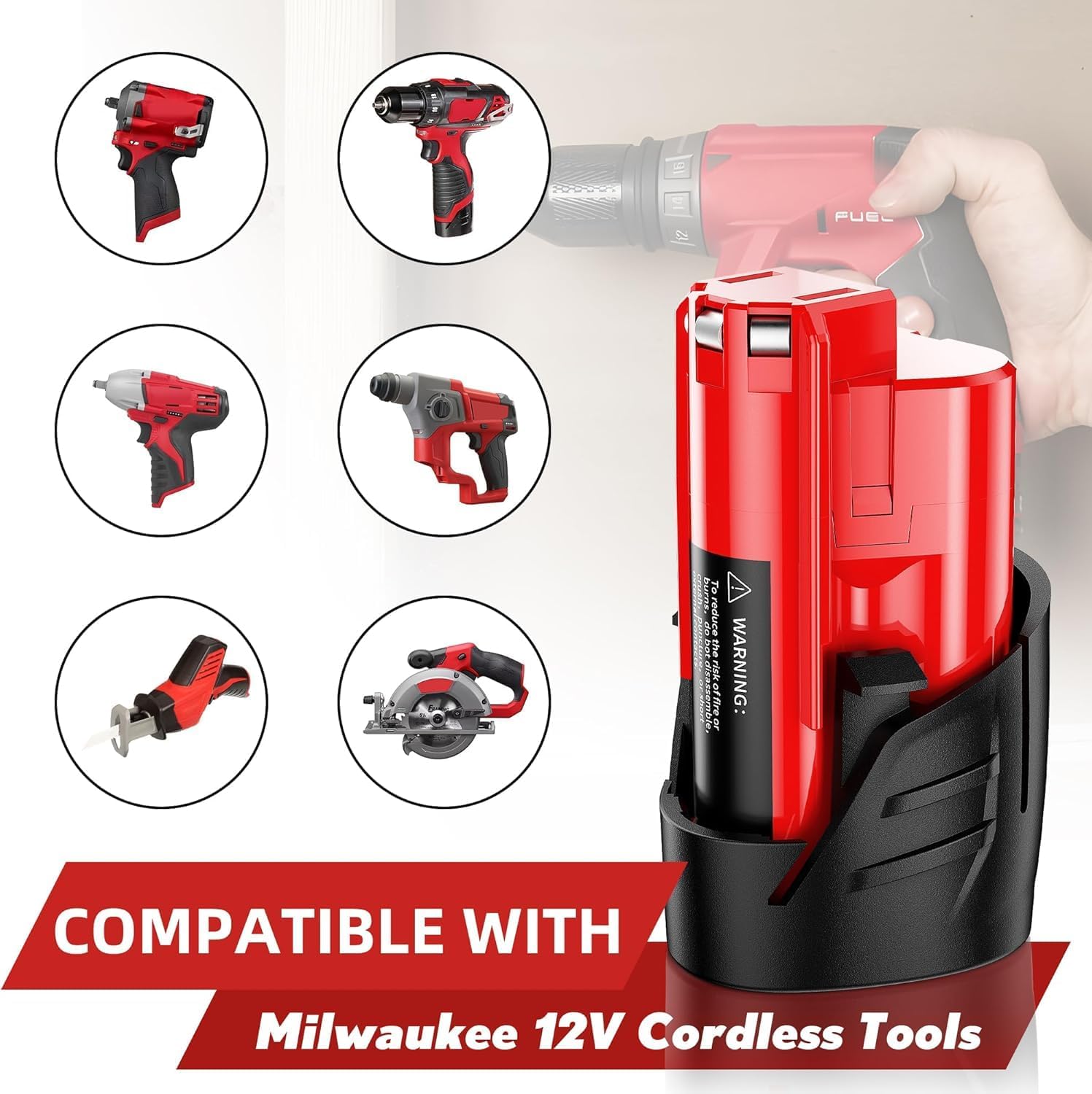
Image: Examples of Milwaukee 12V cordless tools compatible with the Bonacell M12 battery.

Image: The Bonacell M12 battery powering different cordless tools during operation.
7. Maintenance
7.1. Cleaning
- Keep battery terminals and charger contacts clean and free of debris. Use a dry cloth to wipe them.
- Do not use solvents or harsh chemicals to clean the battery or charger.
7.2. Storage
- Store batteries in a cool, dry place, ideally between 5°C and 25°C (41°F and 77°F).
- For long-term storage, charge batteries to approximately 50% capacity.
- Avoid storing batteries in direct sunlight or in areas with high humidity.
8. Troubleshooting
If you encounter issues, refer to the following common troubleshooting steps:
| Problem | Possible Cause | Solution |
|---|---|---|
| Battery not charging | Charger not plugged in; Battery not seated correctly; Overheating; Faulty battery/charger | Check power connection; Re-seat battery; Allow to cool (if red LED is on); Contact support if issue persists. |
| Tool not powering on with battery | Battery not charged; Battery not seated correctly; Tool malfunction | Charge battery fully; Re-seat battery; Test with another charged battery; Consult tool's manual. |
| Charger LED shows red (overheating) | Battery or charger is too hot | Remove battery and charger from power source. Allow both to cool down completely before attempting to charge again. |
9. Specifications
| Feature | Detail |
|---|---|
| Brand | Bonacell |
| Item Model Number | 12V |
| Battery Type | Lithium-ion |
| Battery Voltage | 12 Volts |
| Battery Capacity | 3.5Ah (3500mAh) |
| Charger Input Voltage | 100-240V AC |
| Charger Output Voltage | 10.8V-12V MAX DC 3.0A |
| Product Dimensions | 5 x 3 x 3 inches |
| Item Weight | 1.57 pounds |
| Connector Type | Milwaukee M12 connector |
10. Warranty and Support
For warranty information or technical support, please refer to the contact details provided with your purchase or visit the official Bonacell website. Keep your purchase receipt as proof of purchase.