1. Introduction
Thank you for choosing the UYIKOO CK820 Mini Hidden Spy Camera Car Key. This device is designed for discreet video recording and photography, featuring 1080P HD resolution, motion detection, and infrared night vision. Its compact design, resembling a standard car key, allows for versatile placement and ease of use without the need for WiFi or a dedicated application. This manual provides essential information for proper setup, operation, and maintenance of your device.
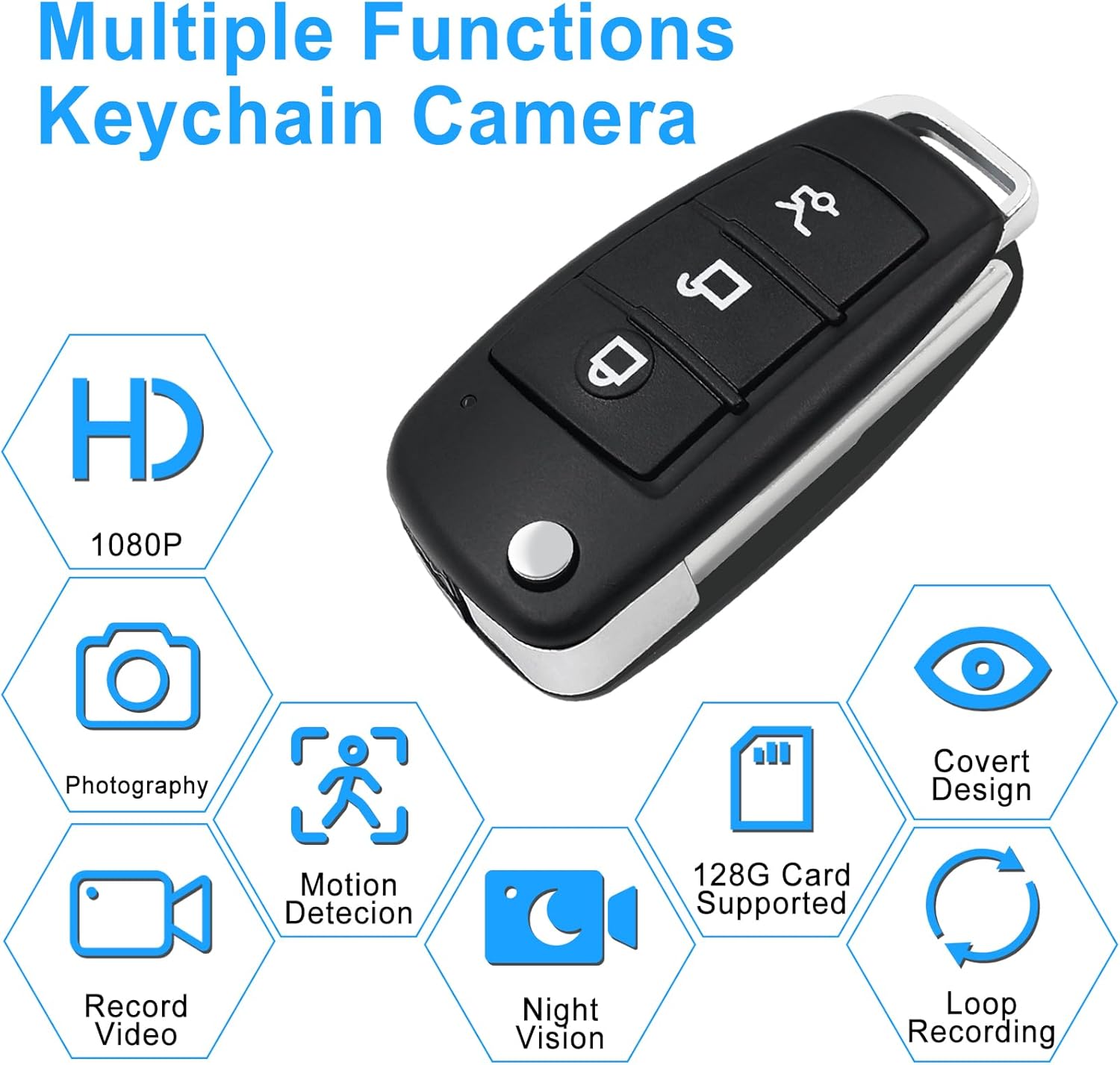
Image 1.1: Overview of the UYIKOO CK820 Mini Hidden Spy Camera Car Key and its key features.
2. Package Contents
Please verify that all items are present in your package:
- UYIKOO CK820 Mini Hidden Spy Camera Car Key
- USB Charging/Data Cable
- User Manual

Image 2.1: The UYIKOO CK820 Mini Hidden Spy Camera Car Key, USB cable, and user manual.
3. Product Overview
The UYIKOO CK820 is designed to resemble a standard car key fob, ensuring discreet operation. Key components include the hidden camera lens, control buttons, and ports for charging and Micro SD card insertion.

Image 3.1: The UYIKOO CK820 Mini Hidden Spy Camera Car Key with its hidden lens indicated.
3.1. Device Components
- Camera Lens: Discreetly located on the side of the device.
- Control Buttons: Typically located on the front face, used for power, recording, and mode selection. Refer to the detailed instructions for specific button functions.
- Micro SD Card Slot: Hidden under a cover, for memory card insertion.
- USB Port: Hidden under a cover, for charging and data transfer.
- Indicator Light: Provides status feedback (e.g., power on, recording, low battery).
4. Setup
4.1. Initial Charging
Before first use, fully charge the device. Connect the camera to a USB power source (e.g., computer, wall adapter) using the provided USB cable. The indicator light will typically show a specific color (e.g., red) during charging and change or turn off when fully charged. A full charge provides approximately 90 minutes of recording time.
4.2. Inserting the Micro SD Card
The device requires a Micro SD card (not included) for storing recordings. It supports cards up to 128GB. Ensure the card is formatted to FAT32 for optimal performance.
- Press the key switch to extend the metal key part.
- Slide the bottom cover of the device to reveal the Micro SD card slot and USB port.
- Carefully insert the Micro SD card into the slot with the gold contacts facing down until it clicks into place.
- Replace the bottom cover.

Image 4.1: Steps for inserting the Micro SD card.
5. Operating Instructions
5.1. Power On/Off
- Power On: Press and hold the Power button for a few seconds until the indicator light illuminates.
- Power Off: Press and hold the Power button again for a few seconds until the indicator light turns off.
5.2. Video Recording (1080P HD)
In video mode, the camera records at 1920x1080P resolution at 30 frames per second. The device supports loop recording, automatically overwriting the oldest files when the memory card is full.
- Ensure the device is powered on and in video recording mode (refer to the indicator light status in your specific manual for mode indication).
- Press the Record button once to start recording. The indicator light will typically flash to indicate recording is in progress.
- Press the Record button again to stop recording. The indicator light will return to standby mode.

Image 5.1: 1080P HD video resolution example.
5.3. Motion Detection Recording
In motion detection mode, the camera will automatically begin recording when movement is detected within its field of view. This feature conserves battery life and storage space.
- Power on the device.
- Switch to motion detection mode (refer to your specific manual for button sequence). The indicator light will change to confirm the mode.
- The camera will now record automatically when motion is detected.

Image 5.2: Motion detection in action.
5.4. Infrared Night Vision
The camera is equipped with infrared night vision, allowing it to record in low-light or dark conditions up to a distance of 2-3 meters. The infrared lights are not visible to the naked eye during operation.
- Power on the device.
- Activate night vision mode (refer to your specific manual for button sequence).
- The camera will now record with infrared illumination in dark environments.

Image 5.3: Invisible night vision capability.
5.5. Taking Photos
The device can also capture still images.
- Ensure the device is powered on and in photo mode (refer to your specific manual for mode indication).
- Press the Photo button once to take a picture. The indicator light will flash briefly.
6. Charging the Battery
The UYIKOO CK820 features an integrated rechargeable Lithium Polymer battery. To charge the device, connect it to a power source using the provided USB cable. The camera supports recording while charging, allowing for extended operation.
- Connect to a standard USB wall adapter.
- Connect to a power bank for portable charging.
- Connect to a car charger for in-vehicle charging.
- Connect to a computer's USB port.

Image 6.1: Various charging methods for the device.
7. Data Transfer
To access recorded videos and photos, connect the camera to a computer.
- Ensure the device is powered off.
- Connect the camera to your computer using the provided USB cable.
- The computer will recognize the device as a removable disk.
- Open the removable disk to access the folders containing your video and photo files.
- Copy the desired files to your computer.
- Safely eject the removable disk before disconnecting the camera.

Image 7.1: Connecting the device to a computer for data transfer.
8. Maintenance
- Keep the device dry and away from moisture.
- Avoid extreme temperatures.
- Clean the lens gently with a soft, dry cloth.
- Do not attempt to disassemble the device, as this will void any warranty.
- Regularly back up your recorded data to prevent loss.
- Format the Micro SD card periodically to maintain optimal performance.
9. Troubleshooting
- Device not turning on: Ensure the battery is fully charged. If the issue persists, try charging with a different USB port or cable.
- Cannot record: Verify that a Micro SD card is properly inserted and has sufficient free space. Ensure the card is formatted to FAT32.
- Poor video quality: Ensure the lens is clean and free from obstructions. Check that the lighting conditions are adequate for the selected mode (e.g., use night vision in dark environments).
- Computer not recognizing device: Ensure the USB cable is securely connected to both the camera and the computer. Try a different USB port on your computer.
- Short battery life: Ensure the device is fully charged before use. Recording in motion detection mode can help conserve battery.
10. Specifications
| Brand | UYIKOO |
| Model Name | CK820 |
| Video Capture Resolution | 1080p |
| Item Dimensions (LxWxH) | 6 x 4 x 2 cm |
| Item Weight | 130 g |
| Battery Type | Lithium Polymer (1 included) |
| Recording Time (Full Charge) | Approximately 90 minutes |
| Micro SD Card Support | Up to 128GB (FAT32 format recommended) |
| Night Vision Distance | 2-3 meters |
| Wireless Communication Technology | No |
| Indoor/Outdoor Use | Indoor (Portable for various environments) |
11. Safety Information
- Do not expose the device to water or extreme humidity.
- Avoid dropping or subjecting the device to severe impacts.
- Keep out of reach of children.
- Use only the provided USB cable or a certified equivalent for charging.
- Do not operate the device in environments with flammable gases or liquids.
- Dispose of the device and its battery responsibly according to local regulations.
12. Warranty and Support
For warranty information and technical support, please refer to the contact details provided with your purchase or visit the official UYIKOO website. Keep your purchase receipt as proof of purchase for any warranty claims.


