1. Introduction
This manual provides comprehensive instructions for the operation and maintenance of your Airiton AI-300 4G POC Walkie Talkie. Please read this manual thoroughly before using the device to ensure proper function and safety.
The Airiton AI-300 is a Push-to-Talk Over Cellular (POC) radio designed for nationwide communication, offering unlimited range where 4G network coverage is available. It is suitable for various applications requiring long-distance communication.
2. Package Contents
Verify that all items are present in the package:
- 2 x Radio Body
- 2 x Battery
- 2 x Type-C USB Charger
- 2 x Headset
- 2 x Belt Clip
- 2 x Hand Strap
- 1 x User Manual

Image: All components included in the Airiton AI-300 walkie talkie package, including two radios, two batteries, two Type-C USB chargers, two headsets, two belt clips, and two hand straps.
3. Product Overview and Features
The AI-300 walkie talkie is built for robust performance and ease of use. Key features include:
- National 4G POC Coverage: Utilizes 4G Push-to-Talk Over Cellular for communication across vast distances, up to 5000 miles.
- Pre-installed SIM Card: Includes an annual SIM card for unlimited high-speed data services for one year.
- Durable Design: Shockproof and drop-resistant body, designed to withstand harsh environments.
- Clear Audio: Equipped with advanced noise-cancelling microphones for crystal clear sound.
- Communication Modes: Supports single, group, and mass call functions.
- Type-C Charging: Convenient and fast charging.
- LCD Display Screen: Provides clear visual information.

Image: Two Airiton AI-300 walkie talkies displayed with their included SIM cards, Type-C charging cables, and headsets.

Image: Visual representation of the key features of the Airiton AI-300, including its communication capabilities, battery, audio quality, charging, and ergonomic design.
4. Setup
4.1. SIM Card Installation
The AI-300 walkie talkie comes with a pre-installed annual SIM card. To access the SIM card slot or replace the SIM card:
- Remove the battery cover on the back of the radio.
- Locate the SIM card slot.
- Insert or replace the SIM card as needed, ensuring proper orientation.
- Replace the battery and cover.

Image: The rear of the AI-300 radio with the battery removed, showing the pre-installed SIM card and the battery itself with warning labels.
Video: This video demonstrates the physical features of the AI-300 walkie talkie, including the location of the PTT button, menu, volume controls, USB charger port, and the process of SIM card installation. It also shows the Type-C charging process and the connection of the headset.
4.2. Charging the Battery
Before first use, fully charge the walkie talkie battery. Use the provided Type-C USB charger.
- Connect the Type-C USB charger to the charging port on the side of the radio.
- Connect the other end of the charger to a suitable USB power source (e.g., wall adapter, power bank).
- The charging indicator light will show the charging status.

Image: The AI-300 walkie talkie connected to a Type-C charger, demonstrating the convenient and fast charging capability.
5. Operating Instructions
5.1. Basic Controls
Familiarize yourself with the main controls of the AI-300 radio:
- PTT (Push-to-Talk) Button: Located on the side, press and hold to transmit, release to listen.
- Menu Button: Accesses the radio's settings and options.
- Volume Up/Down Buttons: Adjust the audio output level.
- USB Charger Port: For charging the device.
- Back Button: Navigates back in menus.
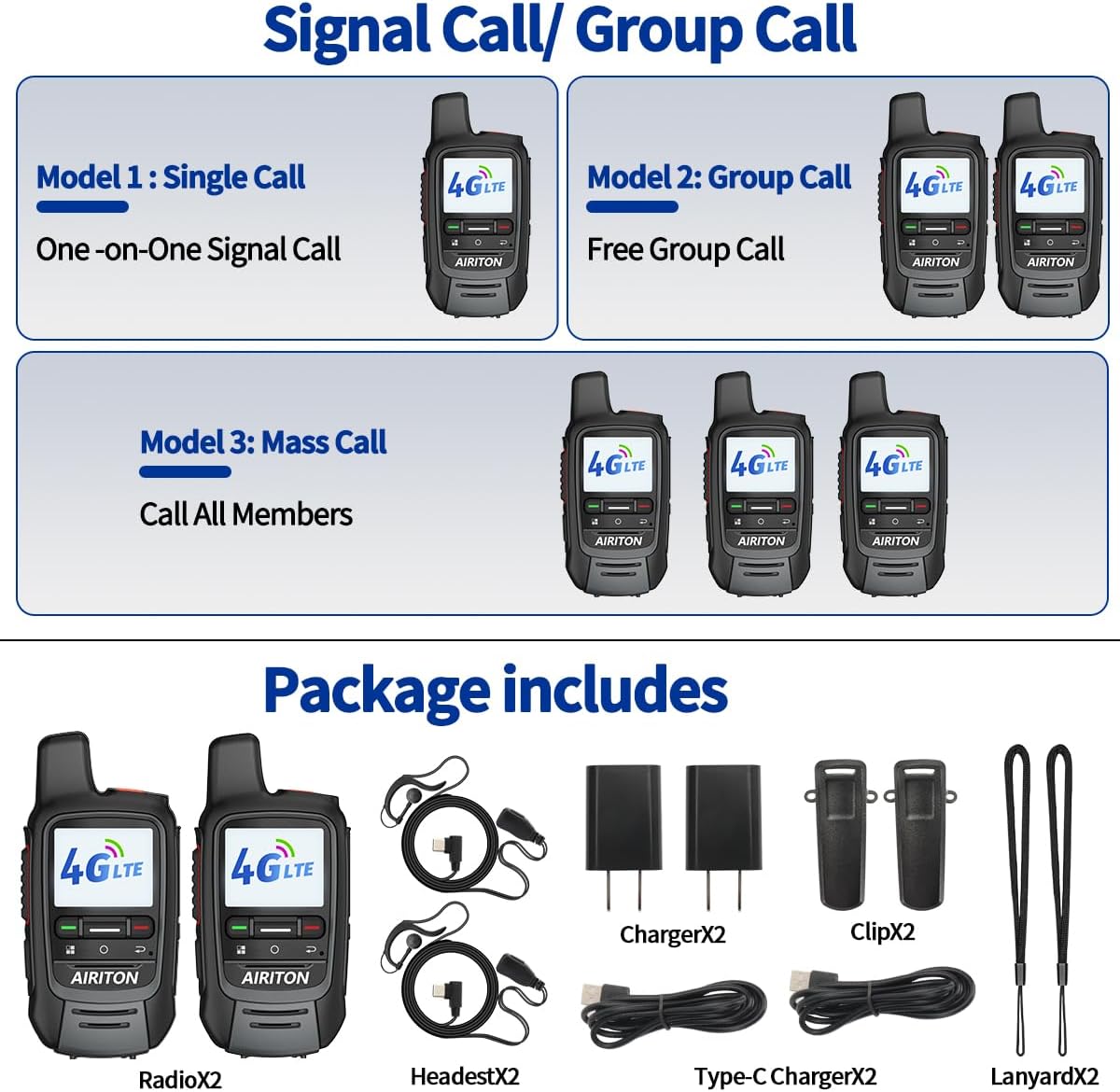
Image: A detailed view of the AI-300 walkie talkie, labeling its key buttons and ports for user reference.
5.2. Communication Modes
The AI-300 supports various communication methods:
- Single Call (One-on-One): Direct communication between two specific radios.
- Group Call (Free Group Call): Communication within a pre-defined group of radios.
- Mass Call (Call All Members): Broadcast communication to all radios on the network.
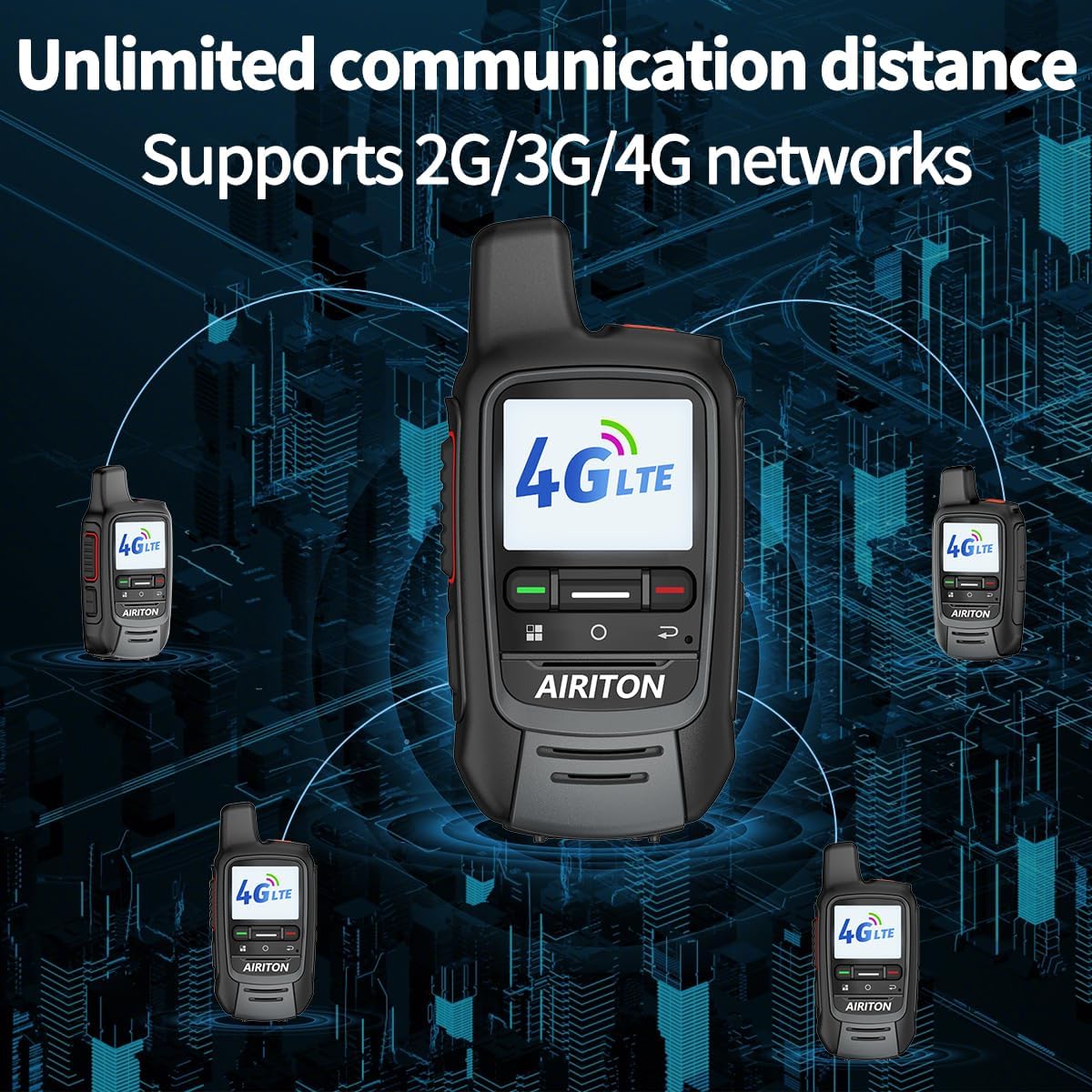
Image: A visual guide explaining the different call modes available on the AI-300 walkie talkies: single call, group call, and mass call.
5.3. Making a Call
- Ensure the radio is powered on and has network connectivity.
- Select the desired contact or group using the menu and navigation buttons.
- Press and hold the PTT button to transmit your message. Speak clearly into the microphone.
- Release the PTT button to listen for a response.
6. Maintenance
- Keep the radio clean and dry. Avoid exposure to extreme temperatures or direct sunlight.
- Do not disassemble the radio or battery. Refer to qualified service personnel for repairs.
- Charge the battery regularly to maintain its lifespan.
- Store the radio in a cool, dry place when not in use for extended periods.
7. Troubleshooting
| Problem | Possible Cause | Solution |
|---|---|---|
| No network signal | Out of 4G coverage area; SIM card issue. | Move to an area with better 4G coverage. Check SIM card installation. |
| Cannot transmit or receive | Low battery; incorrect group/contact selected; network issue. | Charge the battery. Verify selected contact/group. Check network status. |
| Poor audio quality | Weak signal; microphone/speaker obstruction. | Move to an area with stronger signal. Ensure microphone/speaker are clear. |
8. Specifications
| Feature | Detail |
|---|---|
| Model Number | AI-300 |
| Brand | Airiton |
| Item Weight | 1.28 pounds |
| Package Dimensions | 8.39 x 7.05 x 2.6 inches |
| Number of Channels | 200 |
| Tuner Technology | 4G POC |
| Special Feature | Long Range, Rechargeable |
| Water Resistance Level | Not Water Resistant |
| FCC ID | 2BM2J-BQ-300 |
9. Warranty and Support
The product comes with an annual SIM card for one year of unlimited high-speed data. After the first year, you can renew the service or purchase a new SIM card of your choice.
For technical guidance and customer service, please contact Airiton customer support. If you purchase more than two radios and need to pair them, please provide the serial numbers to customer service for assistance.
Note: The product information states "Warranty: NO". Please refer to the seller for specific warranty details or return policies.


