
Introduction
Welcome to the world of immersive entertainment with your new Samsung 65-inch OLED 4K S90F Smart TV (2025). This television combines cutting-edge display technology with intelligent features to deliver an unparalleled viewing experience. This manual provides essential information for setting up, operating, and maintaining your TV.
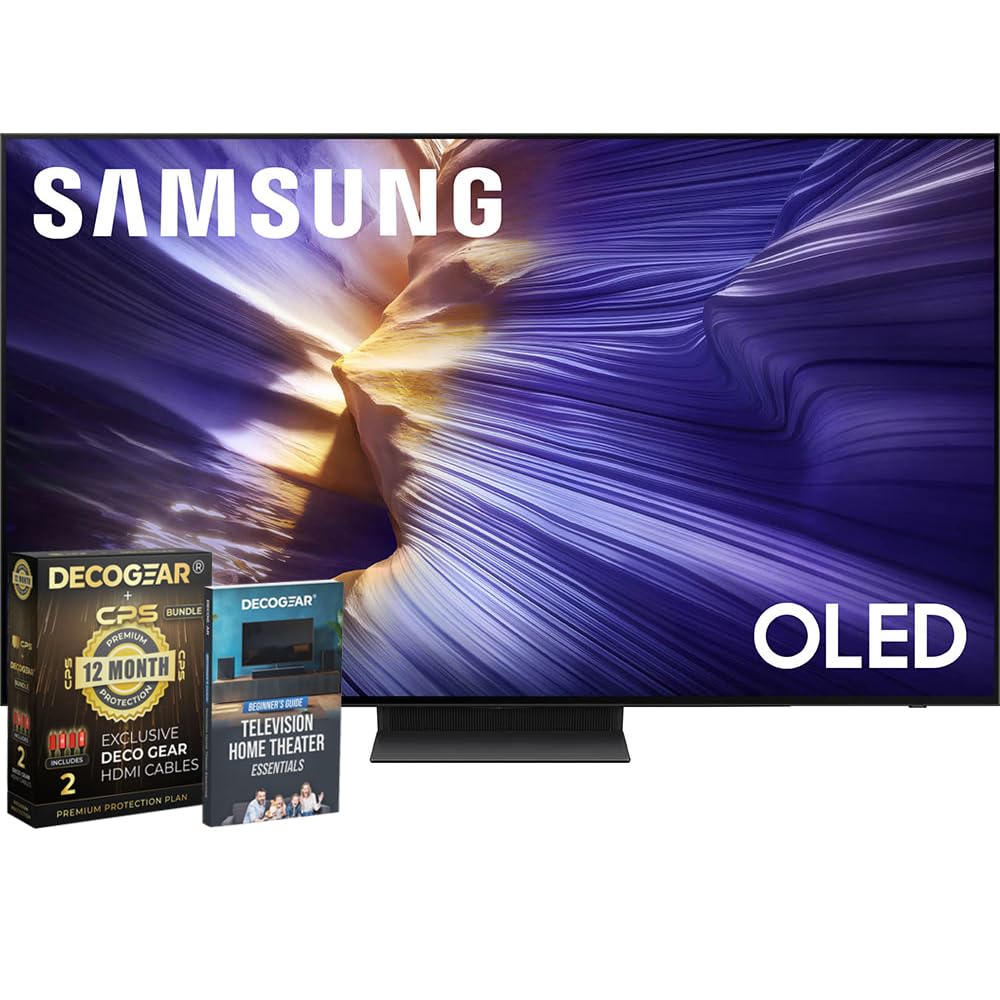
Figure 1: Front view of the Samsung 65-inch OLED 4K S90F Smart TV.
Setup
Unboxing and Initial Placement
Carefully remove the TV from its packaging. It is recommended to have at least two people for safe handling due to the size and delicate nature of the screen. Ensure you have a clean, flat surface for assembly.
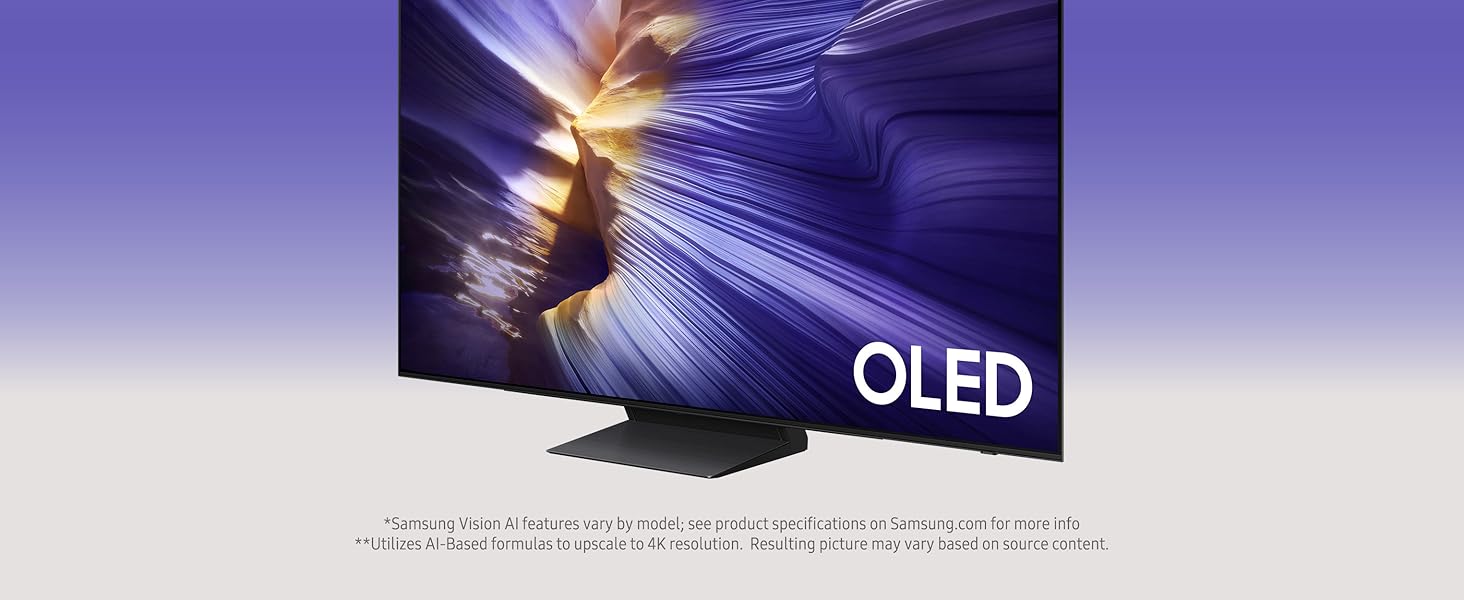
Figure 2: The Samsung OLED S90F TV being carefully removed from its packaging.
Attaching the Stand
If using the included stand, align the stand with the designated slots on the bottom of the TV. Secure it using the provided screws. Refer to the quick setup guide included in the box for detailed instructions and screw placement.

Figure 3: The Samsung OLED S90F TV securely placed on its stand.
Wall Mounting
For wall mounting, use a VESA-compatible mount (300 x 200 mm). Ensure the wall can support the TV's weight (46.7 pounds without stand). Professional installation is recommended for wall mounting.
Initial Power On and Smart Setup
Connect the power cable to the TV and a power outlet. Press the power button on the remote. Follow the on-screen instructions to connect to your Wi-Fi network, sign in to your Samsung account, and set up your preferred streaming services.
Video 1: A seller's review demonstrating the initial setup and smart features of the Samsung OLED S90F TV.
Operating the TV
Smart Hub and Applications
The Smart Hub provides quick access to all your favorite apps, live TV, and connected devices. Navigate using the included SolarCell Remote. The TV comes pre-loaded with popular streaming services like Netflix, Hulu, Prime Video, and Samsung TV Plus, offering a wide range of free channels.
Video 2: A seller's review highlighting the Smart Hub interface and various streaming applications available on the Samsung OLED 4K Smart TV.
Gaming Mode
For an optimized gaming experience, the TV features a dedicated Game Mode. This mode helps reduce input lag and motion blur, providing consistently crisp visuals and ultra-smooth performance at top speeds. It supports VRR games at up to 4K 144Hz.
Video 3: A seller's short review discussing the gaming capabilities and features of the Samsung OLED TV.
Remote Control (SolarCell Remote TM2560E)
Your TV comes with a SolarCell Remote (Model: TM2560E). This eco-friendly remote charges via indoor lighting or USB-C, eliminating the need for disposable batteries. It features intuitive controls for navigation, voice commands, and quick access to popular streaming services.
Features
Picture Quality
- NQ4 AI Gen3 Processor: Powered by 128 neural networks, this processor leverages AI to upscale content to brilliant 4K resolution, even from lower-resolution sources. It also optimizes sound for an immersive viewing experience.
- 4K AI Upscaling Pro: Transforms all content to impressive 4K resolution, ensuring sharp and smooth picture quality.
- OLED HDR+: Delivers powerful brightness and deeper contrast, revealing nuanced detail in every scene. Self-illuminating pixels provide precise detail and enhanced HDR performance for HDR10+ content.
- Glare-Free: Designed to minimize reflections, providing a clear view from various angles.

Figure 4: Visual representation of OLED HDR+ enhancing brightness and contrast.
Motion Enhancement
- Motion Xcelerator 144Hz: Provides exceptional motion clarity for gaming and sports, minimizing lag and blur for ultra-smooth performance.
- AI Motion Enhancer Pro: Sharpens and smooths the motion of fast-moving objects and text, reducing blur and flickering for clearer action.

Figure 5: AI Motion Enhancer Pro in action, clarifying fast-moving sports content.
Audio
- Active Voice Amplifier Pro & Adaptive Sound Pro: Optimizes audio based on your room's acoustics and content, amplifying dialogue for clear and balanced sound.
- Dolby Atmos: Integrated surround sound format for an immersive audio experience.
- Speaker Configuration: 2.1CH with 40 Watts maximum output power.

Figure 6: Active Voice Amplifier Pro and Adaptive Sound Pro tailoring sound to your environment.
Connections
Your Samsung S90F TV offers a variety of connectivity options:
- HDMI Ports: 4 (with eARC on one port for enhanced audio return channel).
- USB Ports: 3 (Total USB 3.0 Ports: 3).
- Ethernet (LAN) Port: For wired internet connection.
- Wireless Connectivity: Bluetooth (Version 5.3) and Wi-Fi.
- Optical Digital Audio Output: For connecting to external audio systems.
- Tuner Type: ATSC/ClearQAM.

Figure 7: The ultra-thin profile of the Samsung OLED S90F TV.
Maintenance
Cleaning the Screen
To clean the screen, gently wipe it with a soft, dry microfiber cloth. For stubborn smudges, lightly dampen the cloth with distilled water. Avoid using harsh chemicals, abrasive cleaners, or direct spraying of liquids onto the screen.
General Care
Keep the TV in a well-ventilated area. Avoid blocking ventilation openings. Do not expose the TV to direct sunlight, extreme temperatures, or high humidity. Unplug the TV during lightning storms or when it will be unused for extended periods.
Troubleshooting
Common Issues and Solutions
- No Power: Ensure the power cable is securely connected to both the TV and the power outlet. Check if the outlet is functional.
- No Picture/Sound: Verify that the correct input source is selected. Check all cable connections (HDMI, optical, etc.) for looseness or damage.
- Remote Not Working: Ensure the SolarCell Remote is charged. Try pointing the remote directly at the TV's remote sensor.
- Network Connection Issues: Restart your router and modem. Reconnect the TV to your Wi-Fi network via the TV's settings menu. For wired connections, ensure the Ethernet cable is properly connected.
For more detailed troubleshooting, refer to the comprehensive user manual available digitally through your TV's settings or on the Samsung support website.
Specifications
| Feature | Detail |
|---|---|
| Brand | Samsung |
| Model Name | E1SAMQN65S90F |
| Screen Size | 64.5 Inches (65 Inch Class) |
| Display Technology | OLED |
| Resolution | 4K |
| Refresh Rate | 120 Hz (Dynamic Refresh Rate up to 144Hz) |
| Processor | NQ4 AI Gen3 Processor |
| HDR Format Supported | HDR10/HDR10+ |
| Audio Output Mode | Surround (2.1CH, 40 Watts) |
| Integrated Surround Sound | Dolby Atmos |
| HDMI Ports | 4 |
| USB Ports | 3 |
| Connectivity Technology | Bluetooth (5.3), Wi-Fi, Ethernet |
| Operating System | Tizen |
| Product Dimensions (D x W x H) | 10.4"D x 56.9"W x 35.3"H |
| Item Weight | 49.6 Pounds |
| VESA Mount Standard | 300 x 200 mm |
Warranty and Support
Warranty Information
Your Samsung OLED 4K S90F Vision AI Smart TV (2025) comes with a Limited Protection warranty. Additionally, this bundle includes a CPS 1 Year Extended Protection Plan, providing coverage in addition to the full manufacturer protection.
Customer Support
For technical assistance, troubleshooting, or warranty claims, please contact Samsung Customer Support. You can find contact information and additional resources on the official Samsung website or through the support section of your TV's Smart Hub.