
1. Product Overview
The reiga 52-inch Ceiling Fan Model YFT-7062 is designed to provide efficient air circulation and lighting for various indoor spaces. It features a quiet reversible DC motor, an integrated dimmable LED light with adjustable color temperatures, and convenient remote control operation. This manual provides detailed instructions for safe installation, operation, and maintenance of your ceiling fan.
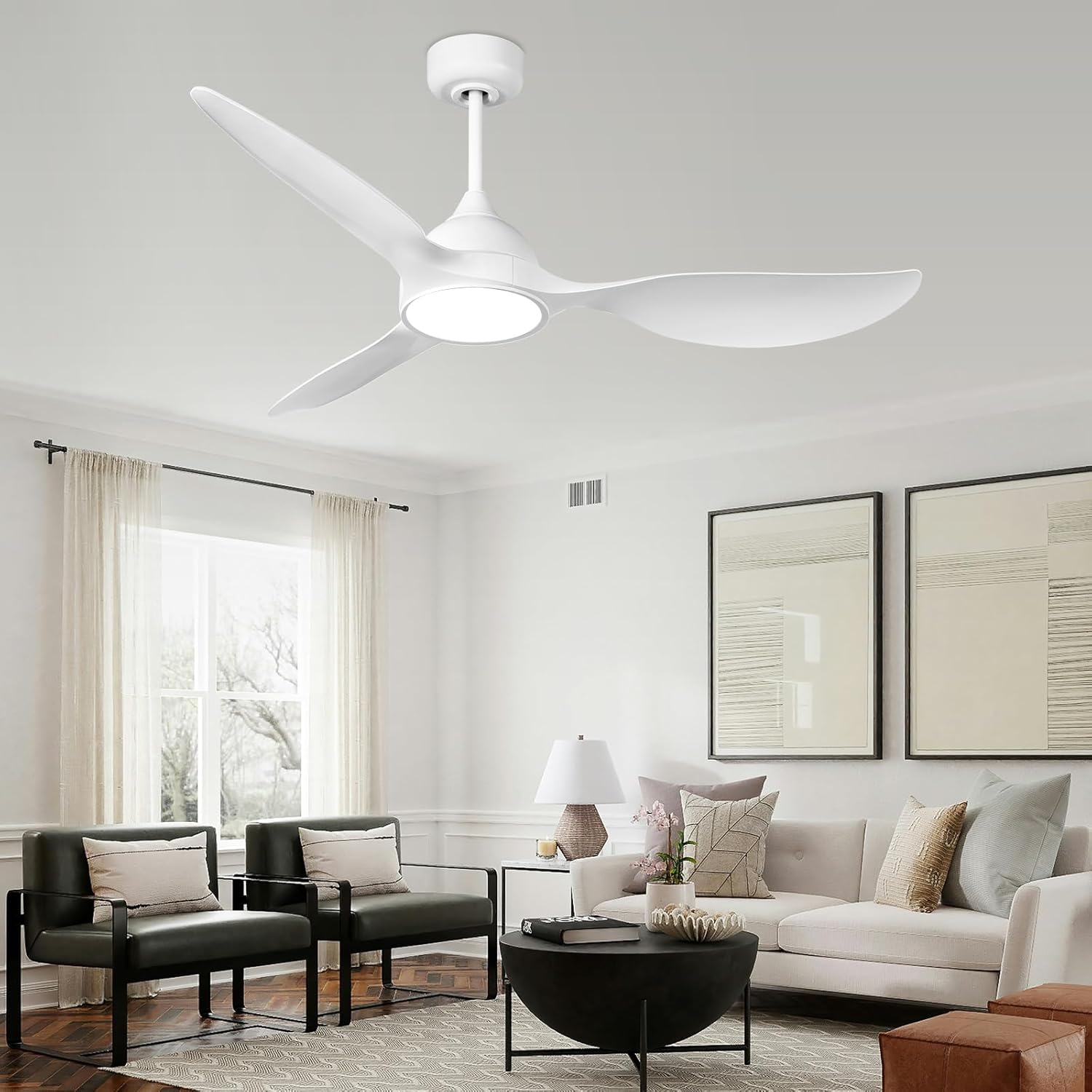
Image: The reiga 52-inch ceiling fan installed in a modern living room, showcasing its sleek design.
2. Setup and Installation
Proper installation is crucial for the safe and efficient operation of your ceiling fan. Please follow these steps carefully. It is recommended to have a qualified electrician perform the installation if you are unsure about any electrical wiring procedures.
Video: This official reiga installation video demonstrates the step-by-step process for setting up your 52-inch ceiling fan (Model 7061, similar to YFT-7062).
2.1. Unpacking and Parts Identification
Carefully remove all components from the packaging. Verify that all parts listed in the packing list are present and undamaged before proceeding with installation.
2.2. Blade Assembly
Attach the fan blades to the motor housing using the provided screws. Ensure all screws are tightened securely to prevent wobbling during operation. Refer to the installation video from 0:03 to 0:24 for visual guidance.
2.3. LED Light Assembly
Connect the LED light module to the fan motor assembly. Secure the light cover in place. Refer to the installation video from 0:25 to 0:36 for visual guidance.
2.4. Downrod and Canopy Assembly
Select the appropriate downrod (6-inch or 10-inch) for your ceiling height. Feed the electrical wires through the downrod and attach it to the fan motor. Slide the canopy over the downrod. Refer to the installation video from 0:37 to 1:28 for visual guidance.
2.5. Mounting and Wiring
Mount the hanging bracket to the ceiling junction box. Connect the fan's electrical wires to your household wiring according to local electrical codes. Ensure all connections are secure. Carefully lift the fan assembly and hang it on the mounting bracket. Refer to the installation video from 1:29 to 2:08 for visual guidance.
2.6. Final Assembly and Testing
Secure the canopy to the ceiling bracket. Restore power and test all fan and light functions using the remote control. Refer to the installation video from 2:09 to 2:25 for visual guidance.

Image: Diagram illustrating the fan dimensions (52-inch diameter, 13/18-inch height) and recommended room sizes (100-250 sq.ft).
3. Operation
Your reiga ceiling fan is operated via the included remote control, offering a range of functions for personalized comfort.
3.1. Remote Control Functions
- Fan Speed: Adjust between 6 fan speeds.
- Light On/Off: Turn the integrated LED light on or off.
- Dimming: Adjust the brightness of the LED light from 1% to 100%.
- Color Temperature: Cycle through 3 color temperatures (3000K Warm White, 4000K Natural White, 5700K Cool White).
- Reverse Function: Change the fan's rotation direction for summer (downward airflow) or winter (upward airflow) modes.
- Timer: Set the fan to automatically turn off after 1, 4, or 8 hours.
- Light Memory: The light will remember the last brightness and color temperature setting used.

Image: Illustration of the adjustable LED light with 3 color temperatures (3000K, 4000K, 5700K) and 0-100% dimming capability.
3.2. Reversible DC Motor
The fan features a reversible DC motor, allowing you to optimize airflow for different seasons. In summer, the fan rotates counter-clockwise to create a downward breeze. In winter, it rotates clockwise to circulate warm air near the ceiling throughout the room.

Image: Visual representation of summer mode (forward cool airflow) and winter mode (reverse warm airflow).
3.3. Quiet Operation and Timer
The fan's DC motor ensures quiet operation, making it suitable for bedrooms and living areas. Utilize the timer function (1H, 4H, 8H) to automatically turn off the fan, promoting energy saving and undisturbed sleep.
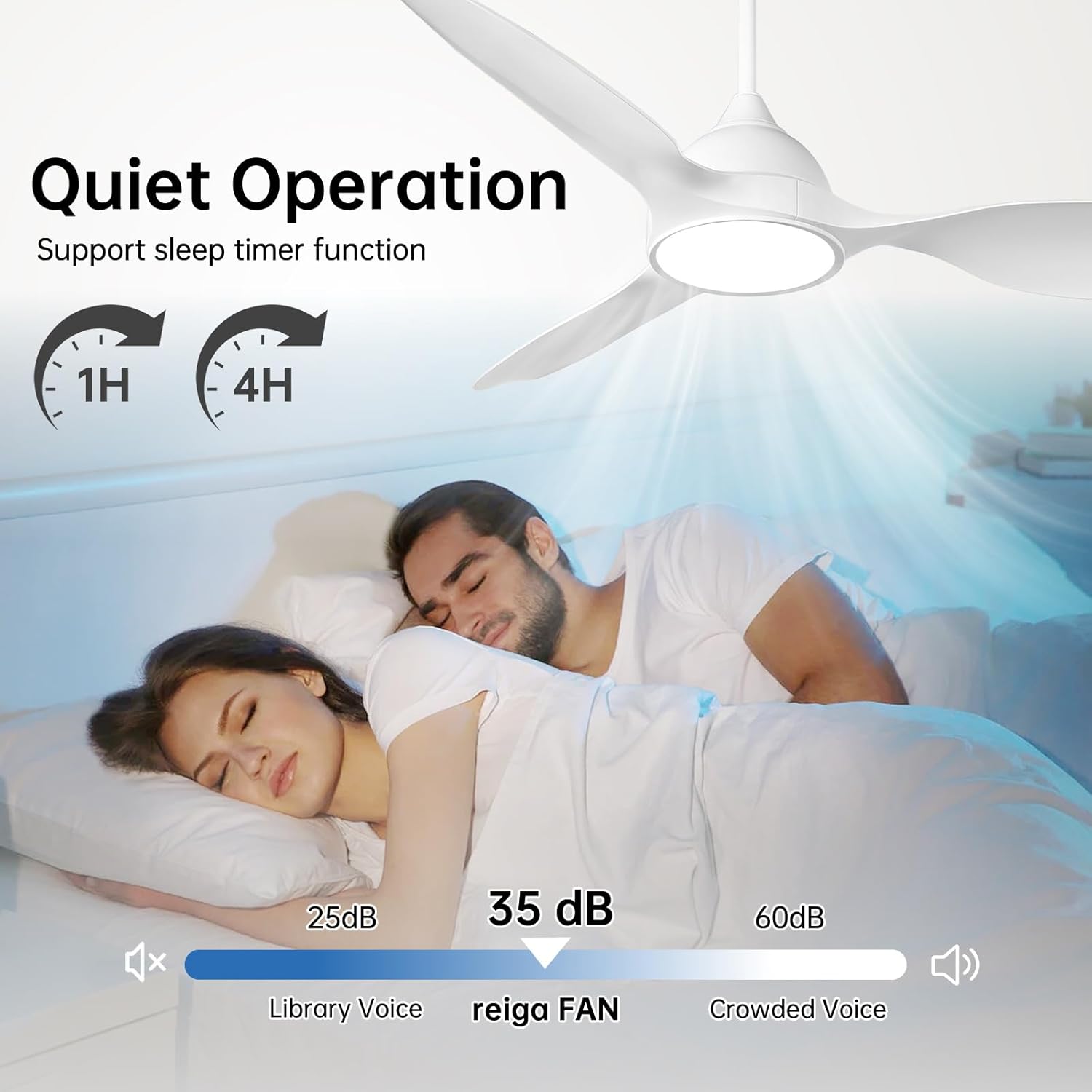
Image: The fan's quiet operation (35 dB) and sleep timer function (1H, 4H) are highlighted for a comfortable sleeping environment.
4. Maintenance
Regular maintenance helps ensure the longevity and optimal performance of your reiga ceiling fan.
- Cleaning: Periodically clean the fan blades and motor housing with a soft, damp cloth. Do not use abrasive cleaners or solvents.
- Check Connections: Annually check all screws and electrical connections for tightness. Loose connections can cause noise or malfunction.
- Blade Balancing: If the fan wobbles, ensure all blades are securely attached and use a balancing kit (if necessary) to correct any imbalance.
- Light Source: The integrated LED light module is designed for long life and typically does not require replacement. If issues arise, contact customer support.
5. Troubleshooting
If you encounter any issues with your reiga ceiling fan, refer to the following troubleshooting guide before contacting customer support.
| Problem | Possible Cause | Solution |
|---|---|---|
| Fan does not start | No power to the fan; Loose wiring; Remote control battery low or not paired. | Check circuit breaker/fuse; Ensure all electrical connections are secure; Replace remote battery or re-pair remote. |
| Light does not work | Loose wiring to the light kit; Remote control issue; LED module failure. | Check light kit wiring; Replace remote battery or re-pair remote; Contact customer support if LED module is faulty. |
| Fan wobbles | Loose blade screws; Unbalanced blades; Loose mounting bracket. | Tighten all blade screws; Use a blade balancing kit; Ensure mounting bracket is securely fastened to the ceiling. |
| Remote control not responding | Low or dead battery; Remote not paired with the fan; Interference. | Replace remote battery; Follow pairing instructions in the full manual; Ensure no strong interference sources are nearby. |
| Fan makes excessive noise | Loose screws; Motor issues; Blades hitting an obstruction. | Check and tighten all screws; Ensure nothing is obstructing the blades; Contact customer support if motor noise persists. |
6. Specifications
Detailed technical specifications for the reiga 52-inch Ceiling Fan Model YFT-7062.
| Feature | Detail |
|---|---|
| Brand | reiga |
| Model Number | YFT-7062 |
| Size | 52 inch |
| Color | Bright White |
| Electric Fan Design | Ceiling Fan |
| Power Source | DC |
| Style | Modern |
| Product Dimensions | 52"D x 52"W x 15"H |
| Room Type | Bedroom, Dining Room, Garage, Home Office, Living Room |
| Special Features | LED Light, Quiet Operation, Remote Controlled, Timer |
| Recommended Uses | Air Circulation, Cooling, Ventilating |
| Mounting Type | Downrod mount |
| Controller Type | Remote Control |
| Number of Speeds | 6 |
| Noise Level | 35 Decibels |
| Wattage | 24 watts |
| Number of Blades | 3 |
| Air Flow Capacity | 5614 Cubic Feet Per Minute |
| Voltage | 110 Volts |
| Indoor/Outdoor Usage | Indoor |
| Control Method | Remote |
| Number of Power Levels | 6 |
| Motor Type | Brushless DC |
| Installation Type | Downrod installation |
| Light Type | LED |
| Material | Acrylic, Acrylonitrile Butadiene Styrene, Metal |
| Blade Material | Acrylonitrile Butadiene Styrene |
| Downrod Length | 10 Inches (includes 6-inch and 10-inch options) |
7. Warranty Information
This reiga ceiling fan is covered by the manufacturer's warranty. Please refer to the warranty card included with your product or visit the official reiga website for detailed warranty terms and conditions. Keep your proof of purchase for warranty claims.
8. Customer Support
For technical assistance, replacement parts, or any questions regarding your reiga ceiling fan, please contact reiga customer support. Contact information can typically be found on the product packaging, the official reiga website, or through your retailer.


