1. Introduction
The Fresh 'n Rebel Smart Finder is a compact and versatile device designed to help you locate your valuable items. It seamlessly integrates with Apple's Find My app, providing a reliable solution for tracking keys, wallets, bags, and more. Equipped with a built-in speaker, it emits distinct beeping sounds for precise localization. Its robust, IP67 dust and water-resistant design ensures durability in various environments, and its customizable features, including interchangeable bumpers and a long-lasting battery, make it a practical daily companion.

Image: The Fresh 'n Rebel Smart Finder in Berry Red, featuring its compact design and an attached keyring, ready for use.
2. What's in the Box
Upon unboxing your Fresh 'n Rebel Smart Finder, please ensure all the following components are present:
- Fresh 'n Rebel Smart Finder unit
- Keyring bumper with keyring
- Standard bumper (without keyring)
- Pre-installed CR-2032 battery
- Extra CR-2032 battery
- User Manual (this document)

Image: A visual representation of the items included in the Fresh 'n Rebel Smart Finder package, showing the Smart Finder device, two types of bumpers, and two CR-2032 batteries.
3. Setup
3.1. Battery Installation
The Smart Finder comes with a pre-installed CR-2032 battery. If you need to replace it or install a new one:
- Gently twist the two halves of the Smart Finder to open the casing.
- Remove the old CR-2032 battery.
- Insert the new CR-2032 battery with the positive (+) side facing up.
- Align the two halves and twist them back together until securely closed.

Image: The Fresh 'n Rebel Smart Finder highlighting its replaceable battery feature, indicating the ease of changing the CR-2032 battery.
3.2. Connecting to Apple Find My App
The Fresh 'n Rebel Smart Finder is designed to work exclusively with Apple's Find My network. Follow these steps to pair your device:
- Ensure your iPhone, iPad, or Mac is running the latest iOS/iPadOS/macOS version.
- Open the Find My app on your Apple device.
- Tap on the Items tab.
- Tap + (Add Item) and then select Add Other Item.
- Follow the on-screen instructions to complete the pairing process. This usually involves pressing a button on the Smart Finder or bringing it close to your device.
- Once paired, you can name your Smart Finder and assign an emoji to it for easy identification.

Image: The Fresh 'n Rebel Smart Finder positioned beside an iPhone screen, illustrating how its location is displayed on the Apple Find My map, enabling users to track their items.
4. Operating Instructions
4.1. Locating Your Item
Once your Smart Finder is paired, you can locate it using the Find My app:
- Open the Find My app.
- Go to the Items tab.
- Select your Fresh 'n Rebel Smart Finder from the list.
- The app will display its last known location on a map.
4.2. Playing a Sound
If your Smart Finder is nearby but out of sight, you can make it play a sound to help you find it:
- In the Find My app, select your Smart Finder.
- Tap Play Sound. The Smart Finder will emit a series of beeps.
- Tap Stop Sound once you've located your item.
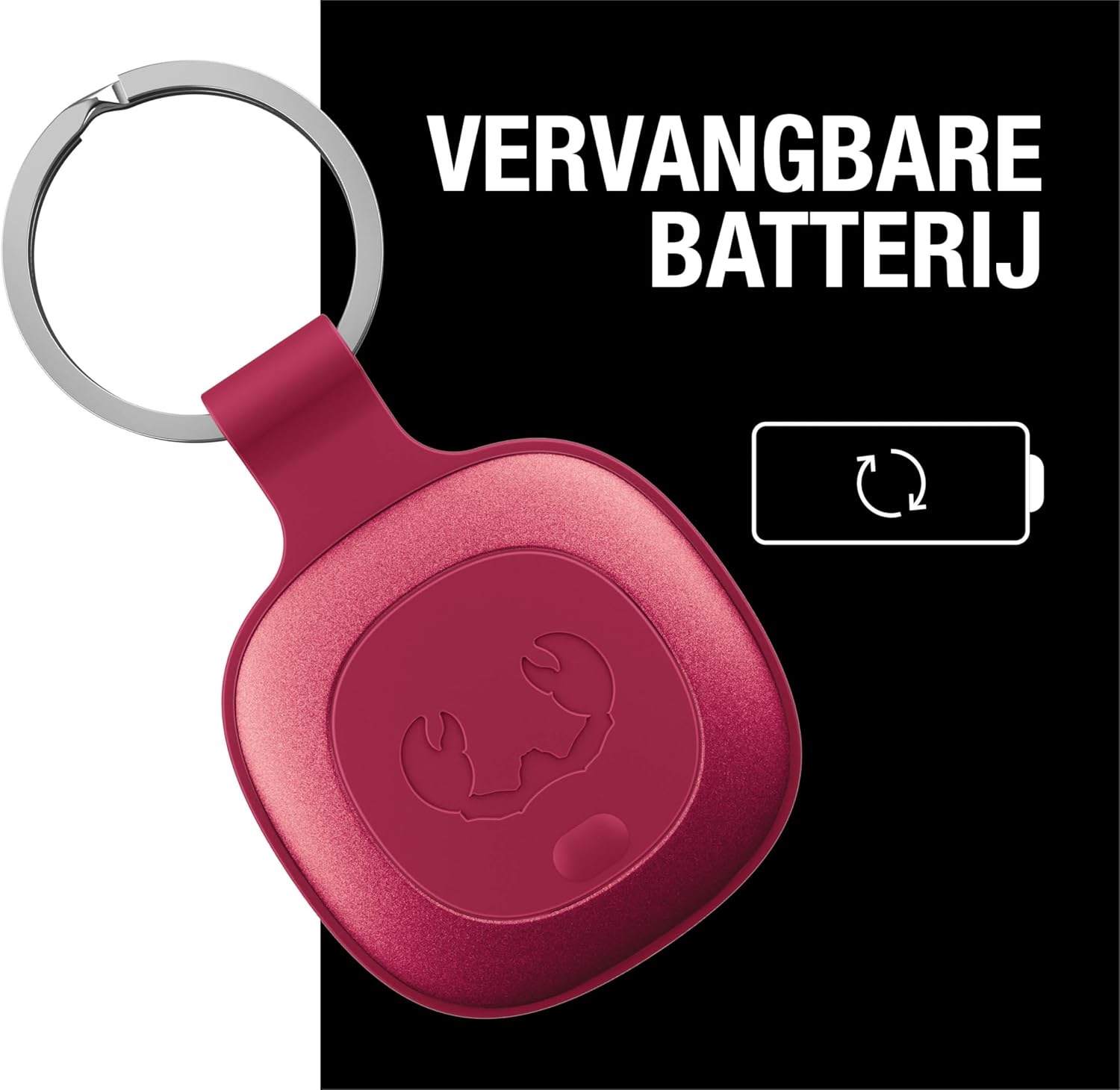
Image: The Fresh 'n Rebel Smart Finder, attached to a set of keys, visually demonstrating the sound waves it emits when activated, aiding in its retrieval.
4.3. Lost Mode and Notifications
If your Smart Finder is lost or left behind, you can enable Lost Mode and set up notifications:
- In the Find My app, select your Smart Finder.
- Scroll down to Lost Mode and tap Enable.
- Follow the prompts to enter a contact phone number or email address. If someone finds your Smart Finder, they can use an NFC-enabled device to see your contact information.
- You can also enable Notify When Found to receive an alert when your Smart Finder is detected by another device on the Find My network.
- To prevent leaving items behind, enable Notify When Left Behind. You will receive an alert on your Apple device if you move away from your Smart Finder.
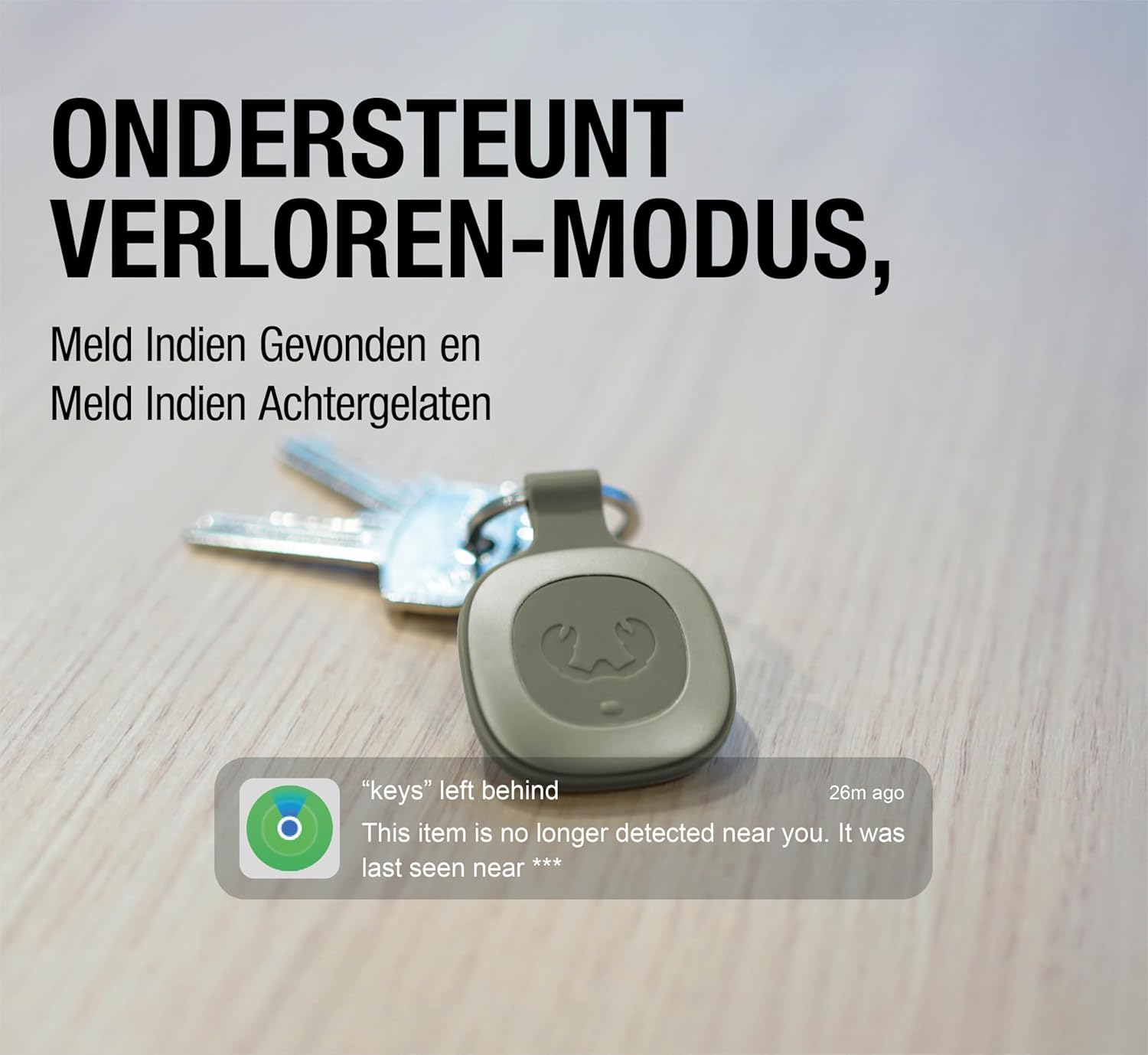
Image: The Fresh 'n Rebel Smart Finder with keys, illustrating the "keys left behind" notification that appears on a connected device when the Smart Finder is separated from its owner.
5. Maintenance
5.1. Battery Replacement
The Smart Finder uses a standard CR-2032 coin cell battery, which typically lasts up to 16 months. When the battery is low, you will receive a notification in the Find My app. Refer to section 3.1 for battery replacement instructions.
5.2. Cleaning and Durability
The Fresh 'n Rebel Smart Finder has an IP67 rating, meaning it is dust-tight and can withstand immersion in water up to 1 meter for 30 minutes. This makes it highly durable for everyday use.
- To clean the device, wipe it with a soft, damp cloth.
- Avoid using harsh chemicals or abrasive materials.
- Ensure the casing is securely closed after battery replacement to maintain its water and dust resistance.

Image: The Fresh 'n Rebel Smart Finder attached to a dog's harness, illustrating its IP67 dust and water resistance, making it suitable for various outdoor activities.

Image: A close-up view of the Fresh 'n Rebel Smart Finder, emphasizing its solid casing and robust construction, designed to protect against drops, shocks, and impacts.
6. Troubleshooting
| Problem | Possible Cause | Solution |
|---|---|---|
| Smart Finder not appearing in Find My app. | Not paired, out of battery, or out of range. | Ensure battery is installed correctly and charged. Try re-pairing the device (Section 3.2). Bring the Smart Finder closer to your Apple device. |
| No sound when "Play Sound" is activated. | Out of range, low battery, or speaker malfunction. | Ensure the Smart Finder is within Bluetooth range of an Apple device on the Find My network. Check and replace the battery if needed. |
| "Notify When Left Behind" not working. | Feature not enabled, or location services issues. | Verify that "Notify When Left Behind" is enabled in the Find My app for the Smart Finder. Ensure Location Services are enabled for the Find My app on your Apple device. |
| Short battery life. | Frequent use of sound, or faulty battery. | Replace the CR-2032 battery with a new, high-quality one. Avoid excessive use of the "Play Sound" feature if not necessary. |
7. Specifications
| Feature | Detail |
|---|---|
| Brand | Fresh 'n Rebel |
| Model Name | Smart Finder |
| Model Number | Smart Finder |
| Compatibility | Apple iOS devices (iPhone, iPad, Mac, Apple Watch) via Find My app |
| Connectivity | Bluetooth (via Apple Find My network) |
| Battery Type | CR-2032 Lithium Coin Cell (3V, 220 mAh) |
| Battery Life | Up to 16 months (typical use) |
| Water & Dust Resistance | IP67 rated (dust-tight, submersible up to 1m for 30 min) |
| Dimensions (L x W x D) | 40 x 40 x 5 mm (approx. 4 x 4 x 0.5 cm) |
| Weight | 38 g |
| Speaker | Built-in for audible alerts |
| Included Items | Smart Finder, keyring bumper, standard bumper, 2x CR-2032 batteries, manual |
8. Warranty and Support
Fresh 'n Rebel products are designed and manufactured to the highest standards. For information regarding warranty coverage and customer support, please refer to the warranty card included with your product or visit the official Fresh 'n Rebel website. You can also contact Fresh 'n Rebel customer service for assistance with product inquiries, troubleshooting, or warranty claims.
For the latest support information and FAQs, please visit: www.freshnrebel.com/support