
1. Introduction
Thank you for choosing the Onforu RGBW Flood Lights. This manual provides essential information for the safe and efficient operation of your new lighting system. These lights are designed for both indoor and outdoor use, offering vibrant color options and dynamic effects to enhance any environment.
What's in the Box
- RGBW Flood Light x 4
- 24V 2A Adapter x 1
- Remote Control x 1
- Ground Stake x 6
- LED Lens (Included Components)
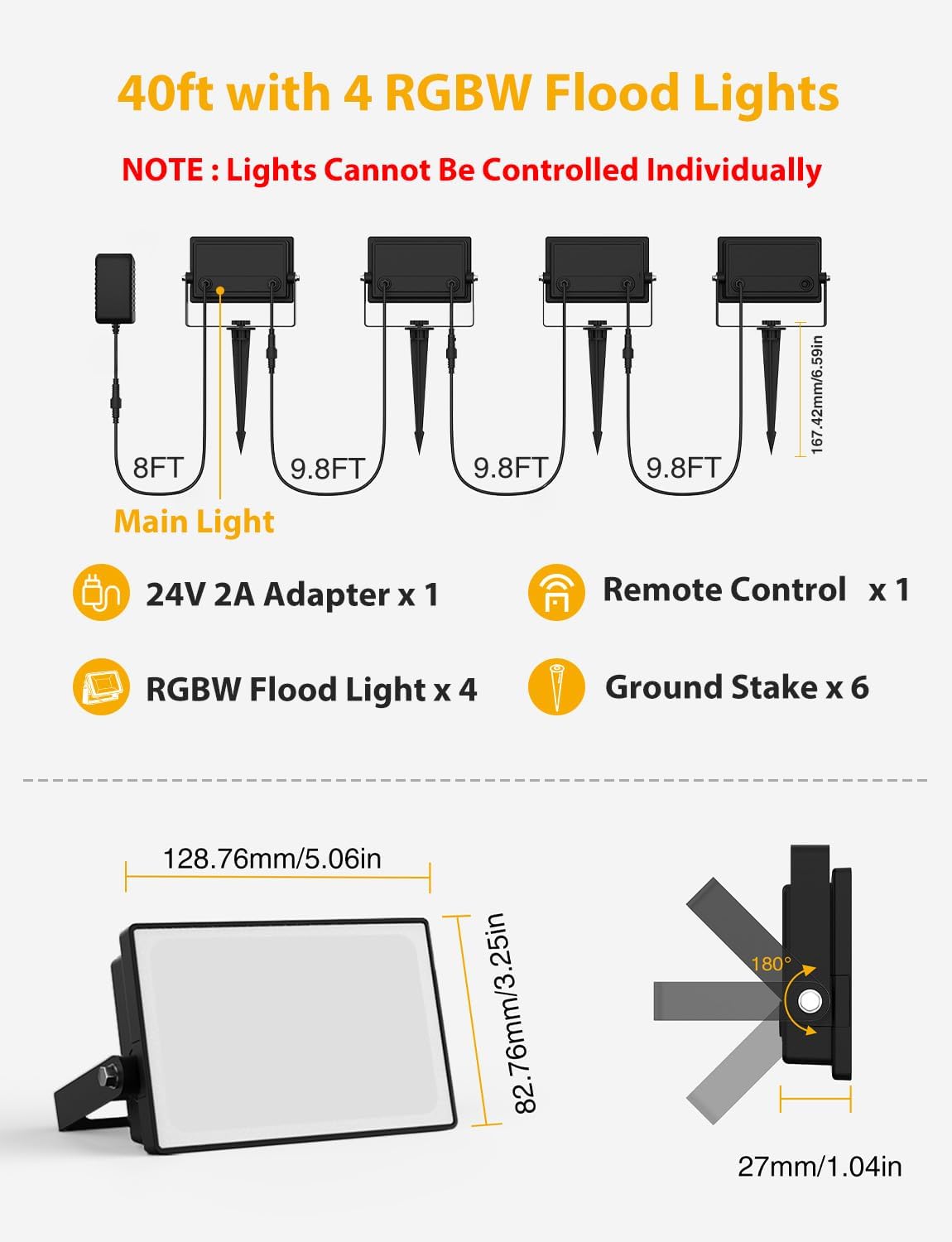
Figure 1: Package Contents and Dimensions
2. Setup Instructions
2.1 Daisy Chain Connection
The Onforu RGBW Flood Lights feature an effortless daisy-chain setup, allowing you to connect up to 4 floodlights with a single power cord. The cables between lights are 10ft long, providing flexible placement options.

Figure 2: Daisy Chain Wiring Diagram
2.2 Ground Stake Installation
For outdoor use, attach the provided ground stakes to the floodlights. This allows for easy placement in gardens, yards, or other soft ground areas for uplighting effects.
2.3 Mounting and Angle Adjustment
Each floodlight features a thoughtful 0-180 degree angle design, allowing you to direct the light precisely where needed. The lights can be mounted on various surfaces or used with ground stakes.

Figure 3: Adjustable Angle Design
3. Operating Instructions
3.1 Remote Control Functions
The included RF remote control allows for hassle-free operation. It works through walls and doors up to 25ft away, requiring no app, network, or pairing. Note: The remote controls all connected lights simultaneously.

Figure 4: RF Remote Control Layout
- ON/OFF: Power the lights on or off.
- Color Selection: Choose from 16 million colors or warm white (2700K) using the color grid buttons.
- Brightness Adjustment: Increase or decrease light intensity.
- Speed Adjustment: Adjust the speed of dynamic and colorflow modes.
- Dynamic Modes: Select from 4 dynamic modes: Jump, Fade, Smooth, Strobe.
- Colorflow Modes: Select from 8 unique colorflow modes: Rainbow, Chase, Flow, Glow, Fade, Breath, Flash, Jump.
- Timer Function: Set the lights to turn off automatically after 3 or 6 hours.
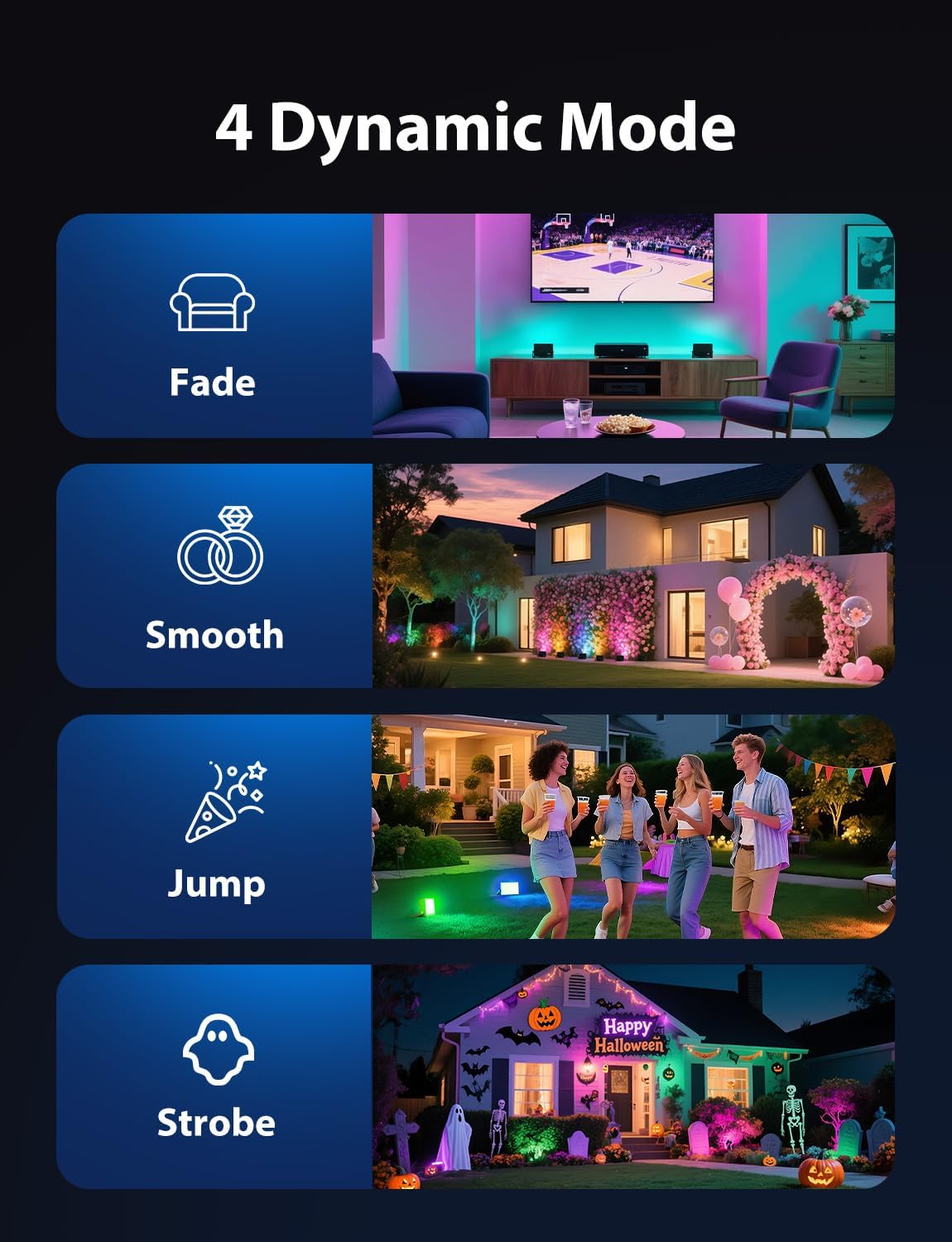
Figure 5: Four Dynamic Modes

Figure 6: Eight Colorflow Modes
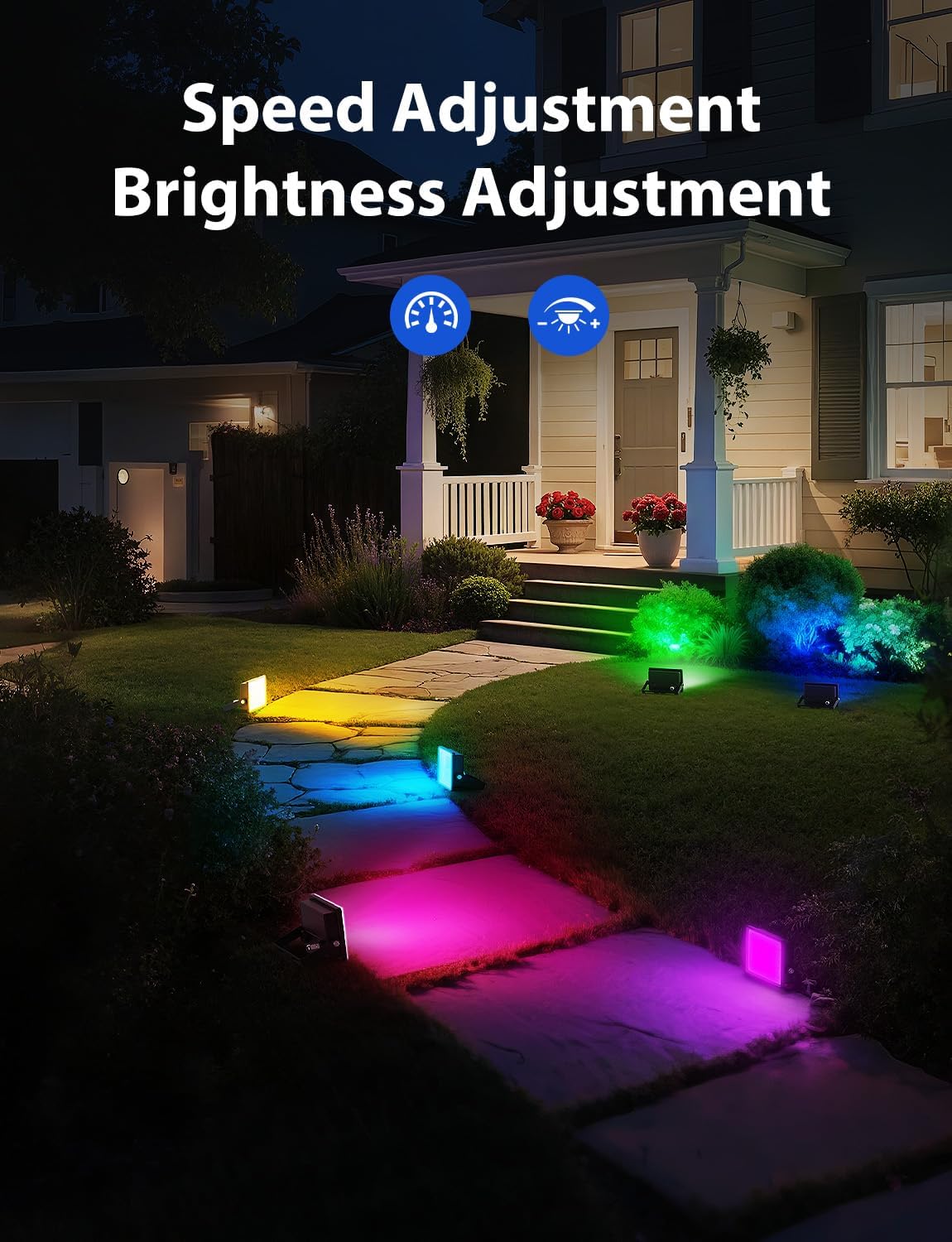
Figure 7: Speed and Brightness Adjustment

Figure 8: Time Setting Function
4. Maintenance
The Onforu RGBW Flood Lights are designed with an IP65 waterproof and dustproof rating, ensuring durability against rain, snow, and harsh outdoor environments. To maintain optimal performance:
- Regularly clean the light surface with a soft, damp cloth to remove dirt and debris.
- Ensure all connections are secure and free from moisture, especially the power adapter which is not waterproof.
- Avoid using harsh chemicals or abrasive materials for cleaning.

Figure 9: IP65 Waterproof Rating
5. Troubleshooting
- Light Unresponsive: If the light cannot be controlled, long-press the "ON" button on the remote for 3-5 seconds. The light will flash twice quickly, indicating successful pairing.
- Color Synchronization: If the colors of multiple lights are different, press any color button on the remote to synchronize them.
- Multiple Sets with One Remote: If you have multiple sets (e.g., two 6-pack orders for a total of 12 lights) and wish to control all lights with a single remote, use that same remote to pair all lights.

Figure 10: Pairing Instructions
6. Specifications
| Feature | Detail |
|---|---|
| Brand | Onforu |
| Model Name | RGBW Flood Light |
| Item Model Number | H05RGBW |
| Number of Items | 4 |
| Wattage | 40 watts (total) |
| Light Color | RGB, Warm White (2700K) |
| Control Method | Remote (RF) |
| Water Resistance Level | IP65 Waterproof |
| Indoor/Outdoor Usage | Indoor, Outdoor |
| Product Dimensions | 5.57"L x 3.6"W x 2.06"H |
| Item Weight | 2.9 pounds |
7. Warranty and Support
For product support, please refer to the contact information provided with your purchase or visit the official Onforu website. Extended protection plans are available for purchase, offering additional coverage beyond the standard manufacturer's warranty.
- 3-Year Protection Plan (Available for purchase)
- 4-Year Protection Plan (Available for purchase)


