
1. Introduction
The CYBERDOT LocatePro Tracker Tags are MFi Certified Bluetooth item locators designed to help you keep track of your valuables using the Apple Find My network. These tags are compatible exclusively with iOS devices and do not require any additional app downloads or subscription fees.

Image: CYBERDOT LocatePro Tracker Tag, illustrating its function to help locate nearby items.
2. What's Included
Your CYBERDOT LocatePro package includes:
- 4 x Smart Tracker Tags
- 4 x Protective Cases (silicone with key rings)
- 2 x Spare CR2032 Lithium Batteries (in addition to pre-installed batteries)
- 1 x Instruction Manual
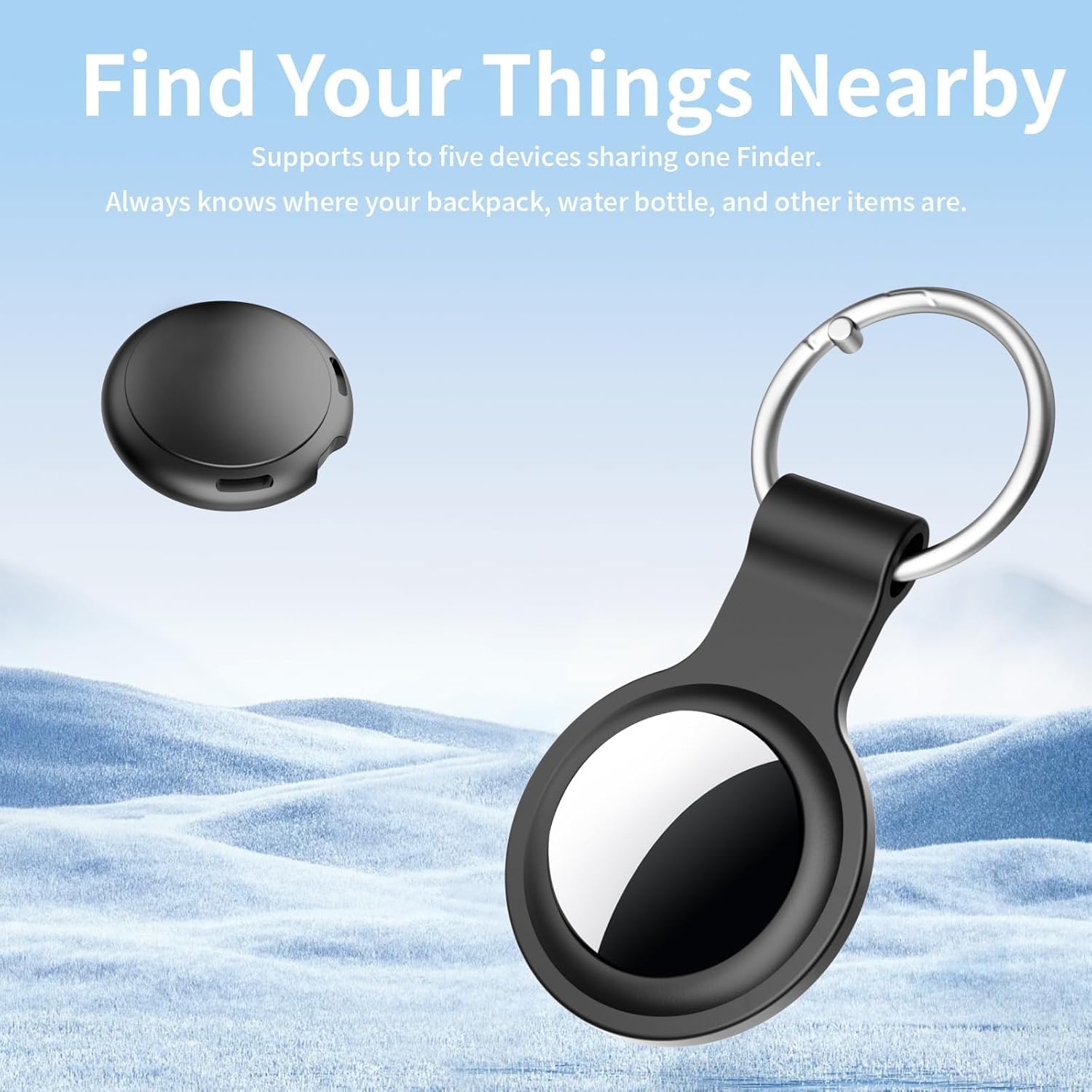
Image: Package contents of the CYBERDOT LocatePro Tracker Tags.
3. Specifications
| Brand | CYBERDOT |
| Model Number | LocatePro |
| Connectivity Technology | Bluetooth |
| Supported Application | Apple Find My (iOS Only) |
| Special Features | Real Time Tracking, Find Far Away, Privacy Protection, Find Nearby, Alarm |
| Battery Type | CR2032 Lithium Battery |
| Battery Average Life | Up to 365 days |
| Water Resistance | IP67 Waterproof |
| Enclosure Material | Plastic |
| Bluetooth Range | Up to 200ft/60m |
| Alarm Sound Level | 80-100dB |
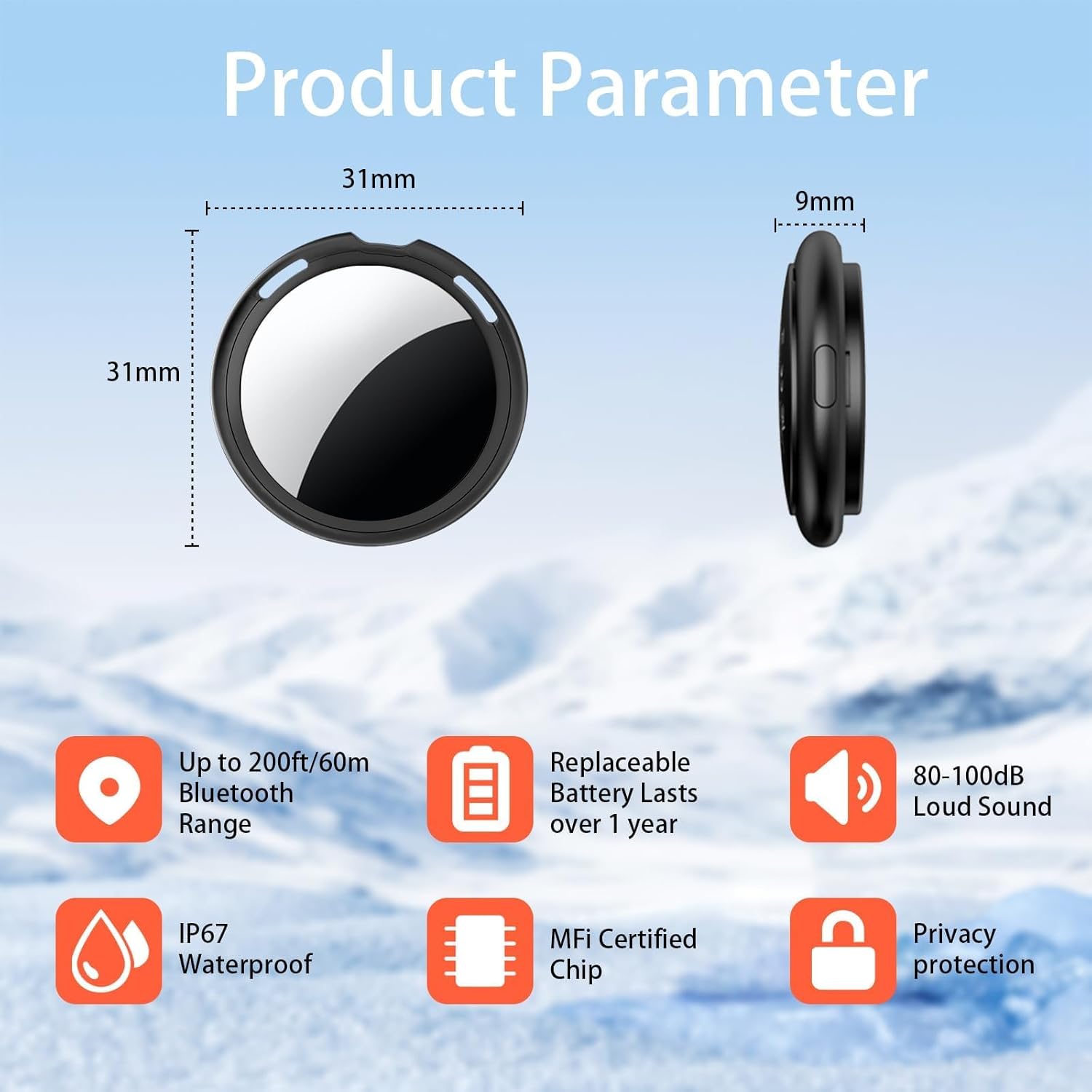
Image: Key product parameters and features of the LocatePro Tracker Tag.
4. Setup Instructions
The CYBERDOT LocatePro Tracker Tags are designed for easy setup with the Apple Find My app. No separate app download is required.
4.1. Initial Activation & Pairing
- Ensure Bluetooth is enabled on your iOS device.
- Open the "Find My" app on your iPhone or iPad.
- Tap on the "Items" tab at the bottom of the screen.
- Tap "Add Item" (usually a '+' icon or similar) and then select "Other Supported Items."
- The app will begin searching for nearby items.
- To make the tracker discoverable, press the small button on the side of the LocatePro Tracker Tag. You may need to press it for a few seconds until you hear a continuous beeping sound.
- Once "LocatePro" appears in the app, tap "Connect."
- Name your tag (e.g., "Keys," "Backpack," "Wallet").
- Select an emoji to represent your item (optional).
- Tap 'Agree' to the terms and conditions, then 'Finish.'

Image: Visual guide for pairing the tracker tag with the Apple Find My app.

Image: Attaching the tracker tag to an item.
5. Operating Instructions
5.1. Find Nearby
When your LocatePro Tracker Tag is within Bluetooth range, you can use the Find My app to make it play a sound. This helps you quickly locate items like keys or a wallet hidden nearby.
- Open the "Find My" app.
- Go to the "Items" tab.
- Select your LocatePro Tracker Tag.
- Tap the "Play Sound" button. The tag will emit a "di di di" sound.
- You can also ask Siri to find it for you.

Image: Using the "Play Sound" feature to locate a nearby item.
5.2. Find Far Away (Worldwide Tracking)
If your item is outside of Bluetooth range, the Apple Find My network can help you locate it. Millions of Apple devices worldwide anonymously relay the location of your tag, allowing you to see its most recent location on a map within the Find My app.
- Open the "Find My" app.
- Go to the "Items" tab.
- Select your LocatePro Tracker Tag to view its last known location on a map.

Image: Illustrating the worldwide tracking feature on a map.
5.3. Left-Behind Reminder
Receive instant notifications on your iPhone if you accidentally leave your LocatePro Tracker Tag behind and move out of its Bluetooth range. This feature helps prevent loss by alerting you to retrieve your items promptly.

Image: Left-Behind Reminder notification on an iPhone.
5.4. Lost Mode
If you lose your item, you can enable Lost Mode in the Find My app. This allows you to display a message and your contact information (phone number or email address) to anyone who finds your tag. When someone finds your tag and scans it with an NFC-enabled smartphone, they will see your contact details and can return the item.
5.5. Share Your Item (iOS 17 Feature)
With iOS 17 or later, you can share the location of your LocatePro Tracker Tag with family members or trusted contacts. This allows multiple individuals to view the item's location within their own Find My app.

Image: Sharing item location across multiple devices.
6. Maintenance
6.1. Battery Replacement
The LocatePro Tracker Tag uses a replaceable CR2032 battery, which typically lasts up to a year. When the battery is low, you will receive a notification on your iOS device.
- Locate the small notch on the side of the tracker tag.
- Gently pry open the tracker using your fingers or a small, non-metallic tool at the notch.
- Remove the old CR2032 battery.
- Insert a new CR2032 battery with the positive (+) side facing up.
- Align the two halves of the tracker and press them firmly together until they click securely into place.

Image: Internal view of the tracker tag, showing the CR2032 battery.
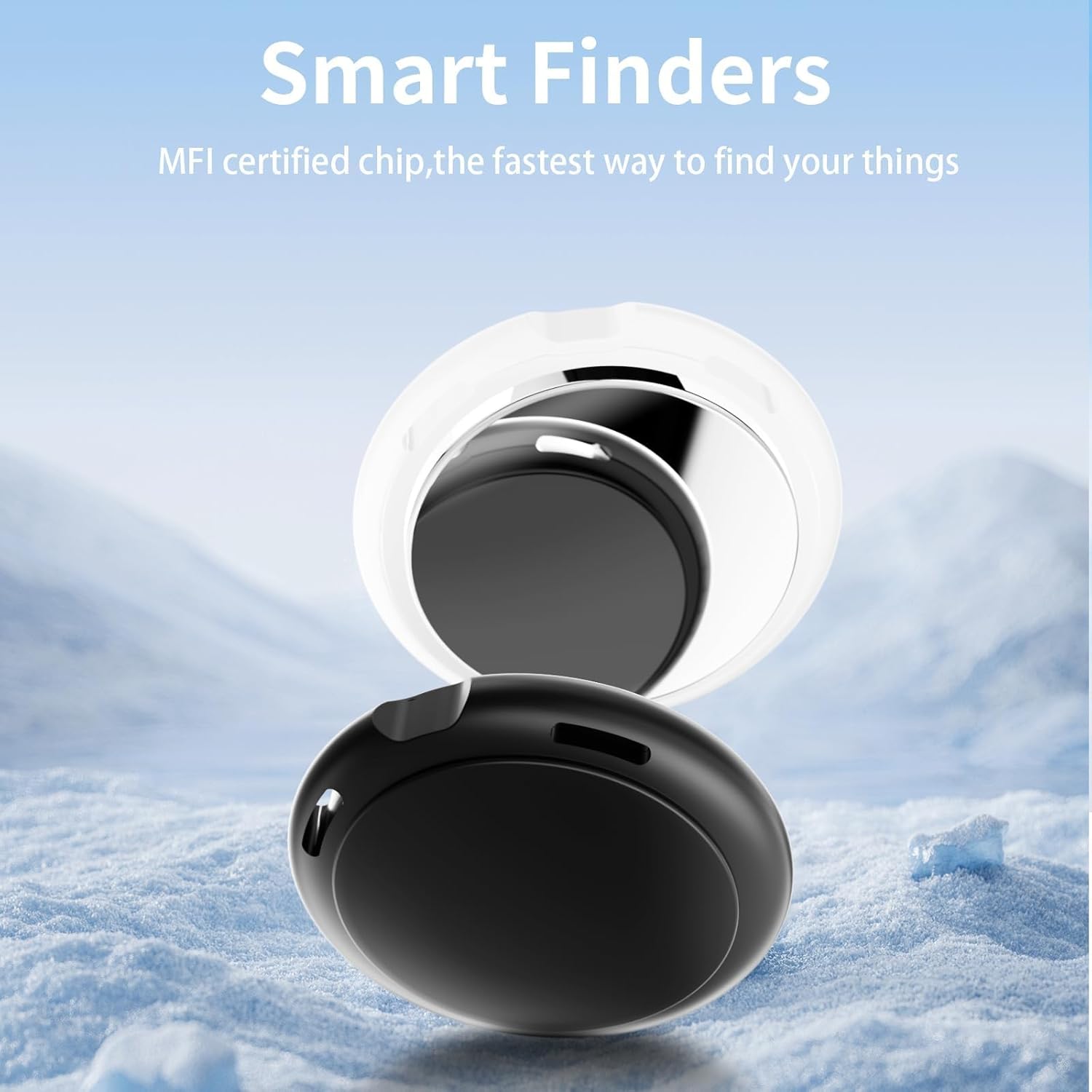
Image: Steps to open the tracker tag for battery replacement.
6.2. Water Resistance
The LocatePro Tracker Tags are IP67 water-resistant, meaning they can withstand splashes, rain, and brief immersion in water. However, they are not designed for prolonged submersion or high-pressure water exposure. Ensure the tracker is properly sealed after battery replacement to maintain water resistance.
7. Troubleshooting
7.1. Cannot Pair the Tracker Tag
If you are experiencing issues pairing your LocatePro Tracker Tag with the Apple Find My app, follow these steps:
- Ensure your iOS device's Bluetooth is turned on.
- Open the "Find My" app.
- Navigate to the "Items" tab.
- Tap "Add Item," then "Other Supported Items."
- Press and hold the button on the side of the LocatePro Tracker Tag for approximately 12 seconds until you hear a continuous beeping sound. This resets the device and makes it discoverable.
- Wait for "LocatePro" to appear in the app and tap "Connect."
- If the issue persists, ensure your iOS device is running the latest version of iOS.
Video: Demonstrates the pairing process for the CYBERDOT Tracker Tags with the Apple Find My app.
8. Privacy Protection
The LocatePro Tracker Tags are MFi certified, ensuring that your location data is encrypted and protected. The tracker tag itself does not store any location data, and the Find My network is designed with privacy in mind, using anonymous, encrypted network communication.

Image: MFi Certified chip for enhanced privacy and security.
9. Warranty Information
The CYBERDOT LocatePro Tracker Tags come with a 1-month warranty from the date of purchase. Please retain your proof of purchase for any warranty claims.