
1. Introduction
This manual provides detailed instructions for the safe and effective operation of your BAOFENG BF-T20D Two-Way Radio. Please read this manual thoroughly before use and retain it for future reference. The BF-T20D is designed for reliable communication with features such as noise reduction, USB-C charging, and digital encryption capabilities.
2. Package Contents
Verify that all items are present in your package:
- 2x BAOFENG BF-T20D Radios
- 1x USB-C Charger Cable (2 port)
- 2x 1500mAh Batteries
- 1x US Adapter
- 2x Belt Clips
- 2x Hand Straps
- 1x English Manual
- 2x Acoustic Headsets
3. Product Overview
Familiarize yourself with the components and key features of your BF-T20D radio.

Figure 1: BF-T20D Radio Components
This image displays the front, side, and top views of the BAOFENG BF-T20D radio with key parts labeled for identification. These include the PTT Key, + Key, - Key, Loudspeaker, Power/Volume Knob, Indicator, Microphone, and Mic Port.
Key Features:
- 16 Channels: Provides multiple communication options.
- UHF 400-470MHz: Operates within the Ultra High Frequency band.
- USB-C Charging Port: Convenient and versatile charging.
- 1500mAh Large Capacity Battery: Ensures extended operation.
- VOX/Hands-Free: Voice-activated transmission for hands-free use.
- Clear Sound: Optimized audio output for clear communication.
- Noise Reduction: Enhances audio clarity by minimizing background noise.
- Easy to Carry: Compact and lightweight design for portability.
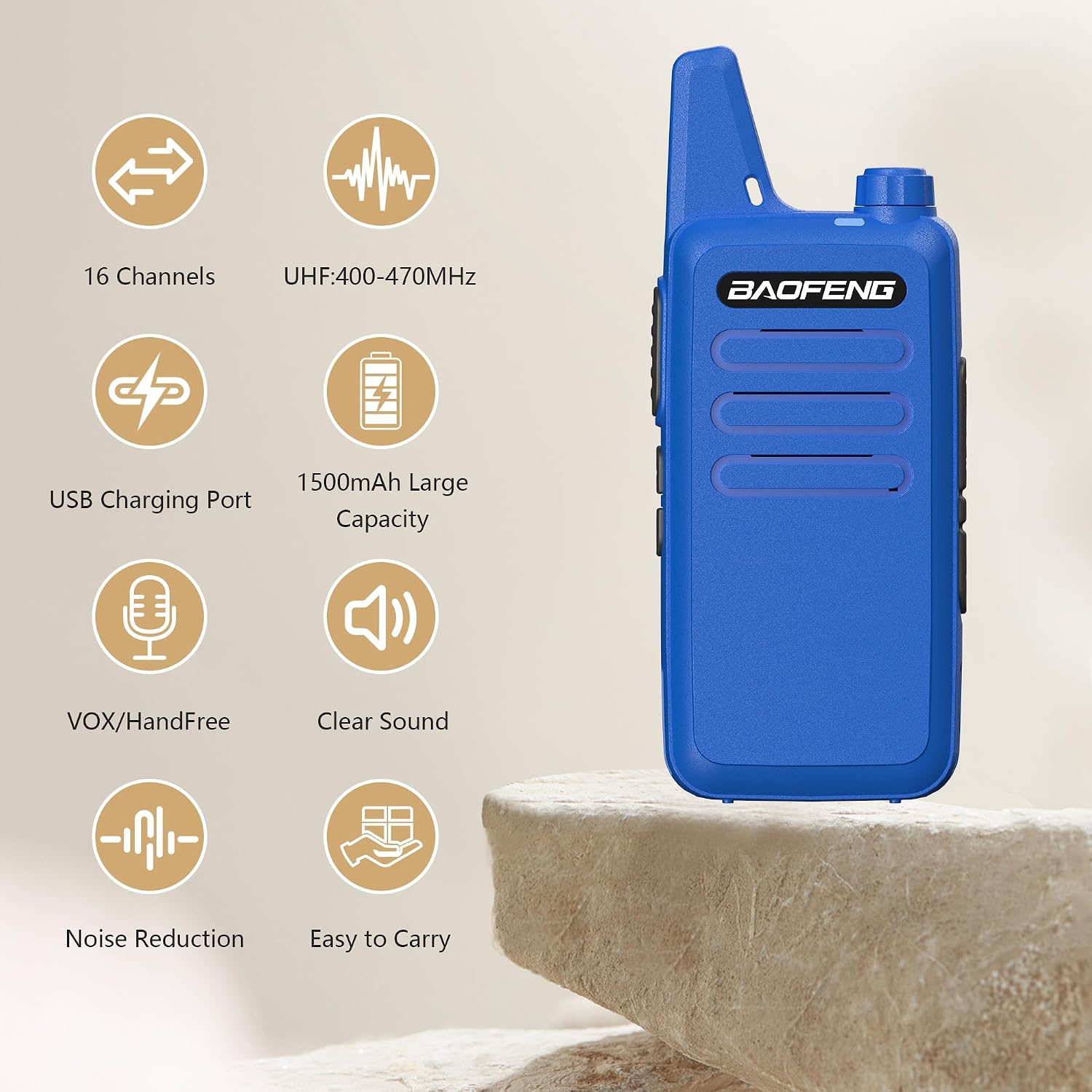
Figure 2: BF-T20D Key Features
This image highlights the main features of the BF-T20D radio, including 16 channels, UHF frequency range, USB charging, 1500mAh battery, VOX/hands-free function, clear sound, noise reduction, and easy portability.
4. Setup
- Charge the Battery: Before initial use, fully charge the radio's battery. Refer to the "Charging" section for detailed instructions.
- Attach Belt Clip: Secure the belt clip to the back of the radio for convenient carrying.
- Attach Acoustic Headset: Insert the 2-pin plug of the acoustic headset into the Mic Port on the side of the radio. Ensure it is firmly connected.
5. Operating Instructions
5.1 Power On/Off and Volume Control
- To power on the radio, rotate the Power/Volume Knob (05 in Figure 1) clockwise until you hear a click.
- To power off, rotate the knob counter-clockwise until it clicks.
- Adjust the volume by continuing to rotate the Power/Volume Knob clockwise (increase) or counter-clockwise (decrease).
5.2 Channel Selection
The BF-T20D features 16 pre-programmed channels. Channel selection is typically managed through programming software. For basic operation, the radio will operate on its default channel settings.
5.3 Transmitting and Receiving
- To transmit, press and hold the PTT Key (01 in Figure 1) on the side of the radio. Speak clearly into the microphone (07 in Figure 1). The Indicator (06 in Figure 1) will typically illuminate red during transmission.
- To receive, release the PTT Key. The Indicator will typically illuminate green when a signal is being received.
5.4 VOX Function (Voice Operated Exchange)
The BF-T20D supports VOX mode, allowing for hands-free transmission. When VOX is active, the radio will automatically transmit when it detects your voice, without needing to press the PTT key. Activation and sensitivity adjustment usually require programming via software.
5.5 Noise Reduction
The radio incorporates noise reduction technology to improve audio clarity, especially in noisy environments. This feature operates automatically to filter out background interference.
5.6 Digital Encryption (DMSK)
The BAOFENG DMSK Digital Encryption feature offers up to 32 key configurations to protect sensitive communications from interception. Important: Encryption only functions when both radios involved in the communication have the exact same key programmed. This feature is not compatible with analog mode.
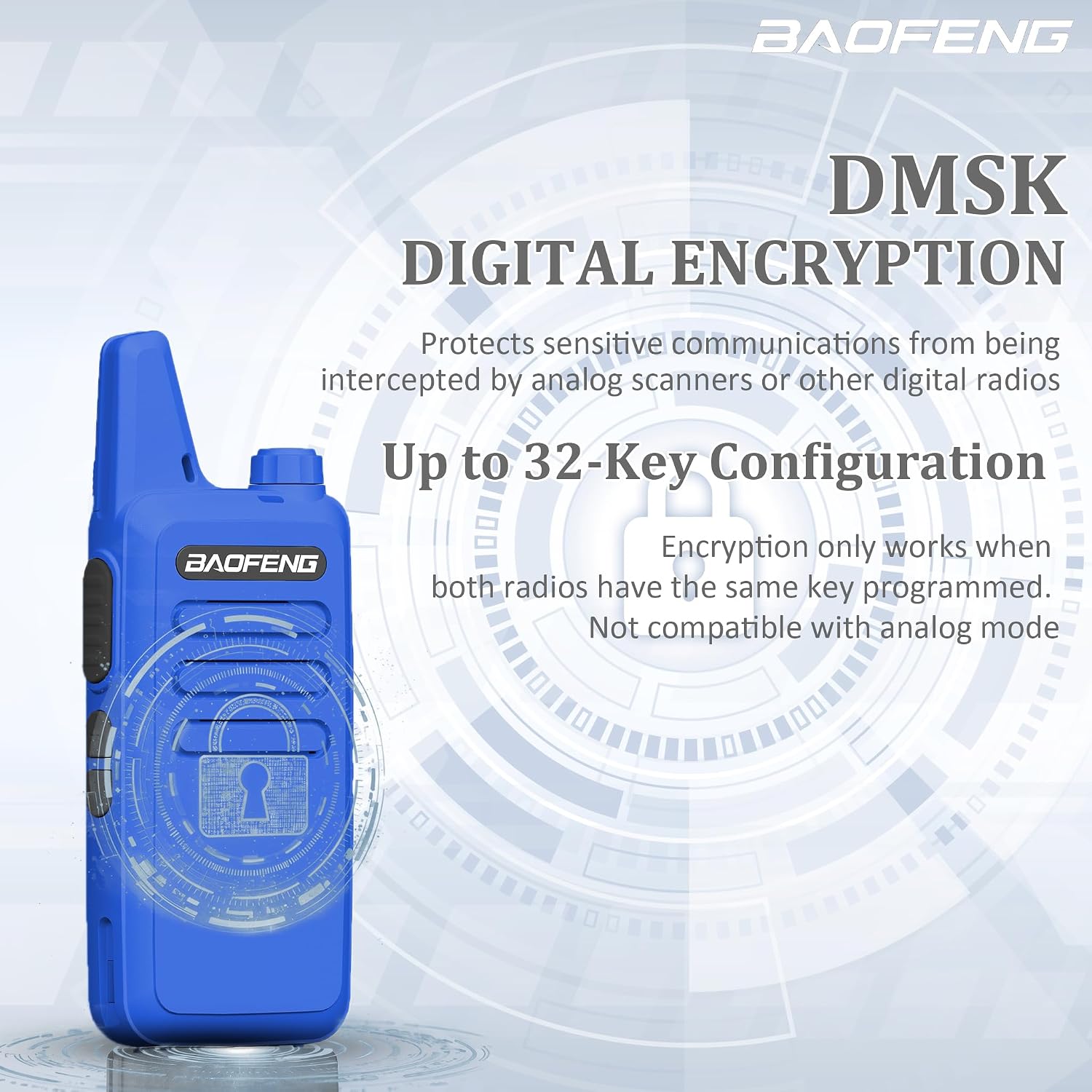
Figure 3: Digital Encryption Feature
This image visually represents the DMSK Digital Encryption capability, emphasizing its role in securing communications and the requirement for matching keys on both radios.
6. Charging
The BF-T20D radio is equipped with a convenient USB-C charging port. This allows for flexible charging options.
- Connect the provided USB-C charger cable to the USB-C port on the radio.
- Connect the other end of the USB-C cable to a compatible power source:
- The included US adapter and a wall outlet.
- A car charger (not included).
- A power bank (not included).
- A PC or laptop USB port.
- The radio's indicator light will typically show charging status (e.g., red for charging, green for fully charged).
- Allow the battery to fully charge before first use and whenever the battery level is low.

Figure 4: USB-C Charging Options
This image illustrates the versatility of the USB-C charging port, showing the radio being charged via a USB port on a computer, a power bank, and a car charger.
7. Maintenance
- Cleaning: Use a soft, damp cloth to clean the radio's exterior. Do not use harsh chemicals or solvents.
- Battery Care: Avoid fully discharging the battery frequently. Store the radio and battery in a cool, dry place when not in use for extended periods.
- Storage: Keep the radio away from extreme temperatures, direct sunlight, and moisture.
- Antenna: The BF-T20D features an integrated antenna. Do not attempt to remove or modify it.
8. Troubleshooting
| Problem | Possible Cause | Solution |
|---|---|---|
| Radio does not power on | Battery is dead or not properly installed. | Charge the battery. Ensure the battery is securely attached. |
| Cannot transmit or receive | Incorrect channel. Out of range. Low battery. | Verify both radios are on the same channel. Move closer to the other radio. Charge the battery. |
| Poor audio quality | Weak signal. Obstructions. Volume too low/high. | Move to an open area. Adjust volume. Check headset connection if applicable. |
| Digital encryption not working | Mismatched encryption keys. Operating in analog mode. | Ensure all radios have the identical encryption key programmed. Confirm radios are set to digital mode if applicable. |
9. Specifications
| Feature | Detail |
|---|---|
| Model Number | BF-T20D |
| Frequency Range | UHF 400-470MHz |
| Power | ≤5W |
| Channel Capacity | 16 |
| Battery Capacity | Li-ion 1500mAh |
| Working Voltage | DC 3.7V |
| Mic/Speaker/Programming Port | 2 pin plug type |
| Antenna | Integrated antenna |
| Antenna Impedance | 50 Ohm |
| Weight (with battery and antenna) | 3.99oz (113g) |
| Dimensions (excluding antenna) | 10.5 x 2.5 x 2 cm (4.13 x 0.98 x 0.79 inches) |
| Transmitter Output Power | 5W |
| Receiver Sensitivity | ≤0.16μV (12dB SINAD) |
| Water Resistance Level | Not Water Resistant |
| Special Features | Integrated Antenna, Mini Body, Noise Reduction, USB-C Charging, Up to 32 Key Configurations |
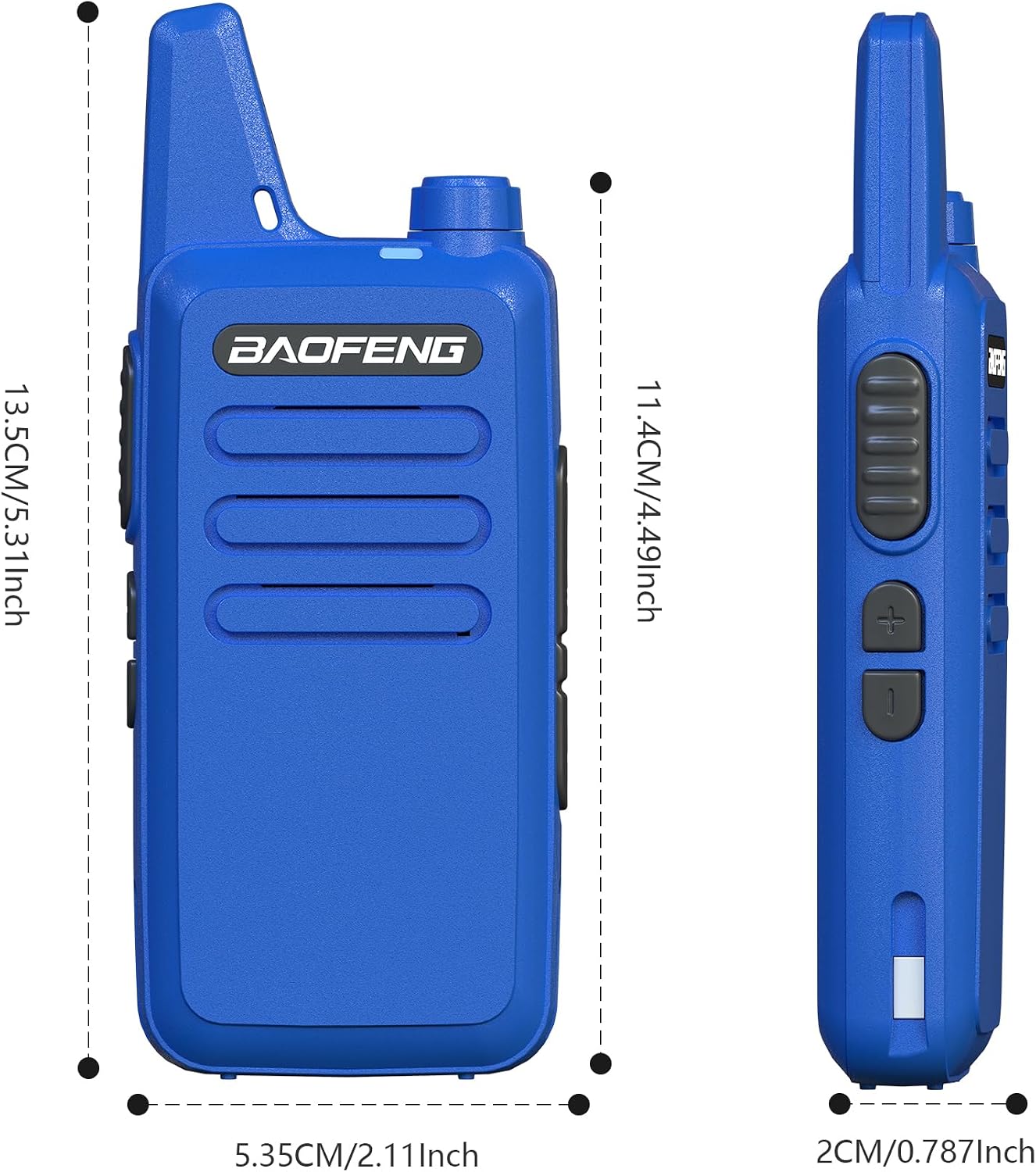
Figure 5: BF-T20D Dimensions
This image provides detailed measurements of the BF-T20D radio, indicating its compact size and thin profile.
10. Warranty and Support
Warranty: A 1-year warranty is provided exclusively through "Shiqun Electronics Co., Ltd". Please retain your proof of purchase for warranty claims.
For technical support or warranty inquiries, please contact the seller directly through your purchase platform.


