1. Product Overview
This manual provides instructions for the UYRUREL silicone protective case, specifically designed for the Baseus Bowie MA10 Pro Active Noise Cancelling Earbuds. This case offers enhanced protection and maintains the functionality of your earbuds' charging case.
- Compatibility: Exclusively designed for Baseus Bowie MA10 Pro earbuds.
- Material: High-quality, soft elastomer silicone.
- Protection: Shockproof, anti-scratch, and dirt-resistant.
- Features: Front LED visibility, precise cutouts, lanyard attachment.
2. Installation Guide
Follow these steps to properly install the protective case onto your Baseus Bowie MA10 Pro earbud charging case:
- Prepare the Earbud Case: Ensure your Baseus Bowie MA10 Pro charging case is clean and free of dust or debris.
- Open the Protective Case: Gently open the silicone protective case.
- Insert Earbud Case: Align your earbud charging case with the bottom part of the silicone case and gently push it in.
- Secure the Top: Close the top part of the silicone case over the lid of your earbud charging case, ensuring a snug fit. The precise molding will prevent slippage.

Image: Step-by-step visual guide for installing the protective case.
The case is designed for easy installation and removal, providing a secure fit without the need for additional adhesives.
3. Features and Usage
3.1 Enhanced Protection
The case is constructed from high-quality elastomer silicone, providing a soft yet durable layer of protection. Its fully wrapped design effectively shields your earbud charging case from daily impacts, drops, dirt, and scratches.

Image: Illustration of the case's shockproof design protecting against drops.
3.2 Material Quality
The premium silicone material offers a comfortable skin-like touch. It is lightweight, environmentally friendly, non-toxic, and chemically stable, ensuring long-lasting quality and safety.

Image: Close-up of the case material and internal design.
3.3 Front LED Visibility and Precise Cutouts
The case features a precise cutout for the front LED indicator, allowing you to easily monitor the charging status of your earbuds without removing the protective cover. All ports and functions remain fully accessible.

Image: Detailed view of the precise molding and cutouts for optimal fit.
3.4 Charging Accessibility
The design supports both wireless charging and charging via cable without the need to remove the case. This ensures convenient power access at all times.
3.5 Lanyard Functionality
A durable lanyard is included with the case. Attach the lanyard to prevent accidental loss and for easy carrying. It can be secured to bags, keychains, or worn for quick access.
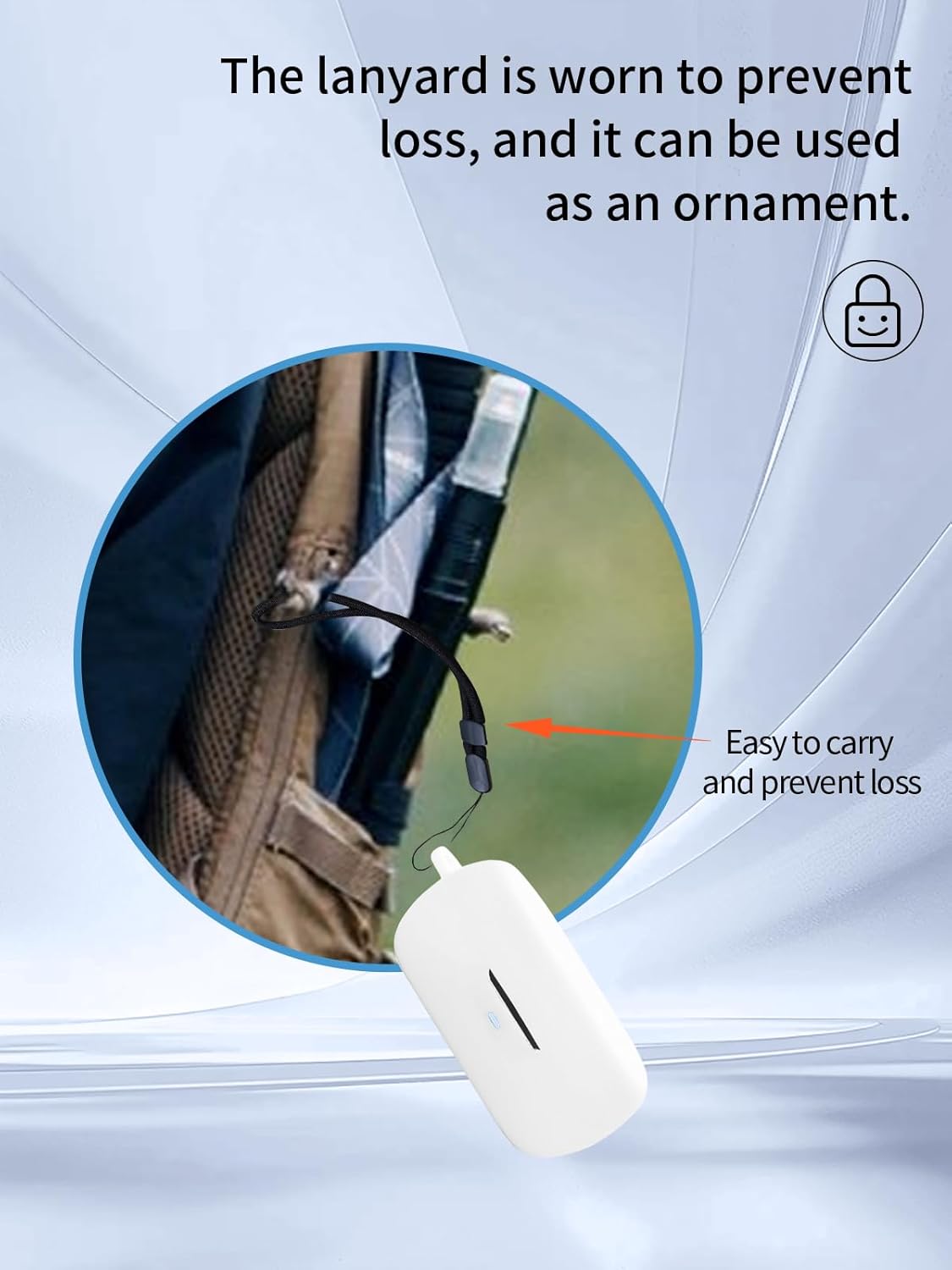
Image: The case with its lanyard attached to a bag for secure transport.
4. Maintenance
To keep your UYRUREL protective case in optimal condition:
- Cleaning: The high-quality silicone material is waterproof and easy to clean. Wipe the case with a damp cloth to remove dust or dirt. For stubborn stains, use mild soap and water, then rinse thoroughly and air dry.
- Avoid Harsh Chemicals: Do not use abrasive cleaners or solvents, as these may damage the silicone material.
- Storage: Store the case in a cool, dry place away from direct sunlight when not in use for extended periods.

Image: The case demonstrating its waterproof characteristic, making it easy to clean.
5. Specifications
| Feature | Detail |
|---|---|
| Brand | UYRUREL |
| Compatible Devices | Baseus Bowie MA10 Pro Active Noise Cancelling Earbuds |
| Material | Elastomer Silicone |
| Form Factor | Case |
| Shell Type | Soft |
| Color | White |
| Special Features | Slim Fit, Shockproof, Front LED Visible, Charging Port Accessible |
| Item Weight | 3.52 ounces |
| Package Dimensions | 0.1 x 0.1 x 0.1 inches (Approximate) |
6. Package Contents
The package includes the following items:
- Protective Case x 1
- Lanyard x 1

Image: Visual representation of the items included in the package.
7. Support and Contact
If you encounter any issues with your UYRUREL protective case or have questions regarding its use, please do not hesitate to contact our customer support team. We are committed to providing a satisfactory solution within 24 hours.
Please refer to your purchase documentation for specific contact details or visit the seller's page on Amazon.


