1. Introduction
Thank you for choosing the AlohaAir Small Dehumidifier. This compact and efficient appliance is designed to remove excess moisture from the air in small spaces, such as bedrooms, bathrooms, RVs, and closets, creating a more comfortable and healthier environment. It features quiet operation, a 7-color night light, and an automatic shut-off function for convenience and safety.
Please read this manual thoroughly before operating the dehumidifier to ensure proper use, maintenance, and to maximize its lifespan.
2. Safety Instructions
To reduce the risk of fire, electric shock, or injury, always follow these basic safety precautions:
- Ensure the power cord is not damaged and is properly plugged into a grounded electrical outlet.
- Do not operate the dehumidifier if the power cord or plug is damaged.
- Keep the appliance away from water or other liquids. Do not immerse the unit in water.
- Do not block the air inlet or outlet. Ensure there is adequate space around the unit for proper airflow.
- Always place the dehumidifier on a stable, flat surface to prevent tipping and water spillage.
- Unplug the unit before cleaning, moving, or performing any maintenance.
- Do not attempt to repair or disassemble the unit yourself. Contact qualified service personnel for repairs.
- This appliance is for indoor use only. Do not use it outdoors.
- Keep out of reach of children and pets.
3. Product Overview
Familiarize yourself with the components of your AlohaAir Small Dehumidifier.

Figure 3.1: Front view of the AlohaAir Small Dehumidifier, showing the main unit and transparent water tank.

Figure 3.2: Side view illustrating the built-in handle for easy portability and approximate dimensions (10.83 inches height, 4.72 inches depth, 7.87 inches width).
Key Components:
- Air Outlet: Located at the top, where dry air is expelled.
- Control Panel: Features power button and light button.
- Air Inlet: Located at the back, where moist air is drawn in.
- Water Tank: Transparent, 34 oz (1.0L) capacity, collects condensed water.
- Water Tank Groove: Designed for easy removal and cleaning of the water tank.
- Power Port: For connecting the power adapter.
- Built-in Handle: For convenient carrying.
4. Setup
- Unpack: Carefully remove the dehumidifier and all packaging materials from the box. Retain packaging for future storage or transport.
- Placement: Place the dehumidifier on a firm, level surface in the desired location. Ensure there is at least 10 cm (4 inches) of clear space around the air inlet (back) and air outlet (top) to allow for proper airflow and efficient operation. Avoid placing it near heat sources or in direct sunlight.
- Power Connection: Insert the power adapter into the power port on the back of the unit, then plug the other end into a standard electrical outlet (100-240V AC, 50/60Hz).

Figure 4.1: The dehumidifier is suitable for various small spaces such as apartments, RVs, closets, basements, and bathrooms.
5. Operating Instructions
5.1 Power On/Off
- Press the Power Button () on the control panel to turn the dehumidifier on. The indicator light will illuminate.
- Press the Power Button again to turn the dehumidifier off.
5.2 Dehumidification Process
The dehumidifier uses semiconductor condensation technology to efficiently remove moisture from the air. It can remove up to 280ml (approximately 10 oz) of water per day in an area of 200 square feet.

Figure 5.1: Illustration of the dehumidification process, showing moist air entering and dry air exiting, with water collecting in the tank.
The unit operates with very low energy consumption, using no more than 1 kWh per day, making it energy-efficient.

Figure 5.2: The dehumidifier consumes only 0.96 kW of electricity after running for 24 hours.
5.3 Auto Shut-Off Protection
When the 34 oz (1.0L) water tank is full, the dehumidifier will automatically shut off to prevent overflow. The indicator light will flash red to alert you that the tank needs to be emptied. This feature ensures safe and convenient operation, especially when you are not at home.
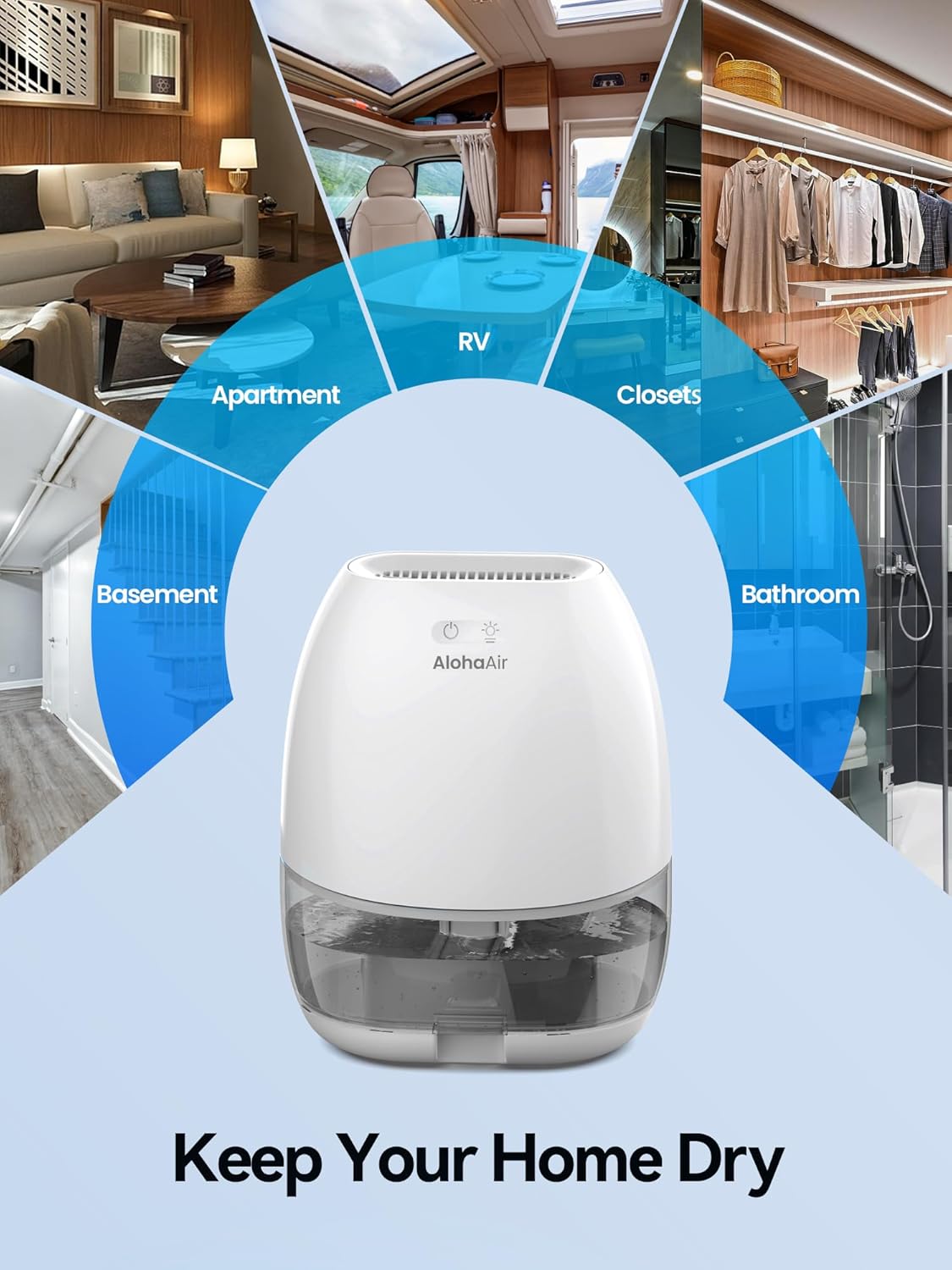
Figure 5.3: When the water tank is full, the unit automatically shuts off, preventing leakage, and a red light flashes.
5.4 Night Light Function
The dehumidifier includes a separate light button () that controls a 7-color ambient night light. This feature creates a romantic and peaceful atmosphere.
- Press the Light Button once to turn on the night light, which will cycle through 7 colors.
- Press the Light Button a second time to lock the light on the current color.
- Press the Light Button a third time to turn off the night light.

Figure 5.4: The night light cycles through 7 colors, with options to lock a color or turn off the light.
5.5 Quiet Operation
The AlohaAir dehumidifier operates at an ultra-quiet level of 35dB, ensuring it does not disturb your sleep or daily activities, making it ideal for bedrooms and offices.
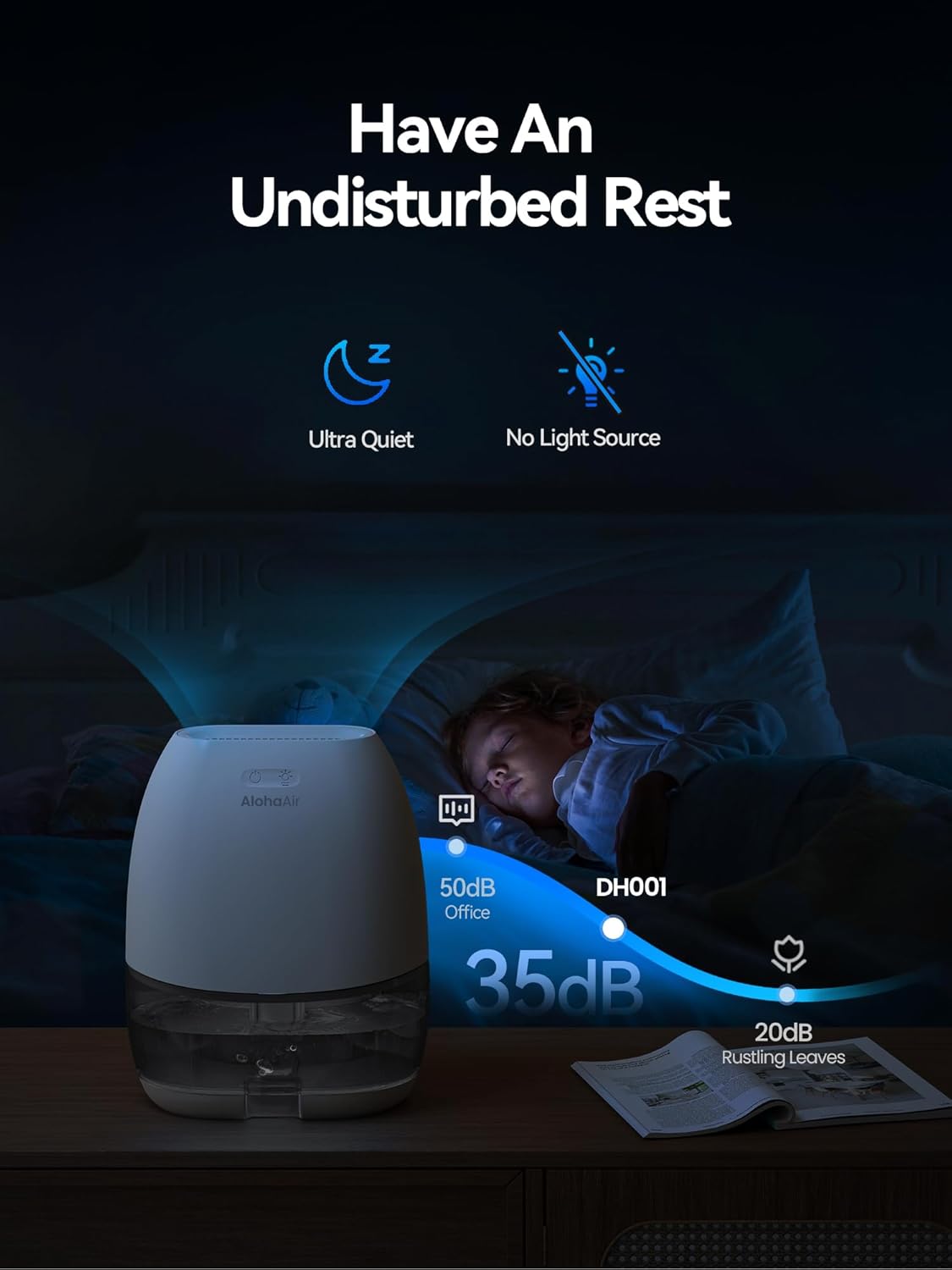
Figure 5.5: The dehumidifier operates at a low noise level of 35dB, comparable to rustling leaves, ensuring an undisturbed rest.
6. Maintenance
Regular maintenance ensures the optimal performance and longevity of your dehumidifier.
6.1 Emptying the Water Tank
When the water tank is full and the unit has automatically shut off, follow these steps to empty it:
- Gently pull out the water tank from the front of the dehumidifier using the groove design at the bottom.
- Carefully remove the tank cover.
- Pour out the collected water.
- Replace the tank cover and slide the empty water tank back into the dehumidifier until it clicks into place. The unit will resume operation automatically.

Figure 6.1: Step-by-step guide on how to easily empty the water tank.
6.2 Cleaning the Unit
- Exterior: Wipe the exterior of the dehumidifier with a soft, damp cloth. Do not use abrasive cleaners or solvents.
- Water Tank: Clean the water tank regularly to prevent mold and mildew growth. Rinse it with clean water and mild detergent if necessary. Ensure it is completely dry before reinserting.
- Air Inlets/Outlets: Periodically check and clean any dust or debris from the air inlet (back) and air outlet (top) using a soft brush or vacuum cleaner attachment. Ensure these areas remain unobstructed for efficient operation.
Always unplug the dehumidifier before cleaning.
7. Troubleshooting
If you encounter issues with your dehumidifier, please refer to the following common problems and solutions:
| Problem | Possible Cause | Solution |
|---|---|---|
| Dehumidifier does not turn on. |
|
|
| Dehumidifier is running but not collecting water. |
|
|
| Red light is flashing. | Water tank is full. | Empty the water tank and reinsert it properly. |
| Unit is noisy. |
|
|
If the problem persists after trying these solutions, please contact AlohaAir customer support.
8. Specifications
| Feature | Description |
|---|---|
| Brand | AlohaAir |
| Model Name | DH001 |
| Item Model Number | AA-DH001 |
| Dehumidification Capacity | 280ml (approx. 10 oz) per day |
| Water Tank Capacity | 1.0 Liter (34 oz) |
| Coverage Area | Up to 200 Square Feet |
| Product Dimensions (D x W x H) | 5.51"D x 8.64"W x 11.2"H (12x20x27.5cm) |
| Item Weight | 3.67 pounds |
| Wattage | 40 watts |
| Noise Level | 35dB |
| Special Features | Automatic Moisture Removal, Automatic Shutoff, Portable, Quiet Operation, 7-Color Night Light |
| Material | Plastic |
| Color | Grey |
9. Warranty and Customer Support
Specific warranty details for your AlohaAir Small Dehumidifier may vary. Please refer to the product packaging or contact AlohaAir customer support for detailed warranty information.
For any questions, technical assistance, or support regarding your product, please contact AlohaAir customer service through the retailer's platform or the official AlohaAir website. Please have your model number (AA-DH001) and purchase date ready when contacting support.


