
Mysa BB V2-0-L
Mysa Smart Thermostat LITE (Model BB V2-0-L) User Manual
Comprehensive instructions for installation, operation, and maintenance.
Introduction
This manual provides detailed instructions for the installation, operation, and maintenance of your Mysa Smart Thermostat LITE. Please read this manual thoroughly before installation and use to ensure proper functionality and safety.
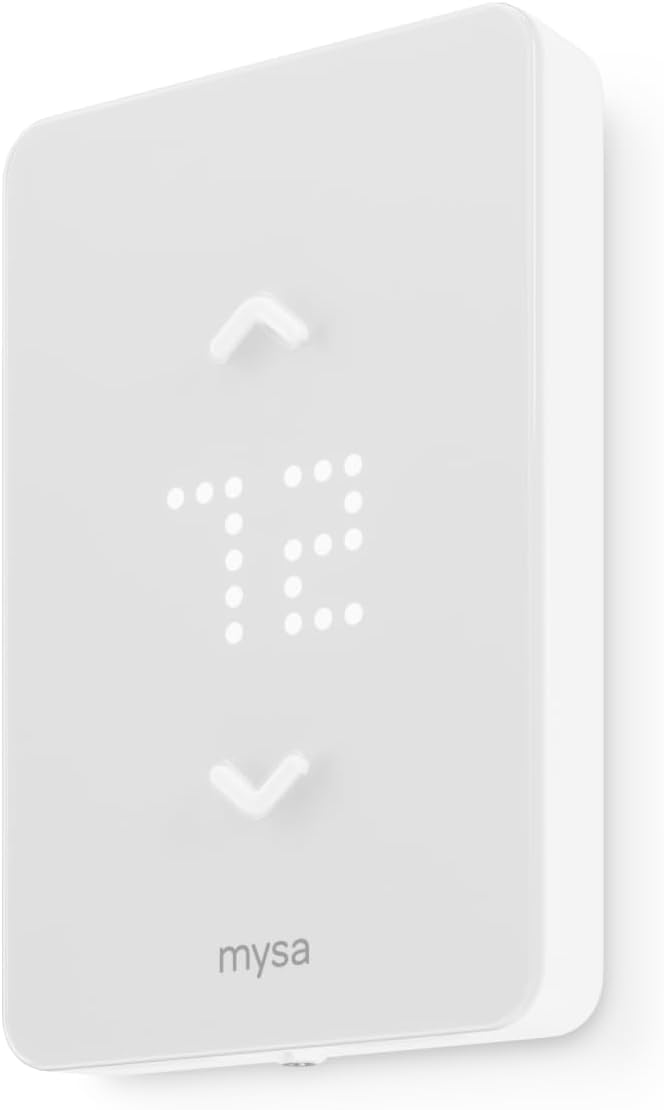
Image: Front view of the Mysa Smart Thermostat LITE, displaying a digital temperature.
Important Safety Information
WARNING: Risk of electrical shock. Installation must be performed by a qualified electrician or trained personnel. Always turn off power at the circuit breaker before beginning installation.
- Ensure power is disconnected at the main electrical panel before any wiring.
- Verify that the thermostat is compatible with your heating system (120V/240V line voltage electric baseboard, convector, fan-forced, or radiant heaters).
- Do not use with central heating/cooling systems.
- This thermostat requires a 3rd/live wire for operation. It does not support battery power.
- Follow all local electrical codes during installation.
Setup and Installation
1. Check Compatibility
The Mysa Smart Thermostat LITE is designed for line voltage electric heating systems, including electric baseboard heaters, convector heaters, fan-forced heaters, and in-ceiling radiant heaters. It operates on 120V or 240V AC circuits with a maximum load of 16A (Breaker/Fuse Max. 20A).

Image: Diagram illustrating compatibility with various high voltage electric heating systems.
2. Power Disconnection
Locate your circuit breaker panel and turn off the power to your heating system. Confirm the power is off by attempting to adjust your old thermostat or checking the heater.
3. Wiring Requirements
The Mysa Smart Thermostat LITE requires a 3rd/live wire for operation. It does not support battery power. Ensure your existing wiring includes a live wire in addition to the load wires.
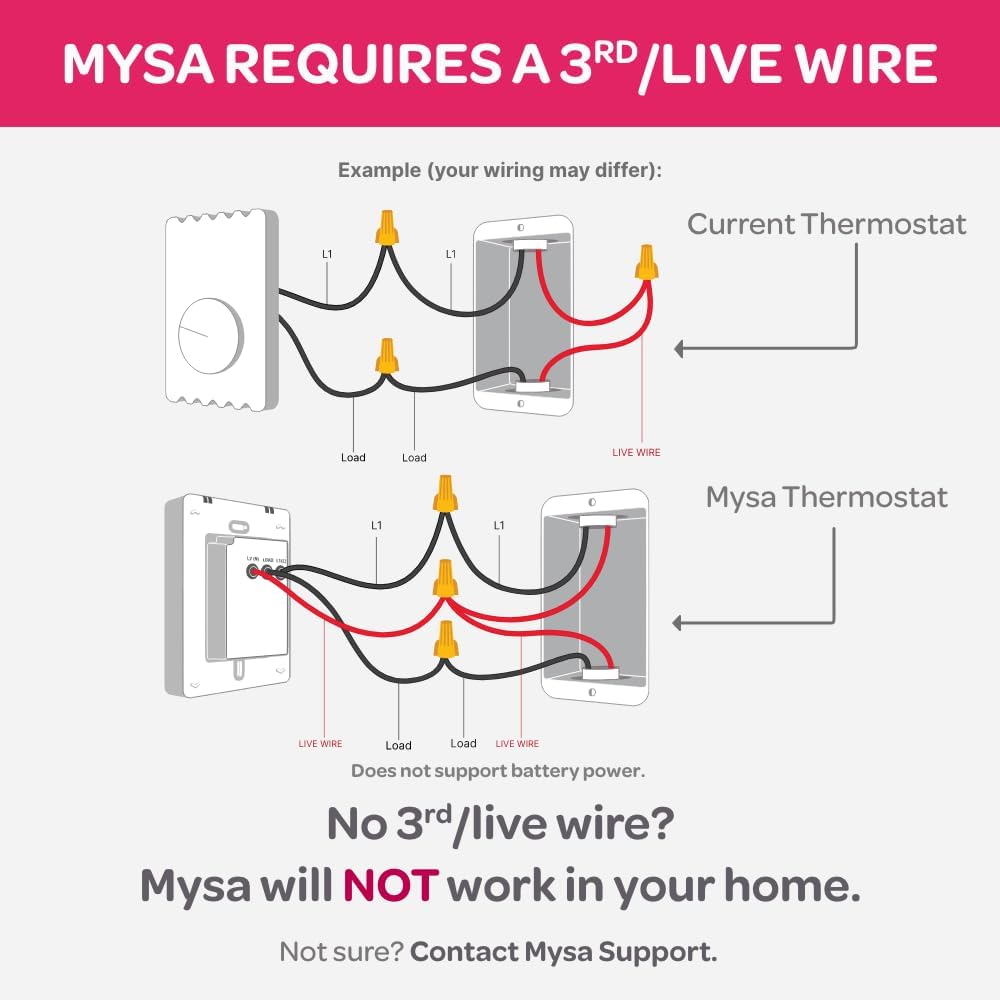
Image: Wiring diagram comparing a current thermostat setup with the Mysa Thermostat setup, highlighting the requirement for a 3rd live wire.
4. Installation Steps
- Carefully remove your old thermostat from the wall.
- Disconnect the existing wires, noting their connections.
- Connect the wires from your wall to the corresponding terminals on the back of the Mysa thermostat using the included wire nuts. Refer to the wiring diagram on the back of the unit for specific connections (L1, Load, L2/Live Wire).
- Mount the Mysa thermostat to the wall using the provided screws.
- Restore power at the circuit breaker.

Image: Rear view of the Mysa Smart Thermostat LITE, showing wiring terminals and electrical specifications.
5. App Pairing
Download the Mysa app from your device's app store. Follow the in-app instructions to pair your thermostat with your Wi-Fi network and smart home system (HomeKit, Alexa, Google Assistant).
Operating Instructions
Manual Control
Adjust the temperature directly on the thermostat using the up and down arrows on the LCD display. The display shows the current set temperature.

Image: Front view of the Mysa Smart Thermostat LITE, showing the digital temperature display and up/down arrows for manual adjustment.
App Control
Use the Mysa app on your smartphone or tablet to control your thermostat remotely. The app allows you to:
- Adjust temperature settings from anywhere.
- Create custom heating schedules (Auto-Scheduling).
- Utilize Geofence Technology to adjust temperature based on your location.
- Activate Vacation Mode for energy savings when away.
- Monitor energy usage (Note: Mysa LITE does not display humidity or track usage like the premium version).
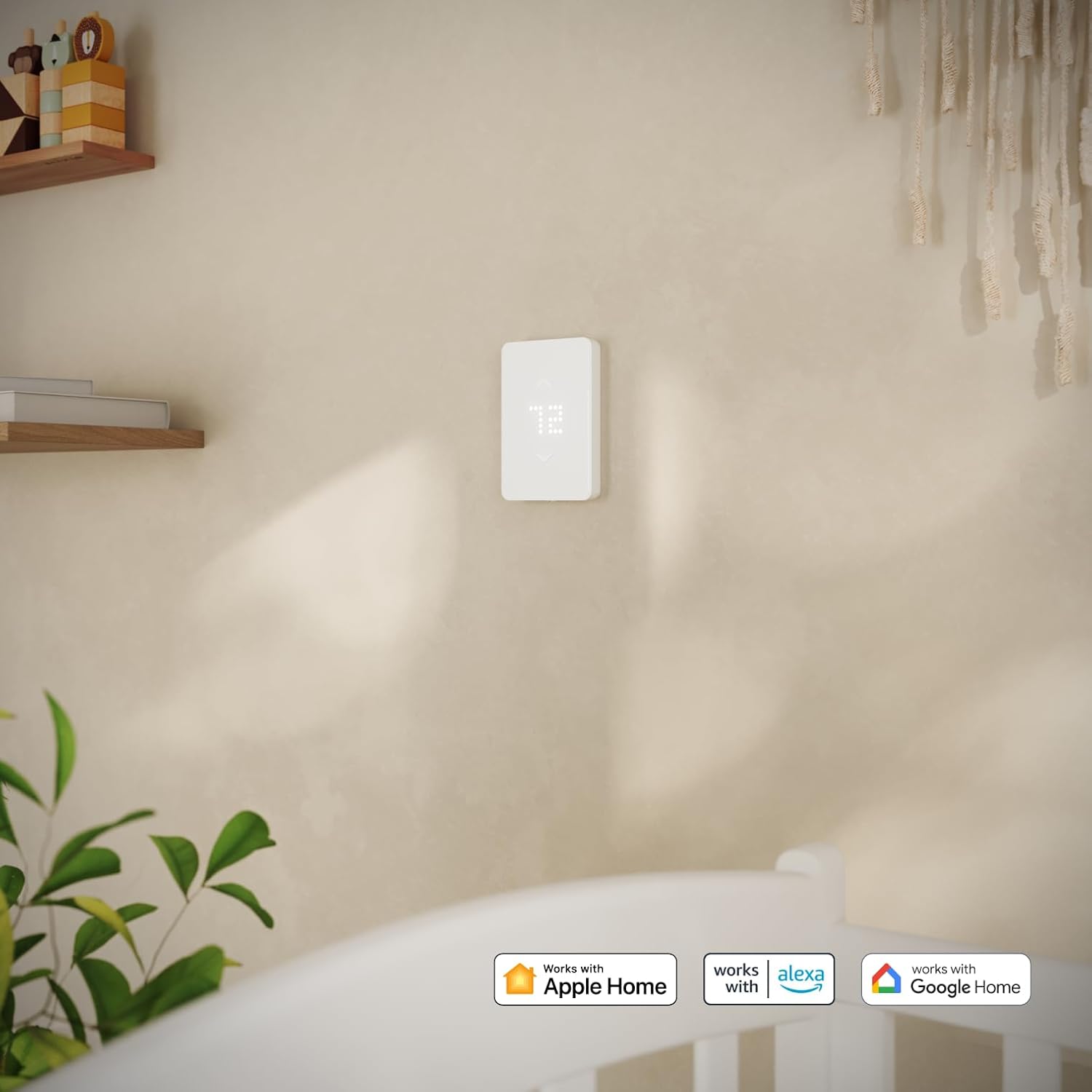
Image: A smartphone displaying the Mysa app interface, showing remote temperature control and scheduling options for multiple rooms.
Voice Control
Integrate your Mysa thermostat with Amazon Alexa, Apple HomeKit, or Google Assistant for convenient voice control. Follow the instructions within your smart home app to link your Mysa account.
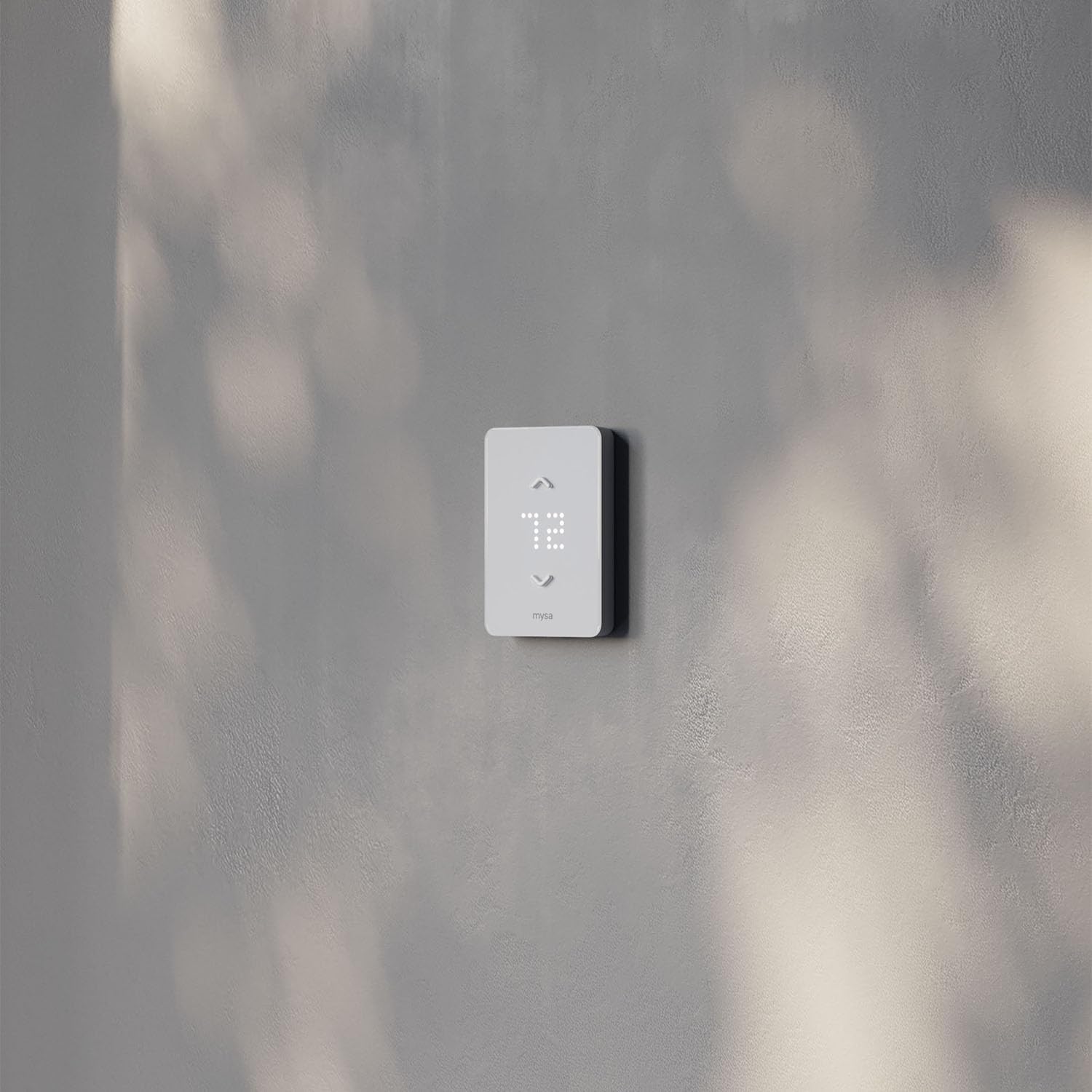
Image: Mysa Smart Thermostat LITE mounted on a wall, with logos indicating compatibility with Apple Home, Alexa, and Google Home.
Temperature Lock
The thermostat features a temperature lock function, allowing you to restrict temperature adjustments directly on the unit. When activated, temperature can only be controlled via the Mysa app.
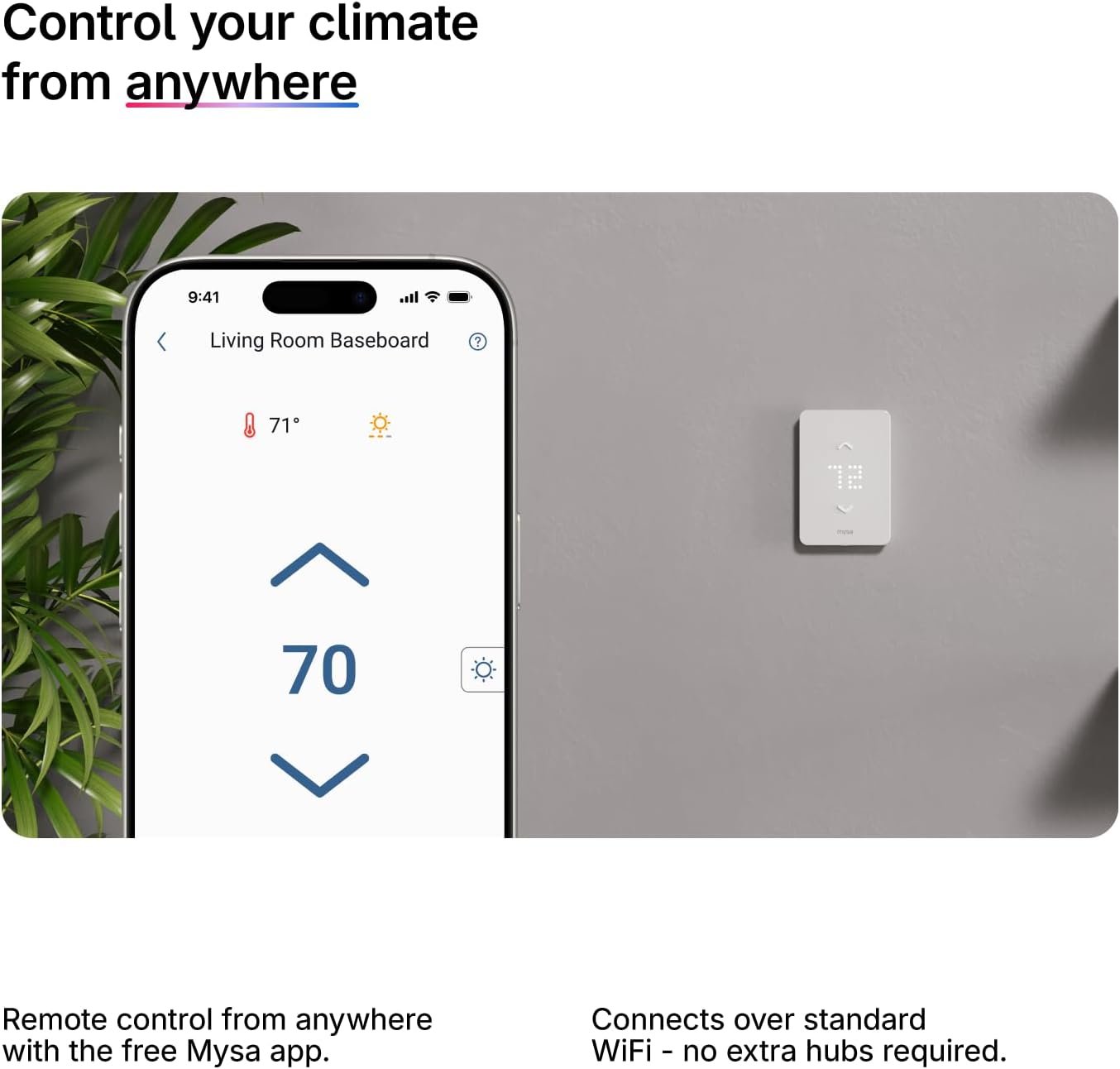
Image: Mysa Smart Thermostat LITE mounted on a wall, illustrating the temperature lock feature where control is limited to the app.
Maintenance
- Cleaning: Wipe the thermostat's surface with a soft, damp cloth. Do not use abrasive cleaners or solvents.
- Firmware Updates: Ensure your thermostat's firmware is up to date through the Mysa app for optimal performance and new features.
- Wi-Fi Connection: Periodically check your Wi-Fi connection to ensure continuous remote access and smart features. The thermostat operates on 2.4 GHz Wi-Fi networks.
Troubleshooting
| Problem | Possible Cause | Solution |
|---|---|---|
| Thermostat not powering on. | No power from circuit breaker, incorrect wiring, missing 3rd/live wire. | Check circuit breaker. Verify wiring connections according to the manual. Ensure a 3rd/live wire is present and correctly connected. |
| Cannot connect to Wi-Fi. | Incorrect Wi-Fi password, 5GHz network, weak signal, router issues. | Ensure correct password. Mysa LITE only supports 2.4 GHz Wi-Fi. Move thermostat closer to router or use a Wi-Fi extender. Restart router. |
| Temperature not adjusting via app. | No Wi-Fi connection, app not synced, temperature lock enabled. | Check Wi-Fi connection. Open Mysa app to re-sync. Disable temperature lock if active. |
| Inaccurate temperature readings. | Thermostat exposed to direct sunlight or drafts. | Ensure thermostat is not in direct sunlight or near heat sources/drafts that could affect its sensor. |
For further assistance, please contact Mysa Support.
Specifications
- Brand: Mysa
- Model Name: Mysa Smart Thermostat LITE
- Model Number: BB V2-0-L
- Product Dimensions: 2.48"D x 4.65"W x 6.02"H
- Voltage: 120V/240V AC
- Maximum Load: 16A (Breaker/Fuse Max. 20A)
- Wattage: 3800 watts (at 240V)
- Connectivity Technology: Bluetooth, Wi-Fi (2.4 GHz only)
- Controller Type: Amazon Alexa, Android, Apple HomeKit, Google Assistant, iOS
- Special Features: Auto-Scheduling, Geofence Technology, Programmable, Temperature Display, Vacation Mode
- Display Type: LCD
- Control Method: App, Touch, Voice
- Mounting Type: Wall Mount
- Material: Plastic
- Color: White
- Included Components: Wire Nuts
- Power Source: Corded Electric (requires 3rd/live wire)
Warranty and Support
For warranty information and technical support, please refer to the official Mysa website or contact their customer service directly. Keep your purchase receipt for warranty claims.
Online Support: getmysa.com/support
Related documentsBB V2-0-L


Ask a question about this manual
Ask about setup, troubleshooting, compatibility, parts, safety, or missing instructions. Manuals+ will review the question and use this page’s manual context to help answer it.