
Introduction
This manual provides essential information for the safe and efficient use of your Haier HW150-BP14986ES8 I-Pro Series 7 Plus washing machine. Please read these instructions carefully before installation and operation, and retain them for future reference.
The Haier HW150-BP14986ES8 is a front-load washing machine designed for high performance and efficiency. It features a 15 kg capacity, a BPM inverter motor, and a spin speed of up to 1400 RPM. Its optimized dimensions and energy efficiency class A contribute to reduced consumption and suitability for various spaces.
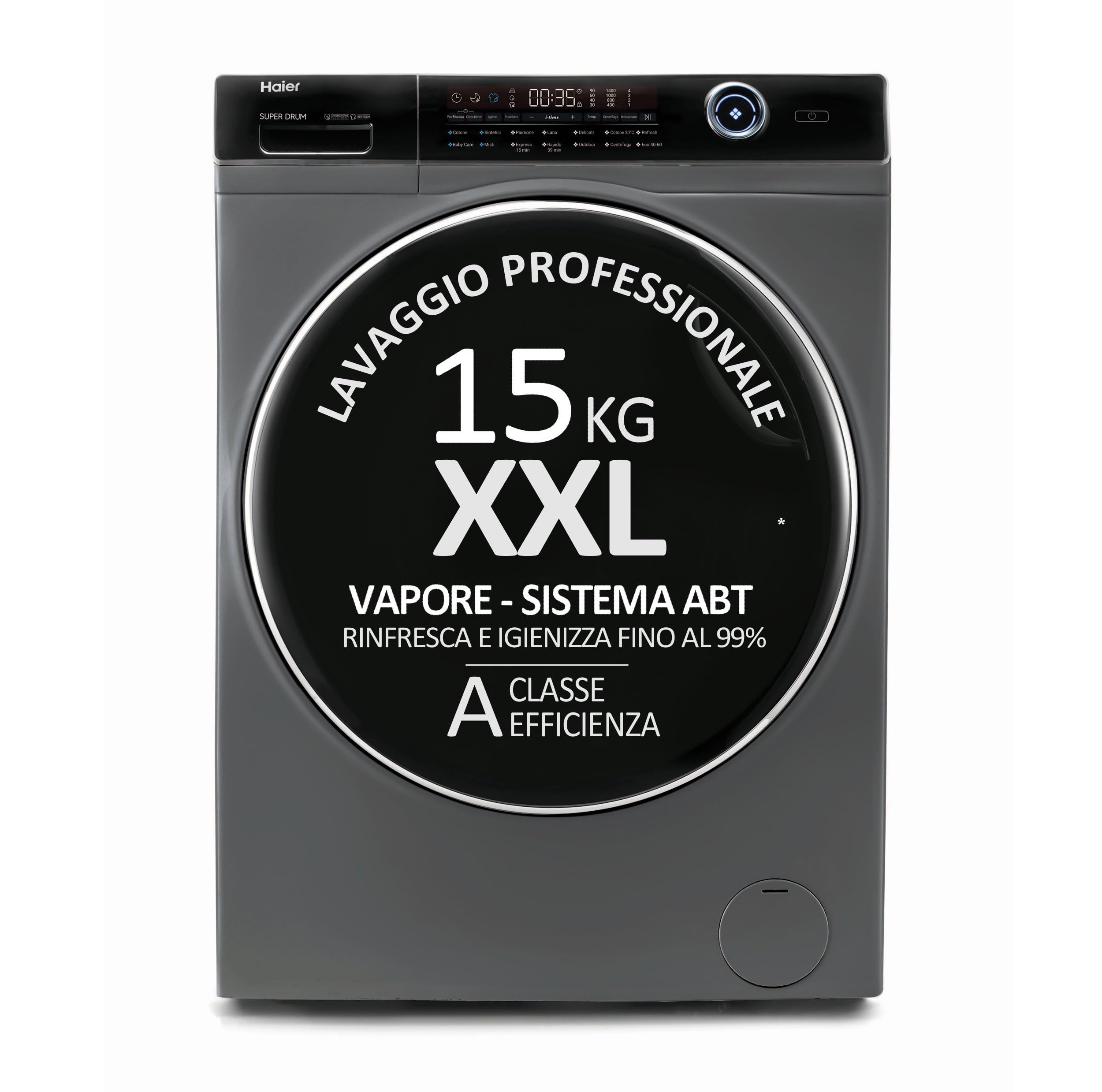
Figure 1: Front view of the Haier HW150-BP14986ES8 washing machine.
Setup and Installation
Unpacking
Carefully remove all packaging materials. Ensure all transit bolts are removed from the rear of the machine before use. Failure to do so can cause significant damage during operation.
Placement
This washing machine is designed for freestanding installation. Place the machine on a firm, level surface. Adjust the leveling feet to ensure stability and prevent vibrations during operation.
- Product Dimensions (D x W x H): 63 x 70 x 98 Centimeters
- Depth With Door Open Maximum: 110 Centimeters

Figure 2: Side view illustrating the dimensions of the washing machine.
Connections
Connect the water inlet hose to a cold water tap. Ensure the drain hose is properly installed into a standpipe or sink, preventing kinks or blockages. The minimum inlet pressure required is 0.3 Bars. Connect the power cord to a grounded electrical outlet.
Included Components
The following components are included with your washing machine:
- 1 x Washing Machine
- 1 x Drain Hose
- 1 x User Manual
Operation
Loading Laundry
The washing machine features a large, illuminated XXL basket with a 15 kg capacity. Load clothes loosely into the drum, ensuring not to overfill. The illuminated basket provides better visibility during loading and unloading.
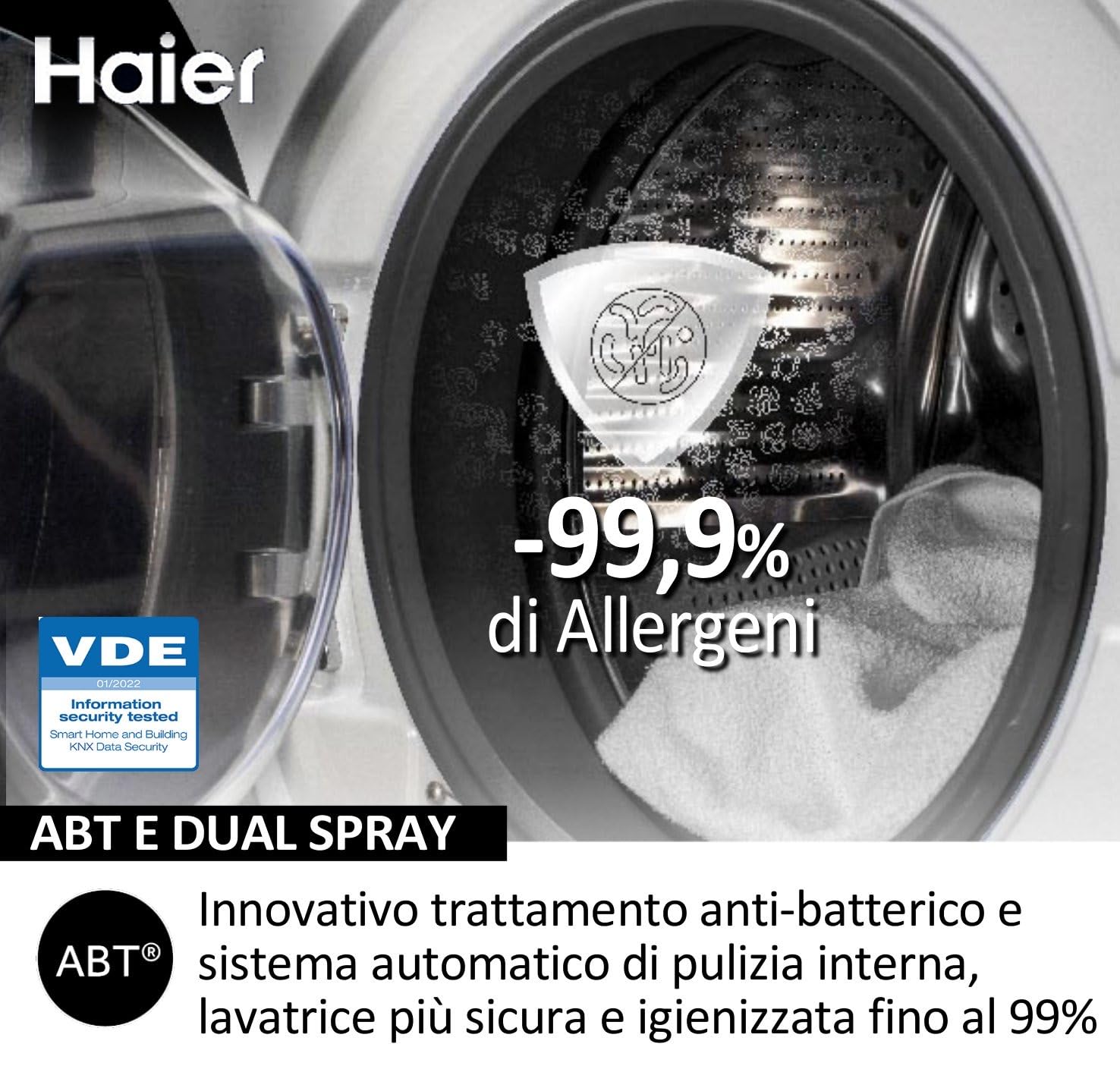
Figure 3: View of the illuminated XXL drum for easy loading.
Detergent Dispenser
Add detergent to the designated compartment in the dispenser drawer. Refer to your detergent packaging for recommended dosages based on load size and water hardness.
Control Panel and Program Selection
The washing machine is equipped with an intuitive electronic control panel. Turn the program selector to choose your desired wash cycle. Available cycles include Cotton and other standard programs. The display is illuminated for clear visibility.
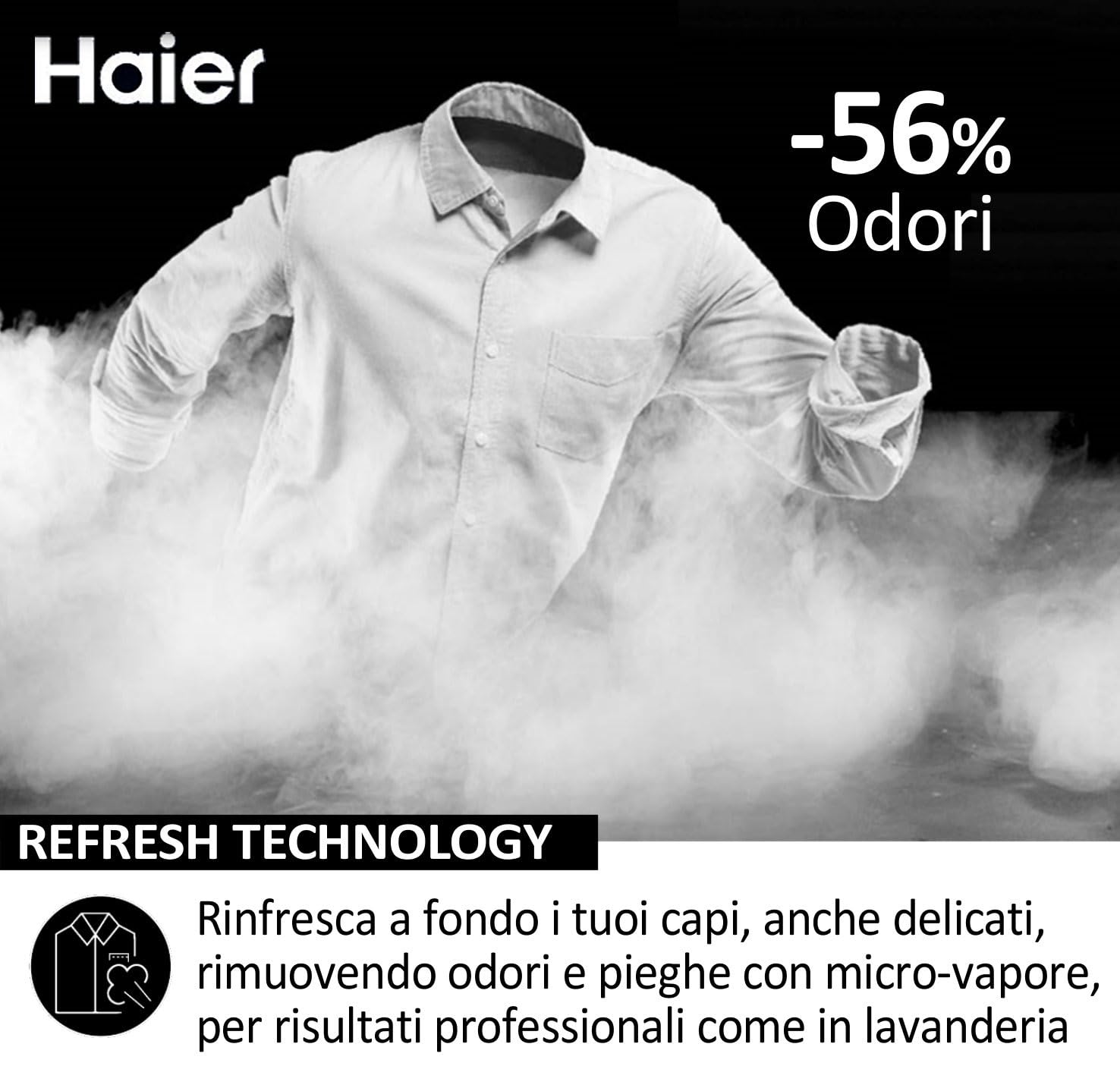
Figure 4: Close-up of the electronic control panel.
Starting a Wash Cycle
After selecting the program and adding detergent, press the Start/Pause button to begin the wash cycle. The machine operates in a fully automatic mode.
Key Features
- BPM Inverter Motor: Highly efficient and quiet operation with a spin speed up to 1400 revolutions per minute.
- Refresh Technology: Utilizes micro-steam to refresh garments, removing odors and creases.
- ABT and Dual Spray: Innovative anti-bacterial treatment and automatic internal cleaning system for enhanced hygiene.
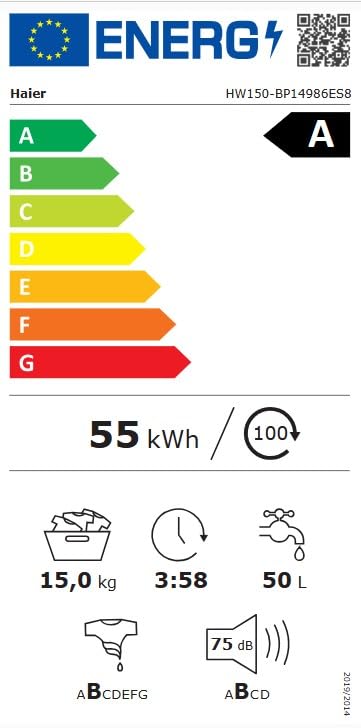
Figure 5: Illustration of ABT and Dual Spray technology for hygiene.
Maintenance
Cleaning the Detergent Dispenser
Regularly clean the detergent dispenser drawer to prevent residue buildup. Remove the drawer and rinse it under running water. Use a brush if necessary to remove stubborn deposits.
Drum Cleaning
The machine features an automatic internal cleaning system (ABT and Dual Spray) to maintain hygiene. Additionally, you can run a maintenance wash cycle with a washing machine cleaner or a small amount of detergent at a high temperature without laundry.
Filter Cleaning
Periodically check and clean the drain pump filter, usually located at the bottom front of the machine. This helps prevent blockages and ensures efficient drainage. Refer to the specific instructions in the full user manual for detailed steps on accessing and cleaning the filter.
Exterior Cleaning
Wipe the exterior of the washing machine with a soft, damp cloth. Avoid using abrasive cleaners or solvents that could damage the finish.
Troubleshooting
Before contacting customer service, please refer to the following common issues and solutions:
- Machine does not start:
- Ensure the power cord is securely plugged in.
- Check if the door is fully closed.
- Verify that the water supply tap is open.
- Confirm a wash program has been selected and the Start/Pause button pressed.
- Water not draining:
- Check if the drain hose is kinked or blocked.
- Clean the drain pump filter.
- Excessive vibration or noise:
- Ensure the machine is level and all four feet are firmly on the floor.
- Verify that all transit bolts have been removed.
- Check if the load is unbalanced; redistribute laundry in the drum.
- Poor washing results:
- Ensure correct detergent dosage for load size and water hardness.
- Do not overload the machine.
- Select an appropriate wash program for the fabric type and soil level.
For issues not resolved by these steps, please contact Haier customer support.
Specifications
| Feature | Detail |
|---|---|
| Brand | Haier |
| Model Name | HW150-BP14986ES8 |
| Product Dimensions (D x W x H) | 63D x 70W x 98H Centimeters |
| Capacity | 15 Kilograms |
| Access Location | Front Load |
| Max Rotational Speed | 1400 RPM |
| Operation Mode | Fully Automatic |
| Controls Type | Electronic |
| Number of Standard Cycles | 5 |
| Cycle Options | Cotton |
| Special Features | 1400 revolutions, 15 kg capacity, XL illuminated basket, Class A energy, Inverter motor BPM |
| Energy Efficiency Class | A |
| Airborne Acoustical Noise Emissions (Spinning Phase) | 75 dB |
| Water Consumption per Cycle (Eco 40-60 program) | 50 Litres |
| Inlet Minimum Pressure | 0.3 Bars |
| Drum Material | Stainless Steel |
| Colour | Anthracite |
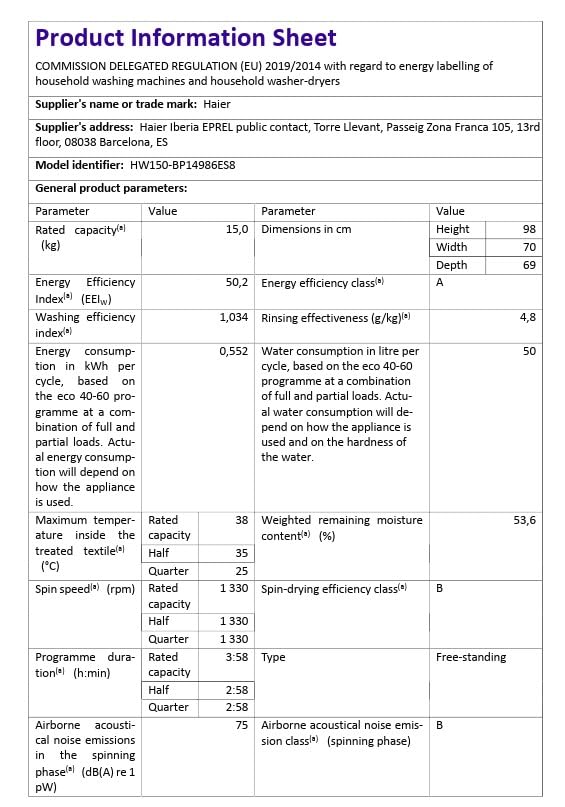
Figure 6: Energy label for the Haier HW150-BP14986ES8 washing machine.
Warranty and Support
Warranty Information
Haier provides a commitment to product longevity. Spare parts for this model are available for a duration of 10 years within the EU.
Customer Support
For technical assistance, service requests, or inquiries regarding your Haier HW150-BP14986ES8 washing machine, please contact Haier customer support. Have your model number (HW150-BP14986ES8) and serial number ready when contacting support.
You can find contact details for your region on the official Haier website or in the documentation provided with your appliance.


