
1. Product Overview
The EAMIRUO EA-60 Single Handgun Safe provides secure storage for handguns and other valuables. It features multiple access methods, including biometric fingerprint, keypad, mechanical key, and mobile application control. Constructed from durable alloy steel, this safe is designed for quick access and reliable security.
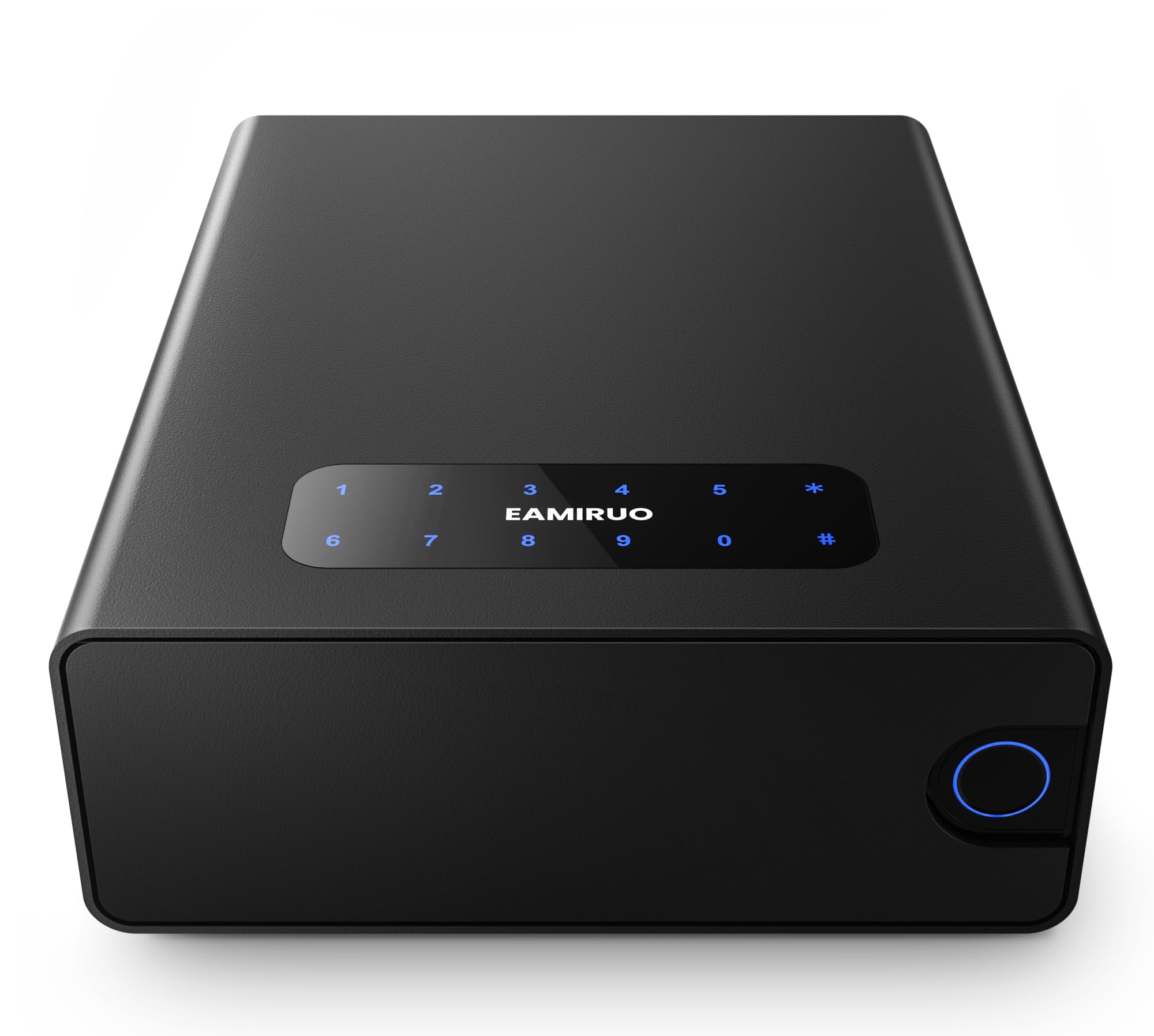
Image 1: EAMIRUO EA-60 Single Handgun Safe, closed, on a wooden surface.
2. Included Components
Before beginning setup, please ensure all components are present:
- Safe Unit (x1)
- Mounting Bracket (x2)
- Mounting Sticker (x1)
- Screws (x6)
- USB-C Cable (x1)
- Steel Cable (x1)
- Instruction Manual (x1)
- Keys (x2)
- AA Batteries (x4)

Image 2: All components included with the EAMIRUO EA-60 safe, including the safe unit, mounting hardware, keys, USB-C cable, and batteries.
3. Setup
3.1 Battery Installation
- Locate the battery compartment, typically on the underside or rear of the safe.
- Insert the 4 AA batteries provided, ensuring correct polarity.
- Close the battery compartment securely.
3.2 Mounting Options
The safe can be mounted in various locations for enhanced security:
- Under Counter Mount: Use the provided mounting brackets and screws to secure the safe under a counter or desk.
- Wall Mount: The safe can be mounted to a wall using the brackets and screws.
- Steel Cable Lock: For temporary securing, use the included steel cable to attach the safe to a fixed object.

Image 3: The EAMIRUO EA-60 safe demonstrating its versatility in placement, including under-desk and wall-mounted configurations.
3.3 Mobile Application Setup
The safe supports control via a mobile application. Refer to the included instruction manual for detailed steps on downloading and connecting the app to your safe. The app allows for remote unlocking, user management, and access record viewing.
4. Operating the Safe
4.1 Access Methods
The EAMIRUO EA-60 safe offers four primary methods for quick access:
- Biometric Fingerprint: The advanced 650 DPI semiconductor biometric sensor allows for quick access (within 0.5 seconds) by registered fingerprints. The safe can store up to 50 unique fingerprints.
- Keypad: Use the full numeric keypad to enter a pre-set password. The keypad is touch-sensitive and backlit for visibility in low-light conditions.
- Mechanical Key: In case of battery depletion or electronic malfunction, use one of the two provided mechanical keys for manual unlocking.
- Mobile Application: Connect the safe to your mobile phone via Wi-Fi to unlock it remotely. The app also provides features like checking battery status, adding/deleting users, and viewing unlocking records.

Image 4: Visual representation of the four quick access methods for the safe.

Image 5: The 650 DPI biometric fingerprint scanner for rapid access.
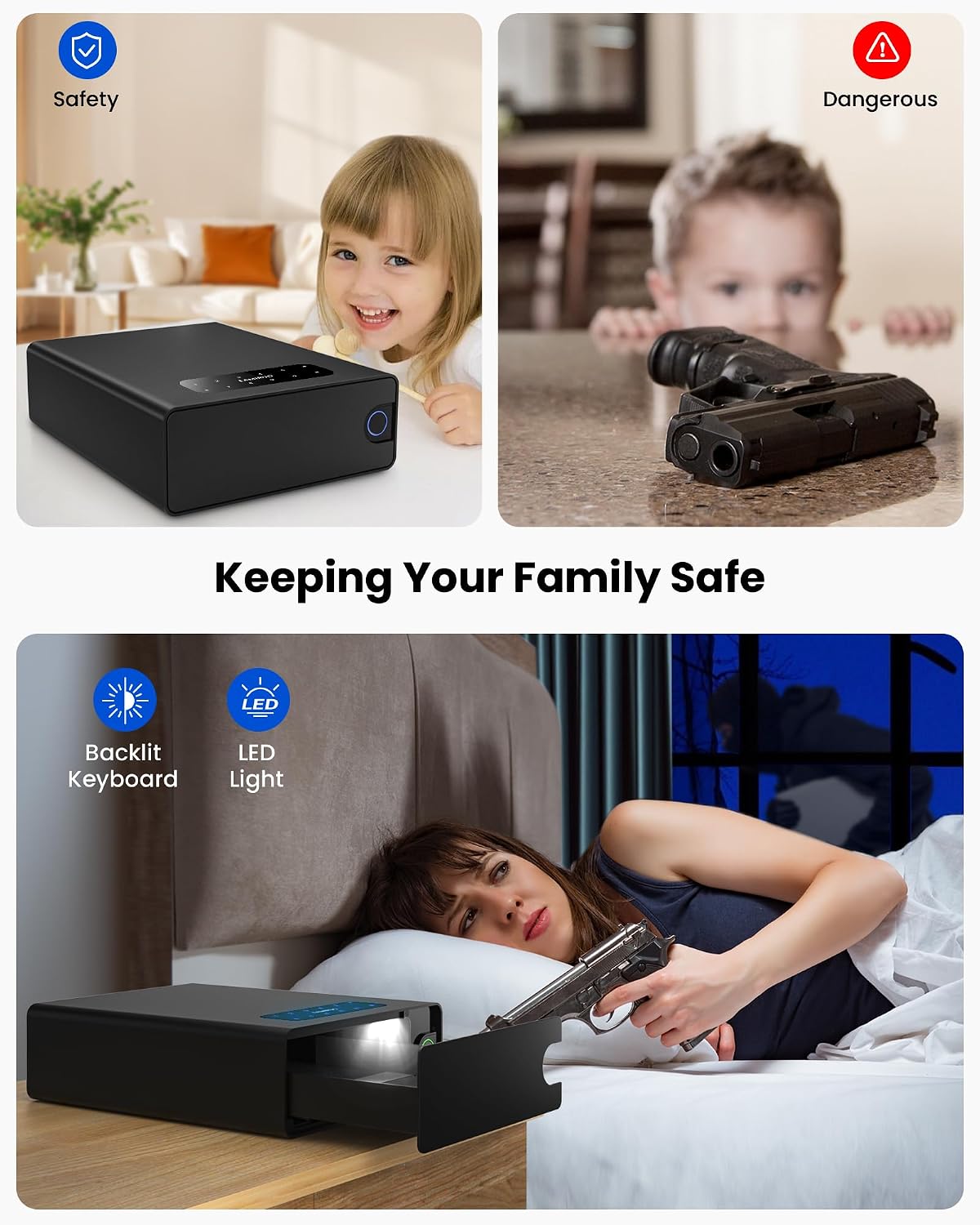
Image 6: The mobile application interface for convenient remote control and monitoring of the safe.
4.2 Voice Prompt Function
The safe includes a voice prompt function that guides you through setting up passwords and fingerprints. It also provides audible reminders for incorrect password entries and low battery status.
4.3 Emergency Power
An emergency USB-C port is located on the safe, allowing for continuous power supply in situations where the internal batteries are depleted and immediate access is required.

Video 1: Demonstration of the EAMIRUO Small Handgun Safe, showcasing its various unlocking methods, the safety cable, and the USB-C emergency charging port.
5. Maintenance
- Battery Replacement: Replace the 4 AA batteries when the low power voice prompt is activated or if the keypad/fingerprint scanner becomes unresponsive.
- Cleaning: Use a soft, dry cloth to clean the exterior of the safe and the fingerprint sensor. Avoid abrasive cleaners or solvents.
- Keypad Care: Keep the keypad free from dirt and moisture to ensure optimal performance.
6. Troubleshooting
- Safe Not Opening with Fingerprint: Ensure your finger is clean and dry. Try re-registering your fingerprint from multiple angles to improve recognition accuracy.
- Keypad Unresponsive: Check battery levels. If batteries are low, use the mechanical key or connect a USB-C power source.
- App Connectivity Issues: Ensure your mobile device is connected to a 2.4GHz Wi-Fi network. Refer to the app's troubleshooting guide for specific connection steps.
- Drawer Not Opening: If the drawer does not open after successful authentication, ensure there are no obstructions. If the issue persists, use the mechanical key.
7. Specifications
| Feature | Specification |
|---|---|
| Brand | EAMIRUO |
| Product Dimensions | 10.23"D x 8.07"W x 3.03"H |
| Lock Type | Biometric (Fingerprint, Keypad, Key, Application) |
| Color | Black |
| Capacity | 99 Cubic Inches (Holds 2 small handguns or 1 medium/large handgun up to 9.2 inches) |
| Material | Alloy Steel (2mm thick) |
| Special Features | Biometric Fingerprint, Backlit Keypad, Built-in LED Light, Voice Prompt, Emergency USB-C Port, Smart APP Operation |
| Mounting Type | Under Counter Mount, On The Table, Wall Mount (with included brackets) |
| Item Weight | 10.19 pounds |
| Power Source | 4 AA Batteries (included) |
8. Warranty and Support
Specific warranty information for the EAMIRUO EA-60 Single Handgun Safe is not provided in the available product details. For warranty claims, technical support, or further assistance, please refer to the contact information provided in the included instruction manual or visit the official EAMIRUO website.