
1. Introduction
This manual provides detailed instructions for the LEXXSON Mini Wireless CarPlay Android Auto Adapter (Model: RM-KPL075). This device converts your car's existing wired CarPlay or Android Auto system into a wireless connection, enhancing your driving experience with seamless smartphone integration.

A compact, black and silver USB adapter designed to enable wireless CarPlay and Android Auto functionality in compatible vehicles. Two smartphone icons, one for CarPlay and one for Android Auto, are shown next to it.
2. Compatibility Requirements
Before proceeding with setup, ensure your vehicle and smartphone meet the following requirements:
- Vehicle Compatibility: The adapter works exclusively with cars that have factory-installed wired CarPlay. Vehicles without original wired CarPlay functionality are not supported.
- Smartphone Compatibility:
- For Wireless CarPlay: Compatible with iPhones running iOS 10 or later.
- For Wireless Android Auto: Compatible with Android phones running Android 11 or later. Some Samsung and Google phones with Android 10 and Android 9 may also be compatible. Note: Huawei devices may not be compatible.
- Important Note: For wireless Android Auto functionality, your car must have both wired CarPlay and wired Android Auto capabilities. If your car only has wired CarPlay, wireless Android Auto will not function.

This diagram illustrates the compatibility of the LEXXSON adapter with various phone models (iPhones with iOS 10+ and Android phones with Android 11+) and a wide range of car brands (e.g., Audi, Benz, Porsche, VW, Nissan, Toyota, Ford, Kia, Jeep, Lexus) that support wired CarPlay or Android Auto.
3. Setup Instructions
The LEXXSON Mini Wireless CarPlay Android Auto Adapter is designed for a simple plug-and-play setup. Follow these steps to establish a wireless connection:
- Plug In: Connect the adapter to your car's USB port that supports wired CarPlay or Android Auto.
- Connect to Phone: On your smartphone, enable both Wi-Fi and Bluetooth. Search for the adapter's Bluetooth signal (e.g., 'Smart Box-XXXX') and pair with it. Follow any on-screen prompts on your phone and car display to confirm the connection.
- Initiate CarPlay/Android Auto: Once paired, your car's infotainment system should automatically launch CarPlay or Android Auto wirelessly.

A visual guide detailing the three simple steps for setting up the adapter: 1. Plug the adapter into the car's USB port. 2. Connect to the adapter's Wi-Fi and Bluetooth on your phone. 3. Start using CarPlay or Android Auto on your car's display.
3.1. Initial Connection Demonstration
Watch this video for a visual guide on connecting the adapter for the first time.
This video demonstrates the LEXXSON Mini Wireless CarPlay Android Auto Adapter in action, showcasing its easy connection process, seamless integration with the car's infotainment system, and features like online music playback, phone calls, navigation, voice assistant, and automatic reconnection upon starting the car.
4. Operating the Adapter
4.1. Wireless Connectivity
Once connected, the adapter provides a fast and stable wireless link between your smartphone and your car's infotainment system. It utilizes Bluetooth V5.0 for initial pairing and 5.8GHz WiFi technology for data transmission, ensuring smooth performance for navigation, music streaming, phone calls, and messaging with minimal delay.
4.2. Automatic Reconnection
After the initial setup, the adapter will automatically reconnect to your paired smartphone within 5-10 seconds each time you start your car. This eliminates the need for manual pairing on subsequent drives.

This image highlights the automatic reconnection feature of the adapter, showing a car's dashboard with the adapter plugged in, and a phone wirelessly connected, displaying various app icons. It emphasizes the quick reconnection time of 5-10 seconds.
4.3. Retaining Original Car Controls
The adapter allows you to continue using your car's original control methods for CarPlay and Android Auto functions. This includes:
- Touch Screen Control
- OEM Knob Control
- Steering Wheel Control

This image shows that the adapter allows users to retain original car controls, including touch screen control, OEM knob control, and steering wheel control, for managing CarPlay/Android Auto functions.
4.4. Voice Assistant Support
Utilize your smartphone's voice assistant (Siri for CarPlay, Google Assistant for Android Auto) for hands-free control. This enables safe operation of navigation, music, and communication features while driving.
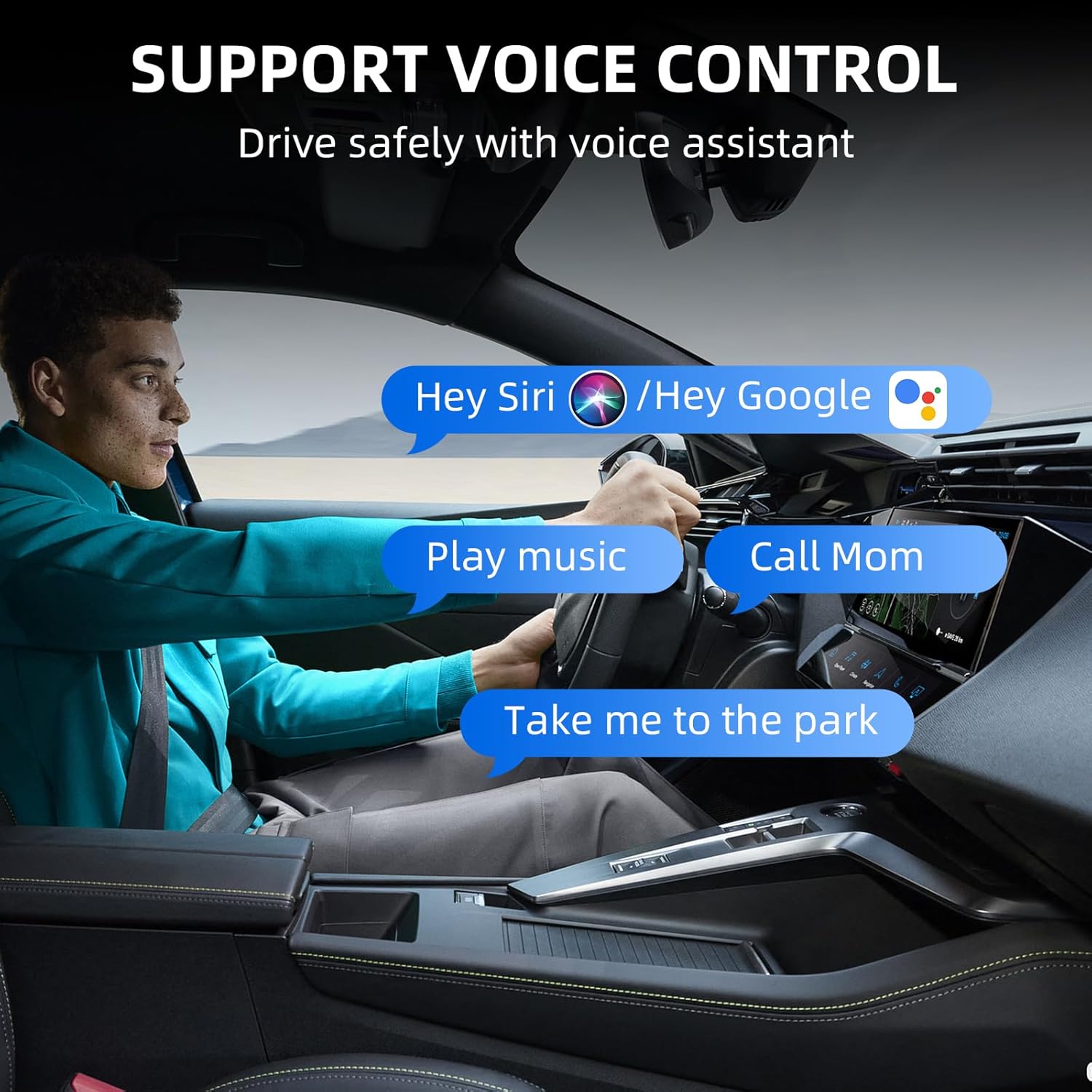
A driver is shown interacting with the car's infotainment system using voice commands like 'Hey Siri' or 'Hey Google' for tasks such as playing music, making calls, or getting navigation directions, demonstrating the voice control support.
5. Maintenance and Updates
5.1. Online Software Upgrades
The adapter supports online software upgrades to ensure optimal performance and compatibility with future smartphone and car system updates. If you encounter any issues or new software is released, you can submit feedback, and updates will be provided.

This image illustrates the online upgrade capability of the adapter, where a smartphone displays an 'Update Now' option for new software releases, ensuring the device stays current.
6. Troubleshooting
If you experience issues with your LEXXSON Mini Wireless CarPlay Android Auto Adapter, consider the following common solutions:
- No Connection:
- Ensure your car has factory-wired CarPlay. The adapter will not work otherwise.
- Verify that both Wi-Fi and Bluetooth are enabled on your smartphone and not connected to other devices.
- Try unplugging the adapter and plugging it back into the USB port.
- Restart your car's infotainment system.
- Intermittent Connection:
- Check for any potential interference from other wireless devices in the vehicle.
- Ensure your phone's operating system is up to date.
- Consider performing an online software upgrade for the adapter if available.
- Android Auto Not Working Wirelessly (CarPlay is fine):
- Confirm that your car supports both wired CarPlay and wired Android Auto. If only wired CarPlay is present, wireless Android Auto will not function.
- Ensure your Android phone is running Android 11+ (or compatible Android 9/10 for some models).
- Slow Response/Lag:
- Ensure your phone is not running too many background applications.
- Check for any available software updates for the adapter.
If these steps do not resolve the issue, please refer to the Warranty and Support section for further assistance.
7. Specifications
| Feature | Detail |
|---|---|
| Model Number | RM-KPL075 |
| Product Dimensions | 1.02 x 0.43 x 1.88 inches (2.59 x 1.09 x 4.78 cm) |
| Item Weight | 1.76 ounces (50 grams) |
| Connector Type | USB |
| Compatible Devices | Car infotainment systems with wired CarPlay/Android Auto |
| Wireless Technology | Bluetooth V5.0, 5.8GHz WiFi |
8. Warranty and Support
The LEXXSON Mini Wireless CarPlay Android Auto Adapter includes a 1-year return and exchange warranty service. If you encounter any compatibility issues or require technical assistance, please contact LEXXSON customer support. 24-hour technical support is available to assist you.