
1. Product Overview
The Kuulaa Ultra Slim MagSafe Power Bank (Model KL-YD71) is a compact and lightweight portable charger designed for convenience and efficiency. With a 5000 mAh capacity, it provides reliable power for your mobile devices, featuring both magnetic wireless charging and wired fast charging capabilities. Its ultra-slim design makes it ideal for travel and everyday use.
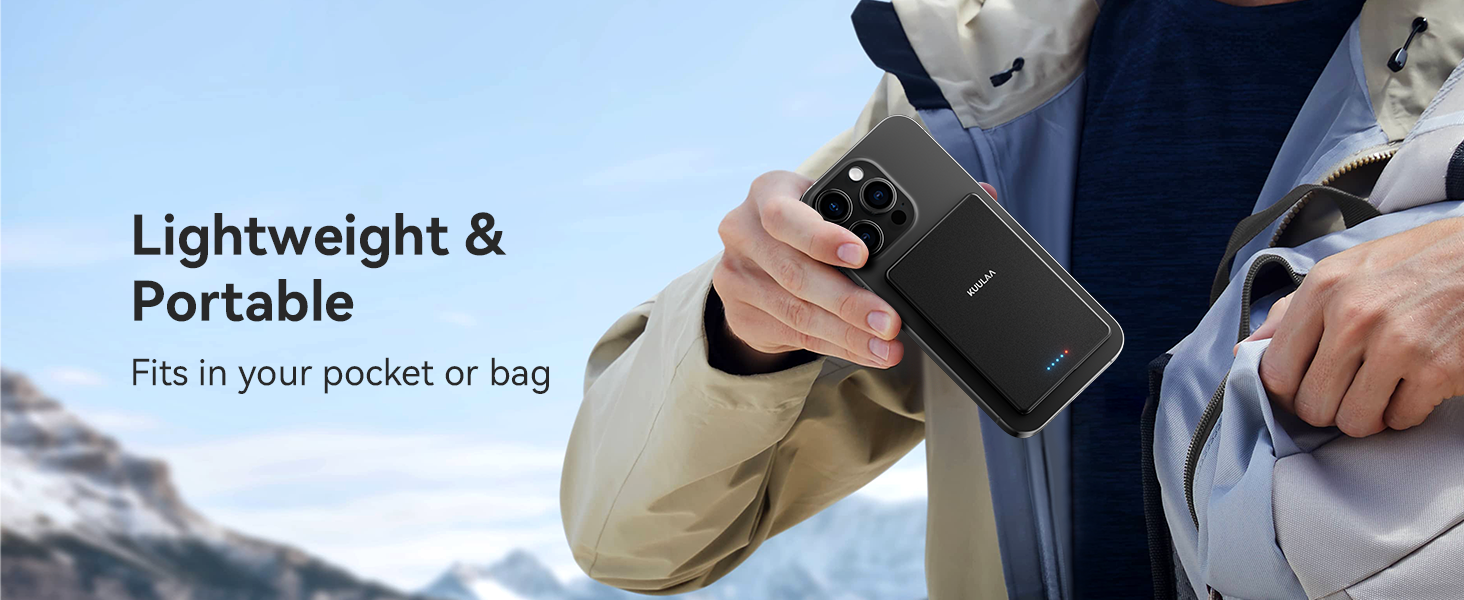
Image: The Kuulaa Power Bank highlighting its ultra-slim profile (6.9mm) and light weight (110g).
Key Features:
- Ultra-Slim & Lightweight: Weighs approximately 110 grams and is 6.9mm thin, designed for portability.
- Dual Charging Methods: Supports 7.5W magnetic wireless charging and 20W USB-C wired fast charging.
- Strong Magnetic Attachment: Features a 10N super-strong magnet for secure attachment to compatible devices.
- Advanced Safety Protections: Built-in mechanisms protect against overcharging, over-discharging, and overheating.
- Sleek Design: A simple, black design with an aluminum alloy shell for durability and aesthetic appeal.
2. Package Contents
Please check the package for the following items:
- Kuulaa 5000mAh Magnetic Power Bank (Model KL-YD71) x 1
- Leather Organizer Pouch (85x125mm) x 1
- USB-A to USB-C Charging Cable x 1
- User Manual x 1
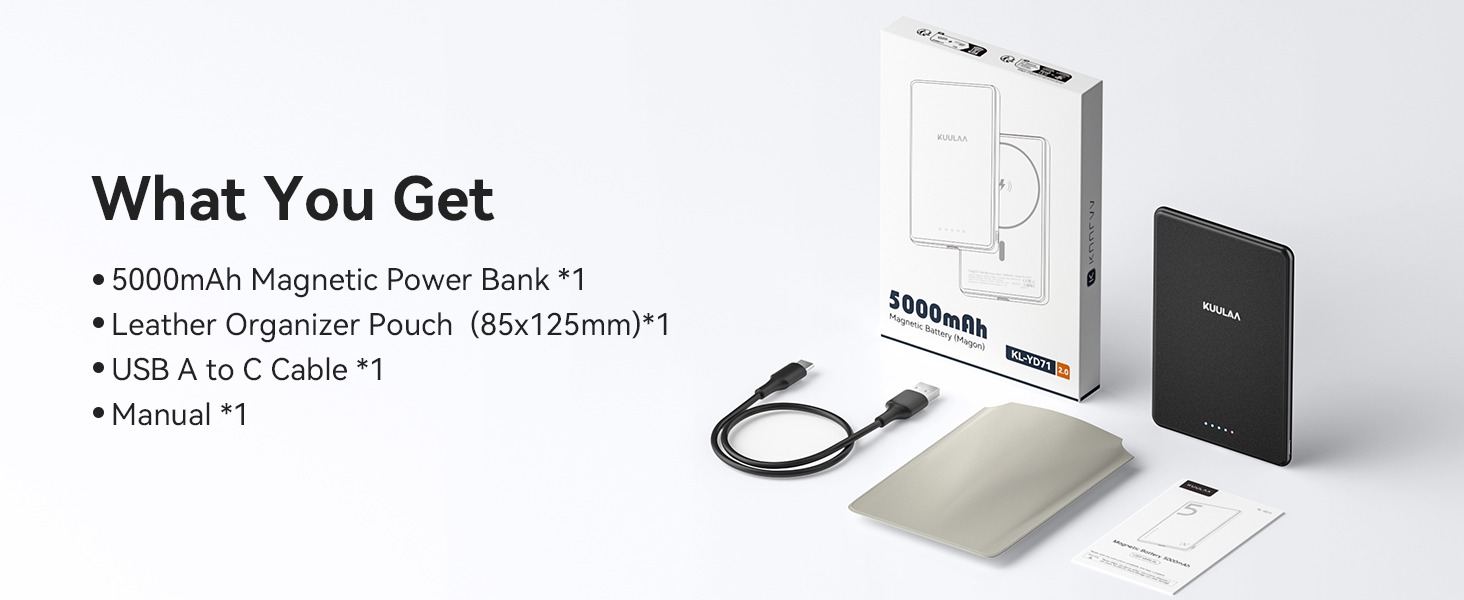
Image: All items included in the product package.
3. Safety Instructions
To ensure safe operation and prolong the lifespan of your Kuulaa Power Bank, please read and follow these safety guidelines:
- Do not expose the power bank to extreme temperatures (hot or cold), direct sunlight, or high humidity.
- Avoid dropping, disassembling, or attempting to repair the device yourself. This may void the warranty and pose safety risks.
- Keep the power bank away from water and other liquids.
- Use only the provided or certified charging cables and adapters.
- Do not place metal objects or magnetic cards between the power bank and your device during wireless charging, as this can interfere with charging or damage the power bank.
- If the power bank becomes excessively hot, emits an odor, or shows any signs of damage, discontinue use immediately.
- Store the power bank in a cool, dry place when not in use.

Image: Overview of the power bank's superior safety features.
4. Setup and Charging the Power Bank
Charging the Power Bank:
- Connect the provided USB-A to USB-C cable to the USB-C port on the power bank.
- Plug the USB-A end of the cable into a compatible USB wall adapter (not included) or a computer's USB port.
- The LED indicators on the power bank will illuminate to show the charging status. When all LEDs are solid, the power bank is fully charged.

Image: Power bank charging via USB-C.
Checking Battery Level:
Press the power button once to view the current battery level indicated by the LED lights.
- 1 LED: 0-25%
- 2 LEDs: 26-50%
- 3 LEDs: 51-75%
- 4 LEDs: 76-100%
Image: LED indicators displaying battery charge status.
5. Operating Instructions
Magnetic Wireless Charging:
- Ensure your device is compatible with MagSafe (iPhone 12 series and newer) or has a MagSafe-compatible case.
- Align the power bank with the back of your iPhone. The strong magnets will automatically snap it into place.
- Wireless charging will begin automatically. The LED indicators on the power bank may show charging activity.
- Note: For optimal magnetic attachment and charging efficiency, use without a case or with a MagSafe-compatible case. Non-magnetic phone cases are not supported.
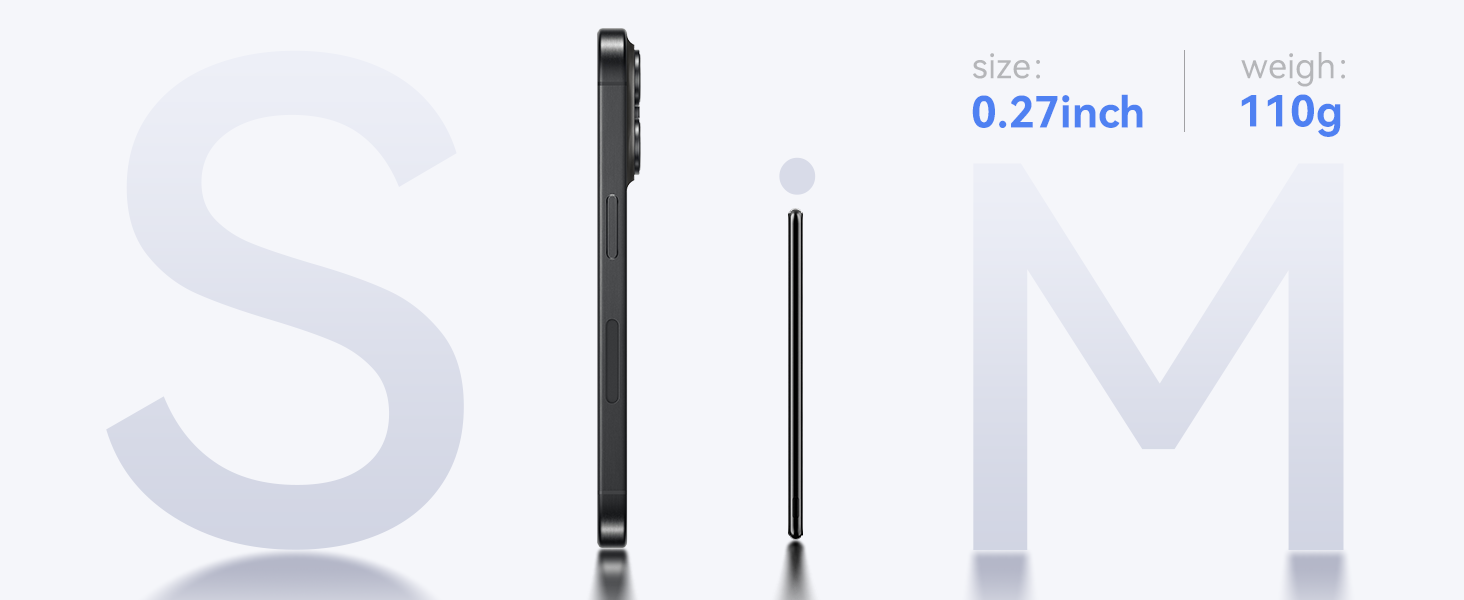
Image: Magnetic attachment for wireless charging.
Wired Charging (USB-C PD 20W):
- Connect one end of a USB-C to USB-C cable (or the provided USB-A to USB-C cable with an appropriate adapter) to the USB-C port on the power bank.
- Connect the other end of the cable to your device's charging port.
- The power bank will automatically detect and begin charging your device.
Image: Wired charging via USB-C port.
6. Compatibility
The Kuulaa Ultra Slim MagSafe Power Bank is compatible with:
- iPhone 12, 13, 14, 15, and 16 Series (for magnetic wireless charging).
- Other devices that support USB-C charging (for wired charging).
Important Note for Magnetic Charging:
- Magnetic charging works best without a phone case or with an official MagSafe case/MagSafe-compatible case.
- Non-magnetic phone cases are not supported for magnetic attachment and wireless charging.
- Not recommended for use with iPhone 12 mini and iPhone 13 mini due to size.
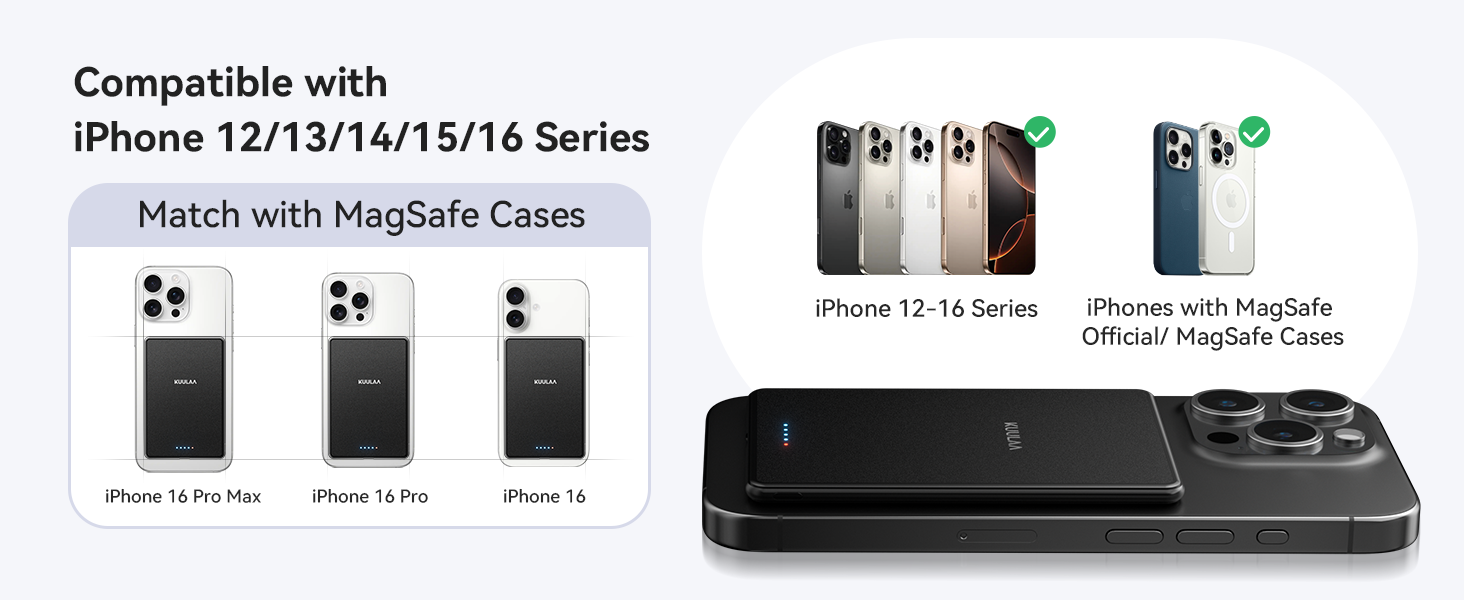
Image: Compatibility guide for MagSafe cases and iPhone models.
7. Maintenance
- Cleaning: Use a soft, dry cloth to clean the surface of the power bank. Do not use harsh chemicals or abrasive materials.
- Storage: Store the power bank in a cool, dry environment, away from direct sunlight and extreme temperatures.
- Battery Care: To maintain battery health, fully charge the power bank at least once every three months if not in regular use.
8. Troubleshooting
-
Power Bank Not Charging:
- Ensure the charging cable is securely connected to both the power bank and the power source.
- Verify that the wall adapter or USB port is functional.
- Try using a different USB-C cable or power adapter.
-
Device Not Charging Wirelessly:
- Check if your device is MagSafe compatible (iPhone 12 series or newer).
- Ensure there are no foreign objects between the power bank and your device.
- Remove any non-MagSafe compatible phone cases.
- Verify the power bank has sufficient charge.
-
Weak Magnetic Attachment:
- Ensure your phone case is MagSafe compatible or remove the case entirely.
- Clean the magnetic surfaces on both the power bank and your device/case.
-
Slow Charging:
- For wired charging, ensure you are using a 20W PD compatible wall adapter for fast charging.
- For wireless charging, ensure proper alignment and that no foreign objects are interfering.
- Check the power bank's charge level; charging speed may decrease at very low battery levels.
9. Specifications
| Feature | Detail |
|---|---|
| Model Number | KL-YD71 |
| Battery Capacity | 5000 mAh |
| Product Dimensions | 4.05 x 2.67 x 0.28 inches |
| Item Weight | 5.3 ounces (approx. 150g) |
| Wireless Charging Output | 7.5W (Max) |
| Wired Charging Output (USB-C) | 20W Power Delivery (PD) Max |
| Connector Type | USB Type-C |
| Special Features | Ultra-Slim, Magnetic, Wireless Charging, Fast Charging |
| Manufacturer | Shenzhen Kula Technology Co., Ltd. |
10. Warranty and Support
The Kuulaa Power Bank KL-YD71 comes with a 24-hour warranty to ensure your peace of mind. If you encounter any issues or have questions regarding your product, please contact our customer support team.
Customer Support:
- For assistance, please visit the official Kuulaa website or contact the seller directly through your purchase platform.
- Please have your model number (KL-YD71) and purchase details ready when contacting support.


