
Introduction
Welcome to your new LEXIBOOK Harry Potter Hedwig Electronic Secret Diary. This interactive diary allows you to protect your personal thoughts and secrets with a customizable 4-digit code. It includes fun features such as sound effects, a voice recorder, and a voice changer, along with a physical notebook and pen for traditional writing. Please read this manual carefully to ensure proper use and enjoyment of your product.
Safety Information
WARNING: Not suitable for children under 3 years. Choking hazard due to small parts.
Always supervise young children during use. Keep batteries out of reach of small children. Do not mix old and new batteries. Do not mix alkaline, standard (carbon-zinc), or rechargeable (nickel-cadmium) batteries. Dispose of batteries properly.
Package Contents
- 1 x LEXIBOOK Harry Potter Hedwig Electronic Secret Diary
- 1 x Notebook
- 1 x Pen
- 1 x Instruction Manual
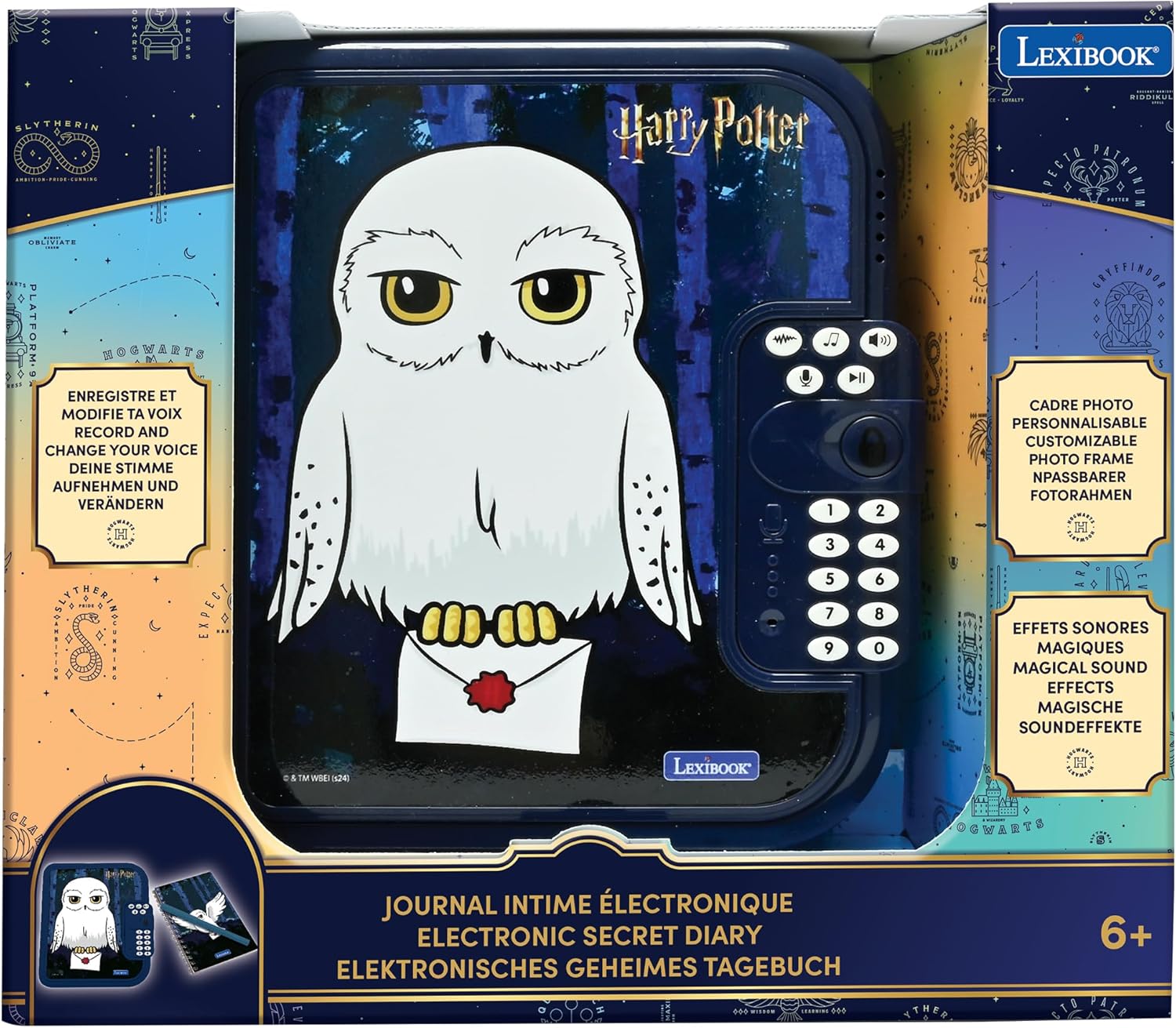
Image: The LEXIBOOK Harry Potter Hedwig Electronic Secret Diary shown in its retail packaging, highlighting key features like voice recording, photo frame, and magical sound effects.
Setup
Battery Installation
- Locate the battery compartment on the back or bottom of the diary.
- Using a screwdriver, open the battery compartment cover.
- Insert 3 x AA batteries (not included), ensuring correct polarity (+/-).
- Close the battery compartment cover and secure it with the screw.
Setting Your Secret Code
- When first powered on, the diary will prompt you to set a 4-digit code.
- Enter your desired 4-digit code using the numeric keypad.
- Confirm the code by re-entering it when prompted.
- The diary will indicate successful code setup. Remember your code, as it is essential for accessing your diary.
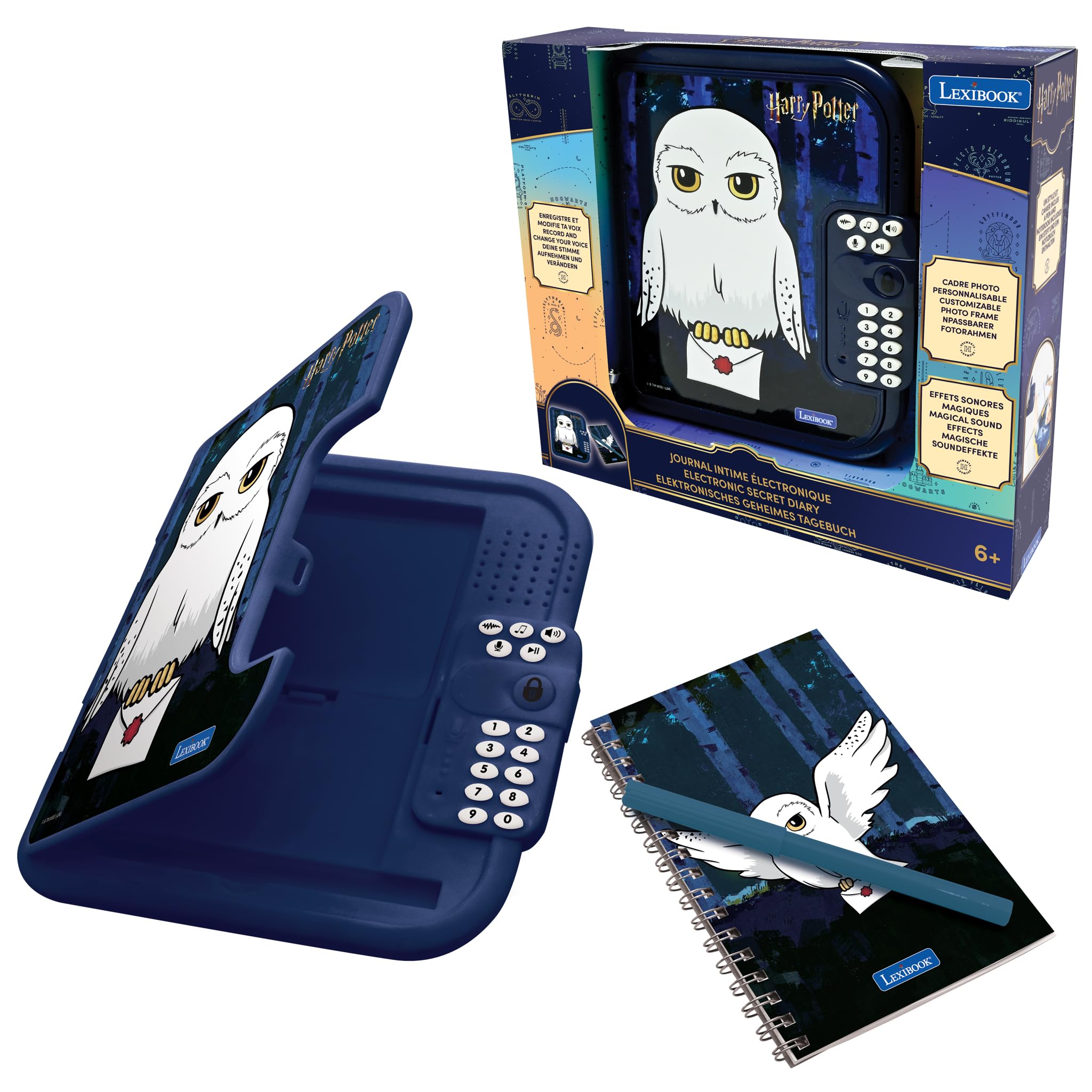
Image: The electronic diary featuring Hedwig, displaying its numeric keypad for code entry and various function buttons.
Operating Instructions
Opening the Diary
- Press the 'Lock' button to activate the keypad.
- Enter your 4-digit secret code.
- If the code is correct, the diary will unlock with a sound effect, allowing you to open the cover.
Writing in the Notebook
The diary includes a physical notebook and a pen. Open the diary cover to access the notebook. Use the included pen to write your secrets and thoughts. The notebook is replaceable once full.
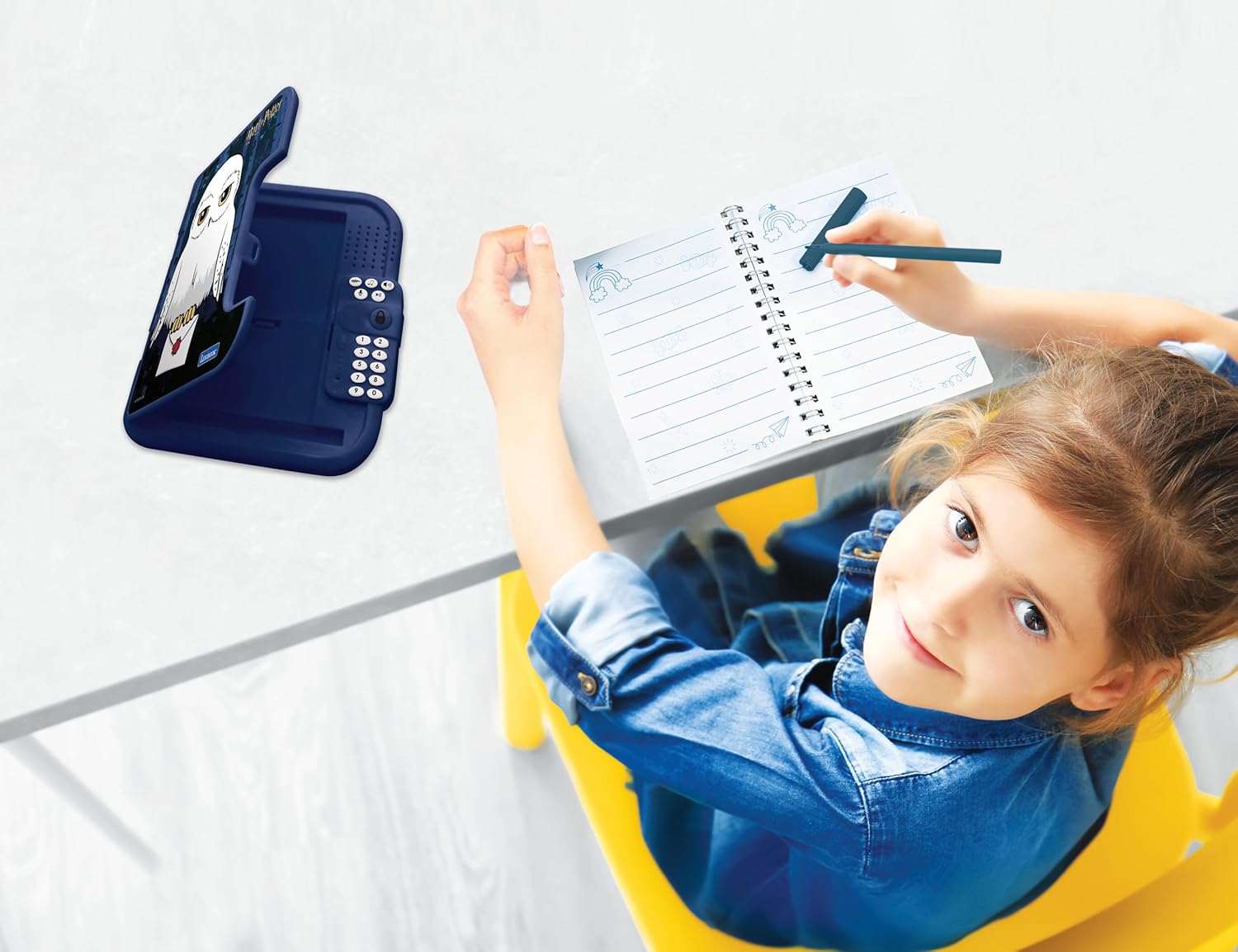
Image: A child writing in the included notebook of the electronic diary, demonstrating its primary function.
Using the Voice Recorder and Changer
- Press the 'Record' button (microphone icon) to start recording your voice.
- Press the 'Stop' button to end the recording.
- Use the 'Voice Changer' button to apply different effects to your recorded messages.
- Press the 'Play' button to listen to your recordings.
Sound Effects and Music
The diary features 10 pre-loaded songs and various magical sound effects. Use the music note button to cycle through songs and the sound effect button to activate different sounds.
Photo Frame
A built-in photo frame allows you to display a favorite picture. Simply insert a photo into the designated slot on the inside cover of the diary.
Hidden Compartment
Beneath the notebook, there is a secret compartment designed to store small treasures and personal items securely.

Image: The electronic diary opened, revealing the notebook, pen storage, and the hidden compartment beneath.
Maintenance
Cleaning
Wipe the diary with a soft, dry cloth. Do not use abrasive cleaners or immerse the product in water.
Battery Replacement
When the diary's functions become erratic or the sound quality diminishes, it is time to replace the batteries. Follow the battery installation steps in the 'Setup' section.
Troubleshooting
- Diary does not turn on: Check if batteries are installed correctly and are not depleted. Replace with fresh AA batteries if necessary.
- Cannot open the diary: Ensure you are entering the correct 4-digit secret code. If you have forgotten your code, refer to the product's full manual for reset instructions (if available).
- Sound is distorted or low: Batteries may be low. Replace them. Ensure the speaker is not obstructed.
- Voice recorder not working: Check battery levels. Ensure you are pressing the correct record button and speaking clearly into the microphone.
Specifications
| Model Number | SD50HP1 |
| Dimensions | 11.75 x 20.15 x 3.7 cm |
| Weight | 372 g |
| Battery Type | 3 x AA batteries (not included) |
| Material | Plastic |
| Recommended Age | 3 years and up |
Official Product Video
Video: An official product video showcasing the features and interactive elements of the Harry Potter Secret Diary.
Warranty and Support
This product is covered by a manufacturer's warranty. For detailed warranty information, technical support, or service inquiries, please refer to the contact information provided on the product packaging or visit the official LEXIBOOK website. Keep your purchase receipt as proof of purchase.