1. Introduction
This manual provides essential information for setting up, operating, maintaining, and troubleshooting your new HONOR Pad X9a tablet. Please read it carefully to ensure optimal performance and longevity of your device.

Image: The HONOR Pad X9a tablet, showcasing its display and an included protective flip cover.
The HONOR Pad X9a features an 11.5-inch 2.5K eye-comfort display, powered by a Qualcomm Snapdragon 685 processor, 8GB RAM, and 128GB internal storage. It runs on Android 15 with Magic UI 9.0 and includes quad speakers for an immersive audio experience. Its slim and lightweight design makes it highly portable.
2. Setup
2.1 Unboxing and Initial Inspection
Carefully remove all components from the packaging. Ensure the following items are present:
- HONOR Pad X9a Tablet
- Charging Adapter
- USB-C Cable
- Quick Start Guide
- Warranty Card
- Protective Flip Cover (may be included as a standard accessory)
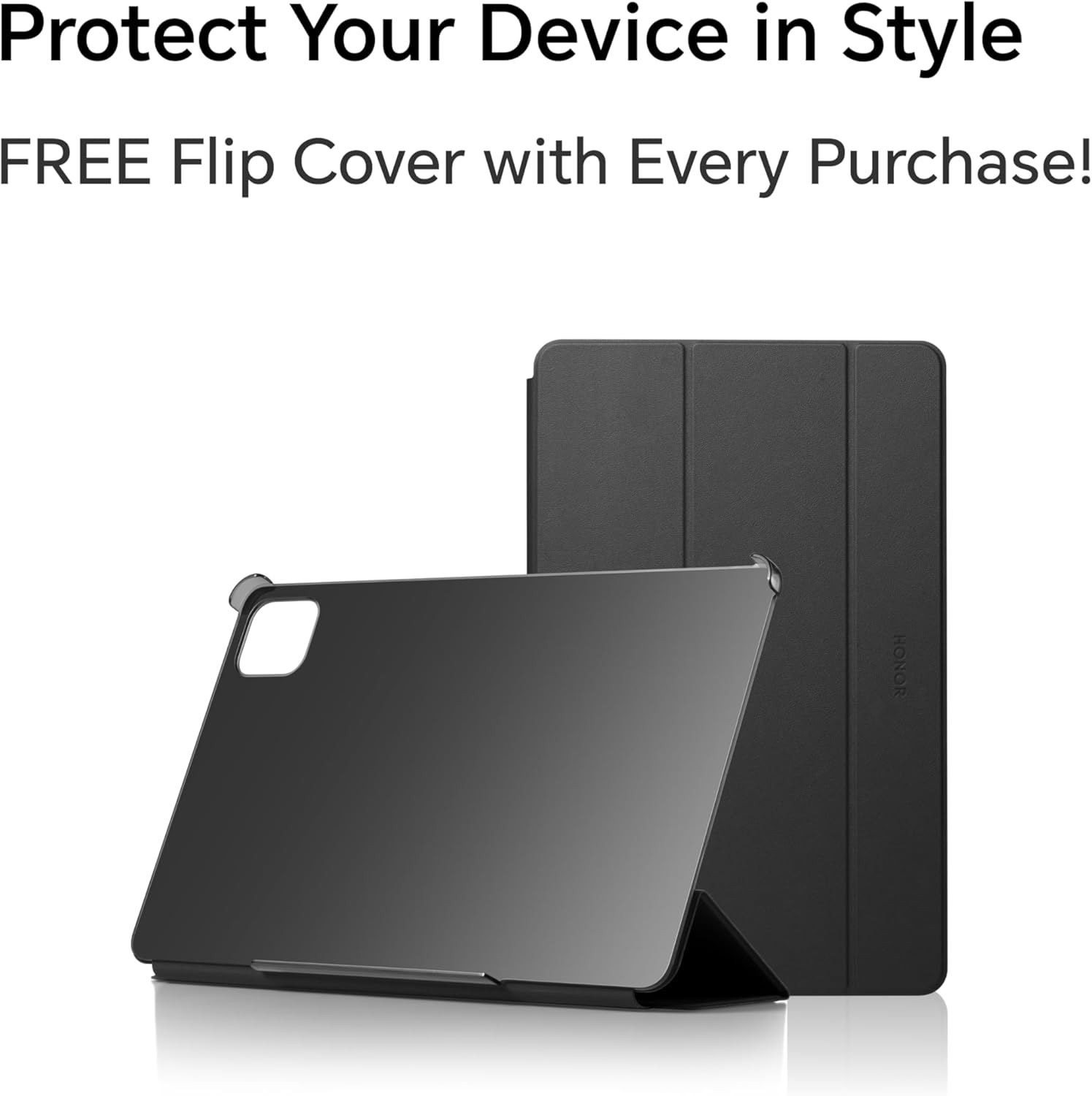
Image: The included protective flip cover for the tablet.
2.2 Powering On and Initial Charge
Press and hold the power button located on the side of the tablet until the HONOR logo appears. For first-time use, it is recommended to fully charge the device. Connect the USB-C cable to the tablet's charging port and the adapter to a power outlet. The tablet supports 35W fast charging.
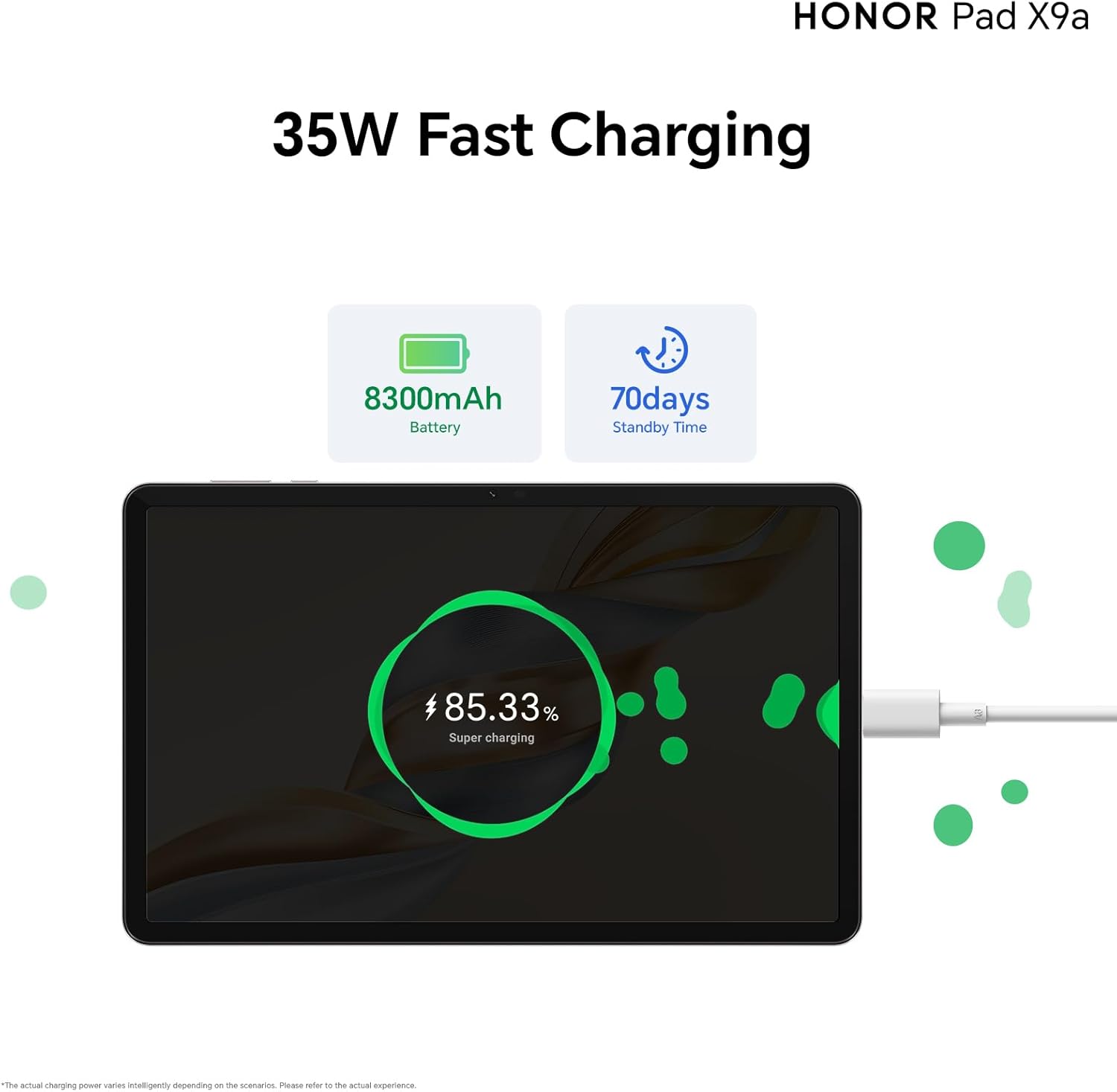
Image: The tablet undergoing fast charging, highlighting its battery capacity.
2.3 Network Connection
Follow the on-screen instructions to connect to a Wi-Fi network. Go to Settings > Network & internet > Wi-Fi, then select your desired network and enter the password.
2.4 Google Kids Setup
The tablet comes with Google Kids pre-installed. This feature allows parents to set usage limits, manage content, and monitor activity. Follow the prompts to configure parental controls as needed.
3. Operating Your Tablet
3.1 Display and Visual Experience
The HONOR Pad X9a features an 11.5-inch 2.5K FullView Display with a 120Hz refresh rate, providing a smooth and vibrant visual experience. Multiple eye protection features are integrated for comfortable viewing during extended use.

Image: The tablet's 11.5-inch 2.5K FullView Display in action.
3.2 Audio System
Experience immersive sound with the tablet's quad smart speakers. These speakers deliver powerful bass and can boost volume by up to 200%, creating a rich audio environment for media consumption.
3.3 Performance and Storage
The tablet is equipped with a powerful Qualcomm Snapdragon 685 processor, ensuring smooth performance for various tasks. It comes with 8GB of RAM and 128GB of internal storage. HONOR OS Turbo technology allows for smart memory expansion, further enhancing multitasking capabilities.
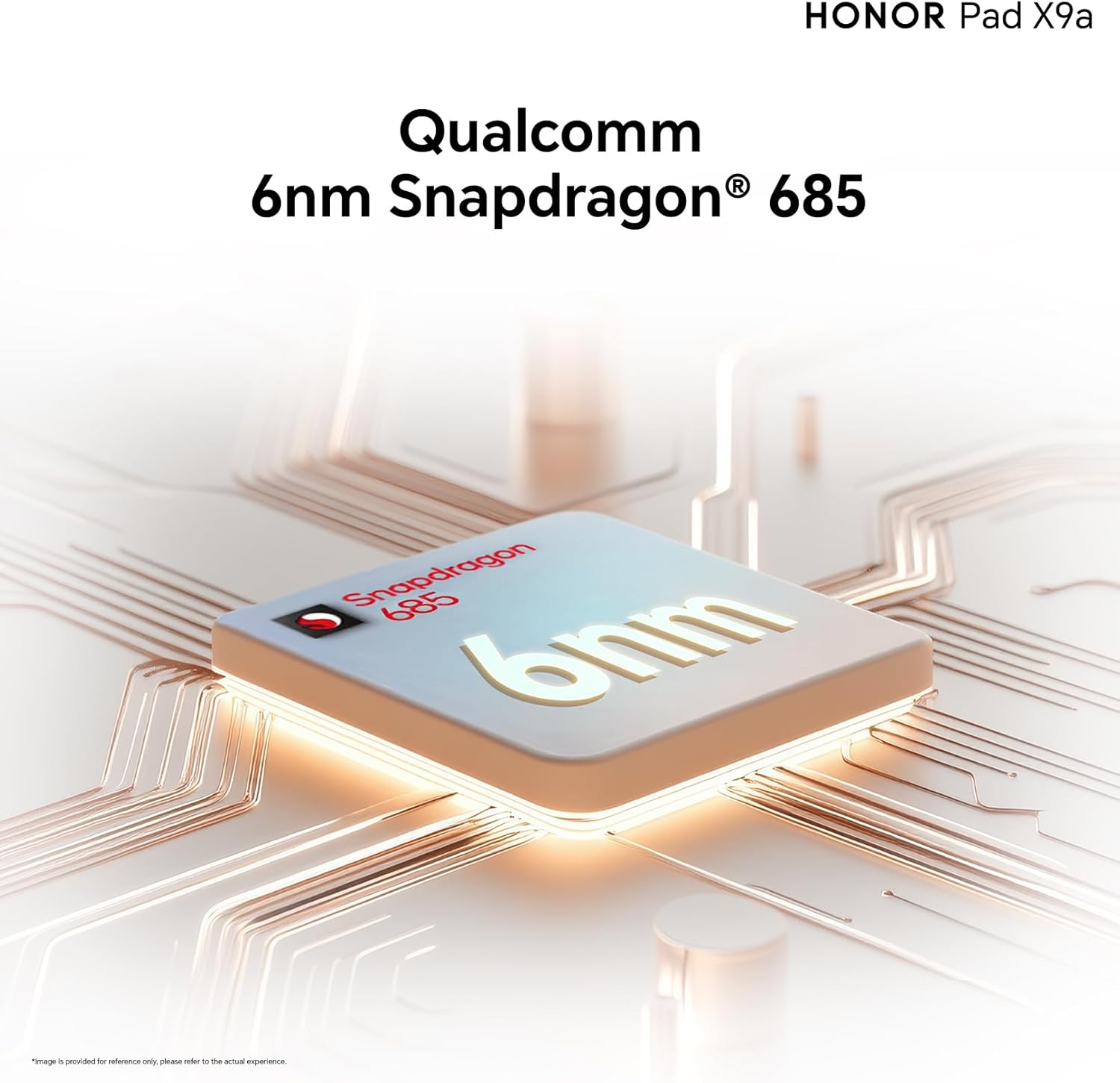
Image: The Qualcomm Snapdragon 685 processor, central to the tablet's performance.

Image: Illustrating the tablet's large 8GB RAM and 128GB storage capacity.
3.4 Magic UI 9.0 and AI Notes
Running on Android 15 with HONOR's Magic UI 9.0, the tablet offers a user-friendly interface. The HONOR AI Notes feature provides advanced functionalities such as real-time speech-to-text transcription, speaker recognition based on voiceprint, and text translation, enhancing productivity.

Image: The MagicOS 9.0 interface showcasing the HONOR AI Notes feature.
4. Maintenance
4.1 Cleaning Your Tablet
To clean the screen, use a soft, lint-free cloth specifically designed for electronics. For the tablet body, a slightly damp cloth can be used, ensuring no moisture enters ports. Avoid harsh chemicals or abrasive materials.
4.2 Battery Care
The 8300mAh battery provides extended usage. To maximize battery life, avoid extreme temperatures, do not leave the tablet fully charged or fully discharged for long periods, and use the original charger. The tablet has a standby time of approximately 56 days.
4.3 Software Updates
Regularly check for and install software updates to ensure your tablet has the latest features, security patches, and performance improvements. Go to Settings > System & updates > Software update.
4.4 Storage Management
Periodically review your stored files and applications. Delete unnecessary data to free up space and maintain optimal performance. You can manage storage in Settings > Storage.
5. Troubleshooting
If you encounter issues with your HONOR Pad X9a, refer to the following common solutions:
- Device not powering on: Ensure the battery is charged. Connect the charger and wait a few minutes before attempting to power on again.
- Slow performance: Close unused applications, clear cache, or restart the device. Check for available software updates.
- Wi-Fi connection issues: Restart your Wi-Fi router and the tablet. Ensure you are within range and have entered the correct password.
- Screen not responding: Restart the tablet by holding the power button. If unresponsive, force restart by holding the power button for an extended period (usually 10-15 seconds).
- App crashes: Clear the app's cache or data in Settings > Apps. Reinstall the app if the issue persists.
For more complex issues, please visit the official HONOR support website or contact customer service.
6. Specifications
Detailed technical specifications for the HONOR Pad X9a (ELN2-W29):
| Feature | Specification |
|---|---|
| Brand | HONOR |
| Model Name | Pad X9a (ELN2-W29) |
| Display Screen Size | 11.5 inches |
| Max Display Resolution | 2508 x 1504 Pixels (2.5K) |
| Processor Brand | Qualcomm |
| Processor Model | Snapdragon 685 |
| Processor Speed | 2.8 GHz |
| Installed RAM | 8 GB |
| Memory Storage Capacity | 128 GB |
| Operating System | Android 15, Magic UI 9.0 |
| Rear Camera Resolution | 8 Megapixels |
| Front Webcam Resolution | 5 Megapixels |
| Speaker Description | Stereo Speakers (Quad Smart Speakers) |
| Graphics Coprocessor | Adreno 610 |
| Connectivity Type | Bluetooth |
| Wireless Type | 802.11a, 802.11ac, 802.11b, 802.11g, 802.11n |
| Lithium Battery Energy Content | 8300 mAh |
| Battery Life (Standby) | 56 days |
| Batteries Included | Yes |
| Item Weight | 475 grams |
| Shipping Dimensions | 28.2 x 18.4 x 6.2 cm |
| Color | Grey |
7. Warranty and Support
7.1 Manufacturer's Warranty
The HONOR Pad X9a comes with a 1-year manufacturer's warranty from the date of purchase. This warranty covers defects in materials and workmanship under normal use. Please retain your proof of purchase for warranty claims.
7.2 Customer Support
For technical assistance, warranty service, or additional information, please visit the official HONOR support website or contact their customer service department. Contact details can typically be found on the HONOR website or in the warranty card included with your product.


