1. Introduction
Thank you for choosing the SENECESLI Bluetooth Retro Car Speaker WS-980. This portable speaker combines a vintage car design with modern audio technology, offering versatile music playback options and colorful LED lighting. Please read this manual thoroughly before use to ensure proper operation and to maximize your enjoyment of the product.
2. Product Overview
The SENECESLI Bluetooth Retro Car Speaker is designed to deliver an immersive auditory experience with its stereo sound and captivating LED lights. Its unique car replica design features chrome accents and real moving wheels, blending classic aesthetics with contemporary functionality.
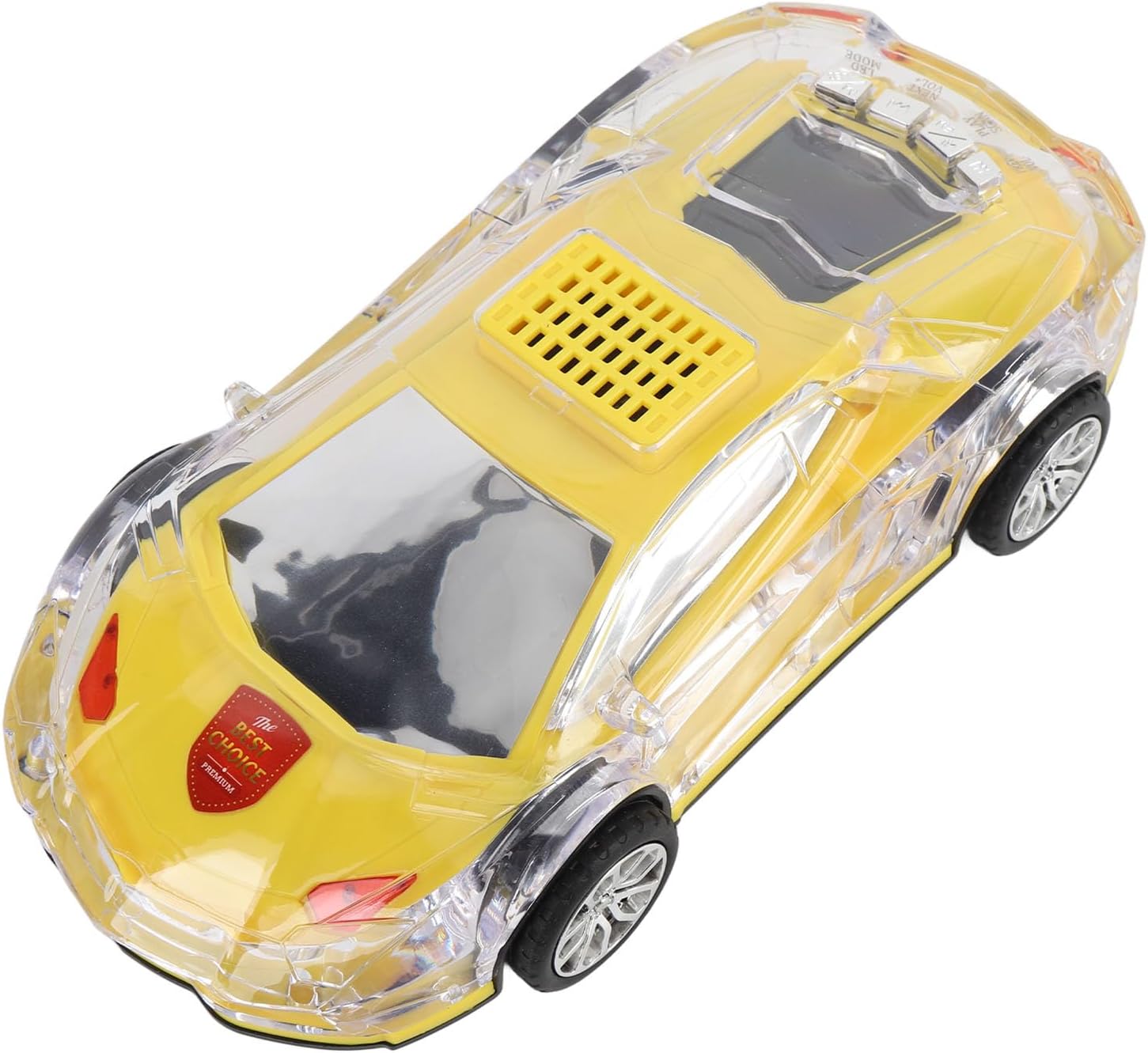
Image: The SENECESLI Bluetooth Retro Car Speaker in yellow.

Image: Speaker with colorful LED lights and stereo sound.
3. Package Contents
- 1 x Car Model Bluetooth Speaker (WS-980)
- 1 x Charging Cable (USB-C to USB-A)
4. Specifications
| Feature | Description |
|---|---|
| Item Type | Car Model Bluetooth Speaker |
| Material | ABS |
| Color | Yellow (as shown in images) |
| Length | Approx. 220mm / 8.7in |
| Output Power | 2.3W |
| Speaker | 52mm x2 |
| Vibration Mode | Yes |
| Built-in Battery | 1500mAh Polymer Li Battery |
| Small Memory Card Support | Maximum 32GB (card not included) |
| Connectivity | Bluetooth, USB, TF Card, AUX input |
| Additional Features | Selfie function, LED display, LED lights |
5. Setup
5.1 Charging the Speaker
Before first use, fully charge the speaker. Use the included USB-C to USB-A charging cable.
- Connect the USB-C end of the cable to the speaker's USB Type-C port (DC5V/ANT).
- Connect the USB-A end of the cable to a compatible USB power source (e.g., wall adapter, computer USB port).
- The charging indicator light will illuminate. Once fully charged, the light may change color or turn off.

Image: Top-down view showing the speaker and charging cable.
5.2 Power On/Off
The power button is located on the rear of the speaker, behind the cabin.
- To power on: Press and hold the power button until the speaker activates and the LED lights illuminate.
- To power off: Press and hold the power button again until the speaker deactivates.
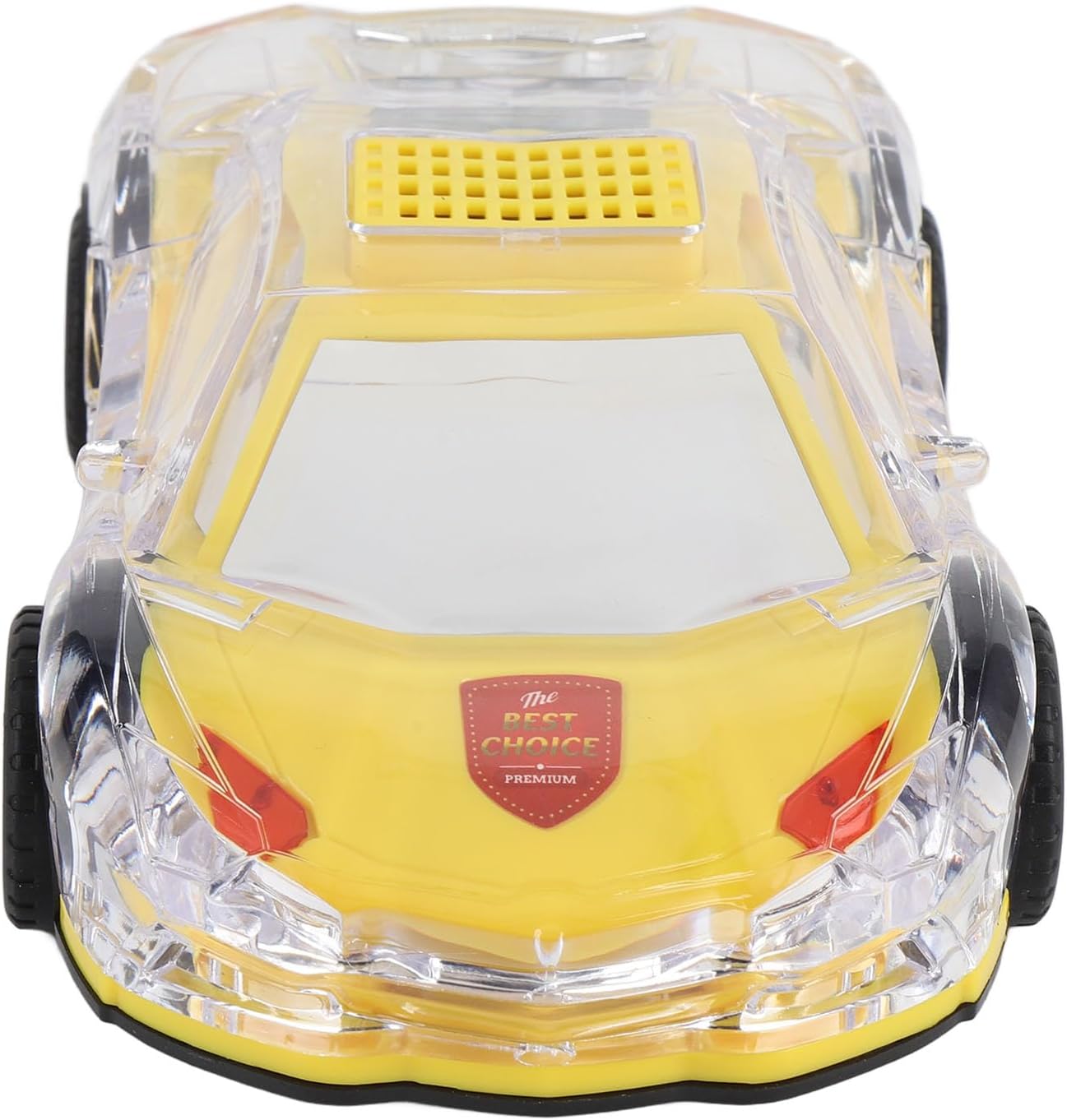
Image: Rear view showing control buttons and ports.
5.3 Bluetooth Pairing
Pair the speaker with your Bluetooth-enabled device to stream audio wirelessly.
- Ensure the speaker is powered on and in Bluetooth mode (it will typically announce 'Bluetooth mode' or show a Bluetooth icon on its LED display).
- On your mobile device, enable Bluetooth and search for available devices.
- Select 'WS-980' (or similar identifier) from the list of found devices.
- Once paired, the speaker will indicate a successful connection.
6. Operating Instructions
6.1 Music Playback
The speaker supports multiple playback methods:
- Bluetooth: After successful pairing, play audio from your connected device.
- USB Drive: Insert a USB flash drive into the USB port. The speaker will automatically detect and play audio files.
- TF (Micro SD) Card: Insert a TF card (up to 32GB) with audio files into the TF card slot. The speaker will automatically detect and play audio files.
- AUX Input: Connect an external audio device using a 3.5mm audio cable (not included) to the AUX port.

Image: Multiple connection options for music playback.
6.2 Controls (Located on the rear of the speaker)
- Power Button: Press and hold to power on/off. Short press to switch between modes (Bluetooth, USB, TF, AUX).
- Play/Pause Button: Short press to play or pause audio.
- Previous Track/Volume Down: Short press for previous track. Press and hold to decrease volume.
- Next Track/Volume Up: Short press for next track. Press and hold to increase volume.
6.3 LED Light Modes
The speaker features colorful LED lights that can be controlled. Refer to the specific button (often integrated with mode or a dedicated light button) for cycling through different light patterns or turning them off.
Video: Demonstration of the SENECESLI Bluetooth Retro Car Speaker's colorful LED lights and sound output.
6.4 Selfie Function
This speaker includes a selfie function. When connected via Bluetooth, you may be able to use a specific button on the speaker (refer to the product's quick start guide or experiment with the play/pause button) to trigger your phone's camera shutter.
7. Maintenance
- Clean the speaker with a soft, dry cloth. Do not use abrasive cleaners or solvents.
- Keep the speaker away from water, moisture, and extreme temperatures.
- Store in a cool, dry place when not in use.
8. Troubleshooting
| Problem | Solution |
|---|---|
| Speaker does not power on. | Ensure the battery is charged. Connect to a power source using the USB-C cable. |
| Cannot pair via Bluetooth. | Ensure the speaker is in Bluetooth pairing mode. Turn off and on your device's Bluetooth. Move closer to the speaker. |
| No sound from USB/TF card. | Check if the audio files are in a compatible format. Ensure the card/drive is inserted correctly. Switch modes to USB/TF card. |
| LED lights are not working. | Check if the light function is enabled or cycle through light modes using the appropriate button. |
9. Safety Information
- Do not disassemble or attempt to repair the speaker yourself. This may void the warranty and cause damage.
- Keep out of reach of children to prevent accidental ingestion of small parts.
- Avoid prolonged exposure to high volume levels to prevent hearing damage.
- Dispose of the product and its battery responsibly according to local regulations.
10. Warranty and Support
For warranty information or technical support, please refer to the product packaging or contact SENECESLI customer service directly. Keep your purchase receipt as proof of purchase.


