
Introduction
This manual provides detailed instructions for the MENTUME K30 Android Tablet. Please read this manual thoroughly before using your device to ensure proper operation and to maximize its lifespan. Keep this manual for future reference.
1. Setup
1.1 Package Contents
Verify that all items are present in the package:
- MENTUME K30 Android Tablet
- Power Adapter
- USB-C Data Cable
- Protective Leather Sheath (Case)

Image: MENTUME K30 Tablet and included accessories.
1.2 Charging the Tablet
Before first use, fully charge the tablet. Connect the USB-C cable to the tablet's USB-C port and the power adapter. Plug the power adapter into a wall outlet. The battery indicator on the screen will show charging status.
Video: Demonstrates connecting the tablet to the charger.
1.3 Powering On and Initial Setup
Press and hold the Power button located on the side of the tablet until the screen lights up. Follow the on-screen prompts to select your language, connect to a Wi-Fi network, and set up your Google account. This process will guide you through essential settings.
1.4 Installing the Protective Case
Carefully align the tablet with the protective leather sheath. Ensure all ports and buttons are accessible and the tablet is securely seated within the case for protection.

Image: MENTUME K30 Tablet with its protective case installed.
2. Operating Instructions
2.1 Basic Navigation
The MENTUME K30 tablet uses a 10.1-inch IPS HD touchscreen. Navigate by tapping, swiping, pinching to zoom, and long-pressing. The Android 15 operating system provides an intuitive interface for app management and system settings.
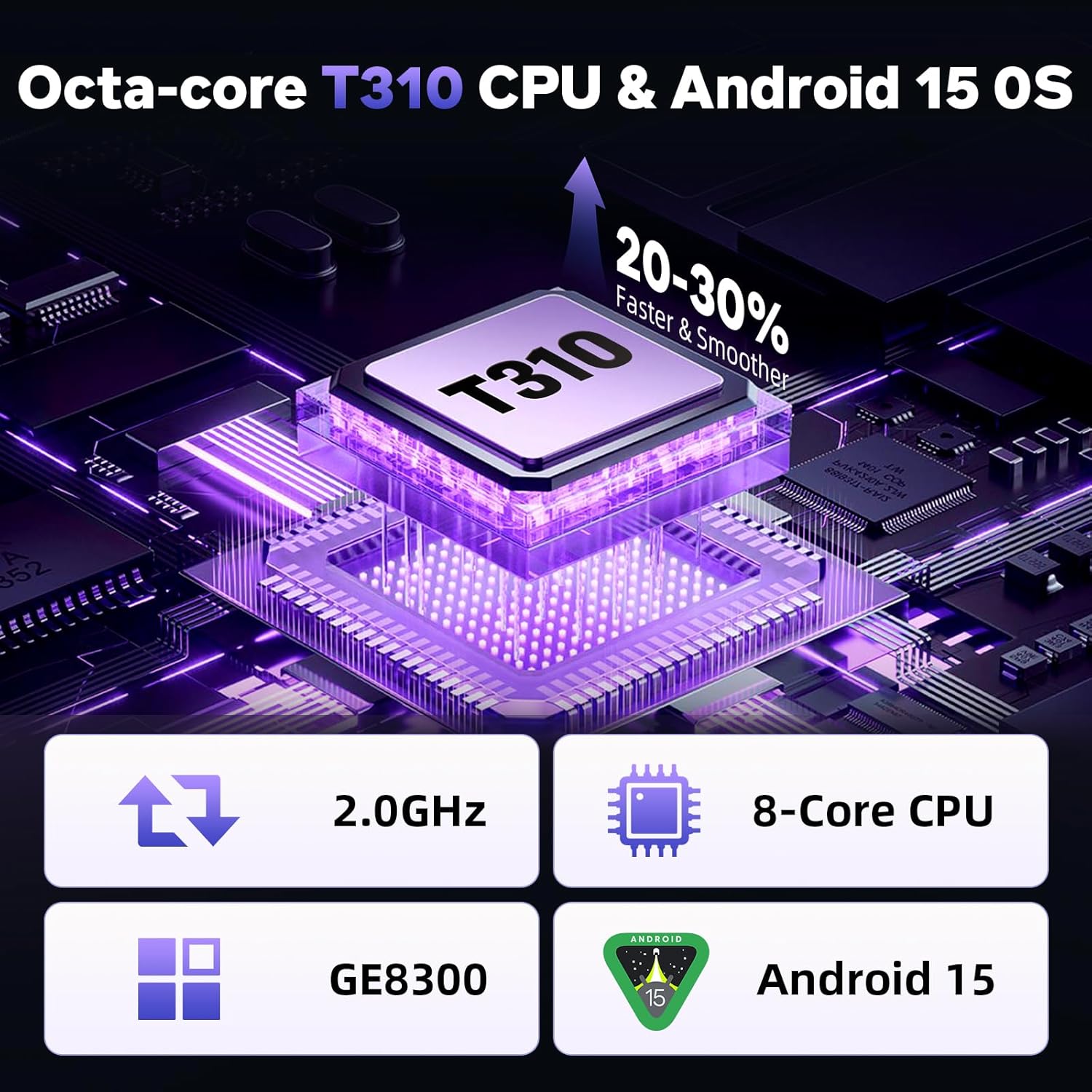
Image: Tablet screen showing Android 15 and processor information.
2.2 Wi-Fi and Bluetooth Connectivity
To connect to Wi-Fi, go to Settings > Network & internet > Wi-Fi. Select your desired network and enter the password. The tablet supports dual-band 2.4G/5G Wi-Fi for stable connections.
For Bluetooth devices, go to Settings > Connected devices > Bluetooth. Turn on Bluetooth, then select your device from the list to pair.
2.3 Camera Usage
The tablet features a 5MP front camera and an 8MP rear camera. Open the Camera app to take photos or record videos. Tap the screen to focus and press the shutter button to capture.

Image: Tablet highlighting 5MP front and 8MP rear cameras, along with battery capacity.
2.4 App Installation and Management
The tablet comes with Google Play pre-installed. Open the Play Store app to browse and download applications. To manage installed apps, go to Settings > Apps.
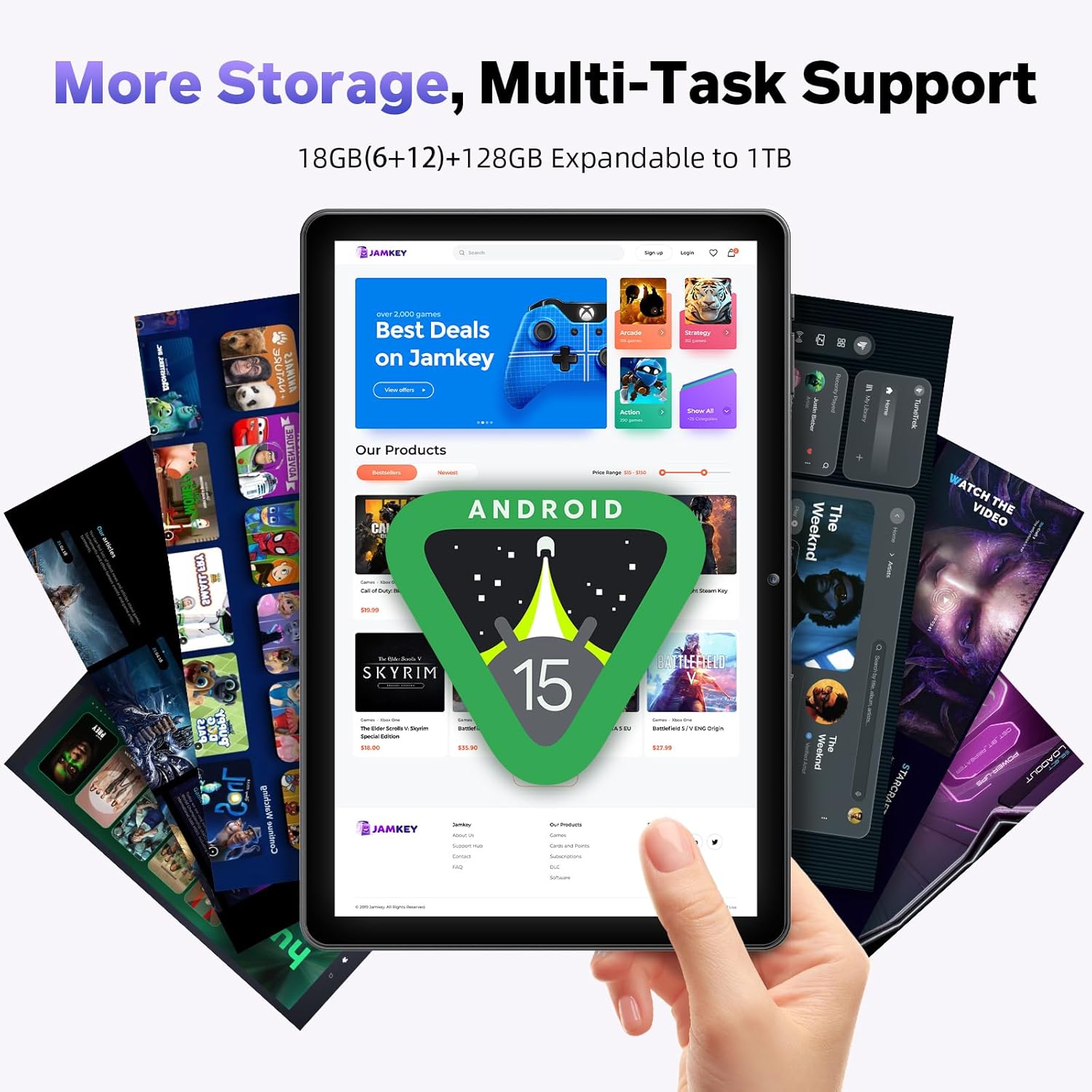
Image: Tablet screen showing various applications and indicating 18GB RAM and 128GB ROM.
2.5 Multimedia and Widevine L1 Support
The 10.1-inch FHD IPS display (1280x800) and dual speakers provide an enhanced multimedia experience. With Widevine L1 certification, you can stream Full HD content from services like Netflix and Prime Video.

Image: Tablet displaying high-definition content, emphasizing Widevine L1 and dual speakers.
2.6 Advanced Features
- GPS: Utilize location services for navigation and location-based apps.
- Face Unlock: Set up facial recognition for convenient and secure unlocking.
- Split-screen Multitasking: Run two apps side-by-side for increased productivity.
- Wireless Projection: Cast your tablet's screen to compatible displays.
3. Maintenance
3.1 Battery Care
To prolong battery life, avoid extreme temperatures. Charge the tablet regularly and avoid letting the battery completely drain frequently. The 6000mAh battery provides extended usage time.
3.2 Cleaning the Tablet
Use a soft, lint-free cloth to clean the screen and body of the tablet. Avoid using harsh chemicals or abrasive materials that could damage the surface.
3.3 Software Updates
Periodically check for system updates to ensure your tablet has the latest features and security patches. Go to Settings > System > System update.
3.4 Storage Management
The tablet has 128GB of internal storage, expandable up to 1TB via a microSD card (not included). Regularly review and delete unnecessary files or apps to maintain optimal performance. Go to Settings > Storage to manage your space.
4. Troubleshooting
4.1 Tablet Not Powering On
Ensure the tablet is sufficiently charged. Connect it to the charger and wait a few minutes before attempting to power it on again. If the issue persists, perform a forced restart by holding the Power button for 10-15 seconds.
4.2 Slow Performance
Close unused applications running in the background. Clear cached data from apps (Settings > Apps > select app > Storage & cache > Clear cache). Ensure you have sufficient free storage space. A factory reset can resolve persistent performance issues, but will erase all data.
4.3 Wi-Fi Connectivity Issues
Restart your Wi-Fi router and the tablet. Forget the network (Settings > Network & internet > Wi-Fi > tap network > Forget) and reconnect. Ensure you are within range of the Wi-Fi signal.
4.4 Apps Crashing or Not Responding
Force close the app (Settings > Apps > select app > Force stop). Clear the app's cache and data. If the problem continues, uninstall and reinstall the app. Ensure the app is compatible with Android 15.
5. Specifications
| Model Name | K30 |
| Operating System | Android 15 |
| Processor | Octa-Core (2.0 GHz) |
| Display Size | 10.1 Inches |
| Display Resolution | 1280 x 800 IPS HD |
| RAM | 18GB (6GB + 12GB virtual) |
| Internal Storage | 128GB |
| Expandable Storage | Up to 1TB via microSD (not included) |
| Front Camera | 5MP |
| Rear Camera | 8MP |
| Wi-Fi | Dual-band 2.4G/5G (802.11a/b/g/n/ac) |
| Bluetooth | Bluetooth 5.4 |
| Battery Capacity | 6000mAh |
| Average Battery Life | 8 Hours |
| Dimensions (L x W x H) | 24.64 x 16.31 x 0.94 cm |
| Weight | 1.12 kg |
| Color | Black |
6. Warranty and Support
For any questions, technical assistance, or warranty claims, please contact MENTUME customer service. You can typically reach support through the platform where you purchased the product. For Amazon purchases, log in to your account, navigate to 'Your Orders', find the relevant order, and select 'Contact Seller'.
Please retain your proof of purchase for warranty purposes.

