
Introduction
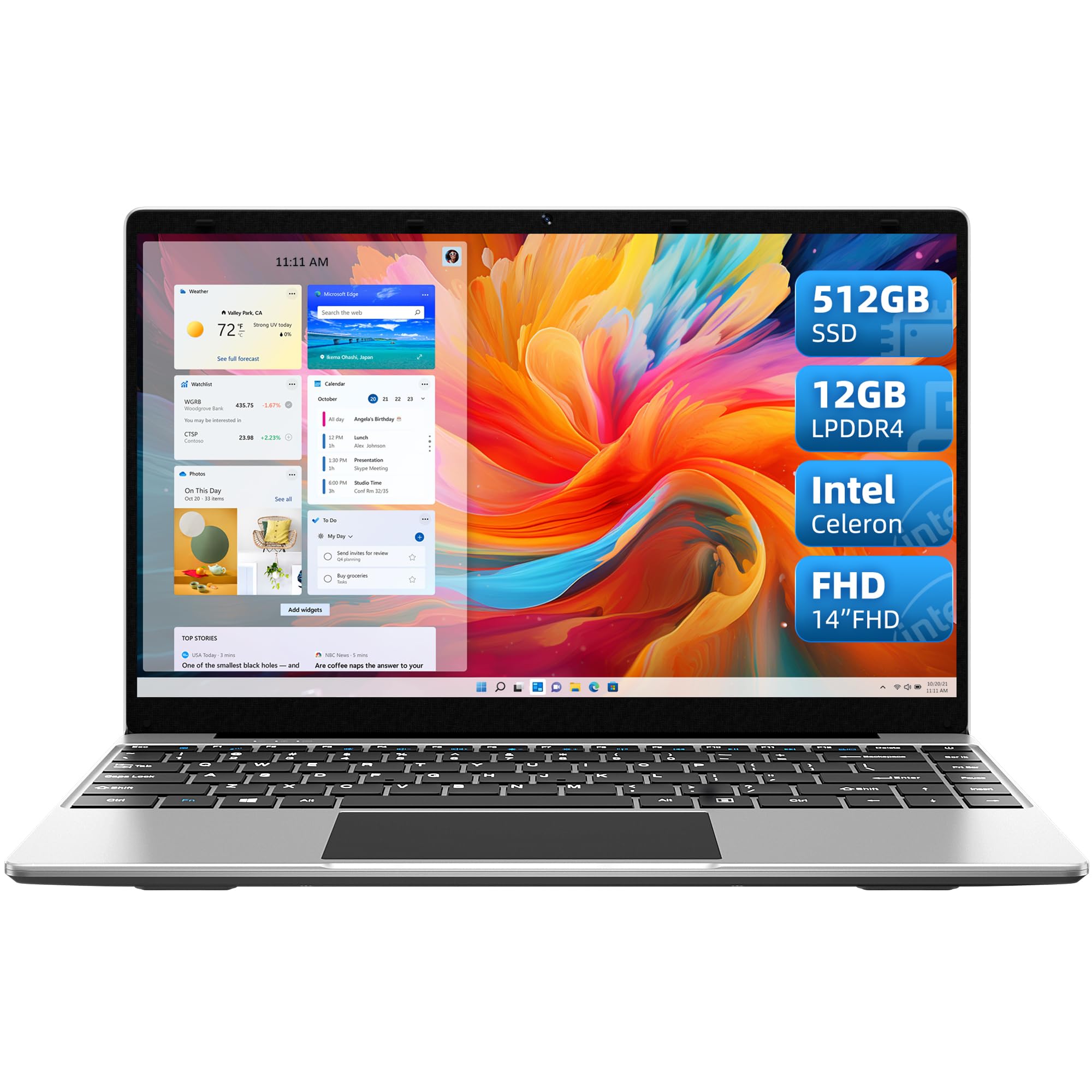
This manual provides essential information for setting up, operating, and maintaining your Jumper EZbook S5 laptop. The EZbook S5 is a lightweight and portable laptop designed for everyday computing tasks, featuring a 14-inch Full HD IPS display, an Intel Celeron processor, 12GB LPDDR4 RAM, and a 512GB SSD, running on Windows 11.
What's in the Box
Upon opening your Jumper EZbook S5 package, you should find the following items:
- 1 x Jumper EZbook S5 Laptop
- 1 x Charger
- 1 x User Manual
Setup
Follow these steps for the initial setup of your Jumper EZbook S5 laptop:
- Unpack the Laptop: Carefully remove the laptop and all accessories from the packaging.
- Connect the Power Adapter: Plug the charger into the laptop's charging port and then into a power outlet. The charger's material is sturdy and designed for durability. It is recommended to fully charge the laptop before first use.
- Power On: Open the laptop lid and press the power button, usually located on the top right of the keyboard or on the side.
- Initial Windows Setup: Follow the on-screen instructions to complete the Windows 11 setup process. This includes selecting your language, connecting to a Wi-Fi network, and creating a user account.
An open Jumper EZbook S5 laptop, silver-grey, with its black power adapter and cable next to it on a light-colored wooden surface. The screen is dark, reflecting some light.
Operating Instructions
Power Management
The Jumper EZbook S5 is equipped with a 35520mWH lithium polymer battery, advertised to offer up to 8 hours of battery life under optimal conditions. However, actual battery life may vary significantly depending on usage patterns and settings, with some users experiencing quicker battery drain. For extended use or demanding tasks, it is advisable to keep the laptop connected to the charger.
Display
Your laptop features a 14-inch Full HD (1920x1080) IPS screen with a 16:9 aspect ratio and narrow bezels. This display provides clear, vibrant images and a wide 178-degree viewing angle, enhancing your visual experience for work or entertainment.
Keyboard and Touchpad
The laptop includes a standard QWERTY keyboard and an integrated touchpad. While functional, the touchpad may require a lighter touch for optimal responsiveness. It is often more effective to slide your finger across the surface rather than pressing down firmly for clicks.
Connectivity and Ports
The EZbook S5 offers various ports for connecting peripherals and external devices:
- 1 x Micro HD port
- 1 x TF card reader slot (supports up to 256GB expansion)
- 1 x USB 2.0 port
- 1 x USB 3.0 port
- 1 x Type-C interface
- 1 x Headphone microphone combo interface
For wireless connectivity, the laptop supports Bluetooth 4.0 and dual-band Wi-Fi (802.11ac).
Performance
Powered by an Intel Celeron Quad-Core N processor (up to 2.5GHz) and UHD Graphics 600, combined with 12GB LPDDR4 RAM and a 512GB SSD, the EZbook S5 provides a smooth experience for general computing. While its speed is considered average, it can handle multiple browser tabs, video playback, and standard office applications without significant issues. It is well-suited for everyday internet browsing, document creation, and media consumption, though it may take slightly longer to load certain websites or applications.
Maintenance
To ensure the longevity and optimal performance of your Jumper EZbook S5 laptop, consider the following maintenance tips:
- Keep it Clean: Regularly wipe the screen with a microfiber cloth and clean the keyboard and touchpad to prevent dust and debris buildup.
- Software Updates: Keep your Windows 11 operating system and drivers updated to ensure security and performance improvements.
- Avoid Extreme Conditions: Do not expose the laptop to extreme temperatures, direct sunlight, or high humidity.
- Handle with Care: Avoid dropping or subjecting the laptop to physical shocks.
- Battery Care: While it's often used with the charger, occasionally allow the battery to discharge partially before recharging to maintain battery health.
Troubleshooting
If you encounter issues with your Jumper EZbook S5, try these common troubleshooting steps:
- Laptop Not Turning On: Ensure the charger is properly connected and the laptop has sufficient battery charge. Try a different power outlet.
- Slow Performance: Close unnecessary applications and browser tabs. Check for background updates. Restarting the laptop can often resolve temporary slowdowns.
- Wi-Fi Connectivity Issues: Restart your router and the laptop. Check if other devices can connect to the Wi-Fi network. Ensure Wi-Fi is enabled on your laptop.
- Touchpad Unresponsive: Ensure the touchpad is not disabled (check function keys, e.g., Fn + F10 or similar). Restart the laptop.
- Screen Issues: If the screen is blank, try connecting an external monitor to check if the display output is working. Adjust brightness settings.
If problems persist, refer to the official Jumper support resources or contact customer service.
Specifications
| Feature | Detail |
|---|---|
| Brand | jumper |
| Model Name | EZbook S5 |
| Item Model Number | N4100 |
| Screen Size | 14 Inches |
| Screen Resolution | 1920 x 1080 pixels (FHD IPS) |
| Processor | Intel Celeron (Quad-Core N, up to 2.5 GHz) |
| RAM | 12 GB LPDDR4 |
| Storage | 512 GB SSD |
| Graphics Card | Integrated UHD Graphics 600 |
| Operating System | Windows 11 |
| Wireless Type | 802.11ac, Bluetooth 4.0 |
| Ports | 1x Micro HD, 1x TF Card Reader, 1x USB 2.0, 1x USB 3.0, 1x Type-C, 1x Headphone/Mic Combo |
| Product Weight | ~1.2 kg (approx. 2.65 lbs) |
| Product Dimensions | 13 x 8.6 x 0.6 inches |
| Battery | 35520mWH Lithium Polymer |
Warranty and Support
For warranty information and technical support, please refer to the documentation included with your product or visit the official Jumper website. The product is sold by the Jumper Official Authorized Store, ensuring access to legitimate support channels.
For further assistance, you may contact Jumper customer service through their official channels. Keep your purchase receipt and product serial number handy for any warranty claims or support inquiries.


