1. Introduction
Thank you for choosing the Airvana AquaFlame AV300HUM Ultrasonic Cool Mist Humidifier. This device is designed to enhance your indoor environment by providing cool mist humidification and an optional essential oil diffusion feature. Please read this manual thoroughly before operation to ensure proper use, maintenance, and to maximize the lifespan of your humidifier.
2. Product Overview and Components
The Airvana AquaFlame AV300HUM utilizes ultrasonic technology to produce a fine, cool mist. It features soft-touch LED controls for power, mist intensity, and accent lighting, along with a dedicated tray for essential oils.

Figure 2.1: Key components and features of the Airvana AquaFlame Humidifier. This diagram highlights the ultrasonic mist output, the flame-inspired design of the mist, the low water level indicator light, the soft-touch electronic control panel, and the location of the essential oil tray.
Package Contents:
- 1 x Airvana AquaFlame AV300HUM Humidifier Body
- 1 x Humidifier Lid
- 1 x Power Adapter
- 1 x User Manual
3. Setup
- Placement: Place the humidifier on a firm, flat, waterproof surface at least 6 inches (15 cm) away from walls and appliances. Ensure it is not placed directly on carpet or near heat sources.
- Fill Water Tank: Remove the humidifier lid. Fill the water tank with clean, cool tap water or distilled water. Do not exceed the maximum fill line. The tank capacity is approximately 0.75 liters (3+ cups).
- Replace Lid: Securely place the lid back onto the humidifier body.
- Connect Power: Plug the power adapter into the humidifier's power port, then plug the adapter into a standard electrical outlet.
4. Operating Instructions
The Airvana AquaFlame AV300HUM features intuitive soft-touch LED controls.

Figure 4.1: Front view of the Airvana AquaFlame Humidifier, illustrating the control panel with three soft-touch buttons: Accent Light, On/Off, and Timer.
Control Panel Functions:
- On/Off Button (⏻): Press once to turn the humidifier on. Press again to turn it off.
- Mist Intensity: The humidifier operates at a single mist intensity.
- Accent Light Button (💡): Press to cycle through 5 flame-like accent LED colors (blue, red, orange, green, pink) or to turn the light off.
- Timer Button (🕒): Press to set the operating timer for 2, 4, or 8 hours. The humidifier will automatically shut off after the selected duration.
Run Time:
The humidifier can operate for up to 9 hours on a full tank when running continuously, and up to 14 hours on a lower setting (if applicable, or with intermittent use). The device will automatically shut off when the water level is too low.
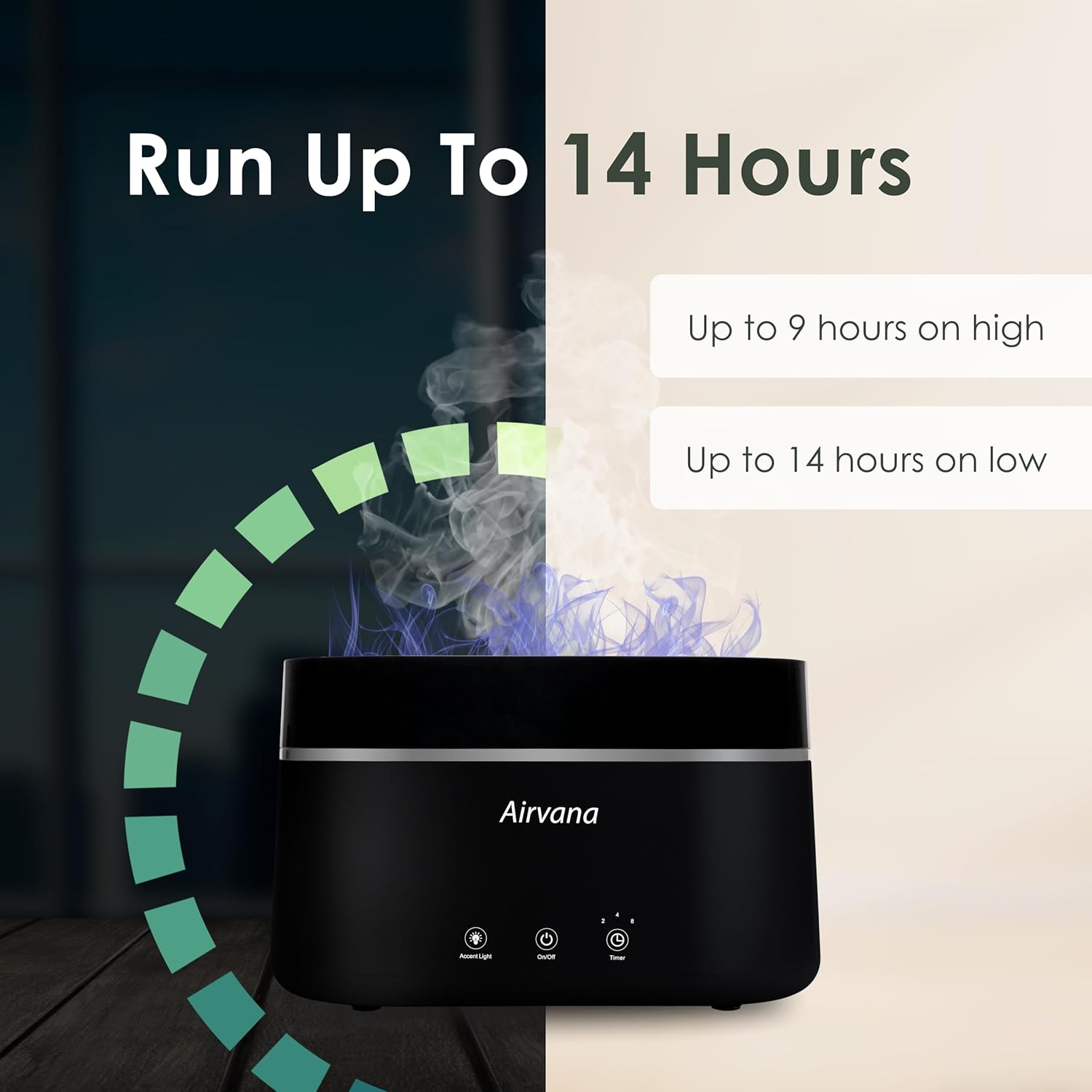
Figure 4.2: This image demonstrates the operational duration of the humidifier, indicating it can run for up to 9 hours on a high mist setting and up to 14 hours on a low mist setting before requiring a refill.
5. Essential Oil Diffuser Use
The AquaFlame AV300HUM includes an essential oil tray for aromatherapy.
- Locate the essential oil tray, typically a small compartment on the side or back of the unit.
- Add a few drops of your preferred essential oil onto the aroma pad within the tray. Do not add essential oils directly into the water tank.
- Close the essential oil tray securely.
- Turn on the humidifier. The mist will carry the aroma into the air.
6. Maintenance
Regular cleaning is essential for optimal performance and hygiene.
Daily Maintenance:
- Empty the water tank and dry all parts if the humidifier will not be used for an extended period.
- Wipe down the exterior with a soft, damp cloth.
Weekly Maintenance:
- Clean the Water Tank: Remove the lid and empty any remaining water. Rinse the tank thoroughly with clean water.
- Descaling: If mineral deposits accumulate, fill the tank with a mixture of equal parts white vinegar and water. Let it soak for 30 minutes, then gently scrub with a soft brush. Rinse thoroughly until the vinegar smell is gone.
- Clean the Ultrasonic Atomizer: Gently wipe the ultrasonic atomizer (the small disc inside the base) with a soft cloth or cotton swab. Do not use abrasive materials.
- Clean Essential Oil Tray: Remove the aroma pad and clean the tray with a damp cloth. Replace the aroma pad as needed.
Caution: Do not immerse the main unit in water. Always unplug the humidifier before cleaning.
7. Troubleshooting
If you encounter issues, please refer to the following common problems and solutions:
| Problem | Possible Cause | Solution |
|---|---|---|
| No mist or low mist output |
|
|
| Unusual odor |
|
|
| Humidifier not turning on |
|
|
| Water leakage |
|
|
8. Specifications
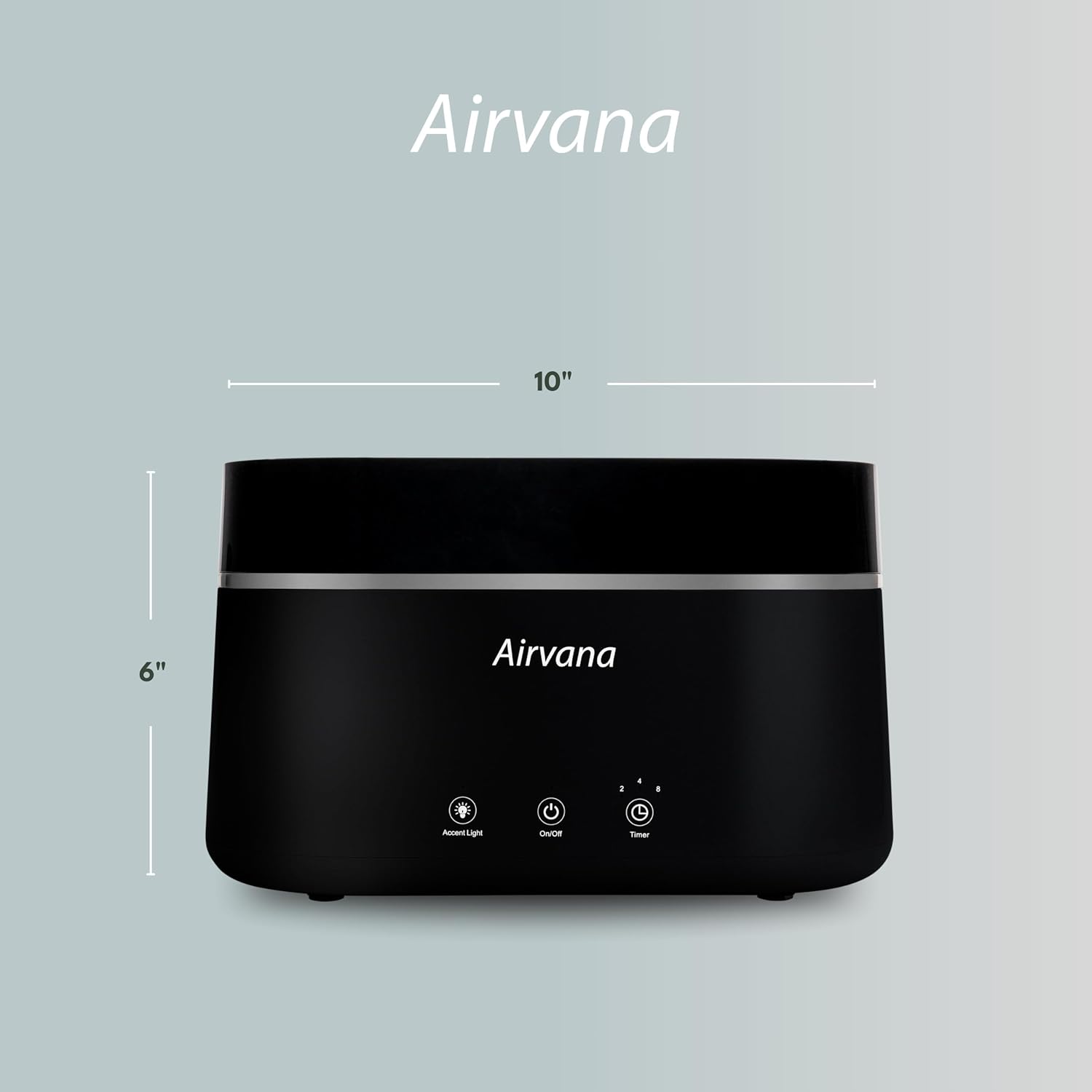
Figure 8.1: This image provides the key dimensions of the Airvana AquaFlame Humidifier, indicating a width of 10 inches and a height of 6 inches.
- Model Name: AV300HUM-WHT
- Operation Mode: Ultrasonic
- Water Capacity: 0.75 Liters (0.19 Gallons)
- Floor Area Coverage: Approximately 72 Square Feet
- Product Dimensions: 9.5"D x 4.5"W x 6"H
- Item Weight: 6.59 Pounds
- Special Feature: Aroma Diffuser
- Included Components: (1) Humidifier Body, (1) Humidifier Lid
- UPC: 810067455114
9. Warranty and Support
Airvana products are manufactured to high-quality standards. For specific warranty information, please refer to the warranty card included with your purchase or visit the official Airvana website. For technical support or customer service inquiries, please contact Airvana customer support through the contact information provided on the product packaging or website.


