
Boult Fluid X
Boult Fluid X Wireless Headphones User Manual
Model: Fluid X (ProBass)
Product Overview
The Boult Fluid X Wireless Headphones are designed to provide an immersive audio experience with advanced features for music, calls, and gaming. These over-ear headphones feature powerful 40mm Bass Boosted Drivers with BoomX Technology, Zen ENC Microphones for clear communication, and Bluetooth v5.4 for stable connectivity. They offer a long battery life, fast charging, and a comfortable, foldable design for portability.

Image: Boult Fluid X Wireless Headphones in green, showcasing their sleek design and over-ear form factor.
What's in the Box
- Boult Fluid X Headphones
- Type-C Charging Cable
- User Manual
- Warranty Card
Setup Guide
1. Charging the Headphones
Before first use, fully charge your Boult Fluid X headphones. Use the provided Type-C charging cable to connect the headphones to a compatible USB power source.
- Connect the Type-C end of the cable to the charging port on the headphones.
- Connect the USB-A end to a USB wall adapter or computer USB port.
- The LED indicator will show charging status (e.g., red for charging, blue/off for fully charged).
- A 10-minute charge provides approximately 3 hours of playtime. A full charge can provide up to 60 hours of playtime.

Image: The Boult Fluid X headphones connected to a Type-C charging cable, illustrating the fast charging capability and long battery life.
2. Powering On/Off
- To power on: Press and hold the Power button (usually located on the earcup) for a few seconds until the LED indicator lights up.
- To power off: Press and hold the Power button again for a few seconds until the LED indicator turns off.
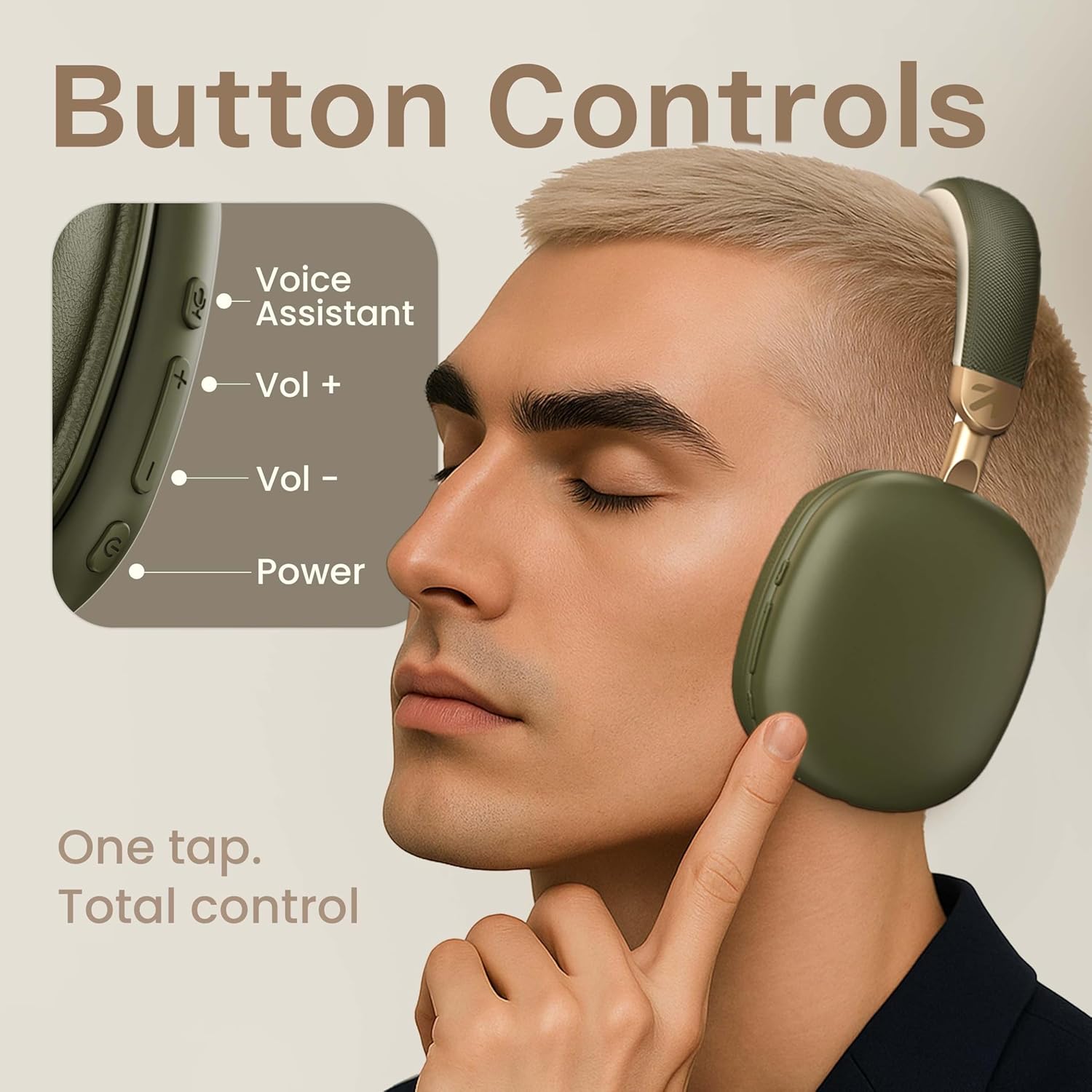
Image: A close-up of the Boult Fluid X earcup, showing the power button and volume controls for easy operation.
3. Bluetooth Pairing
The Boult Fluid X headphones utilize Bluetooth v5.4 for seamless and fast pairing.
- Ensure the headphones are powered off.
- Press and hold the Power button until the LED indicator flashes rapidly (usually blue and red), indicating pairing mode.
- On your device (smartphone, tablet, laptop), enable Bluetooth and search for available devices.
- Select "Boult Fluid X" from the list of found devices.
- Once connected, the LED indicator on the headphones will typically turn solid blue or off.
- The headphones feature "Blink & Pair" technology for ultra-fast connection after the initial pairing.
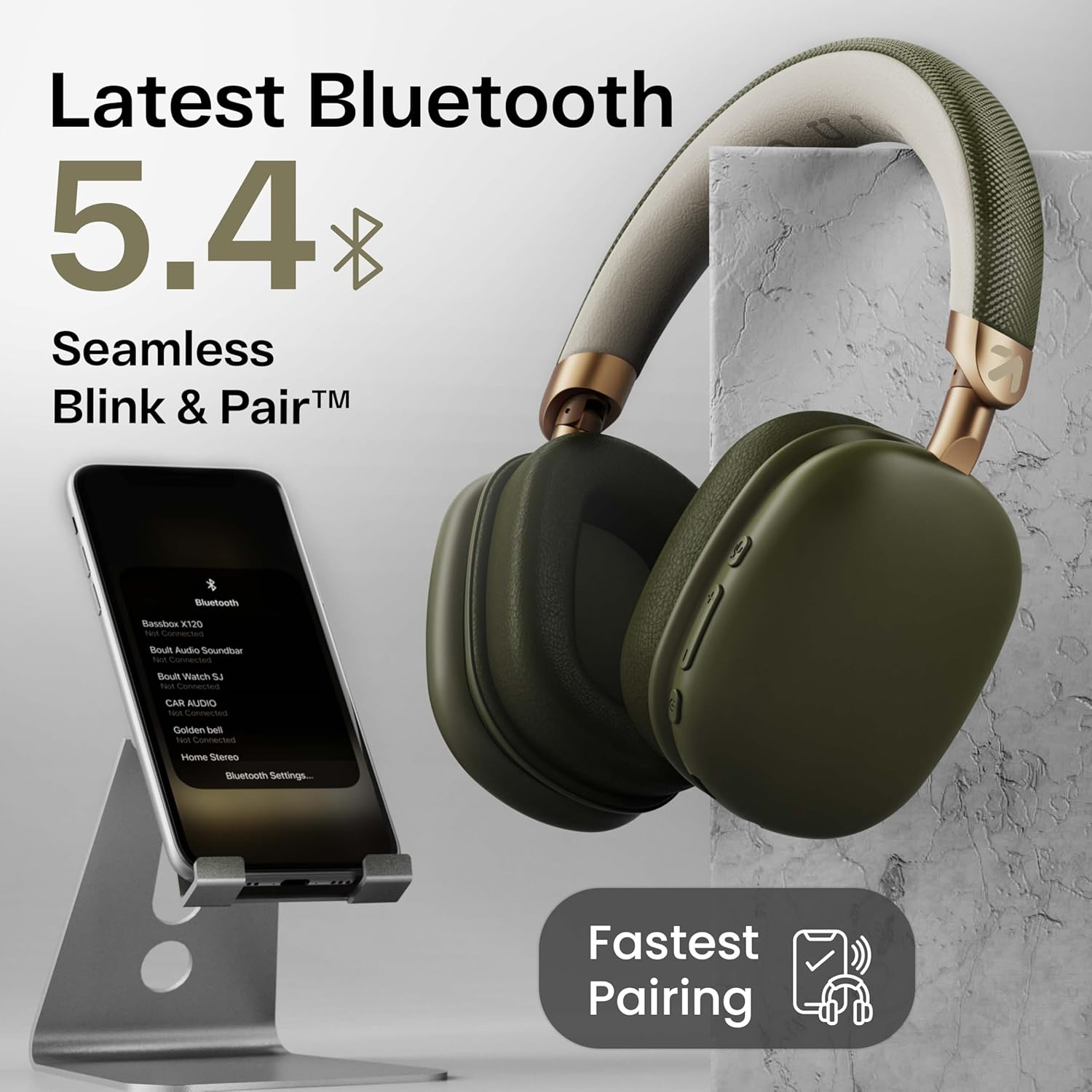
Image: Boult Fluid X headphones next to a smartphone displaying Bluetooth settings, illustrating the seamless Bluetooth 5.4 connectivity and fast pairing.
Operating Instructions
1. Basic Controls
| Function | Action |
|---|---|
| Power On/Off | Press and hold Power button |
| Play/Pause | Single press Multi-function button |
| Volume Up | Single press '+' button |
| Volume Down | Single press '-' button |
| Next Track | Press and hold '+' button |
| Previous Track | Press and hold '-' button |
| Answer/End Call | Single press Multi-function button |
| Reject Call | Press and hold Multi-function button |
| Activate Voice Assistant | Triple press Multi-function button (or dedicated button if available) |
2. Combat™ Gaming Mode
The Combat™ Gaming Mode provides ultra-low latency (60ms) for a synchronized audio experience during gaming. This mode minimizes audio delay, ensuring real-time sound effects and communication.
- To activate/deactivate Gaming Mode: Refer to your specific model's button configuration, often a dedicated button or a specific multi-function button press.
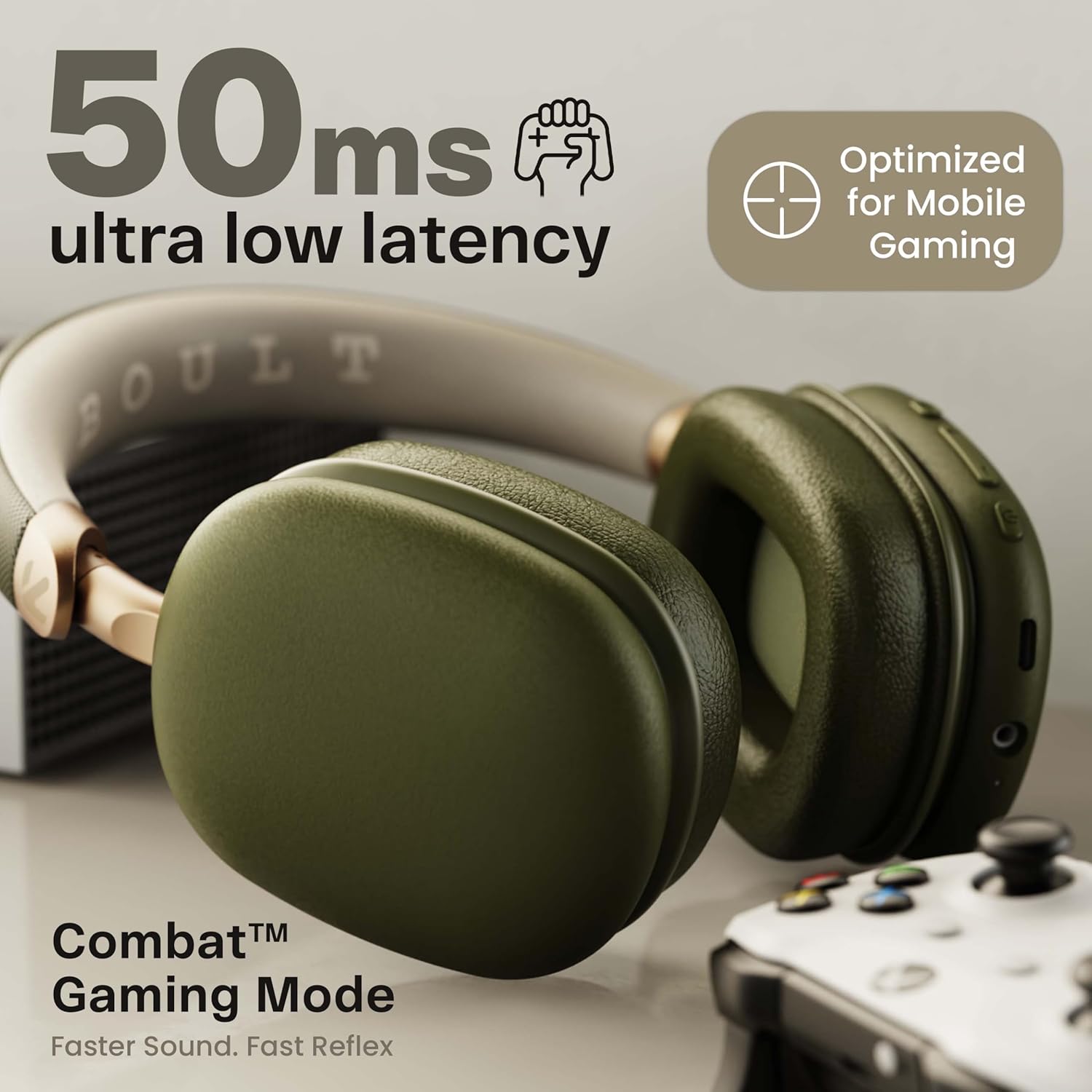
Image: Boult Fluid X headphones positioned for gaming, highlighting the 50ms ultra-low latency Combat™ Gaming Mode for enhanced audio synchronization.
3. Zen ENC Mic for Clear Calling
The Zen Environmental Noise Cancellation (ENC) microphones are designed to reduce background noise during calls, ensuring your voice is heard clearly by the recipient.
- This feature is automatically active during calls.

Image: A visual representation of the Zen ENC Mic processing, showing clear mic pickup and surround noise reduction for calls.
4. Wired Mode (Optional)
The Boult Fluid X headphones support an optional wired connection, allowing you to use them even when the battery is depleted or with devices that do not support Bluetooth. An AUX cable is required (not included in the box).
- Connect one end of a 3.5mm AUX cable to the AUX port on the headphones.
- Connect the other end to the 3.5mm audio jack of your device.
- In wired mode, some electronic controls on the headphones may be disabled.
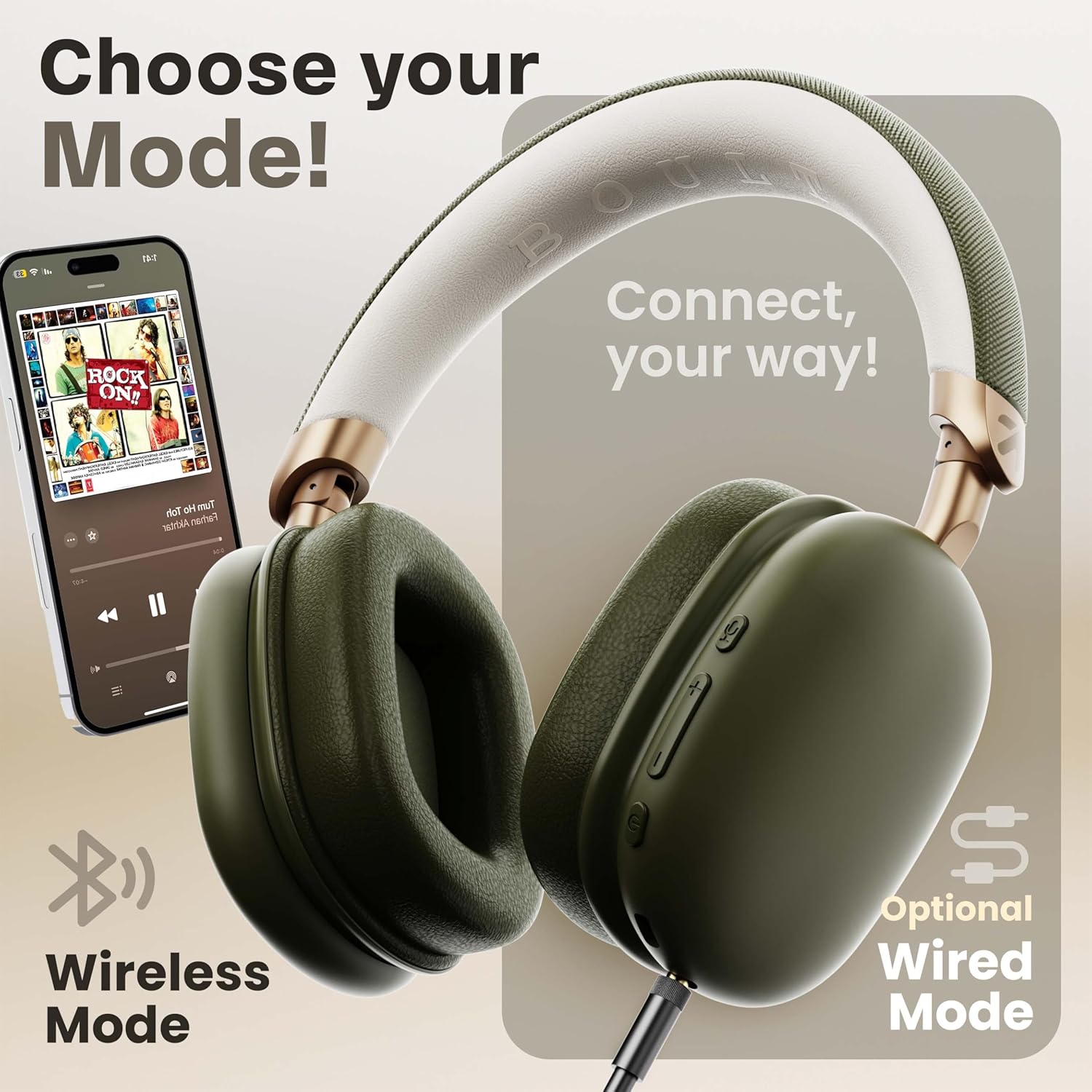
Image: Boult Fluid X headphones demonstrating both wireless Bluetooth connectivity and the option for a wired connection via an AUX cable.
Maintenance
1. Cleaning
- Wipe the headphones with a soft, dry, lint-free cloth.
- Do not use harsh chemicals, cleaning solvents, or strong detergents.
- Avoid getting moisture in any openings.
2. Storage
- Store the headphones in a cool, dry place away from extreme temperatures and direct sunlight.
- The foldable design allows for compact storage.

Image: Boult Fluid X headphones demonstrating their adjustable headband and foldable, rotational design for comfort and compact storage.
3. Water Resistance
The Boult Fluid X headphones are IPX5 water resistant, meaning they are protected against low-pressure water jets from any direction. This makes them suitable for use during light rain or sweaty workouts.
- Do not submerge the headphones in water.
- Avoid exposing them to high-pressure water streams.
- Ensure charging port is dry before charging.
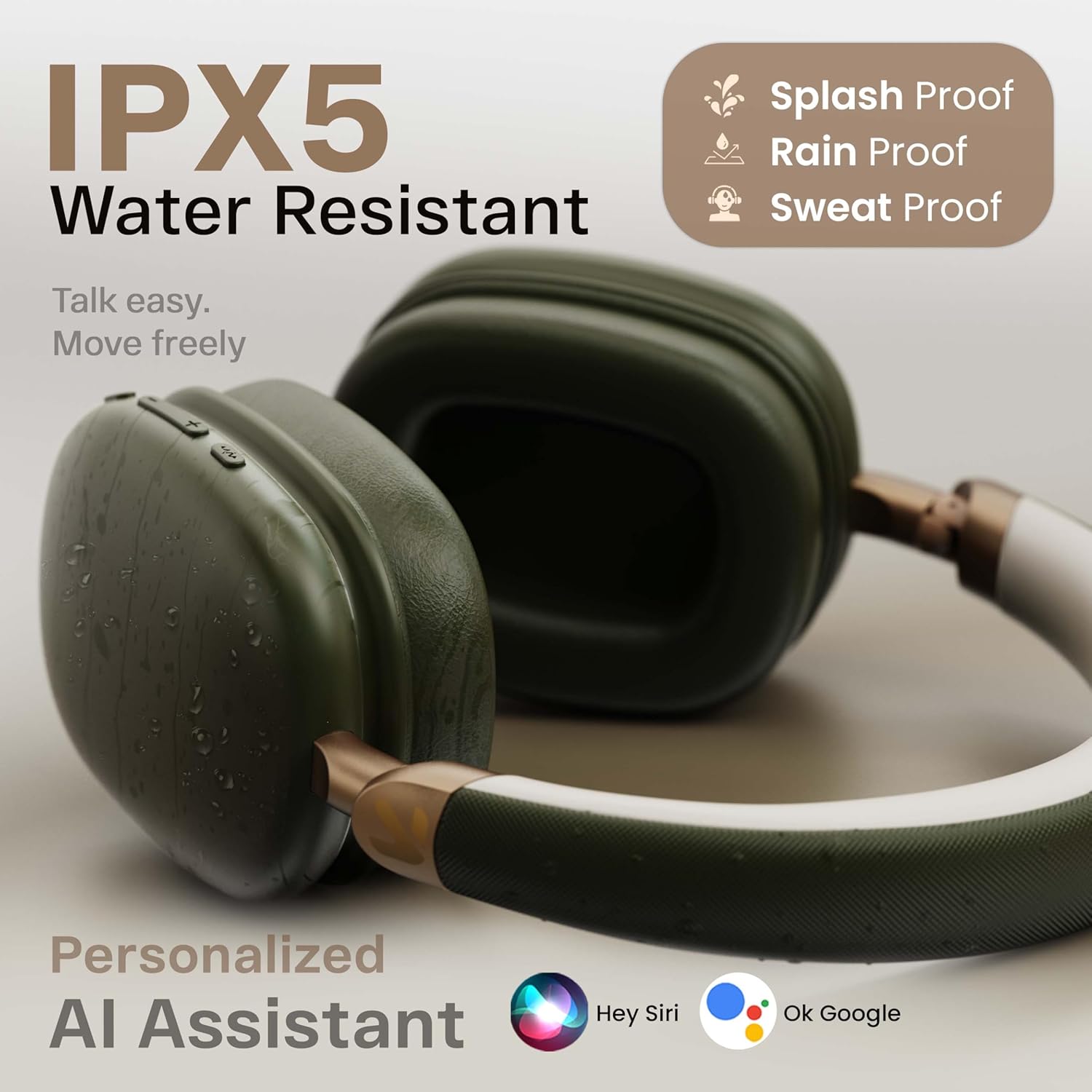
Image: Boult Fluid X headphones with water droplets, illustrating their IPX5 water resistance for splash, rain, and sweat protection.
Troubleshooting
| Problem | Possible Solution |
|---|---|
| Headphones not powering on | Ensure the headphones are charged. Connect to a power source and try again. |
| Cannot pair with device |
|
| No sound or low volume |
|
| Poor call quality |
|
| Audio latency in gaming mode |
|
Specifications
| Feature | Detail |
|---|---|
| Model Name | Fluid X |
| Connectivity | Wireless (Bluetooth v5.4), Wired (AUX - cable not included) |
| Bluetooth Range | Up to 10 meters |
| Driver Size | 40mm Bass Boosted Drivers |
| Microphone | Zen ENC Mic |
| Battery Life | Up to 60 hours playtime |
| Charging Port | Type-C Fast Charging |
| Gaming Mode Latency | 60ms (Combat™ Gaming Mode) |
| Water Resistance | IPX5 (Splash, Rain, Sweat Proof) |
| Weight | 205 Grams |
| Earpiece Shape | Over Ear |
| Noise Control | Passive Noise Cancellation |
| Frequency Response | 20 KHz |
| Sensitivity | 118 dB |
| Impedance | 32 Ohm |

Image: An infographic summarizing key features of the Boult Fluid X, including 60H battery, ENC, compact design, Bluetooth 5.4, and 40mm drivers.
Warranty and Support
The Boult Fluid X headphones come with a 1-year manufacturer warranty from the date of purchase. This warranty covers manufacturing defects and ensures peace of mind for your audio experience.
Warranty Claims:
For warranty claims or technical support, please contact Boult customer service. Keep your purchase receipt and the warranty card for verification.
Contact Information:
Refer to the warranty card included in your product packaging for the most up-to-date contact details for customer support.
You may also visit the official Boult website for support resources and FAQs: www.boultaudio.com
Ask a question about this manual
Ask about setup, troubleshooting, compatibility, parts, safety, or missing instructions. Manuals+ will review the question and use this page’s manual context to help answer it.